Dax Optimizer
By Office Solution

Salient Features
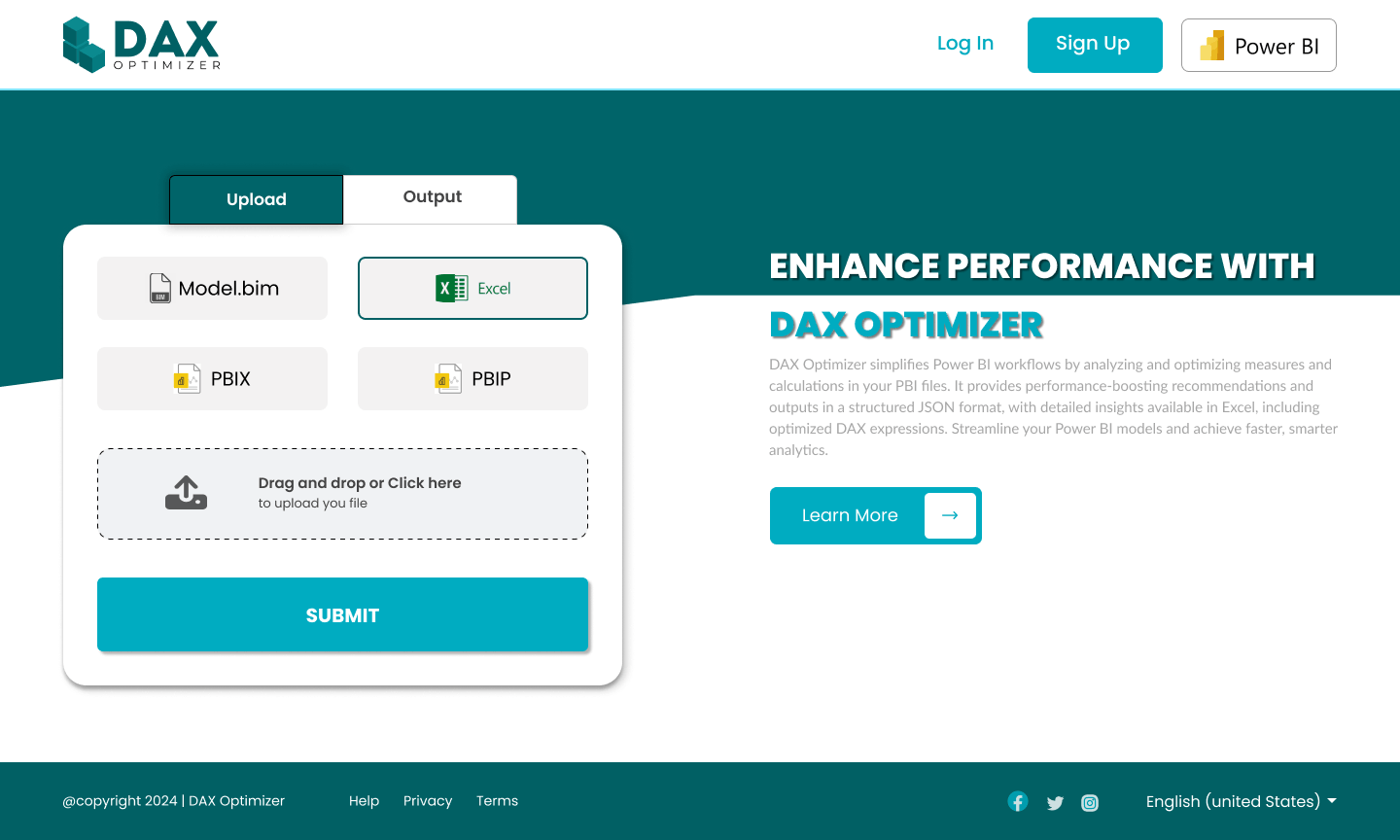
DAX Optimizer is designed to simplify and accelerate Power BI workflows with precision and ease. It integrates seamlessly with your Power BI environment, allowing you to upload various file formats, analyze complex DAX queries, and receive enhanced results in just a few clicks. From generating optimized outputs to delivering high-performance dashboards, DAX Optimizer ensures that your Power BI models run faster and more efficiently.


High Performance:
Optimizes DAX queries to achieve superior performance and faster dashboard load times.

Seamless Integration:
Works effortlessly with Power BI tools and external workflows for streamlined processes.

Flexible Output:
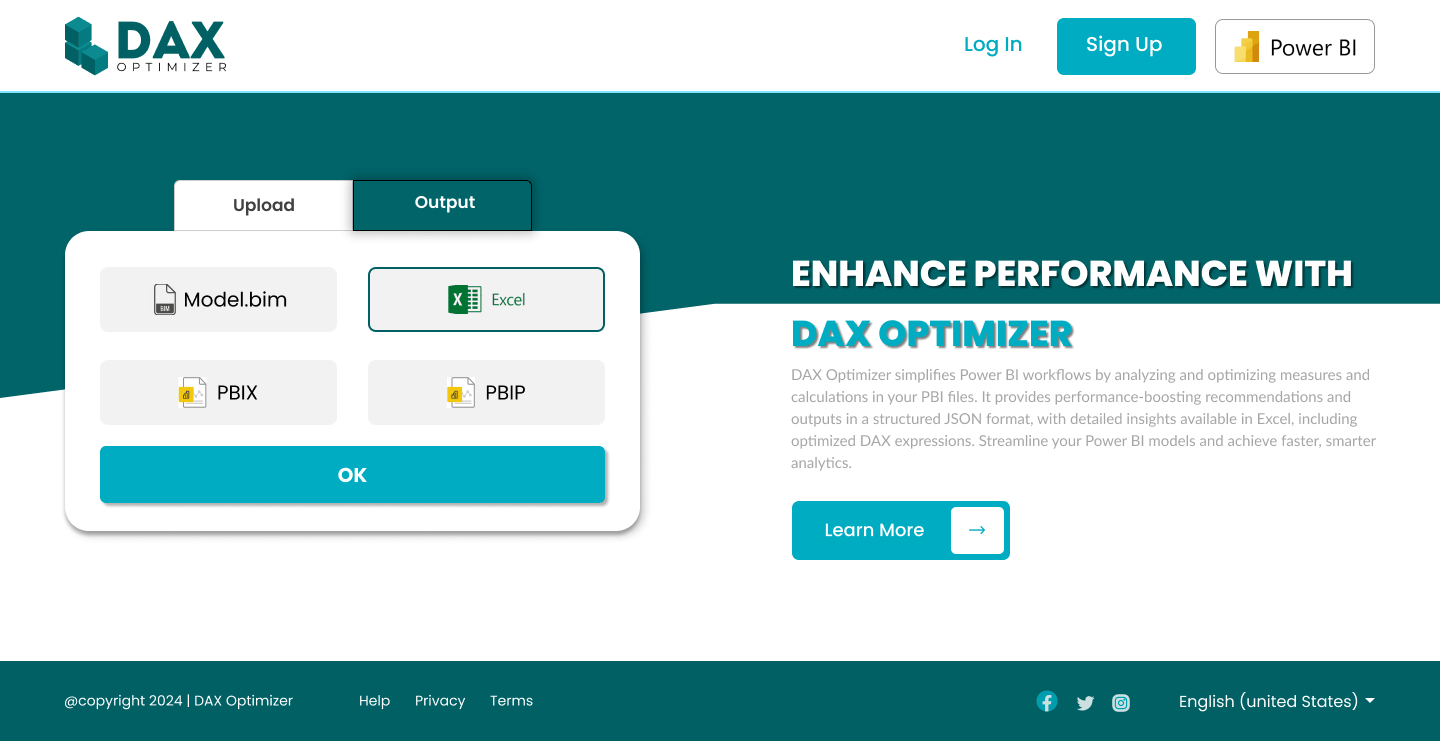
Generates results in Excel, PBIX, and Model.bim formats for easy implementation.

Azure-Ready:
Supports Azure Analysis Services for efficient model processing and scalability.
Flexible Data Upload Options
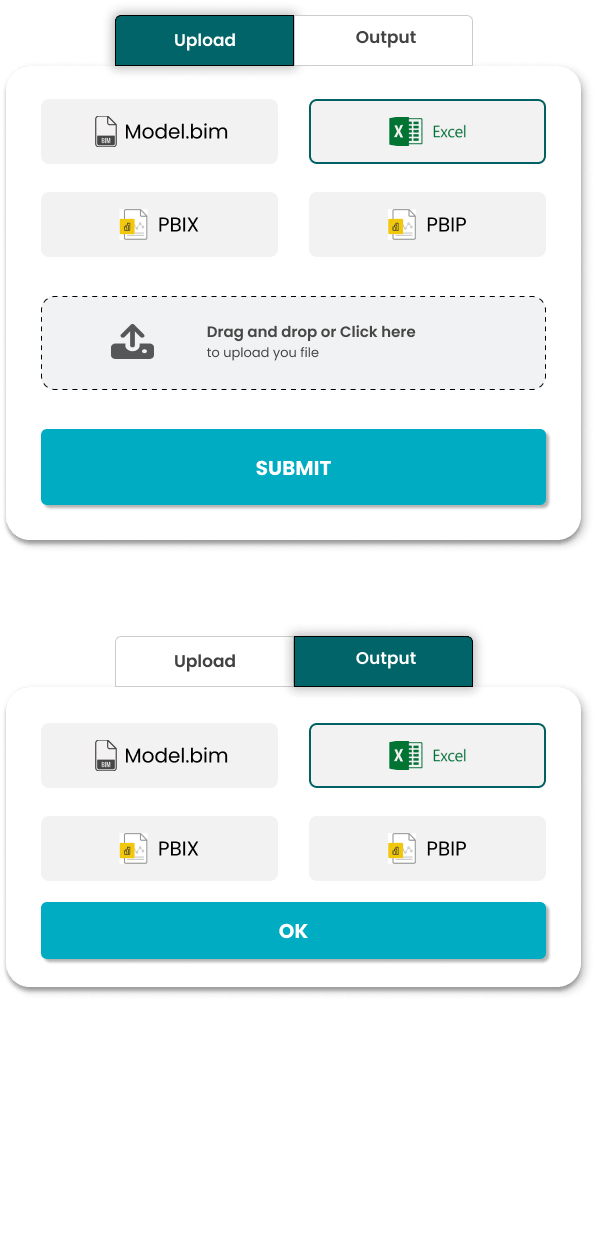
With DAX Optimizer, uploading data has never been easier. We support four widely used file types, ensuring maximum flexibility:
- Model.bim - Directly upload your Model.bim files to optimize complex data models without extra conversions.
- Excel - Seamlessly upload Excel sheets to analyze DAX expressions, refine calculations, and improve performance.
- PBIX - Optimize your Power BI workbooks with direct PBIX file uploads for quicker and more precise improvements.
- PBIP - Use PBIP (Power BI Project) files to optimize your modular Power BI workflows with enhanced efficiency.
- CSV - Upload CSV files to easily process tabular data, allowing quick analysis and performance tuning of your models.
- JSON - Import JSON files for flexible data mapping and structure optimization, enhancing the compatibility of external data sources.
- SQL Server - Connect directly to SQL Server databases and upload structured query results for enhanced analysis and DAX optimization.
- REST API - Integrate with REST APIs to fetch data dynamically and perform real-time analysis directly within your Power BI environment.



Why is DAX Optimizer Used?
DAX Optimizer is a powerful and indispensable tool for Power BI users and data professionals who are looking to elevate their reporting and analytics workflows. It is designed to identify and address inefficiencies in DAX (Data Analysis Expressions) queries, ensuring that your Power BI reports and dashboards perform at their best. The tool employs advanced algorithms to detect complex, slow-performing queries and suggests optimizations that drastically reduce query response times, resulting in a more fluid and responsive user experience. By streamlining data processing and improving performance, DAX Optimizer significantly enhances the overall productivity of business intelligence teams, empowering them to make faster, data-driven decisions.
Furthermore, DAX Optimizer simplifies the often-complex process of query optimization by providing actionable, easy-to-understand outputs. Whether it’s offering optimizations for individual DAX expressions or more comprehensive changes to the overall data model, the tool’s user-friendly interface makes it accessible to both novice and experienced users alike. It supports a wide range of file formats, including Excel and Model.bim, for seamless integration into your workflow, enabling users to export and share results with ease.
Key Benefits of DAX Optimizer
Unlock the full potential of your Power BI workflows with DAX Optimizer. It accelerates performance, enhances usability, and supports multiple formats to provide a seamless experience. By implementing Microsoft-recommended best practices, the tool ensures faster, smarter, and optimized models.
DAX Optimizer not only saves valuable time but also improves resource efficiency, making your dashboards and data models more impactful. With its robust optimization capabilities, you can scale performance and gain actionable insights effortlessly.
One of the standout benefits of DAX Optimizer is its ability to significantly reduce query response times and dashboard load times. By analyzing and identifying inefficiencies in DAX expressions, it applies precise optimizations that minimize computation overhead and streamline data processing. The result is faster dashboards, quicker visual rendering, and improved end-user experience, even for highly complex datasets and resource-intensive reports.

Faster Query Processing
Experience reduced query load times, ensuring real-time data analysis and smoother dashboard navigation.
Flexible File Support
Work with a variety of formats including Model.bim, PBIX, PBIP, and Excel to meet your project needs.

Improved Scalability
Optimize large-scale Power BI models while maintaining high performance for enterprise-level workflows.

Enhanced User Experience
Simplify DAX optimization with user-friendly outputs and an intuitive interface tailored for professionals.
Screen Shots