A Comprehensive 2026 Operational Roadmap for a UiPath to Power Automate Migration
 0|
0| 0
0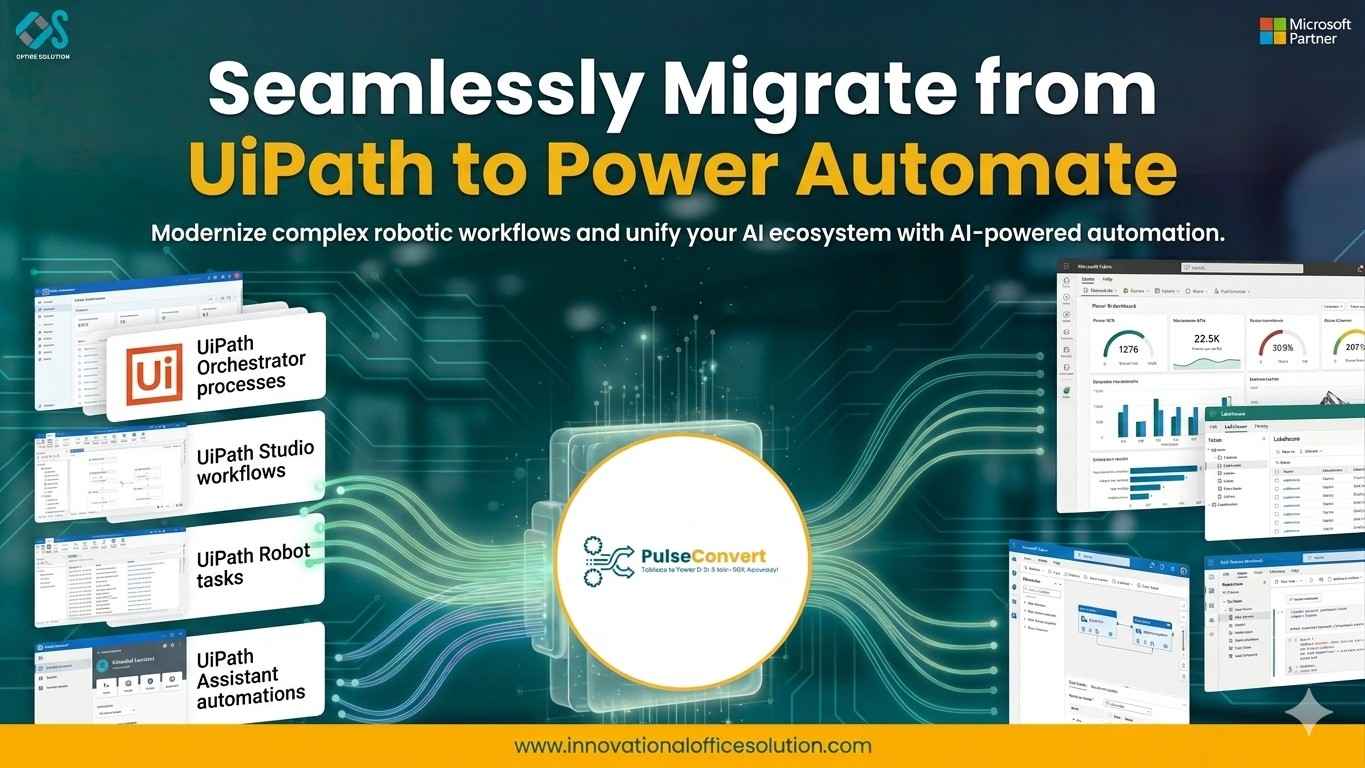
Table of Contents
A Comprehensive 2026 Operational Roadmap for a UiPath to Power Automate Migration
As enterprise computing systems continue to prioritize cloud-native integration and API-driven design, traditional standalone Robotic Process Automation (RPA) tools face a shifting landscape. Historically, deploying independent software bots was the preferred method for bridging functional gaps between disconnected applications. However, in 2026, managing isolated desktop runtimes, specialized automation servers, and separate licensing models introduces significant technical debt and operational complexity.
Today, enterprise IT strategies focus on platform consolidation. Organizations are actively migrating their automation assets into unified low-code ecosystems that blend cloud flows, API connectors, and desktop routines into a single governance framework. This shift is best exemplified by the global trend toward executing a structured UiPath to Power Automate migration.
For enterprise technology leaders, this transition offers an ideal opportunity to optimize total cost of ownership (TCO), eliminate redundant tools, and rebuild fragile, user-interface-dependent bots into robust, cloud-first workflows. This guide provides an actionable roadmap for executing an enterprise-grade migration while maintaining absolute business continuity.
Evaluating the Platform Equation: UiPath vs Power Automate
A successful transition strategy requires a deep, objective understanding of the operational and economic differences between the source and target environments. Analyzing UiPath vs Power Automate highlights why modern enterprises are re-engineering their core digital processes.
Total Cost of Ownership and Licensing Alignment
Legacy RPA infrastructures often come with siloed, multi-tiered licensing models. Organizations must pay separate fees for developer IDE seats, orchestration software components, unattended execution bots, and specialized testing tools. As a result, scaling an automation portfolio across an enterprise becomes cost-prohibitive.
In contrast, Power Automate allows organizations to maximize their existing investments in the Microsoft 365, Azure, and Dynamics 365 ecosystems. Licensing is typically structured around predictable user profiles or overall tenant capacity rather than rigid, individual bot runtimes. By consolidating these capabilities onto the Microsoft platform, enterprises frequently reduce their direct automation licensing and infrastructure maintenance costs by 30% to 60%.
Democratized Development with Guardrails
Building production-ready automations within the traditional UiPath studio environment often requires a background in traditional software engineering, particularly a solid grasp of VB.NET, C#, and object-oriented programming principles. This requirement tends to isolate automation development within a small group of specialized RPA professionals, creating delivery backlogs.
Power Automate democratizes development by combining an intuitive visual designer with advanced professional-developer capabilities. Business analysts and IT personnel can collaborate closely to build workflows within a secure environment governed by corporate IT. This democratization accelerates project delivery timelines and reduces long-term maintenance dependencies on external specialized resources.
Core Pillars of an Enterprise Migration Strategy
Migrating a large-scale automation portfolio requires careful coordination across three critical operational pillars: infrastructure readiness, security governance, and data continuity.
Discovery & Analysis
Identify, catalog, and score legacy bot assets.
Governance & Security
Establish DLP policies, environments, and Entra ID.
Conversion & Re-Engineering
Translate XAML metadata to JSON cloud or desktop flows.
Testing & Deployment
Run parallel data validation, cutover to production.
1. Re-Engineering Legacy Workflows for the Cloud
A frequent pitfall in a UiPath to Power Automate migration is attempting to replicate legacy scripts exactly as originally written. Traditional bots often contain extensive sequences of mouse clicks, keystrokes, and window navigation steps because they were restricted to interacting with application user interfaces.
A modern migration should be treated as a strategic re-engineering opportunity. Before converting a desktop-based sequence, engineers should check if the target systems—such as ERP platforms, HR portals, or database management systems—support direct API integrations. If an API is available, the fragile interface-driven script should be replaced with a native Power Automate cloud flow connector. This structural shift significantly improves execution speed and isolates the workflow from breaking whenever an application UI updates.
2. Ensuring Data Continuity and Asset Security
Automations routinely handle sensitive enterprise data, including customer profiles, financial figures, and corporate credentials. Protecting this information during a platform transition is paramount.
Credential Lifecycle Management: Legacy assets stored in an Orchestrator Asset Vault must be migrated securely. The target architecture should integrate directly with enterprise key management solutions, such as Azure Key Vault or CyberArk, allowing Power Automate flows to retrieve credentials securely at runtime without exposing sensitive keys.
Configuring Data Assets: Hardcoded values and environment-specific parameters should be stripped out of legacy workflows. In the new environment, these are mapped to Power Platform Environment Variables, ensuring smooth deployment transitions between development, testing, and production environments.
Deep Technical Mapping: Translating Metadata and Expressions
At the execution layer, a UiPath to Power Automate migration involves converting Microsoft Workflow Foundation configurations (.XAML metadata) into Power Platform's structured JSON schemas.
Object Definitions and Collection Handling
Data structure management varies notably between the two platforms. For example, traditional workflows rely extensively on specialized System.Data.DataTable objects for loops and tabular data operations. During a migration, these data tables are converted into clean JSON arrays.
- A legacy row iteration loop (For Each Row in DataTable) translates directly into a Power Automate Apply to Each control action.
- Individual column extractions, previously configured via row("ColumnName").ToString, are mapped to precise JSON path expressions, such as items('Apply_to_each')?['ColumnName'].
This shift to standardized JSON data payloads reduces computing resource overhead and ensures seamless compatibility with modern web APIs and cloud databases.
Exception Handling and Resiliency Logic
Maintaining process stability requires robust error-handling mechanisms. Traditional workflows isolate risk using Try-Catch-Finally activity blocks to capture runtime errors and trigger specific recovery routines.
Power Automate handles exceptions gracefully using a combination of Scopes and the Configure Run After property setting. Engineers group a sequence of business steps inside a defined Scope block. Directly below it, they configure a remediation Scope block set to execute only if the preceding block fails, times out, or is skipped. This approach offers clear visual tracking of error states and ensures that business-critical processes can automatically recover from unexpected system variations without manual intervention.
Leveraging Automated Conversion Tools to De-Risk Your Roadmap
Manually rebuilding dozens or hundreds of complex enterprise automations from scratch is a slow, expensive process that can delay broader digital transformation initiatives. To maintain momentum, modern IT leaders employ automated code translation utilities.
By taking advantage of the Free trial available through the Microsoft Marketplace, organizations can deploy specialized migration engines to automate code translation. These utilities programmatically scan legacy source code packages, convert complex condition models, map variable scopes, and rebuild them as ready-to-run Power Automate flows.
Deploying an automated migration accelerator delivers clear operational advantages:
- Compressed Timelines: Lowers overall migration effort by 75% to 90%, speeding up time-to-value.
- Reduced Human Error: Eliminates structural transcription bugs, ensuring that complex business rules are preserved exactly during conversion.
- Standardized Architecture: Automatically outputs flows that adhere to your established enterprise naming conventions, design patterns, and security frameworks.
For organizations managing large-scale automation portfolios, integrating automated conversion tools is essential to controlling project scopes and mitigating delivery risks. For tailored architecture reviews, scoping assistance, or to evaluate complex custom use cases, your engineering team can Contact us directly to connect with our enterprise migration specialists.
Establishing Long-Term Excellence Post-Migration
A UiPath to Power Automate migration is more than a technical upgrade; it is a strategic repositioning of your company’s digital automation capabilities.
Transitioning your automation workflows onto a unified cloud platform breaks down legacy data silos and connects your automation pipelines directly to modern enterprise cloud capabilities. By embedding these processes within the Microsoft ecosystem, your organization can seamlessly combine real-time cloud triggers, robust API data handling, and unified governance structures. This foundational shift eliminates unnecessary infrastructure complexity, controls software licensing expenses, and ensures your automation portfolio can scale efficiently alongside your evolving business demands.
To discover more tailored strategies and deep dives into the migration lifecycle, explore our complete technical guides, including the UiPath to Power Automate Migration Guide 2026, UiPath to Power Automate Future of Business Efficiency 2026, and our comprehensive strategic analysis on UiPath vs Power Automate Comprehensive Comparison.
Ready to Start Your Migration?
Explore our specialized UiPath to Power Automate migration services or contact our team for a tailored migration strategy that minimizes downtime and ensures data integrity.


