Mastering the Azure to Microsoft Fabric Migration: The Ultimate Guide to Unified Analytics
 0|
0| 0
0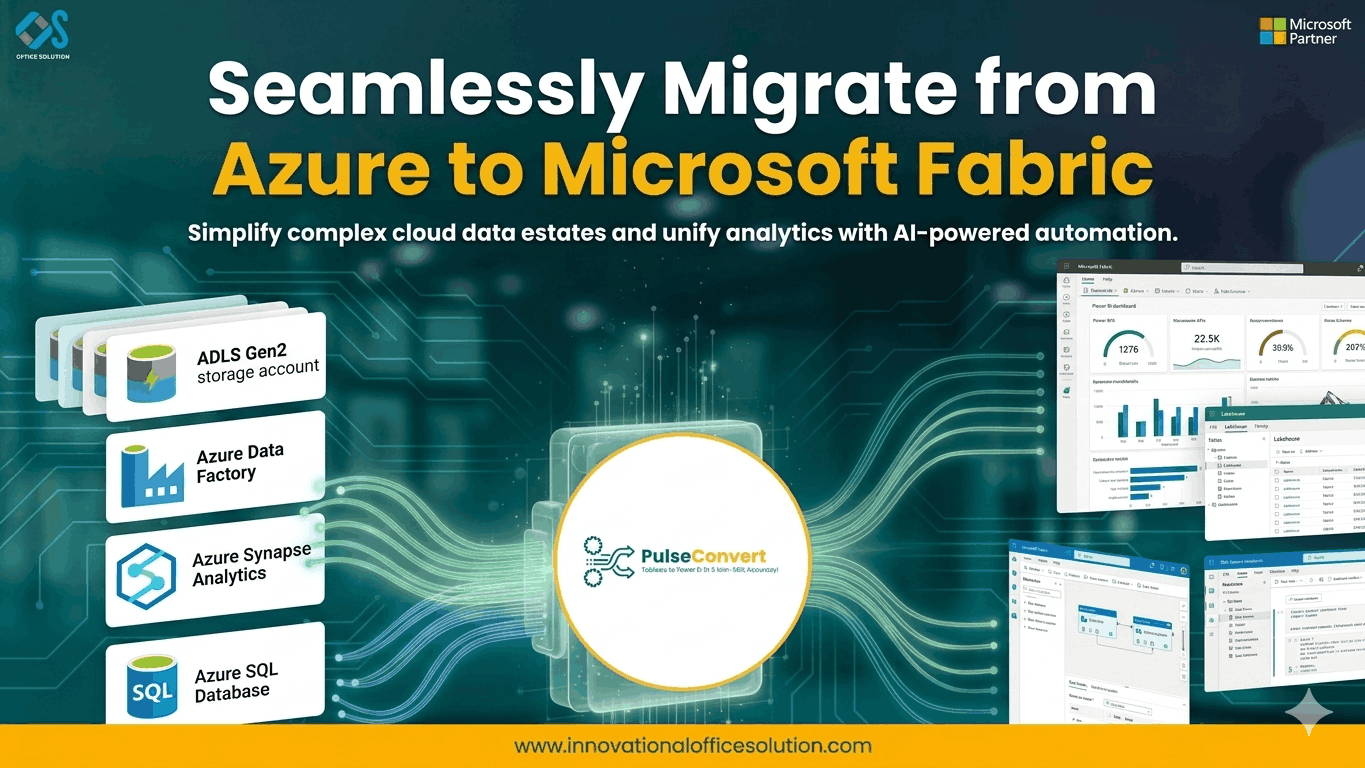
Table of Contents
Mastering the Azure to Microsoft Fabric Migration: The Ultimate Guide to Unified Analytics
The current data landscape is witnessing a massive shift toward consolidation. For years, organizations have built complex, distributed environments using various services within Azure. While these individual components are powerful, managing the glue between them—data movement, security silos, and fragmented compute—has become a significant operational burden. An Azure to Microsoft Fabric migration represents the next logical step in this evolution. It is not simply a move to a new version of a tool; it is a transition to a "SaaS-ified" data platform that integrates data engineering, data science, and business intelligence into a single, cohesive ecosystem.
The Strategic Value of Shifting from Azure to Fabric
The core motivation for migrating from Azure to Microsoft Fabric is the reduction of "integration tax." In a traditional Azure setup, a team might use Azure Data Factory for ingestion, Azure Synapse for warehousing, and Power BI for visualization. Each of these requires separate configurations and capacity management. By moving Azure to Fabric, you enter a world where OneLake acts as the single source of truth, and compute engines are pre-integrated. This modernization path is extensively detailed in the Azure to Microsoft Fabric migration blog, which emphasizes how this change empowers business users while maintaining enterprise-grade governance.
Architectural Evolution: From PaaS to SaaS Analytics
When we discuss the technicalities of an Azure to Fabric transition, we are looking at a move from Platform-as-a-Service (PaaS) to Software-as-a-Service (SaaS). In the PaaS model, you are responsible for the uptime, scaling, and patching of individual services. Microsoft Fabric takes these complexities away. The platform manages the underlying infrastructure, allowing your data engineers to focus on logic rather than plumbing. This architectural shift is a common theme in successful enterprise transformations, as highlighted by industry leaders discussing the practical overview of migrating from Azure data and AI stacks.
Inventory Assessment and Pre-Migration Audit
A successful migration begins long before the first data pipeline is moved. You must conduct a thorough audit of your existing Azure resources. This includes mapping out every Data Factory pipeline, Synapse workspace, and Databricks notebook currently in production. Understanding the dependencies between these components is critical. A structured Azure to Microsoft Fabric migration guide suggests categorizing workloads based on their business impact. This allows you to identify "quick wins"—simple workloads that can be moved easily to demonstrate the platform's value to stakeholders.
Logical Mapping: Synapse and Data Factory to Fabric
The technical heavy lifting of an Azure to Microsoft Fabric migration involves remapping legacy logic to new Fabric artifacts. Azure Data Factory pipelines can often be migrated to Fabric Data Factory, but you must account for differences in available connectors and activities. Similarly, Synapse SQL pools are evolving into Fabric Data Warehouses. This isn't just a copy-paste job; it is an opportunity to optimize your data models. By aligning your migration with specialized Azure to Fabric migration services, you can ensure that your lakehouse architecture is built on a foundation of performance and scalability.
Data Movement and the OneLake Advantage
The advent of OneLake is one of the most innovative features of migrating from Azure to Microsoft Fabric. Consider OneLake to be the "OneDrive for data." Rather than transferring massive amounts of data between computing engines and storage accounts, Fabric employs "Shortcuts." This lets you access data stored in Azure Data Lake Storage (ADLS) Gen2 without having to move it. This greatly lowers storage redundancy and data egress expenses, two of the main problems with conventional cloud designs.
Security Transformation and Unified Governance
In the old Azure model, security was often a fragmented affair. You had to manage permissions in ADLS, separate roles in Synapse, and different access levels in Power BI. With the Azure to Microsoft Fabric migration, security is unified under a single tenant. Using Microsoft Purview integration, you can apply data sensitivity labels and access controls that follow the data across the entire platform. This streamlined approach ensures that your organization remains compliant while making data more accessible to those who need it.
Security was frequently a disjointed process in the previous Azure model. You had to oversee various access levels in Power BI, distinct roles in Synapse, and permissions in ADLS. Azure to Microsoft Fabric migration unifies security under a single tenant. You can implement data sensitivity labels and access controls that track the data throughout the platform by utilizing Microsoft Purview integration. This simplified method makes data more available to those who need it while guaranteeing that your company stays compliant.
Testing and Validation in the New Environment
No migration is complete without a rigorous validation phase. Parallel testing is the gold standard here. You should run your legacy Azure pipelines and your new Fabric pipelines simultaneously for a set period to ensure that the outputs are identical. This is the time to check for data precision, latency, and throughput. If you encounter performance bottlenecks, leverage the capacity units (CUs) in Fabric to dynamically scale your compute resources. Testing should also involve end-users to confirm that report performance in Power BI meets or exceeds the previous standards.
Leveraging Automation and Rapid Prototyping
To speed up the transition, organizations should look into automated migration tools and rapid prototyping. While manual conversion offers the most control, automation can handle the bulk of standard ETL logic. For teams looking to explore these possibilities risk-free, a free trial of migration utilities can provide a head start. This allows you to see how your specific Azure Data Factory pipelines translate into Fabric Data Factory activities before committing to a full-scale project.
Change Management and the Human Element
Azure to Fabric's technical aspects are only half the tale. Change management, the human aspect, is just as crucial. Your data staff must adapt to a new interface and new methods of operation. Data scientists and data engineers are working in the same place thanks to Fabric's unified workspace. This calls for a shift in culture toward cooperation. The team should learn how to use Fabric's integrated notebooks, lakehouse explorer, and real-time analytics features through training programs.
Final Cutover and Legacy Decommissioning
After the team has been trained and validation has been successful, the final cutover may take place. This means modifying connection strings in downstream apps and switching to Fabric as the primary data source. After a successful stabilization phase, you can begin decommissioning your legacy Azure services. This leads to immediate cost savings and a simpler management environment. For any organization seeking a customized plan or technical assistance throughout this final change, contacting us through the contact us website ensures access to expert guidance throughout the journey.
Frequently Asked Questions (FAQs)
1. What is the main difference between Azure Synapse and Microsoft Fabric?
Azure Synapse is a PaaS solution where you manage individual components like SQL pools and Spark pools separately. Microsoft Fabric is a SaaS solution where these components are pre-integrated into a single workspace, reducing management overhead.
2. Do I have to move all my data from ADLS Gen2 to Fabric?
No. Fabric uses "Shortcuts," allowing you to point to your existing data in ADLS Gen2. This means you can leverage Fabric's compute engines without the cost or time of a massive data migration.
3. How does pricing work in Microsoft Fabric compared to Azure?
Azure services are often billed individually based on usage or provisioned capacity. Fabric uses a simplified capacity-based model (CUs), which provides a more predictable billing structure across all data workloads.
4. Is Microsoft Fabric secure for highly sensitive data?
Yes. Fabric integrates with Microsoft Entra ID and Purview to provide end-to-end security, including row-level and column-level security, along with unified governance across the entire platform.
5. How long does an azure to microsoft fabric migration typically take?
The timeline depends on the complexity of your environment. A simple migration might take a few weeks, while a large-scale enterprise environment with complex Synapse logic could take several months.
6. Can I use my existing Power BI reports after migrating to Fabric?
Absolutely. Power BI is a core part of the Fabric ecosystem. In fact, your reports will likely perform better by leveraging the Direct Lake mode, which provides the speed of Import mode with the real-time nature of DirectQuery.


