Bridging the Gap: The Ultimate Guide to Migrating SSIS to Microsoft Fabric
 0|
0| 0
0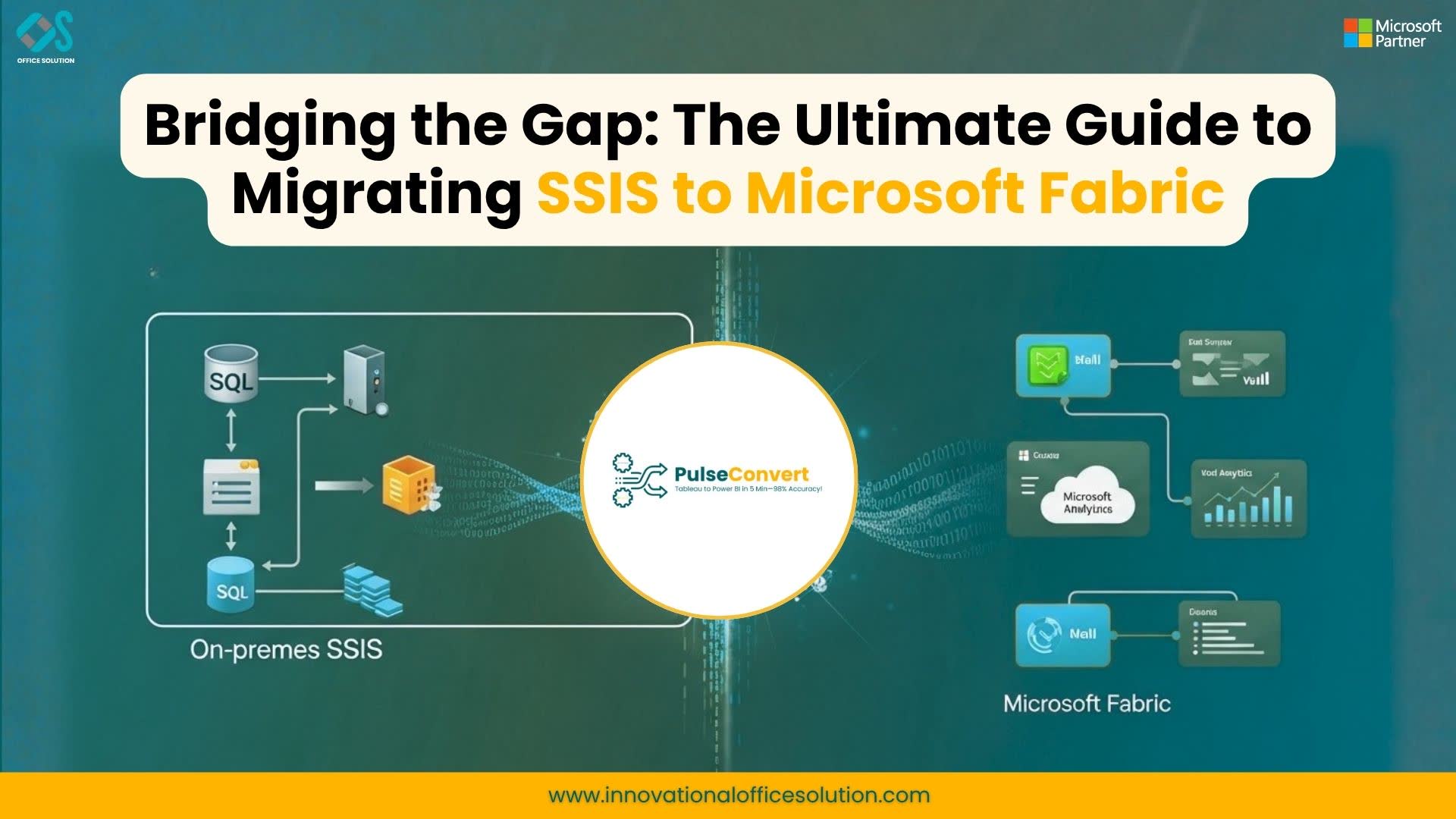
Table of Contents
The data landscape is undergoing a seismic shift. For decades, SQL Server Integration Services (SSIS) has been the workhorse of enterprise ETL (Extract, Transform, Load), reliably moving data across on-premises environments. But as the world moves toward cloud-native, unified data platforms, staying tethered to legacy infrastructure is becoming a bottleneck.
Enter Microsoft Fabric—the all-in-one analytics solution that simplifies everything from data science to real-time analytics. If you are currently managing a complex web of SSIS packages, the move to Microsoft Fabric isn't just an upgrade; it's a complete modernization of your data strategy.
In this guide, we will explore why organizations are making the jump, the strategic process for a seamless migration, and how you can unlock the full potential of your data ecosystem.
What is Microsoft Fabric? Transforming Data into Strategic Assets
For the modern enterprise, the real challenge isn't just collecting data—it's overcoming the "data tax" created by fragmented systems. Microsoft Fabric is engineered to eliminate this friction. As an all-in-one, AI-driven analytics solution, it integrates diverse capabilities like data warehousing, data engineering, and real-time analytics into a single, managed environment. By moving away from a patchwork of disconnected services, organizations can leverage a unified platform that simplifies the journey from raw ingestion to sophisticated business intelligence.
By implementing a Microsoft Data Fabric framework, businesses essentially create a "single pane of glass" for their information. This architecture relies on OneLake, which eliminates the need for redundant data copying and ensures that every department is working with the same "source of truth." This isn't just a technical upgrade; it’s a strategic shift toward becoming an AI-ready organization. Whether you are optimizing your current ETL pipelines or building complex machine learning models, this platform provides the scale and agility required for the next generation of digital transformation.
To understand how to deploy and scale this ecosystem, leverage the official technical resources below:
- Official Overview: Microsoft Fabric Main Page — Explore the comprehensive suite of integrated analytics tools.
- Deep Dive: What is Fabric? Data 101 Guide — Learn how the SaaS-based approach redefines data management.
- Technical Documentation: Microsoft Fabric Learn Portal — Access step-by-step guides for architects and data professionals.
Why Migrate from SSIS to Microsoft Fabric?
The decision to migrate from SSIS to a modern SaaS environment is driven by the need for agility, cost-efficiency, and scalability. While SSIS served its purpose in the era of local servers, it often struggles with the volume and variety of data found in today’s digital-first world.
1. Lower Licensing and Operational Costs
Maintaining on-premises servers requires significant capital expenditure. You’re paying for hardware, electricity, cooling, and the physical space, not to mention the SQL Server licenses. By moving to Microsoft Fabric, you transition to a simplified capacity-based model. You reduce expensive legacy licensing fees and trade them for a unified, open analytics platform that scales with your actual usage.
2. Cloud-Native Scalability
SSIS is vertically scalable, meaning if you need more power, you need a bigger server. Microsoft Fabric, built on the power of Spark and OneLake, offers horizontal scalability. Whether you are processing a few gigabytes or several petabytes, the infrastructure adjusts automatically. You no longer have to worry about "outgrowing" your ETL server during peak processing times.
3. Unified Lakehouse Architecture
One of the biggest frustrations with legacy systems is data siloing. SSIS often pushes data into various disconnected databases. Microsoft Fabric utilizes a Lakehouse architecture, combining the best elements of data lakes and data warehouses. With OneLake (the "OneDrive for data"), all your organizational data resides in a single, governed location, eliminating the need for redundant copies and complex synchronization.
4. Advanced AI & ML Integration
In the modern market, descriptive analytics (what happened?) isn't enough. You need predictive analytics (what will happen?). Integrating SSIS with Machine Learning models is often a clunky, multi-step process involving various third-party tools. In Fabric, ETL pipelines, Spark notebooks, and Power BI are all in the same workspace. You can seamlessly integrate your data transformations with advanced AI capabilities and Copilot, making your data "AI-ready" from the moment it’s ingested.
Our SSIS to Microsoft Fabric Migration Strategy
A migration of this scale requires more than just "lifting and shifting." It requires a methodical approach to ensure data integrity and logic consistency. Drawing from proven methodologies used in high-stakes migrations, such as those from Informatica to Databricks Migration, we follow a structured three-step process.
Workflow Assessment
— Analyze existing environmentBefore a single line of code is moved, we perform a deep dive into your existing environment. We inventory every SSIS package, analyze complex script tasks, custom C# components, and third-party DLLs to determine the best modern equivalent. We also review SQL Agent jobs to map out orchestration in Fabric.
Conversion and Development
— Transform to modern architectureWe move away from rigid, UI-based constraints into a flexible environment. We recreate logic using Fabric Data Factory pipelines and Spark-based Notebooks, replace traditional SQL tables with Delta Lake tables for ACID compliance, and configure native scheduling tools.
Validation and Optimization
— Ensure accuracy and speedA migration is only successful if data matches and performance exceeds expectations. We run rigorous parallel tests to reconcile data down to the last decimal point and leverage the Fabric engine to optimize Spark jobs for peak efficiency.
The Business Impact of Modernization
When you move your data operations to a unified SaaS platform, the benefits ripple across the entire organization:
- Accelerated Time-to-Insight: With the speed of the Fabric engine, data processing times that used to take hours can often be reduced to minutes.
- Simplified Governance: Managing security in SSIS and SQL Server can be a headache. In Fabric, you have a centralized governance model that applies across the entire data journey.
- Future-Proofing: You are no longer limited by the version of SQL Server you are running. Fabric is constantly updated with the latest features in AI and data processing.
Start Your Migration Journey Today
Modernizing your ETL pipelines doesn't have to be an overwhelming hurdle. Whether you are looking for a direct transition or exploring broader possibilities like other migration strategies, the goal is the same: making your data work for you, rather than you working for your data.
Ready to see how your SSIS packages look in the world of Microsoft Fabric? Take the first step toward a more scalable, intelligent data future.
Experience Microsoft Fabric
Get started with a free trial and see your SSIS packages transformed.
Frequently Asked Questions (FAQs)
1. Can I keep some of my SSIS packages running while I migrate?
Yes. Many organizations adopt a hybrid approach. You can run SSIS packages within Azure Data Factory or Fabric using an Integration Runtime (IR) while you gradually rewrite complex logic into Spark notebooks.
2. Is Microsoft Fabric secure for sensitive financial or healthcare data?
Absolutely. Fabric is built on the Microsoft Azure foundation, meeting global compliance standards. It offers robust encryption, fine-grained access control, and integrated OneLake security.
3. How does Spark improve my ETL performance?
Unlike SSIS, which is often limited by a single server's RAM and CPU, Spark distributes the workload across a cluster of machines. This "divide and conquer" strategy allows for massive parallel processing.


