Comprehensive Guide to Informatica to Databricks Migration: Modernizing Enterprise Data Workflows
 0|
0| 0
0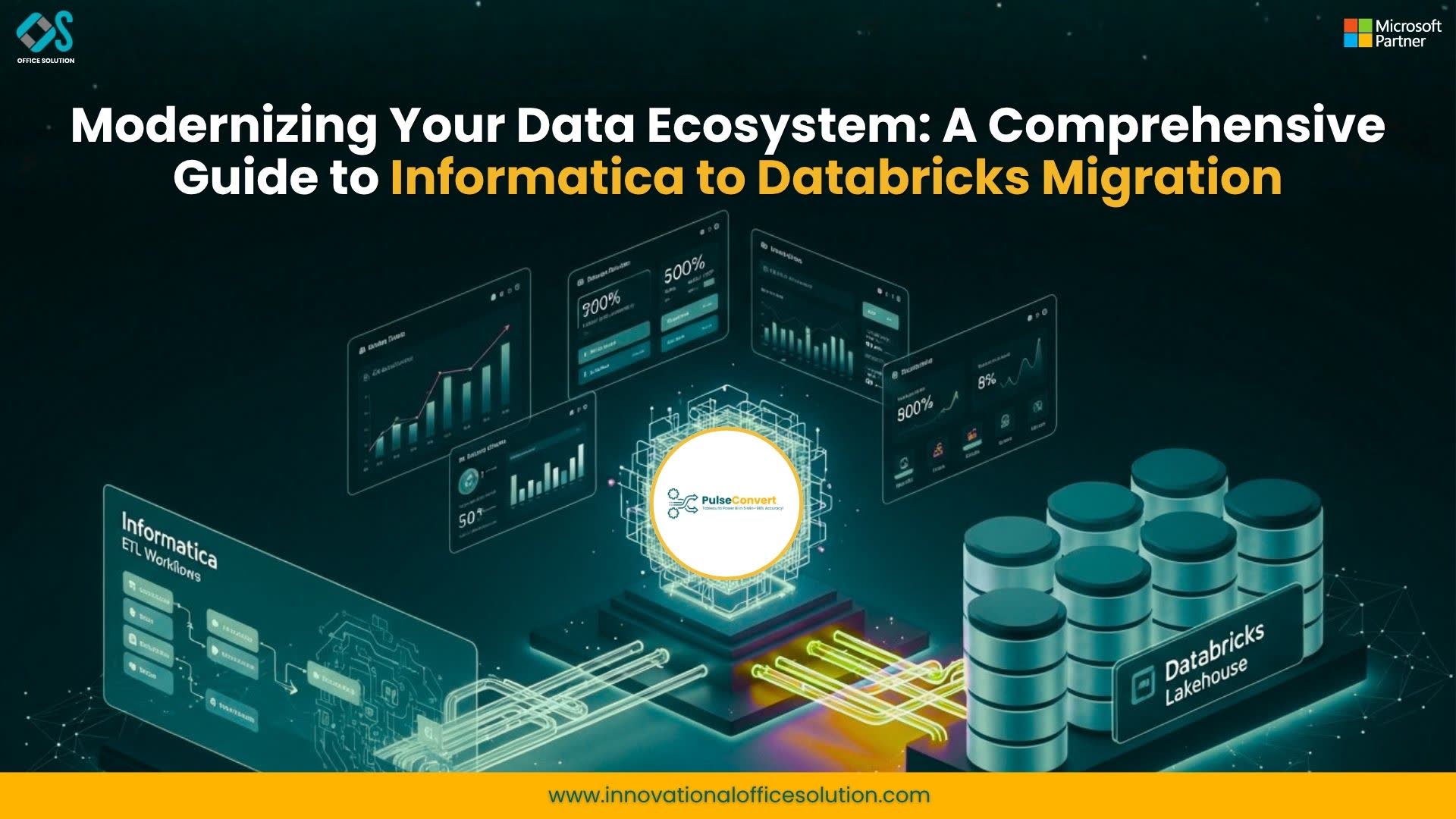
Table of Contents
The Strategic Shift: Informatica to Databricks
The corporate ecosystem is moving away from rigid software stacks toward distributed cloud data lakehouses. For years, Informatica stood as a foundational platform for extract, transform, and load (ETL) pipelines, running row-by-row on-premises integrations. But as file formats grow unstructured and data streams scale past multi-terabyte thresholds, dedicated on-premises hardware introduces massive operational friction.
Enterprises increasingly look toward an Informatica to Databricks migration to achieve the scale necessary for streaming analytics, machine learning, and interactive data science. Transitioning from Informatica to Databricks allows a business to shed steep licensing fees, decouple storage from processing power, and unify analytical workflows under a modern framework. Evaluating how to modernize your pipelines requires analyzing performance, operations, and technical design patterns. This deployment blueprint covers manual refactoring requirements, automated mapping parsing alternatives, schema conversion frameworks, and testing methodologies needed to move successfully from Informatica to Databricks.
Architectural Distinctions: ETL Core vs. Cloud Lakehouse
Transitioning between platforms requires shifting from a proprietary visual execution engine to an open-source, massively parallel processing (MPP) computing network. Databricks operates by abstracting storage into cloud-based file stores (such as AWS S3 or Azure ADLS) while utilizing highly optimized clusters running Apache Spark and the Photon engine to execute data manipulations.
Traditional visual maps pass records through local cache files written to attached disk arrays. When a high-volume transformation encounters memory limits, performance degrades as records spill to disk. The cloud platform side processes data using resilient, distributed datasets split across multiple virtual machines. The storage layer uses Delta Lake—an open-source storage standard that adds ACID transactions, time travel, and scalable metadata handling directly over cloud file infrastructure.
Core Schema and Structural Terminology Maps
A core technical requirement during an Informatica to Databricks transformation is establishing direct semantic equivalencies between legacy relational definitions and cloud lakehouse entities. In the legacy framework, you rely on rigid Source and Target Definitions tied to physical database schemas. In the modernized lakehouse, these map directly to cloud object storage file paths or managed Delta Lake tables organized into structural data layers.
Similarly, the role of the Source Qualifier is assumed by Spark DataFrame Readers or declarative Spark SQL select queries. The core computing power shifts from a centralized integration server host to dynamic, autoscaling Spark worker nodes powered by the Photon engine. Instead of scheduling tasks through an isolated Workflow Manager repository, engineers orchestrate end-to-end data pipelines using native workflows or multi-task directed acyclic graphs (DAGs). Finally, data lineage, auditing, and organizational access control move from traditional metadata managers into a centralized governance model managed entirely through Unity Catalog.
Phase 1: Repository Inventory and Complexity Profiling
Begin by extracting the structural logic of your existing pipeline inventory directly from the metadata repository database. Use command-line utilities like pmrep to output folder mappings, variable dependencies, and session task logs into standard XML documents. This metadata dump serves as the single source of truth for your current extraction layout.
Group all extracted mappings by execution frequency, runtime duration, and structural complexity. Low-complexity assets consist of straight-through transformations, basic filters, and source-to-target staging paths. Medium-complexity assets introduce multi-target routing, standard aggregations, and standard master-detail joins. High-complexity assets—such as those containing non-relational mainframe COBOL file sources, deep loops, custom Java transformations, or un-cached dynamic lookups—must be flagged for manual review, while standard transformations can be targeted for rapid conversion.
Phase 2: Target Storage Design and Bronze-Silver-Gold Ingestion
Establish a decoupled landing zone strategy before writing transformation scripts. This multi-tier framework isolates your processing layers to protect data integrity and make pipelines highly auditable. The first layer is the Bronze or raw ingestion zone. It stores incoming source records in their raw, native states, whether they arrive as JSON text, delimited CSV files, or database change streams. This maintains data lineage and allows you to re-run jobs from scratch without hitting your source operational systems.
The next tier is the Silver or validated data zone. At this stage, your pipelines apply explicit schema constraints, standardize null variations, and normalize date/time zones. This layer functions as your clean, enterprise operational store. The final tier is the Gold or business aggregated zone. Here, data is structured into business-level summaries, star-schema configurations, and dimensional tables designed for analytical dashboards and machine learning features.
Phase 3: Code Refactoring and Transformation Mapping Translation
This step converts your visual mapping objects into modular PySpark DataFrames or Spark SQL procedures. String manipulations, mathematical logic, and row-level switch evaluations translate directly to native functions like pyspark.sql.functions.when and substring. Legacy join components are replaced with explicit distributed DataFrame joins, using broadcast mechanisms for small reference tables to keep performance high across worker nodes.
The following Python pattern illustrates a production-grade transformation within the target platform, converting an Informatica Databricks use-case that reads transactions, performs a reference look-up, and builds a derived classification table.
Phase 4: Centralized Governance with Unity Catalog
Legacy integration structures rely on independent permission layers spread across physical server hosts, local parameter definitions, and distinct operational target databases. Managing security filters across these separate systems often leads to compliance issues and operational blind spots.
Migrating to the cloud platform simplifies this by utilizing Unity Catalog to centralize access control. This layer provides field-level security across data sets using standard ANSI SQL commands. Security policies are written directly at the catalog level, ensuring that data masking, row filtering, and user authentication remain uniform whether the data is accessed via
Phase 5: Parallel Automated Validation and Parity Verification
Never assume that two data engines evaluate calculations in the exact same way. Small functional differences—such as trailing spaces, null evaluations, and timestamp conversions—can create hidden data drift. To ensure complete accuracy, build automated verification jobs that compare the results of both engines over identical source runs.
Phase 6: Job Orchestration Shift and Production Cutover
After confirming data parity across low, medium, and high-complexity mappings, migrate your pipeline management out of Informatica Workflow Manager or third-party scheduling servers. Rebuild your task dependencies within native cloud platform workflows or managed Apache Airflow instances.
Run your old and new environments in parallel for a minimum of two to four production cycles. This ensures downstream systems receive perfectly matching data before you decommission your legacy servers and complete the transition.
Technical Bottlenecks and Optimization Rules
Moving data pipelines between these platforms introduces distinct optimization challenges that teams must account for to avoid performance drops. A major hurdle is how empty strings and database null values are handled. In traditional on-premises workflows, empty strings are often converted directly into null values when saved to relational data targets. In a distributed Spark engine, however, empty text and null values are treated as distinct states. If this difference isn't explicitly handled during code refactoring, it can break downstream text grouping queries and cause row-count discrepancies.
Another performance bottleneck stems from small file fragmentation. Legacy jobs often process data in small, frequent intervals to minimize local server memory use. In a distributed lakehouse environment, creating millions of tiny files generates massive metadata overhead, which slows down read times. To counter this, engineers should enable auto-optimization and file-compaction properties on target Delta tables, and regularly run optimization tasks to combine small file segments into clean, high-performance blocks.
Finally, watch out for overhead caused by uncached iterative lookups. Traditional designs often use unconnected lookup nodes that query database tables row-by-row. Replicating this behavior in a cloud notebook introduces massive network latency. To optimize these steps, refactor lookups into set-based operations by joining target tables with broad dimension sets or using broadcast variables for smaller reference files.
Streamlining Migration Timelines via Automation Engines
Manually re-architecting thousands of legacy mappings, target configurations, and visual workflows into modular, enterprise-grade cloud scripts requires considerable time and effort. This is where advanced automation tooling becomes a massive competitive advantage. Organizations can cut up to 60% off manual refactoring timelines by utilizing automated metadata parsing platforms.
These systems scan legacy repository XML documents, isolate underlying business transformation rules, and automatically output clean, standard Spark structures—while highlighting highly custom code blocks that require human engineering review. To learn how specialized automation can streamline your enterprise modernization journey, visit Office Solution AI Labs. You can also browse their specific cloud transformation blueprints at Informatica Databricks to accelerate your implementation schedule.
Frequently Asked Questions (FAQs)
1. What is the most critical difference between Informatica PowerCenter and Databricks?
Informatica PowerCenter operates as a server-bound, GUI-driven ETL software platform that processes data row-by-row or via local memory blocks on dedicated hardware. Databricks runs as a cloud-native data lakehouse platform powered by distributed Apache Spark compute clusters. It decouples storage from compute, allows pipelines to scale dynamically across multiple cloud nodes, and supports SQL, Python, Scala, and R within a single unified workspace.
2. Can we convert our legacy repository mappings into cloud platform code automatically?
Yes, you can automate a significant portion of this transition. While manual rewriting ensures precise customization, automation platforms can parse legacy XML definitions and automatically convert around 75% of standard transformations—like Source Qualifiers, Routers, Expressions, and Filters—into clean, production-ready PySpark or Spark SQL code.
3. How do we handle custom Java code transformations during a migration?
Custom Java nodes cannot be automatically converted into standard relational cloud statements. During an Informatica to Databricks migration, your engineering team must analyze these components individually. You can replace the underlying logic using native Python libraries, or wrap the code within optimized Spark User Defined Functions (UDFs) to maintain performance across cluster nodes.
4. How does pipeline access governance change after moving to a lakehouse?
In legacy environments, access security is typically divided across independent repository folders, server host permissions, and various database-level user privileges. The cloud platform streamlines this by using Unity Catalog. This layer centralizes data governance, allowing administrators to manage field, row, and table-level security profiles using clean, standard ANSI SQL commands.
5. What should we do with our existing third-party workflow schedules?
Legacy orchestration structures managed by Informatica Workflow Manager should be transitioned into modern cloud alternative frameworks. You can use native Databricks Workflows to construct multi-task job dependency graphs (DAGs), manage operational variables, and trigger automated alerts, or connect your notebooks to centralized platform orchestrators like Apache Airflow.
6. Are engineering teams forced to write Python code, or can they continue using SQL?
Teams do not need to rewrite their entire pipeline inventory in Python. The platform features an optimized Photon execution engine that provides comprehensive support for standard ANSI SQL. This allows teams with deep database backgrounds to build end-to-end data processing layers using Spark SQL, while reserving Python or Scala for advanced machine learning workflows.
7. How can we confirm complete data accuracy during a cloud platform migration?
Data validation should be fully automated using continuous comparison scripts. Avoid relying on spot checks. Instead, build automated data quality pipelines that calculate analytical row sums, distinct key profiles, and checksum totals across both your legacy database targets and your new Delta tables to guarantee absolute parity before cutover.
Implementing a Future-Proof Data Infrastructure
Completing an Informatica to Databricks transformation does more than just lower your operational infrastructure costs—it provides your enterprise with a modern, high-performance data architecture capable of supporting real-time streaming, advanced analytics, and production-scale AI. By using a structured migration framework—starting with comprehensive metadata profiling and moving through automated code translation, strict schema validation, and centralized data governance—organizations can modernize their legacy pipelines with minimal risk of business disruption.
If your organization is ready to accelerate its data platform transition and reduce the risks of manual refactoring errors, visit Office Solution AI Labs to see how automated translation tools can support your goals. To set up an architectural assessment with an enterprise cloud migration expert, visit Contact us.
For technical specifications regarding legacy visual transformations, visit Informatica. To review detailed cluster optimization guidelines and engine features, visit Databricks.


