How to Migrate Tableau Dashboards to Power BI: A Professional Guide
 0|
0| 0
0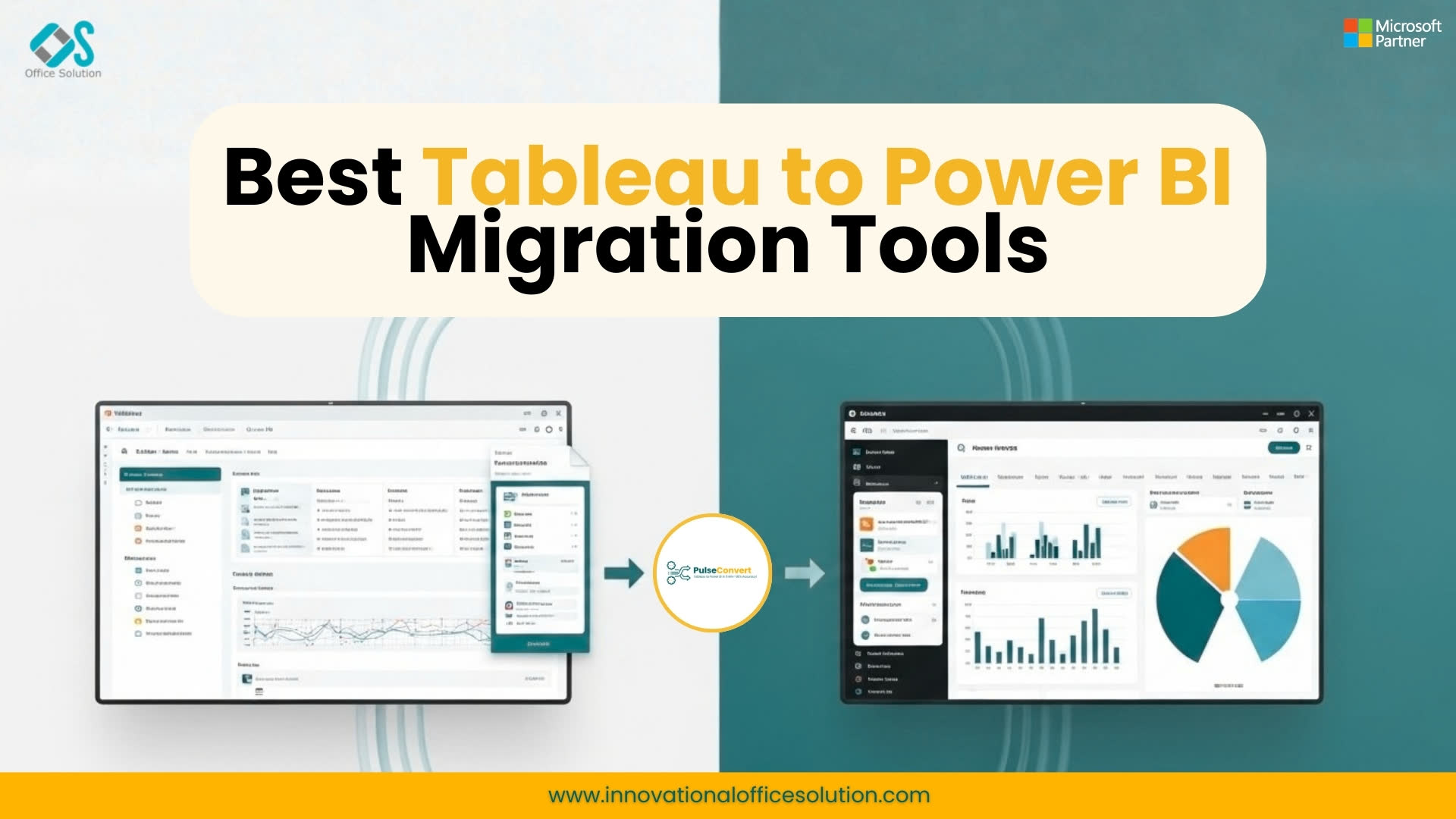
Moving from Tableau to Power BI is not a "Save As" operation. It is a translation. If Tableau speaks French, Power BI speaks Italian. They share the same roots, but the syntax, the grammar, and the way they describe the world are fundamentally different. To successfully migrate Tableau dashboards, you need a framework that respects these differences rather than trying to force one tool to act like the other.
The Three-Tier Architecture of Migration
A common mistake in tableau dashboard conversion is trying to rebuild the visuals first. This is a recipe for failure. A professional migration follows a bottom-up approach:
1. The Data Layer (The Foundation)
Tableau often relies on "hyper extracts" or complex joins within the .twb file itself. Power BI, however, thrives on a Star Schema. Before you build a single chart, you must look at your underlying SQL or Snowflake views. You aren't just moving data; you are re-modeling it.
Tip: Move as much logic as possible "upstream" into the data warehouse. This ensures that your Power BI models remain lean and performant.
2. The Logic Layer (LOD vs. DAX)
This is where the real work happens. Tableau's Level of Detail (LOD) expressions (Fixed, Include, Exclude) are powerful but visual-dependent. Power BI uses DAX (Data Analysis Expressions). DAX is a functional language that operates on "filter context" and "row context."
The Translation Challenge: A "Fixed" LOD in Tableau might require a CALCULATE function with an ALLEXCEPT filter in DAX. If your team doesn't understand the difference between a measure and a calculated column, your migration will result in sluggish reports and incorrect totals.
3. The Visual Layer (The "Skin")
Tableau is famous for its "Marks" card. Power BI uses a more structured "Visualizations" pane. You cannot always achieve a 1:1 visual match. For example, Tableau's ability to layer disparate chart types is more fluid, whereas Power BI prefers standardized visual containers.
The Strategy: Focus on the intent of the dashboard. If the Tableau dashboard was meant to show regional sales performance, focus on delivering that insight in Power BI using its native strengths (like Tooltip pages and Decomposition Trees), rather than trying to make Power BI look like a Tableau clone.
Common Pitfalls to Avoid
The "Lift and Shift" Fallacy: Do not try to migrate everything. Usually, 30% of an enterprise's Tableau workbooks are ghost towns—unused and unloved. Use this migration as an opportunity to "audit and delete."
Ignoring User Training: Your analysts will be frustrated. They will ask, "Where is the Marks card?" or "Why can't I just right-click to change this?" Success depends 40% on technical conversion and 60% on user adoption.
The Role of Automation
While manual rebuilding is the most accurate, it is the slowest. Modern enterprises are looking toward automated scripts and conversion engines to handle the "heavy lifting" of data connectivity and basic measure translation, allowing human experts to focus on the complex DAX logic and UX design.
Backed by Microsoft - Free Tableau to Power BI Migration PoC
Organizations looking to modernize their analytics can begin with a risk-free Proof of Concept (PoC) for Tableau to Power BI migration powered by Pulse Convert. This Microsoft-backed initiative allows enterprises to evaluate how their existing Tableau dashboards, data models, and business logic can be efficiently transformed into Power BI reports using intelligent automation. With expert guidance and automated migration capabilities, businesses can quickly experience how their analytics environment performs on Power BI before committing to a full-scale migration. To learn more or request the free PoC, visit the Microsoft Marketplace, where you can explore the offering, understand the migration approach, and start your Tableau to Power BI modernization journey.
Migration doesn't have to be a manual nightmare.
Learn how Office Solution AI Labs uses proprietary logic to accelerate your dashboard conversion.


