The Technical Architect’s Blueprint for IBM Cognos to Power BI Migration: Solving the Metadata Gap
 0|
0| 0
0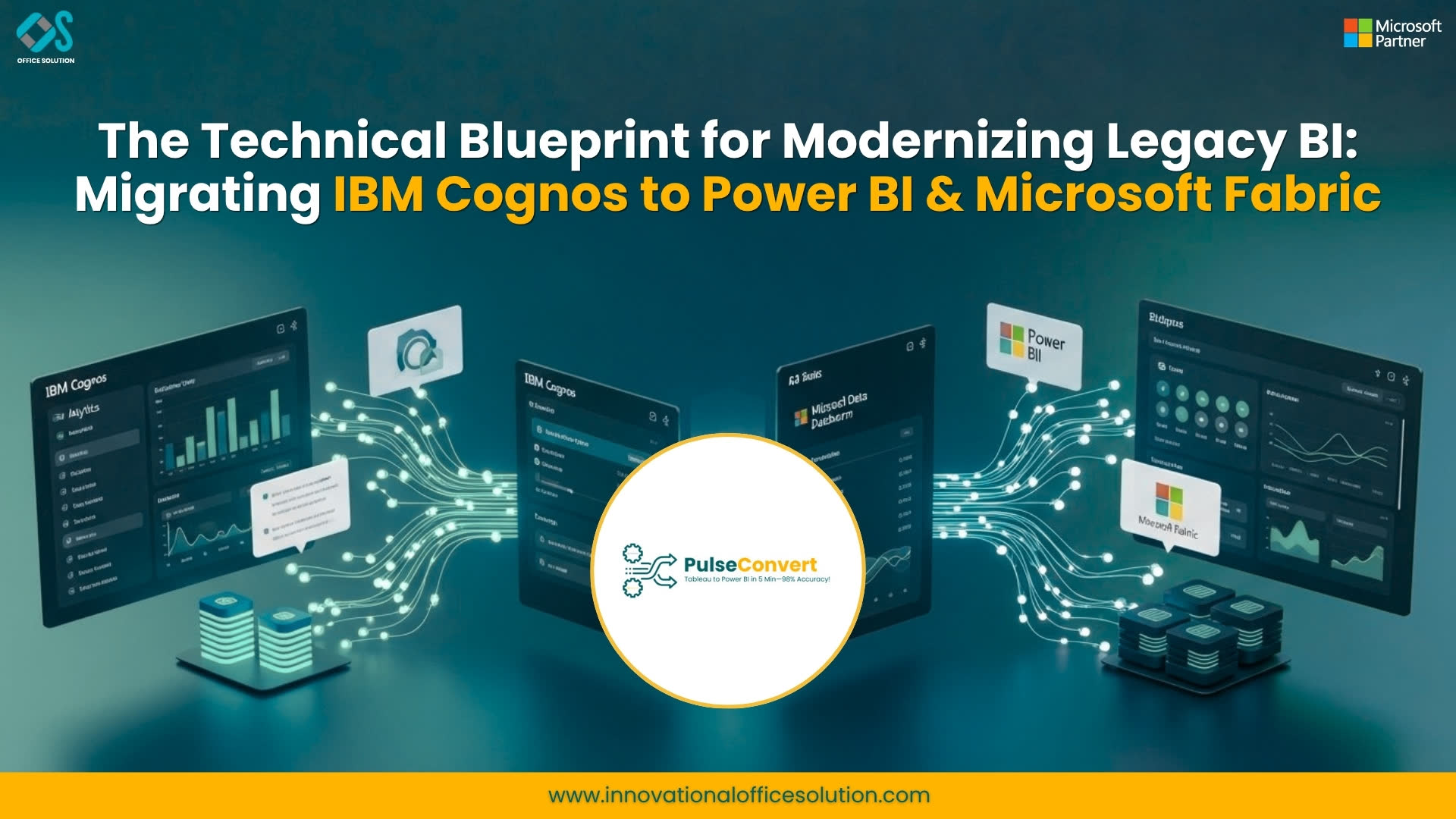
Table of Contents
The enterprise data landscape is moving toward unified, AI-ready ecosystems. For decades, IBM Cognos has been the reliable engine for governed reporting, but the rigid structures of legacy BI are increasingly becoming bottlenecks. As organizations in the USA and India look to modernize, the transition to Microsoft Power BI—and by extension, the broader Microsoft Fabric—has become a non-negotiable strategic pivot.
However, many organizations fail because they treat an IBM Cognos to Power BI migration as a simple cosmetic change. In reality, it is a deep-seated architectural transformation. This guide delves into the technical "under the hood" challenges of migrating metadata, resolving "Stitch Query" logic, and future-proofing your stack for 2026 and beyond.
The Shift from Centralized Governance to Democratic Discovery
In the traditional IBM Cognos environment, governance was top-down. IT departments spent months building Framework Manager packages to ensure data consistency. While this provided a "single version of the truth," it stifled business agility.
Power BI flips this script. It allows for decentralized report creation while maintaining governance through the Power BI Service. The real magic happens when you integrate this with Microsoft Fabric. Understanding how these tools coexist is crucial for any modern data leader.
For a deeper dive into modern data ecosystems, see Microsot Fabric: https://www.microsoft.com/en/microsoft-fabric/resources/data-101/what-is-fabric
Decoding the Cognos Metadata Layer
The biggest hurdle in this migration is the translation of the Cognos Metadata Layer (Framework Manager or Data Modules) into the Power BI Tabular Model.
- Logical vs. Physical: Cognos allows for a complex logical layer that abstracts the physical database schema. In Power BI, this abstraction is handled via Power Query and DAX.
- The "Stitch Query" Dilemma: Cognos is famous for its ability to handle multiple fact tables at different granularities using "Stitch Queries." When moving to Power BI, you must re-engineer these into a proper Star Schema using bridge tables or DAX measures to avoid "many-to-many" relationship pitfalls.
Mastering the Formula Translation (DAX vs. Cognos SQL)
Cognos uses a proprietary syntax for its calculations, often embedded directly within the report. Power BI utilizes DAX (Data Analysis Expressions).
- Context Transition: DAX is context-aware (Row Context and Filter Context). Migrating a "Running Total" or "Year-to-Date" calculation from Cognos requires a mindset shift to understand how filters propagate through the Power BI model.
- Calculated Members: If your Cognos reports rely on OLAP cubes or TM1 sources, the transition to Power BI’s Tabular engine requires flattening these hierarchies without losing the "drill-down" functionality users expect.
Solving for "Pixel-Perfect" Requirements
A common complaint during migration is: "Power BI doesn't look like my old Cognos PDF." Cognos Analytics excelled at high-volume, multi-page paginated reports. To solve this in the Microsoft ecosystem, you must utilize Power BI Report Builder. This allows you to maintain the "Pixel-Perfect" headers, footers, and page breaks required for financial statements and compliance documents, while the rest of the business enjoys the interactive dashboards of the Power BI Service.
For more information on these specific platform capabilities, visit IBM Cognos: https://www.ibm.com/products/cognos-analytics
Global Market Insights: USA vs. India
In the USA, the migration trend is driven by Cost and AI Integration. Major enterprises in New York and Silicon Valley are migrating to reduce their "Technical Debt." By moving to Power BI, they gain immediate access to Copilot, which allows executives to ask natural language questions about their sales data.
In India, the driver is Talent Scalability. With India being the global hub for IT services, the availability of Power BI developers in Bengaluru, Hyderabad, and Pune far exceeds the dwindling pool of Cognos experts. Indian firms are migrating to ensure their BI platforms are supported by a young, agile workforce that is already trained in the Microsoft ecosystem.
The Role of Automation in Success
Manual migration is an invitation for human error. Automating the extraction of metadata from Cognos and mapping it to Power BI can reduce project timelines by up to 60%. This ensures that the business definitions created over 20 years in Cognos remain intact.
Ready to see how automation works? Get started with a Free trial
Frequently Asked Questions (FAQ)
Frequently Asked Questions (FAQs)
1. Can Power BI directly import IBM Cognos .xml or .cpf files?
No. There is no native "Open" button for Cognos files in Power BI. You must use specialized migration tools or manually rebuild the logic in DAX and Power Query.
2. What happens to my Cognos security filters during migration?
Security filters must be recreated as Row-Level Security (RLS) in Power BI. This ensures that users only see data they are authorized to view, integrated with your Entra ID (Azure AD).
3. Is Power BI better at handling large volumes of data than Cognos?
Power BI’s "Large Dataset Storage Format" and "DirectLake" mode in Fabric allow it to handle billions of rows with sub-second performance, often outperforming older Cognos versions on on-premises hardware.
4. How do we handle Cognos "Event Studio" alerts in Power BI?
"Event Studio" functionality is typically replaced by Power Automate. You can trigger emails, Teams notifications, or even database updates based on specific data thresholds met within your Power BI reports.
5. We use Cognos for write-back. Does Power BI support this?
Power BI does not support native write-back to a database. However, this is easily solved by embedding a Power Apps visual within your Power BI dashboard, allowing users to input data directly into the underlying source.
Conclusion: Future-Proofing with Microsoft Fabric
The migration from IBM Cognos to Power BI is more than just a tool change—it is an entry point into the future of data. By aligning with Microsoft Fabric, organizations ensure they are ready for the era of Generative AI.
For more information on modernizing your BI stack beyond just reporting, see: https://innovationalofficesolution.com/alteryx-to-microsoft-fabric-migration/
If you are ready to begin your assessment, we are here to help you navigate the complexities.
Contact us: https://innovationalofficesolution.com/contact/


