Migrate Tableau to Power BI: Enterprise Automation Guide
 0|
0| 0
0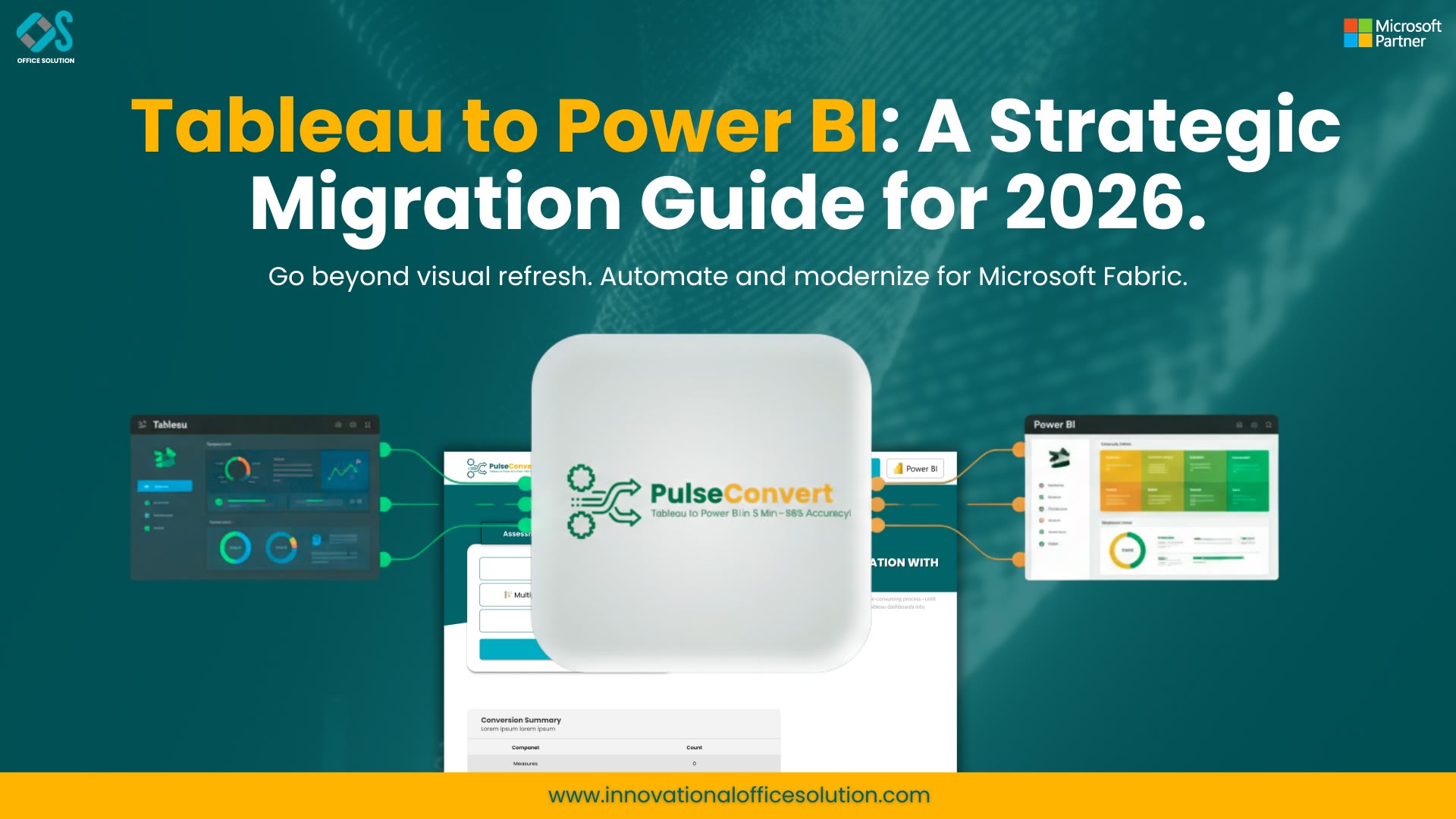
Table of Contents
Section 1: The Modern Imperative for Analytics Infrastructure Consolidation
In the modern corporate ecosystem, data infrastructure is undergoing an aggressive period of architectural alignment. For global enterprises managing massive data volumes across disparate business units, reporting tools are no longer viewed as isolated software solutions chosen by individual departments based purely on cosmetic visualization preferences. Instead, business intelligence platforms serve as the fundamental data engine driving corporate strategy, cross-departmental financial planning, and high-frequency operational logistics. As executive leadership teams seek to lower total cost of ownership, eliminate fragmented software environments, and unlock deep integrations within centralized cloud ecosystems, a major industry consensus has emerged across the United States enterprise market: a widespread, systematic initiative to execute a comprehensive Power BI migration from Tableau.
For over a decade, individual business teams built independent reporting environments to meet short-term data analysis needs. This decentralized model naturally led to an incredibly fractured analytics landscape across corporate networks. Operating separate enterprise visualization environments introduces massive technical friction. Corporate IT teams are forced to split limited engineering resources to maintain entirely separate on-premise and cloud data gateways, manage duplicate row-level security authentication layers, and absorb rapidly rising annual licensing costs from multiple software vendors. Choosing to migrate Tableau to Power BI fundamentally restructures this fragmented landscape, consolidating disconnected data reporting portals into a highly organized, single-vendor corporate directory.
By standardizing the global analytics footprint on Microsoft Power BI, large corporations can maximize their existing enterprise software agreements, simplify data engineering pipelines, and ensure a single, highly governed data model feeds every operational group. This thorough level of systems consolidation completely removes the operational confusion that naturally occurs when separate business groups present conflicting metrics during critical corporate board meetings. It guarantees that sales analysts, regional supply chain managers, and C-suite executives are all basing their daily strategic decisions on an identical, verified pool of master data. This structural optimization reduces annual software overhead expenses by millions of dollars while accelerating the speed at which developers can deploy fresh, interactive corporate insights.
However, transitioning a massive, deeply embedded analytical portfolio away from an established legacy visualization framework like Tableau is an incredibly intricate engineering challenge. Corporate reporting workbooks are closely integrated with legacy data architectures, multi-layered user access permissions, and highly complex business calculations. Approaching an enterprise-scale software migration as a simple layout copy-paste task is one of the most common reasons migration initiatives experience massive budget overruns, run into long development delays, or face low adoption rates from users. To guarantee a successful corporate outcome, data engineering leaders must deploy a highly disciplined, multi-stage Tableau to Power BI migration process built around the fundamental data processing differences between both engines.
Section 2: Mapping the Technical and Architectural Divide
To build an efficient conversion roadmap, enterprise migration teams must thoroughly analyze the deep structural differences that separate both business intelligence platforms. The legacy environment relies on a highly flexible, visualization-first framework. In this architecture, developers build reports by linking flat, unmodeled data sources directly within a visual canvas layout using flexible multi-layered table joins and data blends. Its underlying calculation engine depends heavily on Level of Detail (LOD) formulas, which empower workbook developers to run calculations at highly specific dimensions that completely ignore the active filter constraints running on the rest of the report page.
Conversely, the target platform is engineered from the ground up as a strict data-modeling-first environment. It achieves exceptional query speeds and deep system scalability by forcing data to be organized into structured relational star schemas, consisting of clean fact tables surrounded by optimized dimension tables. Calculations are driven entirely by Data Analysis Expressions (DAX), a functional language focused on row evaluation and dynamic filter context overrides. While the legacy application changes data groupings locally inside individual chart elements, the target platform manages calculations globally across a single semantic data layer, making it absolutely vital to evaluate a detailed technical Tableau vs Power BI 2026 comparison before starting manual dashboard development.
This massive architectural difference means that attempting to translate calculation formulas line-by-line without modification will lead to broken report cards, sluggish page loads, and inaccurate data totals. For example, a legacy formula that locks in a specific calculation regardless of user selections must be completely re-conceptualized as a context-aware formula in the target environment. Developers must identify the underlying business purpose of each legacy formula and write entirely new code designed to work within a relational model. Failing to account for this calculation shift results in heavy query lag, forcing developers to spend weeks troubleshooting slow performance after the reports are deployed, a scenario detailed in our complete guide using Tableau to Power BI migration.
Data caching and background extraction processes also handle enterprise workloads differently across both platforms. The legacy platform utilizes its own compressed data engine to store and query massive datasets, handling heavy data preparation and transformation steps right inside the individual report file. The target platform uses a high-performance columnar indexing engine that works best when data is cleaned, structured, and aggregated before it ever enters the reporting layer. Consequently, migration engineering teams must shift heavy data cleaning tasks upstream into shared data flows, centralized cloud queries, or corporate data warehouses to keep reports running fast and scaling efficiently.
Section 3: Detailed Tableau to Power BI Migration Steps for Large Portfolios
Moving an entire corporate analytical ecosystem to a new platform requires a clear, structured technical framework to keep development teams aligned, preserve data integrity, and prevent business disruption during the transition.
Automated Server Discovery and Usage Audit
The transition begins by running a comprehensive audit on your legacy production reporting server. Over years of active operation, enterprise environments naturally collect hundreds of redundant, outdated, or completely abandoned dashboards. Attempting to migrate your entire reporting catalog without auditing system logs first wastes valuable engineering time, expands project budgets, and moves unnecessary technical debt into your new ecosystem. Extract server access history to separate core operational tools from inactive files, allowing you to retire unused dashboards immediately and focus entirely on high-value corporate assets.
Semantic Layer Engineering and Star Schema Design
Next, build a rock-solid data foundation by designing clean semantic models in your target environment. Convert old, flat data tables into optimized star schemas with distinct fact and dimension tables. This phase is also the perfect time to centralize data cleaning steps using shared workspaces and reusable data preparation components, ensuring every department across the enterprise relies on identical definitions for key performance indicators, an approach covered in our enterprise Tableau to Power BI migration 2026 guide.
Calculation Logic Translation and Filter Context Optimization
Rebuilding calculation logic is typically the most time-consuming and labor-intensive part of a business intelligence migration. Because legacy calculations operate independently of active dashboard visuals, recreating them in the new environment requires a deep understanding of evaluation context and filter logic. Developers must rewrite legacy granularity formulas into clean, context-aware measures to ensure that page-level filters apply correctly and return accurate numbers across all reporting views.
Visual Canvas Standardization and UX Modernization
When rebuilding the user interface, focus on creating clean, intuitive user experiences rather than trying to copy old layouts pixel-by-pixel. Use native grid alignment tools, standard container margins, and corporate color themes to build modern interfaces. Limit pages to four or five high-impact visuals to keep report load times fast and help users find key insights quickly without visual clutter or heavy query overhead.
Multi-Tiered Data Validation and Security Verification
Run strict data validation checks to ensure every number matches your old reports exactly under identical filter conditions. Once data accuracy is confirmed, test your system under realistic corporate working conditions—verify scheduled data refreshes, test page load speeds during peak usage hours, and ensure your row-level security rules correctly restrict sensitive data based on individual user profiles, following the strict standards in our complete guide enterprise Tableau to Power BI migration.
Targeted Change Management and Center of Excellence Launch
The final phase focuses entirely on the human element of technology transitions. Achieving a high adoption rate requires a structured change management program that actively addresses user concerns and guides them through the new interface. Set up an internal Center of Excellence to handle platform governance, establish clean dashboard templates, and deliver role-based training programs designed for different business needs.
Section 4: Eliminating Conversion Friction via Power BI Migration Automation
For massive global organizations managing thousands of active operational reports, relying entirely on manual migration workflows can stall your project. Forcing development teams to rebuild every chart component by hand, translate hundreds of intricate data formulas, and reconnect databases individually demands massive amounts of manual effort. This slow approach frequently leads to extended conversion timelines, expanding budgets, and frustrated business stakeholders who lose access to fresh reporting.
To eliminate these conversion blockages, modern enterprise technology leaders are integrating advanced Power BI migration automation solutions into their modernization roadmaps. Our specialized analytics translation platform, Pulse Convert, provides a highly effective solution to this operational bottleneck. By automatically parsing the underlying XML layouts, workbook logic, and data configurations of your legacy files, Pulse Convert achieves an exceptional 75 to 90% automated accuracy when moving structural analytics logic directly into the target platform's format.
Utilizing automated migration tooling fundamentally transforms the speed and economics of your enterprise BI transformation project. Instead of forcing your data engineers to waste hundreds of hours manually copying layouts and troubleshooting calculation syntax line-by-line, your technical team can focus on final testing, performance tuning, and setting up clean server governance. Relying on advanced software tools like Pulse Convert keeps your technology transition on track, minimizes business disruption, and allows your company to realize the cost savings of a modern analytics infrastructure much sooner.
Accelerate Your Tableau to Power BI Migration
See how Pulse Convert can streamline dashboard conversion, automate calculation translation, and reduce migration timelines while maintaining data accuracy and governance.
To see how our automated software can accelerate your technical transition, check out our dedicated migration offerings for more information. If you are ready to evaluate our automated conversion engine with your own corporate workbooks, visit the Microsoft commercial software store to launch your free trial. For custom portfolio mapping, architectural consulting, or to review your data roadmap with our conversion engineers, contact us today to launch your migration plan.
Frequently Asked Questions (FAQs)
1. What are the primary technical risks when executing a Power BI migration from Tableau?
The most significant risk is attempting to force-fit flat, unmodeled data sources into the target engine without restructuring them into a star schema. The legacy engine handles flat data tables by combining them locally on the visual canvas. The target platform, however, requires clear relationships between fact and dimension tables to calculate data accurately. Failing to fix your data models leads to severe query delays, broken calculations, and failing cross-filters between different charts on your dashboard.
2. Why are the calculation steps considered the hardest part of the Tableau to Power BI migration steps?
Calculation steps represent the most complex phase because they require moving from a visualization-based formula logic to a relational filter-context model. Legacy formulas often calculate values independently of page filters. Recreating these behaviors in the target environment requires an expert-level understanding of dynamic evaluation states. Writing unoptimized calculations to replicate this behavior forces the report engine to scan entire database tables repeatedly, slowing down dashboard performance.
3. How does Power BI migration automation help large enterprises protect data integrity?
Automated migration tools like Pulse Convert protect data integrity by extracting and translating the underlying file configurations directly, removing the human errors that occur during manual data mapping. By automating the core file translation process with 75 to 90% automated accuracy, the software ensures that data source links, chart properties, and formula baselines are mapped consistently, allowing engineering teams to dedicate their time to final validation and performance testing.
4. What role does data validation play in the overall Tableau to Power BI migration process?
Data validation is the absolute foundation of user trust during an analytics platform transition. Even if a newly designed dashboard looks beautiful and loads instantly, any minor discrepancy in the underlying numbers will cause business teams to lose confidence in the new reporting environment. To protect data integrity, testing teams must extract data outputs from both platforms under identical filter states and run automated comparisons to ensure every row and column matches exactly.
5. How should corporations structure user training to ensure long-term adoption after a migration?
To maintain long-term success, corporations must move away from generic software walkthroughs and deliver role-based training programs. Executive teams need short briefings on automated data alerts and mobile layouts; business analysts require targeted deep-dives into matrix sorting, ad-hoc discovery, and native cross-filtering. Launching a Center of Excellence (CoE) ensures ongoing support, standardizes templates, and maintains reliable workspace governance across the entire organization.


