Beyond the Legacy: A Strategic Guide to Migrating MicroStrategy to Power BI.
 0|
0| 0
0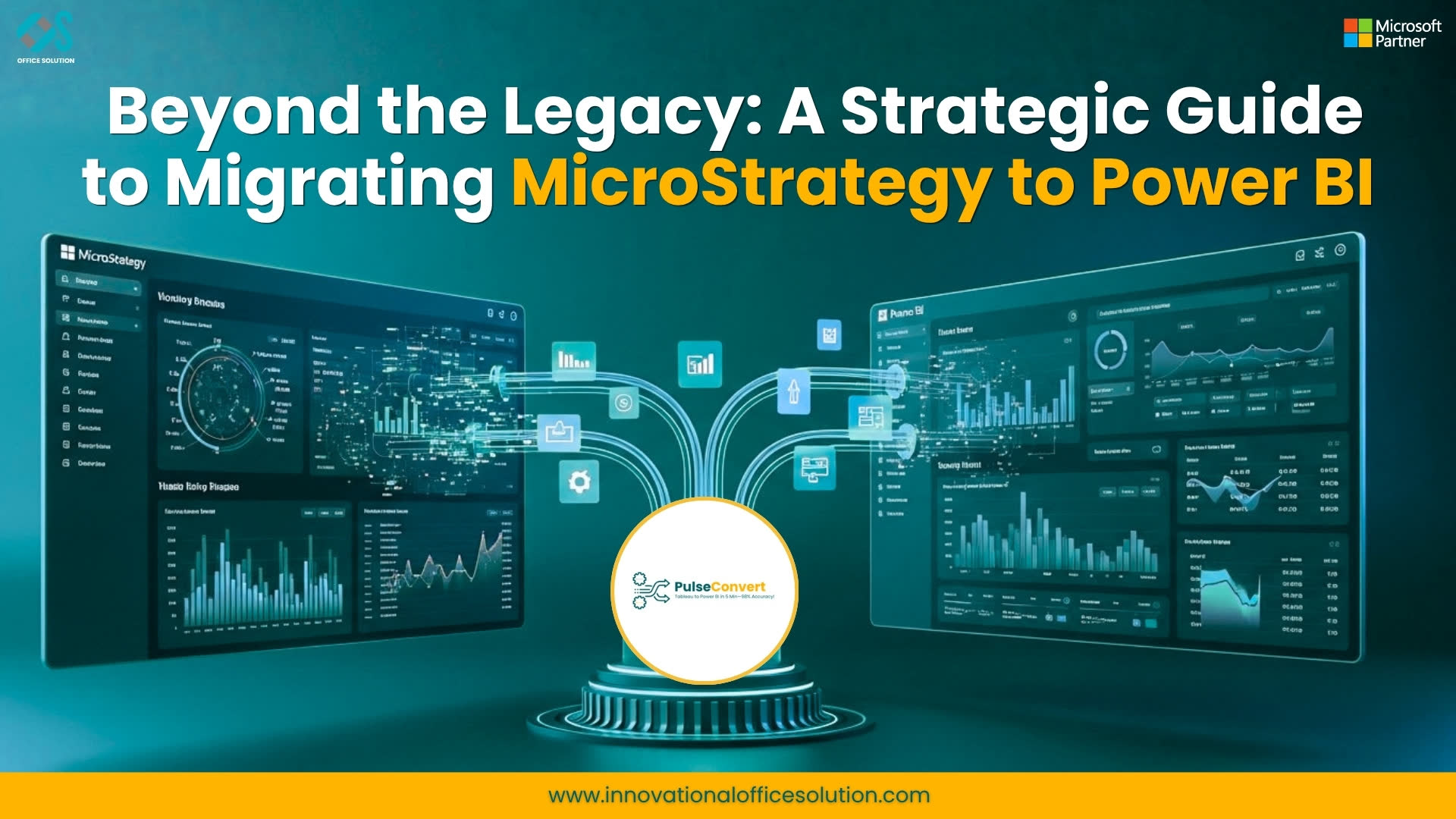
Table of Contents
In the modern data landscape, agility is the new gold. For years, MicroStrategy has been a titan of enterprise reporting, known for its robust metadata layer and complex schema. However, as organizations pivot toward self-service analytics and cloud-native ecosystems, many are finding that legacy infrastructure feels more like an anchor than an engine.
If your team is struggling with high licensing costs, IT-dependent development cycles, and a user interface that feels a decade old, it’s time to talk about modernization.
Migrating from MicroStrategy to Power BI isn't just a platform swap—it's a strategic move to democratize data. Here is a comprehensive roadmap to making that transition seamless using Pulse Convert.
Why Enterprises are Making the Switch
The shift to Power BI is driven by four critical business outcomes:
- Cost Optimization: Shifting from MicroStrategy’s premium enterprise pricing to Power BI’s flexible licensing often results in immediate ROI.
- User Empowerment: Power BI’s intuitive drag-and-drop interface removes the "expert-only" barrier, allowing business users to find insights without waiting for IT.
- Ecosystem Integration: Power BI lives natively within Microsoft 365, Azure, and Teams, turning data into a collaborative asset.
- Development Speed: Eliminate the bottleneck of rigid schema changes and embrace rapid, iterative dashboard creation.
The Challenge: The "Metadata Gap"
The biggest hurdle in a MicroStrategy migration is the complexity of the metadata. MicroStrategy relies on highly structured attributes and metrics that don't always have a 1:1 equivalent in other tools. Manually rebuilding these—translating complex calculations into DAX and re-mapping security roles—can take months of manual labor.
This is where automation becomes a game-changer.
A 4-Phase Strategy for Success
To ensure a high-integrity migration, we recommend a framework centered on the Pulse Convert automation engine:
Assessment & Inventory
Before moving a single pixel, you must audit your current environment.
For more: https://innovationalofficesolution.com/microstrategy-to-power-bi-migration/
- Identify which reports are actually being used (and which can be retired).
- Analyze the MicroStrategy metadata layer to define the migration roadmap.
Automated Conversion
Manual redevelopment is the leading cause of migration failure. By utilizing Pulse Convert, you can automate the heavy lifting:
- Metric Translation: Automatically convert calculated metrics into accurate Power BI DAX.
- Model Reconstruction: Rebuild datasets within Power BI semantic models while maintaining data relationships.
- Visual Transformation: Convert existing grids and graphs into modern Power BI visuals.
Validation & Optimization
Once the automated conversion is complete, the focus shifts to refinement.
- Data Integrity: Compare the output of Power BI against MicroStrategy to ensure zero data loss.
- Performance Tuning: Optimize the new Power BI model for speed and cloud scalability.
Deployment & Adoption
A migration is only successful if people use the new tool.
- UAT (User Acceptance Testing): Engage stakeholders early to validate the new dashboard experience.
- Training: Bridge the gap for users moving from a static reporting mindset to an interactive data exploration mindset.
The Bottom Line
Modernizing your analytics shouldn't feel like starting from scratch. By leveraging Pulse Convert, enterprises can preserve their reporting integrity while slashing redevelopment costs and timelines. You get to keep your logic while gaining the world-class flexibility of the Microsoft ecosystem.
Ready to accelerate your migration? Don't let legacy architecture hold your insights hostage. Let’s build a data-driven culture that works for everyone.
Contact us: https://innovationalofficesolution.com/contact/


