Modernizing Corporate Business Intelligence: A Framework for Power BI Migration from Tableau
 0|
0| 0
0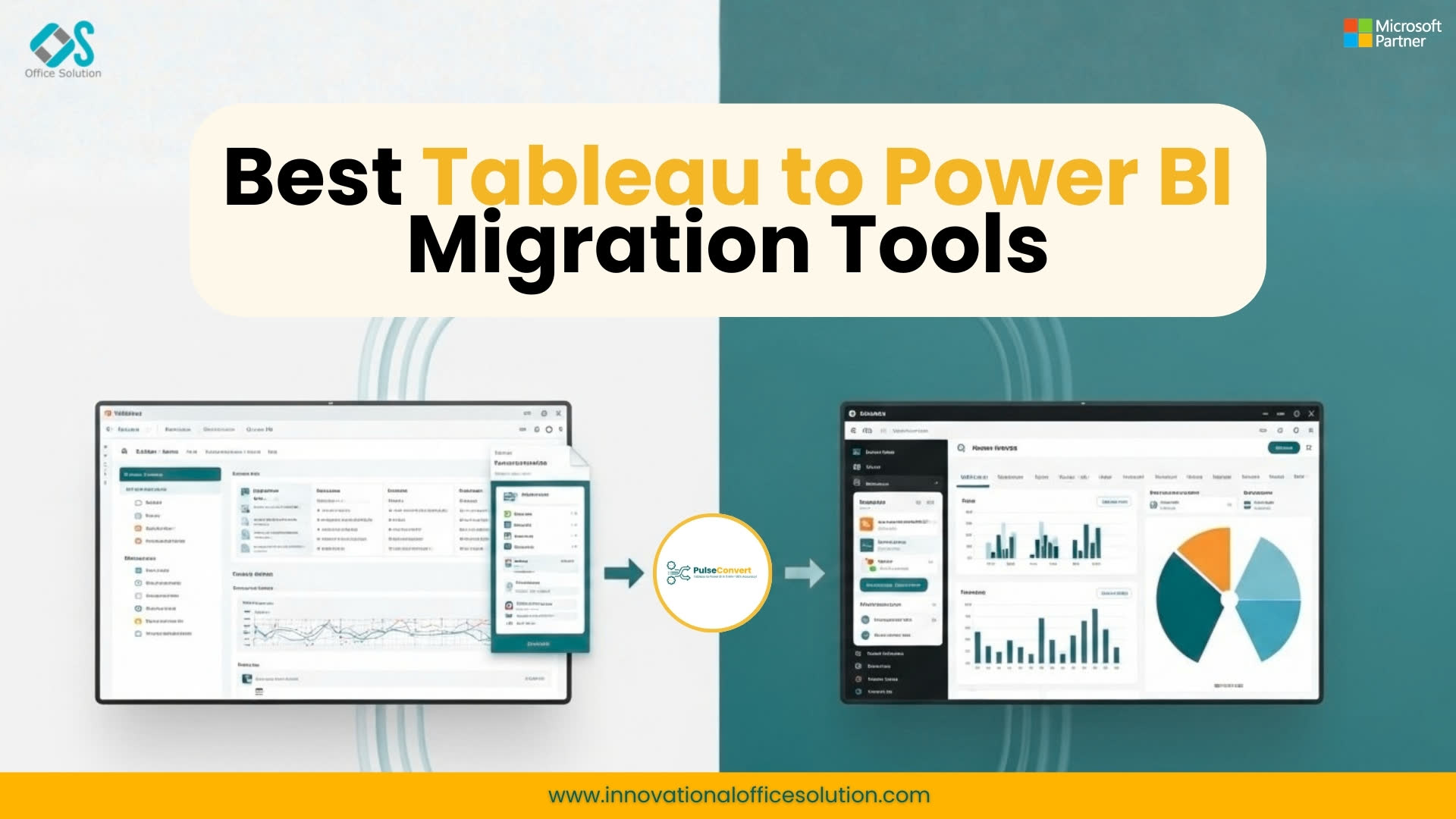
Table of Contents
The speed at which modern business operates demands an integrated, agile data infrastructure. Many enterprises today find themselves held back by legacy business intelligence systems that operate in isolated silos, requiring massive maintenance budgets and specialized technical skills. Shifting away from these isolated setups toward a unified data platform has become a core element of any forward-thinking corporate BI modernization strategy. By moving toward a deeply integrated cloud ecosystem, companies can break down internal data silos, streamline administrative management, and empower everyday business users to make data-backed decisions with complete confidence. This deep-dive operational guide breaks down the essential technical steps, architectural shifts, and automated tools required to execute a seamless, large-scale analytics modernization.
Transitioning an entire corporation’s reporting ecosystem is a major undertaking that requires total alignment between IT departments and business leaders. A successful Power BI migration from Tableau is not about forcing one tool to mimic another down to the exact pixel. Instead, it is a strategic opportunity to rethink how your company structures, manages, and uses its core operational data. When done correctly, this shift eliminates redundant data pipelines, optimizes query speeds, and creates a highly scalable data environment that can easily support advanced analytics and machine learning applications down the road.
The Core Differences in Report Development and Calculation Frameworks
To execute a smooth transition, development teams must understand how these two major analytics environments differ under the hood. Tableau focuses on a flexible, highly visual design approach where users can build complex calculations directly on individual worksheets. This freedom often leads to decentralized business logic, where different reports might define identical metrics in completely different ways. Power BI is built on a structured semantic model framework. All data relationships, calculations, and security parameters are managed in a central data model, which then serves as the single source of truth for all downstream visualizations. This structural shift requires moving calculations out of individual sheets and rebuilding them into a clean, shared semantic layer.
Rebuilding calculated fields from one platform’s language to another is often where manual migrations run into major delays. Translating complex string functions, date calculations, and advanced mathematical formulas into optimized DAX requires deep technical expertise. Because the underlying calculation engines process filter contexts and data rows entirely differently, a simple word-for-word formula translation can easily result in incorrect metrics. Developers must carefully rewrite these expressions to take full advantage of the target platform's performance capabilities, ensuring that dashboards remain fast and responsive even when querying massive enterprise data volumes.
The Core Differences in Report Development and Calculation Frameworks
To execute a smooth transition, development teams must understand how these two major analytics environments differ under the hood. Tableau focuses on a flexible, highly visual design approach where users can build complex calculations directly on individual worksheets. This freedom often leads to decentralized business logic, where different reports might define identical metrics in completely different ways. Power BI, by contrast, is built on a structured semantic model framework. All data relationships, calculations, and security parameters are managed in a central data model, which then serves as the single source of truth for all downstream visualizations. This structural shift requires moving calculations out of individual sheets and rebuilding them into a clean, shared semantic layer.
Rebuilding calculated fields from one platform’s language to another is often where manual migrations run into major delays. Translating complex string functions, date calculations, and advanced mathematical formulas into optimized DAX requires deep technical expertise. Because the underlying calculation engines process filter contexts and data rows entirely differently, a simple word-for-word formula translation can easily result in incorrect metrics. Developers must carefully rewrite these expressions to take full advantage of the target platform's performance capabilities, ensuring that dashboards remain fast and responsive even when querying massive enterprise data volumes.
A Practical Breakdown of the Tableau to Power BI Migration Steps
The overall modernization roadmap can be broken down into clear, structured stages that ensure total technical accuracy and minimal disruption to daily business. The initial step focuses on discovering and auditing your current environment. Teams should scan their reporting servers to compile a complete list of all active data sources, workbooks, and user permissions. This audit helps identify obsolete dashboards that are no longer being viewed by business users, allowing you to drop them from the project scope and save valuable engineering hours. For a deeper look into structuring this initial audit phase, explore our detailed resource on how to migrate tableau to power bi 2026.
The next major milestone is re-engineering your underlying data models. This involves converting flat, cluttered data tables and complex custom SQL queries into clean, highly optimized star schemas. In a star schema, central fact tables containing transactional data are linked directly to dimension tables containing contextual attributes like dates, regions, and products. This structured design is essential for achieving fast load times and smooth interactions in your new environment. Developers must also configure appropriate data refresh schedules and establish secure gateway connections to ensure your dashboards always display the most up-to-date business information without compromising network security.
Overcoming the Challenges of Manual Dashboard Redevelopment
Manually rebuilding hundreds of corporate dashboards from scratch is an incredibly slow, error-prone process. Front-end developers often have to spend hours manually drawing charts, setting up color palettes, matching font styles, and re-keying formulas line by line. This manual friction not only drives up consulting costs but also delays major digital transformation initiatives, keeping valuable business insights trapped in legacy systems for months. Furthermore, human error during manual rebuilds frequently leads to minor discrepancies in visual layouts or formula definitions, which can quickly erode user trust when the new dashboards are launched.
To eliminate this manual friction, modern enterprises rely heavily on cutting-edge automated tools to handle the bulk of the heavy lifting. Advanced engineering tools like Pulse Convert automate the entire layout parsing and calculation translation process, delivering an incredible 75 to 90% automated accuracy.
Pulse Convert reads the underlying legacy workbook files, extracts the core data relationships, and recreates the identical structural framework directly inside your new workspace. Technical teams can evaluate these capabilities in their own environments by signing up for a free trial. Leveraging this level of automation allows corporations to bypass weeks of manual redevelopment, ensuring that migrations stay completely on track and under budget.
Establishing Comprehensive Quality Control and Data Validation
Ensuring total data accuracy is paramount when launching a new business intelligence environment. Technical teams must design a strict, multi-layered quality assurance framework to verify that metrics match perfectly between the legacy and modern platforms. This involves running parallel data checks across a wide range of operational scenarios, comparing total values, and ensuring that complex filter interactions produce identical results. Even minor differences in how data engines handle missing values or text formatting can cause visible variations in reports, which must be caught and corrected during the testing phase.
User acceptance testing is another critical pillar of a successful rollout. Getting everyday business analysts and managers involved in the validation process early ensures that the final reports align perfectly with their actual daily workflows. Providing clear feedback channels allows users to request layout tweaks or data clarifications before the platform goes live. This collaborative approach not only catches hidden bugs but also builds deep user confidence, paving the way for a smooth transition across different business units. For more details on avoiding common data issues during this phase, check out our guide on tableau to power bi migration comprehensive technical guide 2026.
Managing Access, Workspaces, and Enterprise Security
Transitioning your analytics platform requires careful configuration of security boundaries and data access controls. Enterprises must map their existing user permissions and security rules directly into the new workspace architecture. Utilizing Row-Level Security ensures that individual users can only view data rows that are relevant to their specific role or region, maintaining strict data privacy across the organization. Integrating these configurations with centralized identity management systems like Microsoft Entra ID simplifies user onboarding and ensures consistent security policies across all corporate cloud apps.
A structured workspace governance framework prevents the new platform from becoming cluttered and disorganized over time. Setting up clear boundaries between development, testing, and production environments ensures that unverified report changes never disrupt daily business operations. This controlled setup gives development teams a safe sandbox to innovate and test new visual layouts while ensuring that corporate executives always have access to highly stable, verified dashboards for their strategic decision-making.
Driving User Engagement and Long-Term Platform Success
The true value of an enterprise BI transformation is realized when your entire workforce actively uses the new platform to drive daily efficiencies. Providing comprehensive, hands-on training sessions tailored to different internal roles helps users overcome the initial learning curve and reduces friction. Creating internal user groups where team members can share success stories, ask layout questions, and collaborate on new dashboard ideas is an excellent way to accelerate adoption and build a strong data culture.
Continuous platform monitoring helps IT administrators track user engagement, spot performance bottlenecks, and optimize server resources over time. Routinely removing unused reports and optimizing slow-loading data models keeps the entire environment fast, clean, and cost-effective. For a detailed comparison of features and capabilities to help your team maximize platform performance, read through our detailed article on tableau vs power bi 2026 comparison, or explore our high-level strategic roadmap on tableau to power bi migration 2026 guide. For direct architectural guidance and a customized migration plan, contact us today to connect with our senior data modernization specialists.


