The Business & ROI Case for Fabric Modernization
 0|
0| 0
0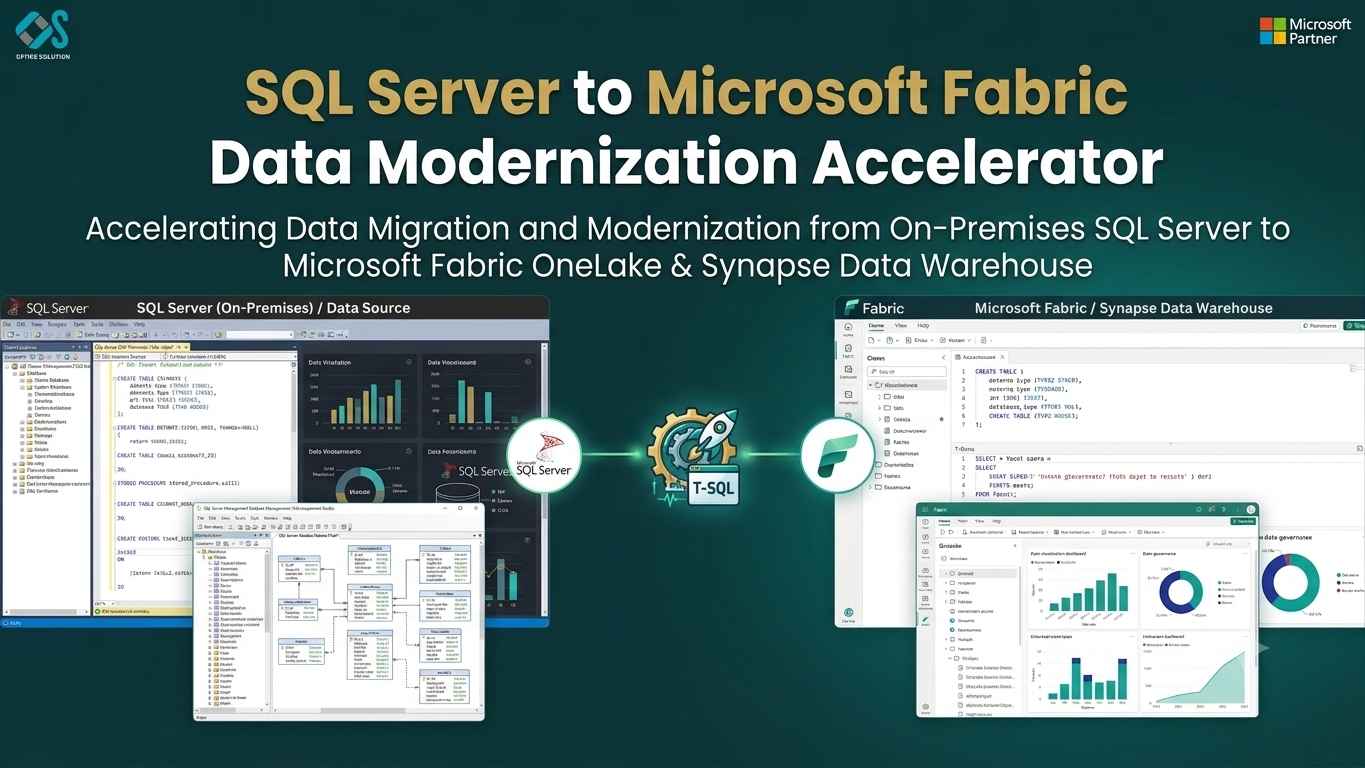
Table of Contents
Modernizing SQL Server to Microsoft Fabric: The Executive ROI Playbook & Accelerator Roadmap
Data-driven enterprises frequently run into a common growth barrier: legacy SQL Server infrastructure struggling under modern analytical demands.
Over years of growth, enterprise SQL Server deployments often develop technical debt. What began as a cost-effective database setup expands into a web of fragmented data marts, high licensing fees, hardware bottlenecks, and delayed nightly ETL runs.
Executive leadership faces a strategic decision: continue paying high maintenance fees for legacy databases or modernize to a SaaS-based enterprise platform like Microsoft Fabric.
This playbook outlines the business value, financial ROI, risk mitigation framework, and implementation roadmap of modernizing your data estate using an SQL Server to Fabric Data Warehouse Accelerator.
The Hidden Costs of Legacy SQL Server Infrastructure
For business leaders, maintaining on-premises SQL Server instances or legacy cloud VMs creates ongoing operational and financial friction:
| Hidden Cost | Business Impact |
|---|---|
| 💸 Escalating Licensing | Core-based enterprise licensing fees |
| 🐢 Performance Drag | Stalled reports & missed ETL SLAs |
| 🔒 Data Silos | Duplicate storage across databases |
| ⚙️ Operational Friction | DBAs trapped doing routine maintenance |
1. License and Infrastructure Overhead
Enterprise-edition SQL Server core licensing, storage area network (SAN) allocations, disaster recovery hardware, and high-availability clustering represent substantial capital and operational expenditures. As data volumes grow, hardware refresh cycles become increasingly costly.
2. Analytical Bottlenecks & Missed SLAs
SQL Server uses an engine built primarily for transactional processing (OLTP) or operational data stores. When forced to run complex analytical queries across millions of rows, execution times degrade. Executive dashboards stall, and morning reporting runs spill into core business hours.
3. Duplicated Data Silos
Without a single unified lakehouse or warehouse, departments create isolated SQL database copies. Marketing, finance, and operations run separate database instances, multiplying storage costs and creating conflicting reporting metrics across teams.
4. High Maintenance Requirements
Database Administrators (DBAs) and data engineers often spend their weeks reindexing tables, rebuilding fragmented statistics, tuning tempdb allocations, and managing backup routines instead of building high-value business features.
The Business Case for Microsoft Fabric Data Warehouse
Microsoft Fabric unifies enterprise data engineering, data integration, analytics, and business intelligence inside a single SaaS ecosystem built on OneLake.
Modernizing to Microsoft Fabric provides three core strategic advantages:
- Shift from Infrastructure Management to Strategic SaaS: Fabric operates as a managed SaaS solution. Infrastructure provisioning, storage tiering, security patching, and engine updates happen automatically under the hood.
- Direct Lake Technology for Power BI: Traditional BI requires exporting data from SQL Server into in-memory Power BI Import models. Fabric’s Direct Lake mode allows Power BI to query billions of rows directly from cold Delta Parquet storage in OneLake with in-memory response speeds—eliminating report refresh delays entirely.
- Unified Capacity Pricing (F-SKUs): Fabric replaces fragmented database licensing with scalable compute capacities (F-SKUs). Compute resources automatically scale up during heavy workloads and scale down off-peak, helping organizations optimize operational expenses.
Quantifying the Financial ROI of Migration
Adopting a Fabric Accelerator shortens time-to-value, helping organizations see a faster return on investment across multiple areas:
1. Infrastructure and Licensing Savings
Eliminating SQL Server Enterprise Edition cores and expensive SAN hardware typically reduces overall infrastructure and licensing spend by 40% to 60%.
2. Accelerated Time-to-Value
A manual data warehouse migration for an enterprise dataset (5 to 20 TB) usually takes 6 to 12 months. An SQL Server to Fabric Accelerator cuts that timeframe to 4 to 8 weeks, saving hundreds of developer hours and delivering modern analytics capabilities to the business months ahead of schedule.
3. Lower Maintenance Overhead
Automating maintenance tasks—such as index rebuilding, partition management, and vacuuming—frees up engineering bandwidth. Data teams spend 70% less time on maintenance and can redirect their focus toward AI, machine learning, and strategic business reporting.
Strategic Risk Mitigation: The Role of an Accelerator
The primary reason enterprises delay database modernization is risk: fear of operational downtime, budget overruns, data loss, or broken analytics reports.
An accelerator acts as a automated migration safety net:
| Migration Risks | Accelerator Solution |
|---|---|
| Incompatible T-SQL Dialect | Automated DDL Translation |
| Downtime during Cutover | Parallel Syncing & Replication |
| Disrupted Business Reports | Side-by-Side Verification |
| Human Conversion Errors | Automated Code Conversion |
Phased Migration Roadmap
A structured, low-risk execution plan spans five primary phases:
Discovery
Inventory assets, identify dependencies, and assess migration complexity.
Automated Schema & Logic
Convert schemas, data types, and business logic using the Accelerator.
Data Hydration
Move enterprise data into OneLake using parallelized pipelines.
Validation
Verify schema, data integrity, and reporting consistency.
Cutover
Switch production workloads to Microsoft Fabric and optimize performance.
Phase 1: Discovery and Assessment
- Inventory Assets: Scan legacy SQL Server instances to catalog tables, stored procedures, functions, SSIS packages, and security roles.
- Identify Dependencies: Map upstream transactional connections and downstream Power BI, SSRS, or third-party reporting tools.
- Complexity Scoring: Classify objects into Low, Medium, and High complexity buckets to plan developer sprints efficiently.
Phase 2: Automated Schema and Code Conversion
- Run DDL Translation: Convert legacy SQL Server DDL to Fabric-compatible T-SQL using the Accelerator.
- Remap Data Types: Adjust incompatible types (MONEY, TEXT, IMAGE) to standard Fabric types (DECIMAL, VARCHAR).
- Refactor Logic: Convert cursor-based stored procedures into set-based T-SQL or PySpark code blocks.
Phase 3: High-Throughput Data Hydration
- Secure Connectivity: Establish encrypted communication via the On-Premises Data Gateway or Self-Hosted Integration Runtime.
- Parallel Data Extraction: Extract historical datasets into OneLake Delta Parquet format using multi-threaded pipeline connections.
- Incremental Delta Tracking: Capture ongoing transactional updates to maintain data parity during the migration phase.
Phase 4: Automated Validation and Parallel Run
- Data Reconciliation: Run automated row counts, sum checksums, and hash audits to verify data accuracy across all schemas.
- Query Performance Benchmarking: Execute critical business queries side-by-side to measure speed increases and confirm output consistency.
- User Acceptance Testing (UAT): Connect test environments to Power BI reports to allow business stakeholders to validate figures.
Phase 5: Managed Cutover and Optimization
- Final Delta Sync: Apply the final set of incremental changes from source SQL Server databases to Fabric.
- Repoint Analytics Layer: Update Power BI semantic models and downstream applications to read directly from Fabric Data Warehouse.
- Enable V-Order Optimization: Ensure all target Delta Parquet storage files are optimized for maximum query throughput.
- Decommission Legacy Assets: Archive legacy databases and reallocate hardware or cloud VM resources.
Real-World Case Study: Retail Analytics Modernization
Background
A regional omnichannel retailer relied on an on-premises SQL Server Enterprise Data Warehouse (8 TB across 450 tables, 1,200 stored procedures, and 300 SSIS packages).
The Problem
- Nightly ETL processing routinely overflowed into business hours, delaying critical inventory reports until 11:00 AM daily.
- Black Friday analytical demands required expensive temporary CPU upgrades.
- Power BI reports experienced frequent timeout errors due to underlying database congestion.
The Solution
The retailer deployed the SQL Server to Fabric Data Warehouse Accelerator to orchestrate an end-to-end modernization project.
Key Outcomes
- Speed: The entire migration finished in 6 weeks, compared to an initial 12-month manual estimate.
- Performance: Nightly data load times dropped from 6.5 hours to 42 minutes.
- Direct Lake Integration: Power BI inventory dashboards transitioned to Direct Lake mode, giving store managers real-time stock visibility.
- Cost Efficiency: Decommissioning legacy hardware and core licenses led to $215,000 in annual recurring savings.
Measuring Success Post-Cutover
To evaluate the long-term impact of your Fabric migration, track key performance indicators across three core areas:
| KPI Category | Measurement |
|---|---|
| Financial KPIs | Monthly capacity utilization & ROI |
| Operational KPIs | ETL pipeline durations & SLA compliance |
| User Experience KPIs | Power BI load times & active usage |
- Capacity Optimization: Use the Microsoft Fabric Capacity Metrics App to monitor compute usage (CU) and adjust capacity limits based on operational demand.
- Pipeline Reliability: Track pipeline run success rates, execution speeds, and recovery times for scheduled data loads.
- Analytics Engagement: Monitor user adoption rates and report response speeds across your organization's business units.
Conclusion: Start Your Modernization Journey
Staying on legacy SQL Server systems risks increasing technical debt, higher operational costs, and slower decision-making across your business. Migrating to Microsoft Fabric Data Warehouse sets up your enterprise with a scalable cloud data platform designed for modern analytics and AI.
By using an SQL Server to Fabric Data Warehouse Accelerator, your enterprise reduces technical risk, automates complex code conversion, and accelerates time-to-value—turning a multi-month project into a fast, manageable modernization effort.


