Operationalizing the Modern Analytics Shift: The Comprehensive Tableau to Power BI Migration Approach
 0|
0| 0
0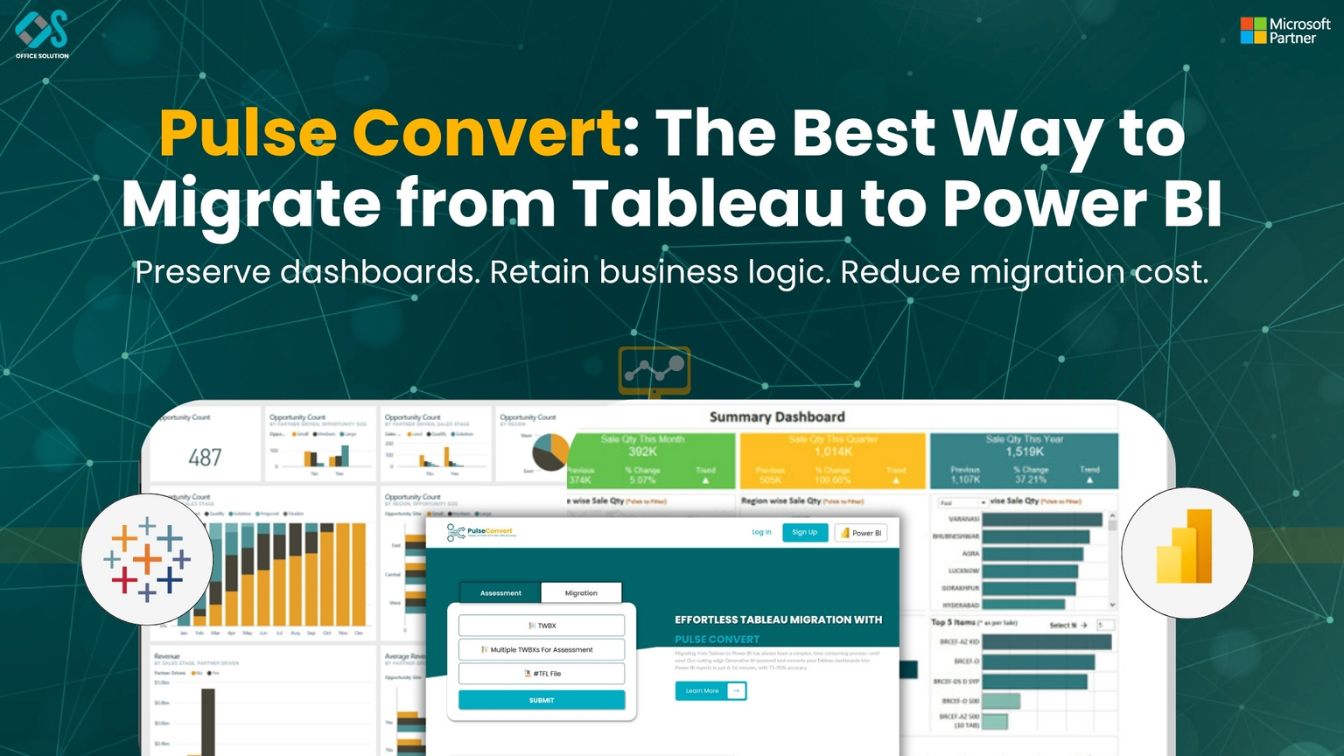
Table of Contents
The Tactical Engineering Framework for Modern Business Intelligence
Within the modern United States corporate landscape, analytics infrastructure is undergoing an aggressive transition toward centralized platform management. Enterprise technology leaders recognize that running fragmented business intelligence platforms across different business units is no longer a viable operational path. Maintaining separate data tools increases multi-vendor software software costs, creates data contradictions between different teams, and complicates corporate data compliance. As a result, businesses are prioritizing a disciplined Tableau to Power BI migration to build a unified, scalable data reporting architecture.
Transitioning to a unified platform allows corporate IT groups to centralize security rules, simplify cloud data gateway configurations, and provide business units with a clear data vocabulary. However, executing a successful transition requires moving away from a visualization-centric reporting style and adopting a model-first data architecture. Re-engineering how data is cleaned, structured, and queried is critical to a successful outcome. Project teams that skip this step often encounter broken dashboard calculations and slow page loads. Succeeding at scale requires a clear, engineering-led roadmap that respects the processing differences of the target engine, a strategy covered in our guide on how to migrate Tableau to Power BI.
Building Performant Star Schemas and Data Models
A modern analytical transition offers a major opportunity to eliminate years of accumulated technical debt. Legacy workbooks often contain complex, unoptimized data extracts and highly complicated nested queries built over time by multiple developers. To ensure high performance in your new cloud workspace, you must convert Tableau to Power BI by restructuring flat data layers into optimized relational star schemas.
This modeling phase is where you unlock long-term system performance. Organizing your data into clear fact and dimension tables allows your calculations to run faster, ensures filters behave predictably across charts, and provides business users with a clean interface for self-service analytics. Trying to maintain flat, unmodeled data inside the target engine leads to severe processing delays and slow dashboard interactions. Instead, shift your data preparation steps upstream into shared data flows and cloud queries to build an analytical foundation where multiple distinct dashboards pull from a single, verified data source, a concept detailed in our Tableau vs Power BI 2026 comparison.
Shifting Logic from Visual Canvas to Global Measures
Translating calculation logic requires a major shift in how developers think about data evaluation. Legacy reporting workbooks often perform calculations locally inside specific charts, locking formulas to a fixed set of dimensions. To ensure accurate numbers in the target workspace, developers must rebuild these formulas into global, context-aware measures that evaluate data based on active user selections.
This process requires a strong understanding of how filters flow across your data model. Master the use of advanced filter override functions to control how metrics aggregate across different visualization cards. If a migrated report runs slowly, it is rarely a problem with the display elements; it is almost always due to inefficient calculation formulas or an unoptimized data schema. Keep your data models clean, handle data transformations upstream in your database layers, and write optimized formulas to ensure your dashboards remain fast, responsive, and easy to maintain as your data volumes grow.
Driving Enterprise Scale with Pulse Convert
For mid-market and global enterprises managing hundreds of active business dashboards, relying entirely on manual migration methods presents a major risk to project timelines. When development teams are forced to reconstruct every visual element from scratch and manually rewrite every complex formula line-by-line, the transition quickly slows down. This manual work increases project costs and extends delivery timelines, delaying the return on your modern software investments.
Redefining Migration Timelines with Pulse Convert and 75 to 90% Automated Accuracy
To eliminate these delivery bottlenecks, modern organizations are utilizing our specialized migration tool, Pulse Convert, as the foundation of their Tableau to Power BI migration approach. By deeply parsing legacy workbook files, Pulse Convert automatically maps structural properties, chart layouts, and data calculations directly into the target schema. Our advanced software engine achieves an exceptional 75 to 90% automated accuracy, completely changing the economics of your cloud modernization project.
Automating the core conversion lifecycle allows your senior data architects to move away from repetitive design tasks and focus on what matters most: validating data precision, optimizing semantic models, and designing secure data governance rules. Utilizing an automated strategy with Pulse Convert significantly compresses your development cycles, reduces human error, and ensures a seamless transition for your business users. This automated approach allows your company to decommission legacy software licenses on time and confidently step into a modern data era, a process outlined in our complete guide using Tableau to Power BI migration.
Establishing Long-Term Data Governance and Success
A successful migration extends beyond the deployment of your final report; it requires building a reliable data culture that maintains system performance and user trust. Establish a corporate Center of Excellence to manage workspace access permissions, standardize design templates, and provide ongoing training for business analysts. Creating a clear platform management structure ensures your analytics environment remains organized, secure, and fully adaptable to future business needs, a strategy explored in our enterprise Tableau to Power BI migration 2026 guide.
To see how our automated software can streamline your platform transition, review our specialized data migration services. If you are ready to evaluate our automated conversion engine with your own corporate workbooks, visit the Microsoft commercial marketplace to launch your free trial. For custom portfolio assessment, architectural consulting, or to review your data roadmap with our conversion engineers, please contact us today to launch your migration plan.


