The Definitive Guide to Oracle to Fabric Migration: Architecture, Automation, and Best Practices
 0|
0| 0
0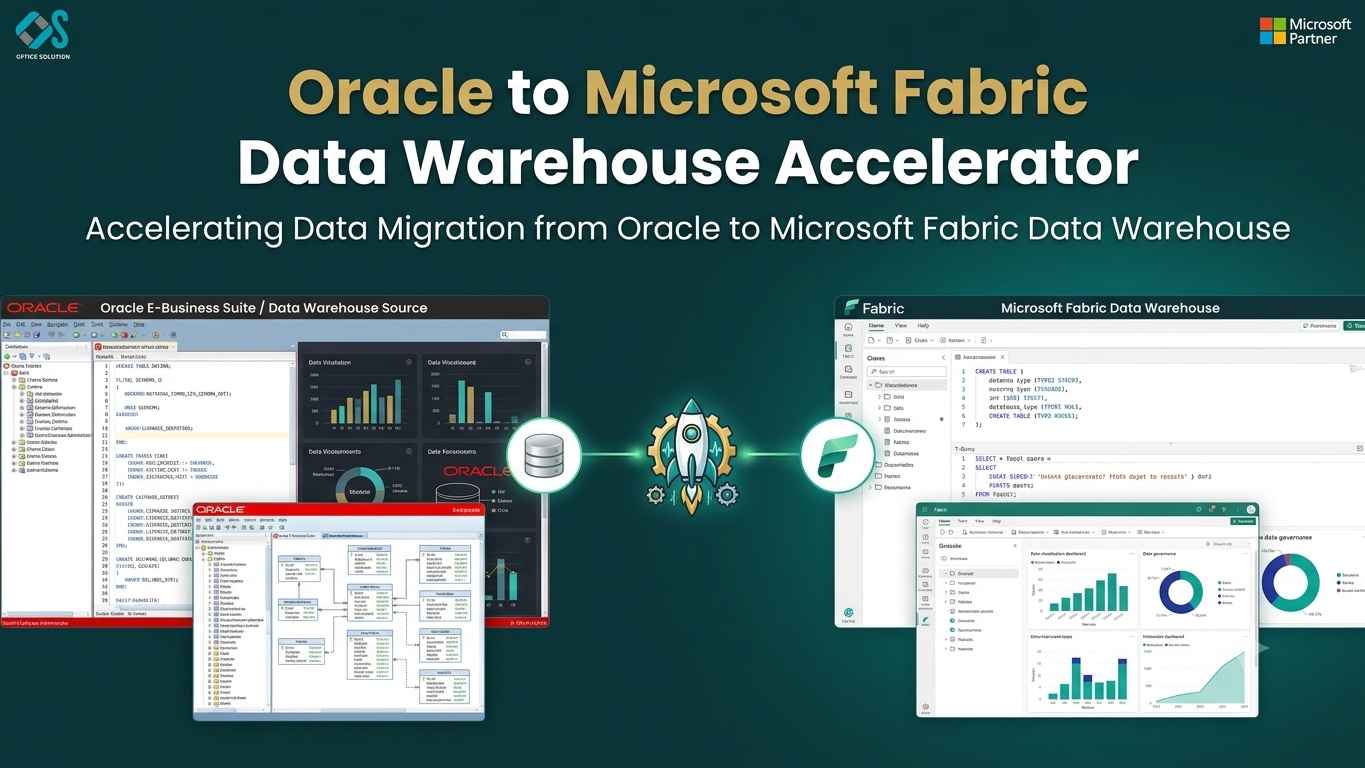
Table of Contents
Breaking Free from Legacy Data Architecture
As data volumes scale, traditional enterprise data architectures face severe performance bottlenecks. For years, Oracle served as the global standard for operational data management and data warehousing. However, modern analytics environments require real-time processing, flexible machine learning integration, and immediate access for self-service business intelligence—demands that legacy databases struggle to meet cost-effectively.
Data modernizations are no longer merely technical upgrades; they are core business imperatives. Organizations bound to legacy systems face rising operational costs and delayed time-to-insight. Shifting from Oracle to Microsoft Fabric represents a major leap forward, consolidating fragmented analytics infrastructure into a unified SaaS ecosystem.
By leveraging a purpose-built Oracle to Fabric datawarehouse accelerator, enterprises can eliminate the risks, manual friction, and cost overruns typically associated with large-scale database migrations.
Architectural Mapping: Translating Oracle Concepts to Fabric
A successful Oracle to fabric migration begins with mapping foundational database components between the two platforms. Understanding these mappings ensures smooth schema design and preserves system performance.
| Oracle Component | Microsoft Fabric Equivalent | Strategic Consideration |
|---|---|---|
| Oracle Database / Schema | Fabric Workspace / Warehouse | Workspaces isolate environments (Dev/Test/Prod), while Warehouses organize schemas and logical tables. |
| Tables (Row/Index Storage) | Delta Lake Tables (Parquet) | Data transitions from proprietary binary blocks to open-standard, compressed columnar Delta Parquet files. |
| PL/SQL Procedures & Packages | T-SQL Scripts / Fabric Notebooks | Simple queries translate directly to T-SQL; procedural ETL transformations map to PySpark or Spark SQL. |
| Oracle Materialized Views | Delta Tables / DirectLake Models | Pre-aggregated views are replaced by high-speed DirectLake queries running directly over OneLake data. |
| Oracle Sequences / Triggers | Pipeline Auto-Increment / Identity | Transactional triggers shift to event-driven pipeline orchestration in Data Factory. |
The Strategic Role of an Accelerator in Data Warehouse Modernization
Manual migration projects often encounter delays during schema conversion, data validation, and ETL re-engineering. An enterprise-grade Oracle to Fabric datawarehouse accelerator addresses these issues using automated workflows designed to handle high-volume database conversion.
Automated Schema
Schema Automation and Syntax Translation
Metadata Ingestion
Pipeline Builder
Parity & Checksum
Data Validation
1. Schema Automation
Manual DDL translation requires meticulous attention to syntax details, variable declarations, and data type bounds. The accelerator scans the Oracle source data dictionary, translates SQL syntax automatically, and creates corresponding tables directly within Fabric, maintaining structural consistency throughout.
2. Automated Pipeline Generation
Rebuilding hundreds of legacy data ingestion jobs manually is time-consuming and resource-intensive. The accelerator reads existing Oracle data structures, extracts mapping logic, and dynamically generates Data Factory pipelines to automate both historical backfills and ongoing delta loads.
3. Automated Reconciliation
Data integrity is vital during enterprise migration. An accelerator runs automated validation suites across source and target systems, comparing record counts, distribution metrics, and column sums to verify that no data is lost or altered during transfer.
Executing the Migration: A Phased Approach
Migrating an enterprise data warehouse requires a structured, phased approach to minimize operational disruption and guarantee business continuity.
Phase 1: Assessment and Discovery
Begin by identifying active tables, unused legacy schemas, views, stored procedures, and external system dependencies. Run an automated discovery scan via the Oracle to Fabric datawarehouse accelerator to generate a migration complexity report, group related database objects, and establish a realistic timeline.
Phase 2: Schema Migration and Data Model Optimization
Translate converted schemas into Microsoft Fabric. Rather than copying inefficient relational structures directly, take advantage of the opportunity to optimize tables into dimensional star schemas (fact and dimension tables) suited for high-speed columnar analytical queries.
Phase 3: Historical Data Transfer and Pipeline Modernization
Extract historical data from Oracle using parallelized, chunked pipelines generated by the accelerator. Load this data directly into Fabric OneLake as Delta tables. Convert legacy PL/SQL data movement logic into modern Fabric Data Factory pipelines or automated PySpark notebooks.
Discovery
Inventory & Rules
Schema Prep
DDL Transformation
Migration
Data & Pipelines
Cutover
Parity Verification
Phase 4: Validation and Production Cutover
Execute full end-to-end data parity runs. Compare downstream analytical reports, Power BI dashboards, and ad-hoc query outputs across both systems. Once parity is confirmed, shift production connection strings to Fabric and decommission legacy Oracle infrastructure.
Best Practices for a Seamless Transition
To ensure your cloud transformation yields maximum efficiency, incorporate these key best practices into your execution plan:
- Optimize Data Types for Delta Storage: Avoid using blanket maximum variable lengths (e.g., VARCHAR(MAX) or large VARCHAR2 declarations) unless required. Defining accurate data bounds improves Parquet file compression and accelerates query execution in Fabric.
- Standardize on Delta Lake Formats: Ensure all ingested tables are written in open Delta format. This unlocks Fabric features like time-travel logging, ACID compliance, and instant DirectLake access for Power BI.
- Decouple Ingestion from Transformation: Use Data Factory pipelines for fast, direct data copying into staging layers in OneLake, then leverage Fabric PySpark notebooks for heavy business transformations.
- Implement Robust Security Rules: Map existing Oracle role-based access control (RBAC), row-level security (RLS), and column-level security (CLS) rules directly to Microsoft Fabric workspace roles and Microsoft Entra ID permissions to maintain strict governance.
Frequently Asked Questions (FAQs)
1. Why choose an automated Oracle to Fabric datawarehouse accelerator over manual conversion?
Manual conversion is slow, expensive, and subject to developer syntax errors. An accelerator automates code translation, speeds up pipeline creation, and performs automatic validation checks, reducing delivery risks by up to 70%.
2. How does data type mapping work between Oracle and Microsoft Fabric?
Accelerators map Oracle data types (such as VARCHAR2, NUMBER, DATE, CLOB) to their closest Fabric T-SQL and Delta Parquet equivalents (VARCHAR, DECIMAL/FLOAT, DATETIME2, STRING). This ensures precise data translation without loss of accuracy.
3. Can Microsoft Fabric handle real-time data streaming from Oracle databases?
Yes. Fabric integrates directly with Azure Event Hubs, standard CDC (Change Data Capture) solutions, and modern data replication tools, allowing continuous streaming of transactional changes directly into OneLake Delta tables.
4. Will my Power BI reports run faster after migrating from Oracle to Fabric?
Yes. By organizing data into optimized Delta tables within Fabric OneLake, Power BI reports can query data in DirectLake mode. This delivers the speed of in-memory processing without requiring long scheduled data import refreshes.
5. How does migrating to Fabric improve business security and governance?
Microsoft Fabric integrates natively with Microsoft Purview and Entra ID. This provides unified data lineage tracking, centralized access control, sensitive data labeling, and end-to-end auditing across your analytics ecosystem from a single administrative console.


