Accelerating SQL Server to Microsoft Fabric Data Warehouse Migration
 0|
0| 0
0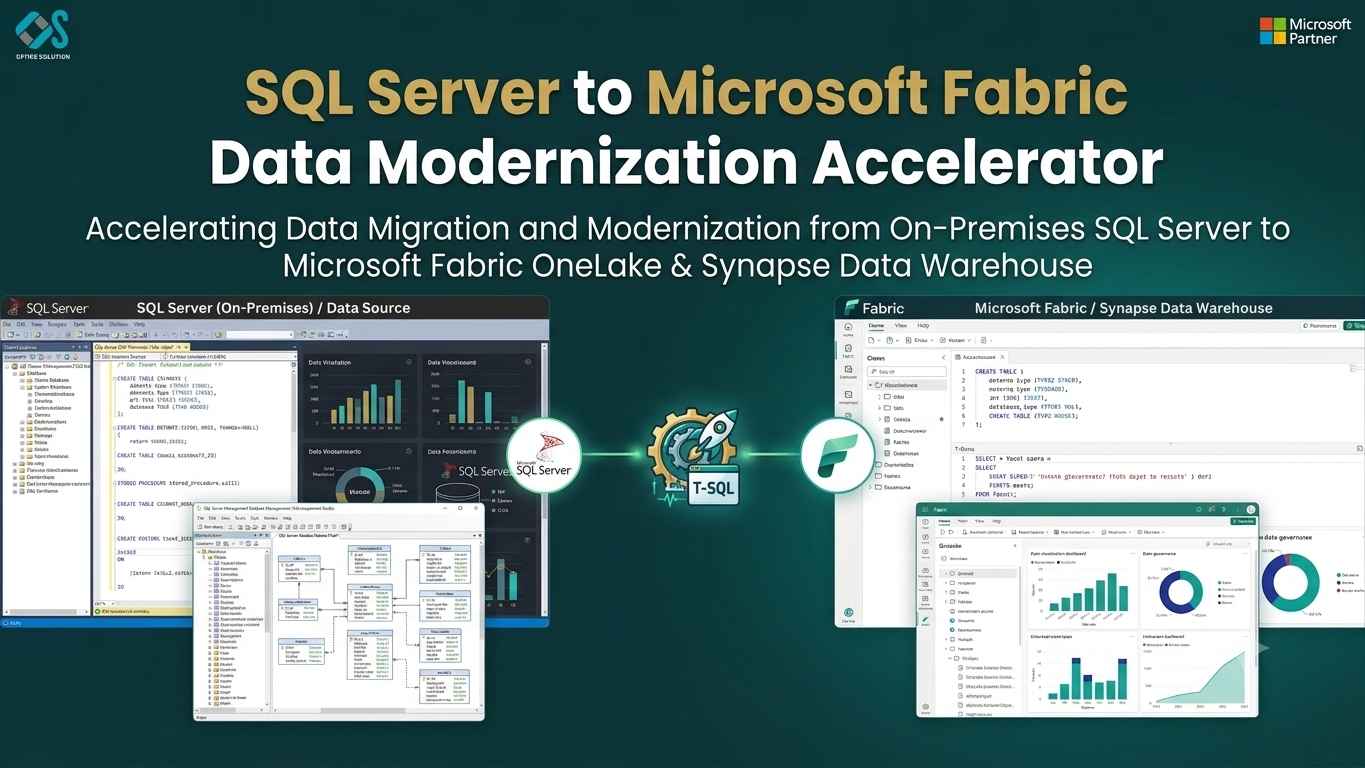
Table of Contents
Modernizing Legacy Analytics: The Technical Deep Dive into the SQL Server to Fabric Data Warehouse Accelerator
Legacy SQL Server instances have served as the backbone of enterprise reporting for decades. However, as data volumes surge into terabyte and petabyte ranges, traditional relational engines face severe bottlenecks: hardware scaling limits, escalating licensing costs, complex index maintenance, and rigid ETL pipelines.
Microsoft Fabric addresses these challenges by unifying data engineering, data science, real-time analytics, and business intelligence onto a SaaS platform powered by OneLake and Delta Parquet open formats.
Transitioning a decade of legacy T-SQL code, stored procedures, staging tables, and complex permissions to Fabric isn't a simple drag-and-drop process. Manual migration often turns into a multi-month ordeal riddled with schema incompatibilities, broken data types, and performance regression.
This guide breaks down how an SQL Server to Fabric Data Warehouse Accelerator automates schema conversion, streamlines data movement, translates business logic, and guarantees a risk-free modernization path.
The Legacy Challenge: Why Manual Migration Fails
Migrating from on-premises SQL Server (or Azure SQL Database) to Fabric Data Warehouse isn't just moving rows from point A to point B. It requires a fundamental shift from a classical Symmetric Multiprocessing (SMP) relational database engine to a Massively Parallel Processing (MPP) SaaS architecture.
| Legacy SQL Server | Microsoft Fabric Warehouse |
|---|---|
| • SMP Architecture • Row/Columnstore Indexes • Proprietary T-SQL Dialect • Complex Triggers & FK Constraints | • Distributed MPP Compute Engine • Delta Lake / Open Parquet Format • T-SQL Surface (ANSI Standard) • Direct Lake Mode Power BI |
Manual migrations frequently encounter four structural friction points:
- Schema Incompatibilities: Legacy schemas rely heavily on unsupported data types (e.g., IMAGE, TEXT, MONEY, GEOMETRY), non-supported primary/foreign key enforcement patterns, and proprietary features like identity columns with custom seed increments.
- Procedural Code Dependencies: Stored procedures stuffed with cursor loops, dynamic T-SQL strings, and temporary tables (#temp) struggle under distributed MPP execution paradigms.
- ETL & Data Pipeline Overhead: Rebuilding hundreds of SSIS packages or SQL Agent jobs into Azure Data Factory or Fabric Data Pipelines manually demands thousands of engineering hours.
- Validation Bottlenecks: Row count audits and hash checks across billions of records quickly become human bottlenecks, risking subtle data corruption during cutover.
An SQL Server to Fabric Accelerator provides automated tooling, pre-built pipeline patterns, and conversion scripts specifically engineered to bypass these roadblocks.
Architectural Anatomy of a Fabric Migration Accelerator
An effective accelerator operates as an orchestration layer between your source SQL Server ecosystem and your target Fabric workspace. It consists of four integrated engines:
Schema Translation Engine
High-Throughput Data Hydration Engine
Code Modernization Module
Automated Reconciliation & Validation Engine
Step-by-Step Conversion: Data Types and Schema Mapping
Fabric Data Warehouse supports T-SQL surface areas, but it does not mirror SQL Server feature-for-feature. The accelerator automates the remapping of legacy structures into high-performance MPP equivalents.
Data Type Remapping Matrix
| SQL Server Data Type | Fabric Warehouse Native Equivalent | Accelerator Remediation Strategy |
|---|---|---|
| MONEY / SMALLMONEY | DECIMAL(19,4) | Explicit casting during DDL creation and data extraction. |
| TEXT / NTEXT | VARCHAR(8000) / VARCHAR(MAX) | Automatic truncation protection & variable-length mapping. |
| IMAGE | VARBINARY(MAX) | Encoded or offloaded to OneLake file storage with path references. |
| DATETIME | DATETIME2(6) | Precision alignment to prevent timestamp truncation. |
| GEOMETRY / GEOGRAPHY | VARCHAR(MAX) (Well-Known Text) | Converted to WKT strings or processed via PySpark GIS libraries. |
| TIMESTAMP / ROWVERSION | VARBINARY(8) or BIGINT | Converted to numeric tracks to maintain optimistic concurrency logic. |
Handling Primary Keys and Identity Columns
In SQL Server, IDENTITY(1,1) handles surrogate key generation natively. Fabric Data Warehouse supports IDENTITY, but in distributed execution environments, identity values are generated in non-contiguous batches across nodes.
If your down-stream application logic strictly requires sequential, ordered key sequences, the accelerator rewrites DDL using window functions like ROW_NUMBER() OVER (...) or utilizes PySpark monotonically_increasing_id() during stage-to-dimension transformations.
Legacy SQL Server DDL Example:
CREATE TABLE dbo.DimCustomer (
    CustomerKey INT IDENTITY(1,1) NOT NULL PRIMARY KEY,
    CustomerGUID UNIQUEIDENTIFIER DEFAULT NEWID(),
    AccountBalance MONEY NULL,
    Notes TEXT NULL,
    LastModified DATETIME DEFAULT GETDATE()
);
Accelerated Fabric Warehouse DDL Output:
CREATE TABLE dbo.DimCustomer (
    CustomerKey INT NOT NULL,
    CustomerGUID VARCHAR(36) NULL,
    AccountBalance DECIMAL(19,4) NULL,
    Notes VARCHAR(8000) NULL,
    LastModified DATETIME2(6) NULL
);

-- Primary Key defined as a non-enforced informational constraint for query optimization
ALTER TABLE dbo.DimCustomer
ADD CONSTRAINT PK_DimCustomer
PRIMARY KEY NONCLUSTERED (CustomerKey)
NOT ENFORCED;
Note: Fabric Warehouse enforces primary keys and unique constraints as NOT ENFORCED. The query optimizer uses these metadata declarations to construct efficient execution plans, while the accelerator's ingestion pipelines handle uniqueness validation at the ETL stage.
Refactoring Procedural T-SQL Code
One of the largest hurdles in any SQL Server migration is legacy stored procedures written with procedural logic. In an MPP system like Fabric, row-by-row cursor loops destroy parallel performance.
Cursors vs. Set-Based Delta Operations
Consider a common legacy pattern: iterating through customer accounts to calculate tiered discounts.
Legacy SQL Server Cursor Pattern:
DECLARE @CustomerID INT, @Balance MONEY;
DECLARE cust_cursor CURSOR FOR
SELECT CustomerID, Balance FROM dbo.Accounts WHERE IsActive = 1;

OPEN cust_cursor;
FETCH NEXT FROM cust_cursor INTO @CustomerID, @Balance;

WHILE @@FETCH_STATUS = 0
BEGIN
    IF @Balance > 10000
        UPDATE dbo.Accounts SET DiscountTier = 'Gold' WHERE CustomerID = @CustomerID;
    ELSE
        UPDATE dbo.Accounts SET DiscountTier = 'Silver' WHERE CustomerID = @CustomerID;

    FETCH NEXT FROM cust_cursor INTO @CustomerID, @Balance;
END;

CLOSE cust_cursor;
DEALLOCATE cust_cursor;
Accelerated Set-Based Fabric T-SQL Refactor:
-- Replaced cursor loop with set-based vectorized execution engine
UPDATE dbo.Accounts
SET DiscountTier = CASE
    WHEN Balance > 10000 THEN 'Gold'
    ELSE 'Silver'
END
WHERE IsActive = 1;
The accelerator's code translation engine identifies procedural loops (WHILE, CURSOR), flags them as anti-patterns, and automatically suggests or rewrites them into set-based T-SQL statements or Fabric PySpark transformations.
Data Pipeline Migration Strategy: SSIS to Fabric Pipelines
Moving from SQL Server Integration Services (SSIS) to Microsoft Fabric requires shifting from localized control flows to cloud-native orchestration.
The Migration Pathway:
- Connection Abstraction: On-premises SQL Server instances connect securely to Fabric Data Factory via the Self-Hosted Integration Runtime (SHIR) or On-Premises Data Gateway, eliminating public internet exposure.
- Data Flow Offloading: Bulk data extractions migrate from traditional SSIS Data Flows to high-speed Fabric Pipeline Copy Activities, utilizing staging in Azure Blob or OneLake.
- Script Task Transformation: Custom C# or VB.NET code blocks within SSIS packages convert to Fabric PySpark Notebook activities, providing better scalability and error handling.
Data Validation and Automated Reconciliation
A common bottleneck during database migrations is proving data parity between the legacy source and the new target. The accelerator solves this by executing parallel validation protocols across four layers:
Structural Validation
Compare Table Schemas, Nullability, & Data Types
Volume Reconciliation
Real-time Row Count Audits Across All Schemas
Value Integrity
SHA256 Hash Aggregations on Core Metrics
Query Parity Testing
Side-by-Side Execution of Legacy & Target Views
Hash Checksum Example
To verify billions of rows without pulling raw datasets across the network, the accelerator runs aggregated checksum queries on both systems:
-- Executed on Source SQL Server & Target Fabric Warehouse
SELECT
    COUNT(*) AS TotalRows,
    SUM(CAST(CustomerKey AS BIGINT)) AS KeySum,
    CHECKSUM_AGG(BINARY_CHECKSUM(CustomerKey, CustomerGUID, AccountBalance)) AS HashCheck
FROM dbo.DimCustomer;
If the checksum output matches across systems, data parity is confirmed down to the individual bit level.
Optimization Post-Migration: Maximize Fabric Performance
- Eliminate Index Overhead: Fabric does not rely on traditional clustered/non-clustered B-Tree indexes. It uses Delta Parquet column ordering, dictionary encoding, and data skipping. Remove redundant index creation routines from legacy scripts.
- Optimize V-Order Indexing: Ensure Fabric’s V-Order is enabled on target Delta tables. V-Order applies special sorting and dictionary compression to Parquet files, allowing Power BI queries operating in Direct Lake Mode to fetch data directly from cold storage with in-memory response speeds.
- Table Partitioning Strategy: Avoid over-partitioning small tables. Partition large fact tables (typically those over 1 billion rows) by date boundaries (e.g., Year/Month) to optimize file prunings.
Execution Summary: Manual vs. Accelerated Migration
| Migration Vector | Manual Migration | Accelerated Migration |
|---|---|---|
| Schema Modernization | Hand-crafted DDL rewriting (2–3 hours per table). | Automated DDL conversion & constraint mapping (seconds per table). |
| Code Refactoring | Manual rewrite of procedures & cursors. | Automated pattern recognition & set-based suggestion engine. |
| Data Movement | Custom SSIS package maintenance & manual staging. | Direct high-throughput gateway orchestration into OneLake. |
| Data Validation | Manual sample audits and visual checks. | Automated row-count, checksum, and column-hash reconciliation. |
| Project Timeline | 6 to 12 months for enterprise workloads. | 4 to 8 weeks end-to-end. |
Conclusion & Next Steps
Migrating from legacy SQL Server to Microsoft Fabric Data Warehouse moves your organization away from operational maintenance, capacity planning, and brittle ETL workflows. By utilizing an SQL Server to Fabric Data Warehouse Accelerator, enterprise data teams eliminate risk, reduce code refactoring times by up to 80%, and establish a reliable OneLake foundation for real-time analytics and enterprise AI.


