Step-by-Step Alteryx to Microsoft Fabric Migration Strategy for Enterprises
 0|
0| 0
0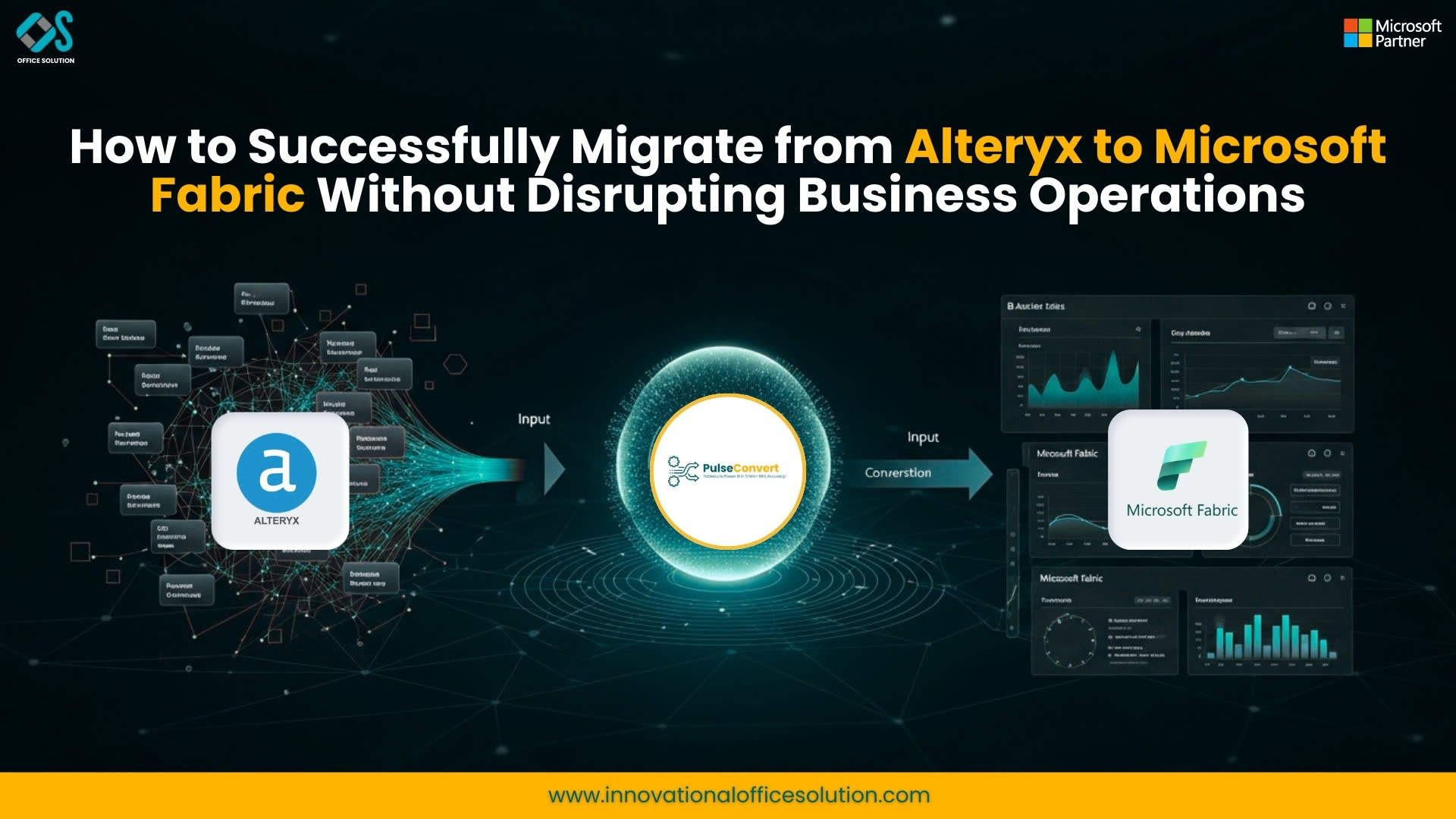
Introduction
Data analytics is no longer just a support function—it has become the backbone of modern business strategy. Organizations that rely on legacy or semi-modern tools are increasingly facing challenges in scalability, integration, and real-time decision-making. As a result, many enterprises are now moving toward unified analytics platforms.
One of the most prominent transitions happening today is the migration from Alteryx to Microsoft Fabric. This shift is not just about replacing a tool; it is about transforming the entire analytics ecosystem into a more scalable, AI-driven, and cloud-native environment.
This blog provides a step-by-step strategy for successfully migrating from Alteryx to Microsoft Fabric, covering everything from planning and execution to optimization and long-term success.
To understand the overall solution approach, visit alteryx-to-microsoft-fabric-migration.
Understanding the Need for Migration
Why Organizations Are Rethinking Their Analytics Stack
Enterprises today deal with massive volumes of structured and unstructured data. Traditional tools like Alteryx have been effective for data preparation and workflow automation, but they often fall short in delivering a fully integrated analytics ecosystem.
The need for unified data platforms, real-time insights, and AI integration has pushed organizations toward modern solutions like Microsoft Fabric.
The Shift Toward Cloud-Native Platforms
Cloud adoption is accelerating across industries. Organizations want systems that can scale dynamically, integrate seamlessly, and support advanced analytics without requiring heavy infrastructure investments.
Microsoft Fabric addresses these needs by offering a comprehensive analytics environment in the cloud.
Deep Dive into Alteryx and Microsoft Fabric
Capabilities of Alteryx
Alteryx provides strong capabilities in data blending, transformation, and workflow automation. It allows users to create workflows visually, making it accessible to both technical and non-technical users.
However, as enterprises scale, limitations around integration, governance, and advanced analytics become more apparent. Learn more here: Alteryx.
Capabilities of Microsoft Fabric
Microsoft Fabric is designed to unify analytics workloads. It integrates data engineering, warehousing, real-time analytics, and business intelligence into one platform.
Its cloud-native architecture and built-in AI capabilities make it a future-ready solution for enterprises. Explore more: Microsoft Fabric.
Step-by-Step Migration Framework
Phase 1: Assessment and Discovery
The migration process begins with a comprehensive assessment of existing Alteryx workflows. This includes identifying workflow complexity, dependencies, and data sources.
Organizations need to evaluate how workflows interact with each other and determine the level of effort required for migration.
Phase 2: Workflow Analysis and Mapping
Once the assessment is complete, the next step involves analyzing workflow logic. Alteryx workflows often include multiple transformation steps such as joins, filters, aggregations, and macros.
These elements must be carefully mapped to equivalent components in Microsoft Fabric.
Phase 3: Data Pipeline Design
Fabric requires a different approach to data pipelines compared to Alteryx. Instead of workflow-based processing, Fabric uses structured pipelines and notebooks.
Designing efficient pipelines is critical to ensure scalability and performance.
Phase 4: Conversion and Implementation
This phase involves converting workflows into Fabric-compatible formats. Manual conversion can be time-consuming and error-prone, making automation tools essential.
Phase 5: Validation and Testing
Validation ensures that the outputs generated by Fabric match those from Alteryx. This includes data validation, performance testing, and accuracy checks.
Phase 6: Deployment and Optimization
After validation, workflows are deployed into production. Continuous monitoring and optimization are required to ensure long-term performance.
Challenges in Migration
Complex Workflow Dependencies
Many Alteryx workflows are interconnected, making it difficult to migrate them independently.
Differences in Data Processing Models
Alteryx uses a workflow-based approach, while Fabric relies on pipeline-based processing. This requires a shift in design thinking.
Risk of Data Inconsistency
Ensuring that migrated workflows produce consistent results is a major challenge.
Performance Optimization
Cloud environments behave differently from on-premise systems, requiring additional optimization.
Role of Automation in Migration
Automation plays a critical role in reducing migration complexity. It helps in extracting workflow logic, mapping transformations, and generating pipelines automatically.
Without automation, migration projects can take months or even years to complete.
Pulse Convert: Accelerating Migration
Pulse Convert is designed to simplify Alteryx to Microsoft Fabric migration by automating key steps in the process.
Workflow Conversion
The tool analyzes existing workflows and converts them into Fabric-compatible pipelines.
Logic Preservation
It ensures that transformation logic remains consistent during migration.
Validation Framework
Automated validation ensures accuracy and reduces risk.
Migration Insights
Detailed reports provide visibility into the migration process.
Explore the solution here: https://marketplace.microsoft.com/en-us/product/officesolution1640276900203.alteryxtofabric?tab=Overview.
Business Impact of Migration
Improved Efficiency
Organizations can streamline their analytics processes and reduce operational complexity.
Enhanced Collaboration
A unified platform allows teams to collaborate more effectively.
Scalability and Flexibility
Fabric enables organizations to scale their analytics workloads dynamically.
Cost Reduction
Consolidating tools and infrastructure leads to significant cost savings.
Best Practices for Successful Migration
Start with High-Impact Workflows
Prioritize workflows that deliver the most business value.
Use Automation Tools
Leverage tools like Pulse Convert to accelerate migration.
Focus on Data Governance
Ensure that security and compliance requirements are met.
Invest in Training
Equip teams with the skills needed to work with Microsoft Fabric.
Future Outlook
The future of analytics lies in unified platforms that combine data engineering, analytics, and AI. Microsoft Fabric represents this future, offering a scalable and integrated solution.
Organizations that migrate early will have a competitive advantage in leveraging data for decision-making.
Conclusion
Migrating from Alteryx to Microsoft Fabric is a strategic move that enables organizations to modernize their analytics capabilities.
With the right approach and tools, this transition can be smooth and highly beneficial.
To get started or seek expert guidance, Contact Us.


