Tableau to Power BI Migration: A Strategic Guide for Enterprise Modernization
 0|
0| 0
0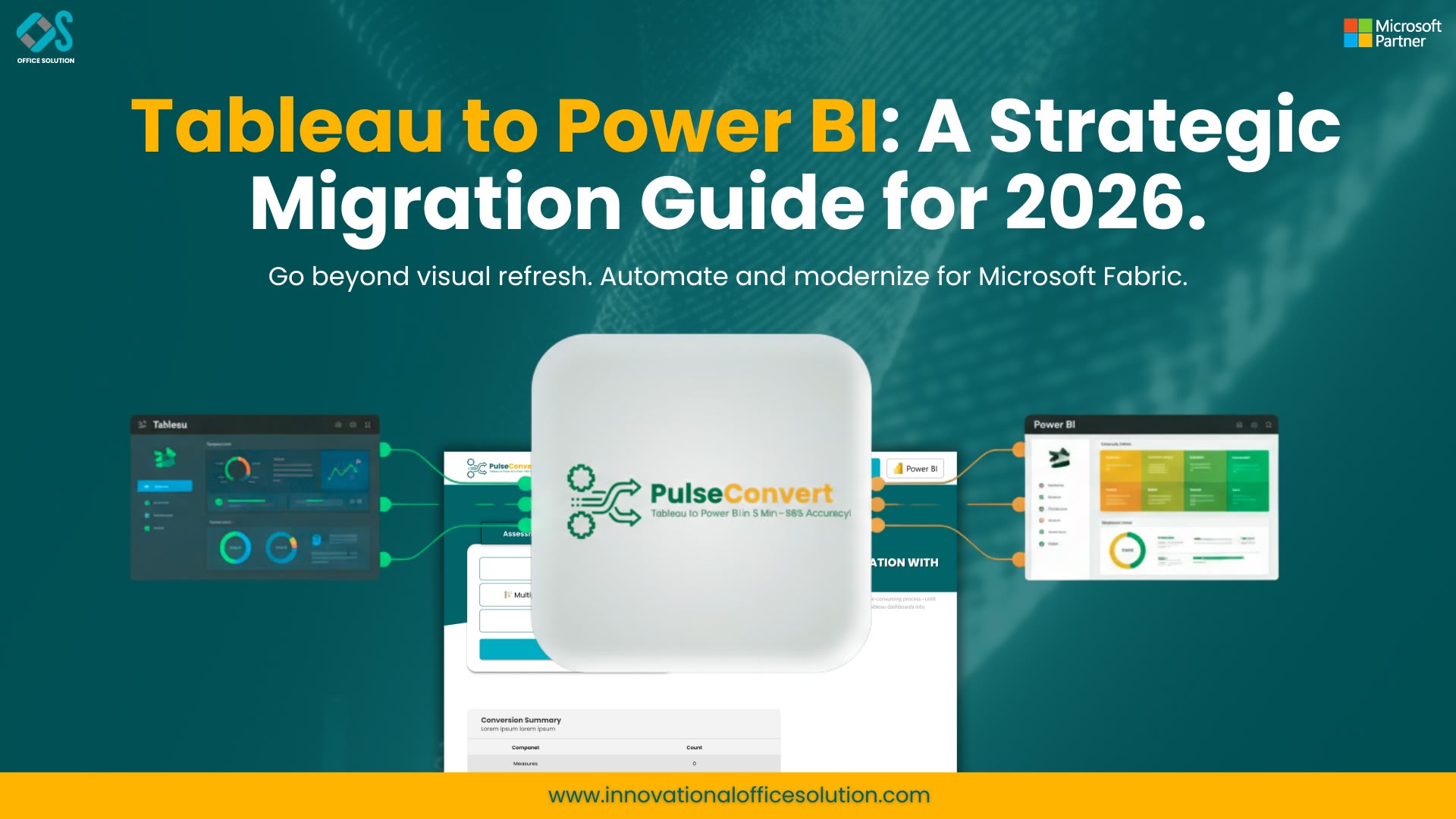
In the rapidly evolving digital landscape of 2026, the Business Intelligence (BI) sector is undergoing a profound paradigm shift. Forward-thinking organizations are moving away from evaluating analytics tools based on isolated, individual feature sets and toward measuring them by their functional role within a cohesive, integrated cloud architecture. While Tableau has historically been a market leader in data visualization and aesthetic flexibility, the current enterprise mandate for unified cloud ecosystems—driven by the extensive capabilities of Microsoft 365, Azure, and Microsoft Fabric—has prompted a significant wave of migrations to Power BI. If your organization is currently in the planning stages of this transition, it is imperative to look far past the surface-level visual changes that often dominate early conversations. A truly successful migration is not merely a "lift and shift" of existing dashboards; it is a fundamental architectural recalibration that positions your data to support long-term business agility and scale.
The Strategic Necessity of Ecosystem Alignment
Why are top-tier enterprises accelerating this move toward the Microsoft ecosystem right now? The answer is found within the "connective tissue" of modern business operations. When your analytics platform lives outside your primary productivity, security, and identity infrastructure, you incur a persistent "friction tax." Every time your technical team is forced to manage a separate security policy for a legacy BI tool, or is required to egress sensitive data out of a secure Azure environment simply to render a report, you are creating unnecessary operational risk and administrative overhead.
Power BI removes this friction by sitting natively within the Microsoft stack. By consolidating your reporting into a single, unified environment, enterprises immediately benefit from several mission-critical advantages:
- Unified Governance: Identity management flows seamlessly through Entra ID, ensuring that row-level security, access controls, and data sensitivity labels remain consistent across the entire organization.
- AI-Driven Insights: Native integration with Copilot allows stakeholders at all levels to query complex datasets using natural language, directly within the familiar tools they already use daily.
- Reduced Data Movement: Direct connections to Azure data services eliminate the need for redundant ETL (Extract, Transform, Load) processes, drastically reducing latency and the chance of data corruption.
Why Manual Recreation Is a Strategic Trap
The most frequent and dangerous mistake that leadership teams make when initiating a transition is treating the migration as a straightforward graphic design project. They often assume that if a dashboard looks visually identical in Power BI to how it appeared in Tableau, the migration can be considered a success. This is a profound and dangerous misconception. Tableau and Power BI operate on fundamentally different analytical engines and underlying philosophies. Tableau's calculation logic is distinct from the DAX (Data Analysis Expressions) engine that powers Power BI, meaning a one-to-one visual replication often masks deep, underlying logic errors.
When you attempt to manually recreate complex reports, you are not simply porting visual elements; you are attempting to manually translate intricate business logic. This process introduces high levels of "interpretation risk." Small, seemingly insignificant inconsistencies in how a profit margin is calculated, how a currency conversion is applied, or how a complex time-intelligence function handles a leap year can lead to massive discrepancies in executive reporting. These inaccuracies can erode trust in the new platform before it has even had a chance to prove its value to the organization.
Automating the Transition: Precision Over Manual Effort
To successfully bypass the traditional pitfalls of manual re-development, many modern enterprises are turning to a specialized Tableau to Power BI migration tool to bridge the gap between platforms. By using robust, automated solutions—such as Pulse Convert from Office Solution AI Labs—technical teams can finally move beyond the limitations of simple pixel-matching. These advanced tools perform a deep-dive analysis of your existing Tableau metadata to interpret the underlying business logic, automatically reconstructing data models that adhere to modern Power BI best practices.
For a streamlined deployment that integrates with your existing procurement workflows, you can even explore options directly via the Microsoft ecosystem: Pulse Convert on Microsoft Marketplace. By leveraging automated conversion, your team can pivot their focus from "data plumbing"—manually fixing broken formulas and missing dimensions—to true "data strategy." This ensures that your new dashboards are not just functional replicas, but are fully optimized to leverage the high-performance architecture of the cloud.
5 Steps to a Resilient Migration Lifecycle
If you are leading an enterprise-level transition, it is critical to adopt a structured, phased framework to ensure continuity, accuracy, and performance:
- Metadata Assessment: Inventory all active reports and isolate legacy dashboards that no longer serve a clear business purpose.
- Structural Logic Extraction: Use automated tools to decode Tableau calculations into a format that is ready for Power BI’s DAX engine.
- Model Reconstruction: Build robust star-schema models in Power BI, focusing on performance, query speed, and long-term scalability rather than mimicking the old, fragmented data structure.
- Metric Validation: Conduct a rigorous parallel-run phase where both systems run simultaneously to ensure that all KPIs match across platforms.
- Governance Mapping: Re-apply enterprise security frameworks within the Microsoft environment, ensuring total auditability and regulatory compliance.
Modernization as a Performance Opportunity
Do not treat this migration as a tedious administrative burden—instead, treat it as a comprehensive cleanup operation. A migration is the single best time to address "technical debt" that may have accumulated over years of dashboard iteration. Many legacy reports are burdened with inefficient data relationships, redundant calculated fields, or slow-loading custom aggregations that degrade user experience. By utilizing a structured, automated migration approach, you have the unique opportunity to prune redundant data, optimize your DAX formulas for speed, and align your entire reporting layer with the high-performance, scalable architecture of Microsoft Fabric.
Final Thoughts: The Path Forward
The ultimate goal of your Tableau to Power BI migration should not be to achieve mere parity, but to achieve meaningful progress. Enterprises that choose to delay this modernization face mounting licensing costs, security silos, and increasing integration friction as the industry standard moves toward unified cloud analytics. By acting now, you position your organization to take full advantage of AI-integrated analytics and unified cloud governance, turning your data into a true strategic asset.
Are you ready to evaluate the scope of your organization’s migration needs? Contact us to begin your assessment.


