The 2026 Tableau to Power BI Migration Approach: A Zero-Downtime Technical Roadmap
 0|
0| 0
0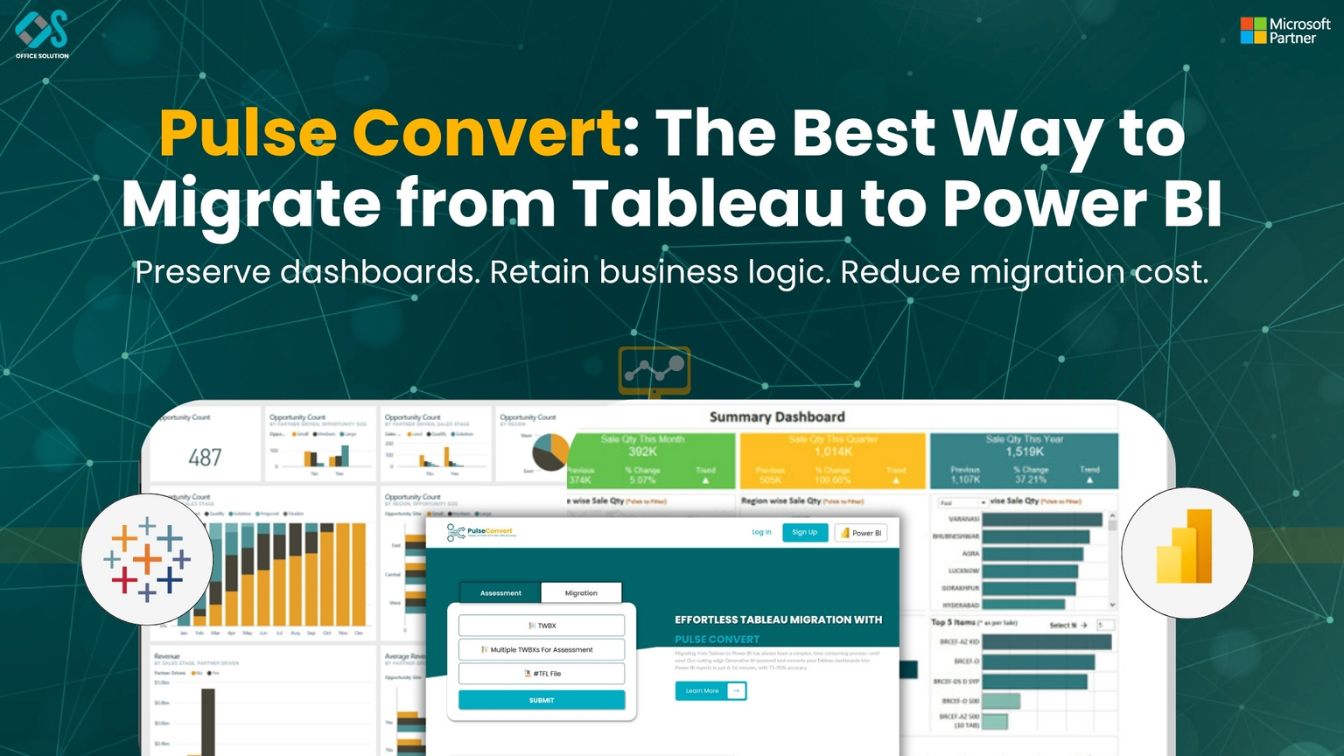
Table of Contents
Achieving Enterprise Excellence with Pulse Convert. Developed by the specialists at Office Solution AI Labs, Pulse Convert is a premier solution designed for organizations prioritizing analytics modernization and seamless BI transitions. As a solution backed by Microsoft, it is built to uphold the highest enterprise standards for cloud security and data integrity. To ensure our framework meets your specific business needs, we offer a complimentary Proof of Concept (POC). This allows you to witness our structured migration process and evaluate its feasibility firsthand before proceeding with a full-scale deployment.
Introduction: Beyond the "Lift and Shift"
Modern enterprises have realized that a simple "lift and shift" approach to migrate from tableau to power bi leads to messy data models and slow performance. To truly succeed, you need a structured tableau to power bi migration approach that prioritizes the semantic layer and enterprise governance.
This technical roadmap is designed for CTOs, Data Architects, and BI Leads in the USA and India who need a reliable, scalable way to transition their analytics stack.
The Modern Tableau to Power BI Migration Approach
1. The "Semantic Layer First" Philosophy
According to insights from the Microsoft Tech Community, the gold standard for migration is building a robust semantic layer before creating a single dashboard.
In Tableau, business logic is often scattered across workbooks. In your tableau to power bi migration approach, you should:
- Extract calculations from Tableau XML.
- Centralize them in a Power BI (Fabric) Semantic Model.
- Use XMLA endpoints for external connectivity.
2. Auditing the "Shadow BI"
In many organizations, tableau software has led to "Shadow BI"—unregulated dashboards created by various departments. A migration is the perfect time to clean house. Categorize dashboards into:
- Retire: Redundant or unused.
- Consolidate: Merge multiple reports into one using drill-through and bookmarks.
- Migrate: High-value, business-critical reports.
Technical Hurdles in Tableau to Power BI Migration
LOD Expressions vs. DAX
The biggest technical hurdle in tableau to power bi transitions is converting Level of Detail (LOD) expressions.
- Tableau FIXED LOD: {FIXED [Region]: SUM([Sales])}
- Power BI Equivalent: CALCULATE(SUM(Sales), ALL(Table), Table[Region])
Understanding these nuances is the difference between an accurate report and a misleading one. For automated conversion assistance, many firms are turning to Pulse Convert.
Data Connection Management
Tableau Extracts and Power BI import modes behave differently. In your tableau to power bi migration, you must decide:
- Import Mode: For high performance on small to medium datasets.
- DirectQuery: For real-time requirements.
- Composite Models: For the best of both worlds.
The 5-Phase Execution Plan
Phase 1: Discovery (Week 1-2)
- Connect to Tableau’s Metadata API to map all dependencies.
- Define the target Power BI Workspace architecture.
Phase 2: Foundation (Week 3-4)
- Set up Power BI Gateways for on-premises data.
- Establish Row-Level Security (RLS) policies.
Phase 3: Development (Week 5-8)
- Migrate data models first.
- Rebuild dashboards using Power BI's canvas layout.
- Tip: Use the Azure Marketplace Pulse Convert tool to speed up the translation of 2000+ calculated fields.
Phase 4: Validation (Week 9-10)
- Parallel testing between Tableau and Power BI.
- Performance tuning in Power Query (M) and DAX.
Phase 5: Governance & Handover (Week 11-12)
- Decommission Tableau Server.
- Roll out Self-Service BI training for users.
The Role of Automation in 2026
Manual migration is a thing of the past. AI-driven tools like Office Solution AI Labs streamline the process, reducing manual labor by up to 50% and minimizing errors in complex financial formulas.
Final Verdict: Is it Time to Migrate?
If your goal is to reduce cost, improve governance, and prepare for an AI-driven future, the answer is yes. The tableau vs power bi debate has a clear enterprise winner: Power BI.
Frequently Asked Questions (FAQs)
1. What is the most effective Tableau to Power BI migration approach?
The most successful approach is "Semantic Layer First." Instead of just copying charts, you should first consolidate your business logic into a centralized Power BI Semantic Model. This ensures consistency across all reports and makes future updates significantly easier than the decentralized workbook logic found in Tableau.
2. How do you handle Tableau LOD expressions when you migrate to Power BI?
Level of Detail (LOD) expressions in Tableau are translated into DAX using functions like CALCULATE, ALLEXCEPT, and SUMMARIZE. While this is one of the most complex parts of a migration from Tableau to Power BI, tools like Pulse Convert can automate the
3. Can I automate the migration from Tableau to Power BI?
While a 100% "one-click" migration is a myth due to architectural differences, you can automate up to 50–70% of the process. Automation tools focus on extracting metadata, converting calculation logic, and mapping data sources, which significantly reduces manual error and project timelines.
4. What are the risks of a "lift and shift" migration strategy?
A "lift and shift" (trying to replicate Tableau reports exactly in Power BI) often results in poor performance and "technical debt." Because the two platforms handle data differently, a direct copy-paste approach fails to leverage Power BI’s strengths, such as automated aggregations and optimized DAX modeling.
5. How long does a typical migration from Tableau to Power BI take?
For a mid-sized organization with 50–100 dashboards, a structured migration typically takes 8 to 12 weeks. This includes an initial audit, semantic model development, report rebuilding, and User Acceptance Testing (UAT). Using a Free POC can help define a more accurate timeline for your specific environment.


