Technical Engineering Blueprint: Migrating from UiPath to Power Automate
 0|
0| 0
0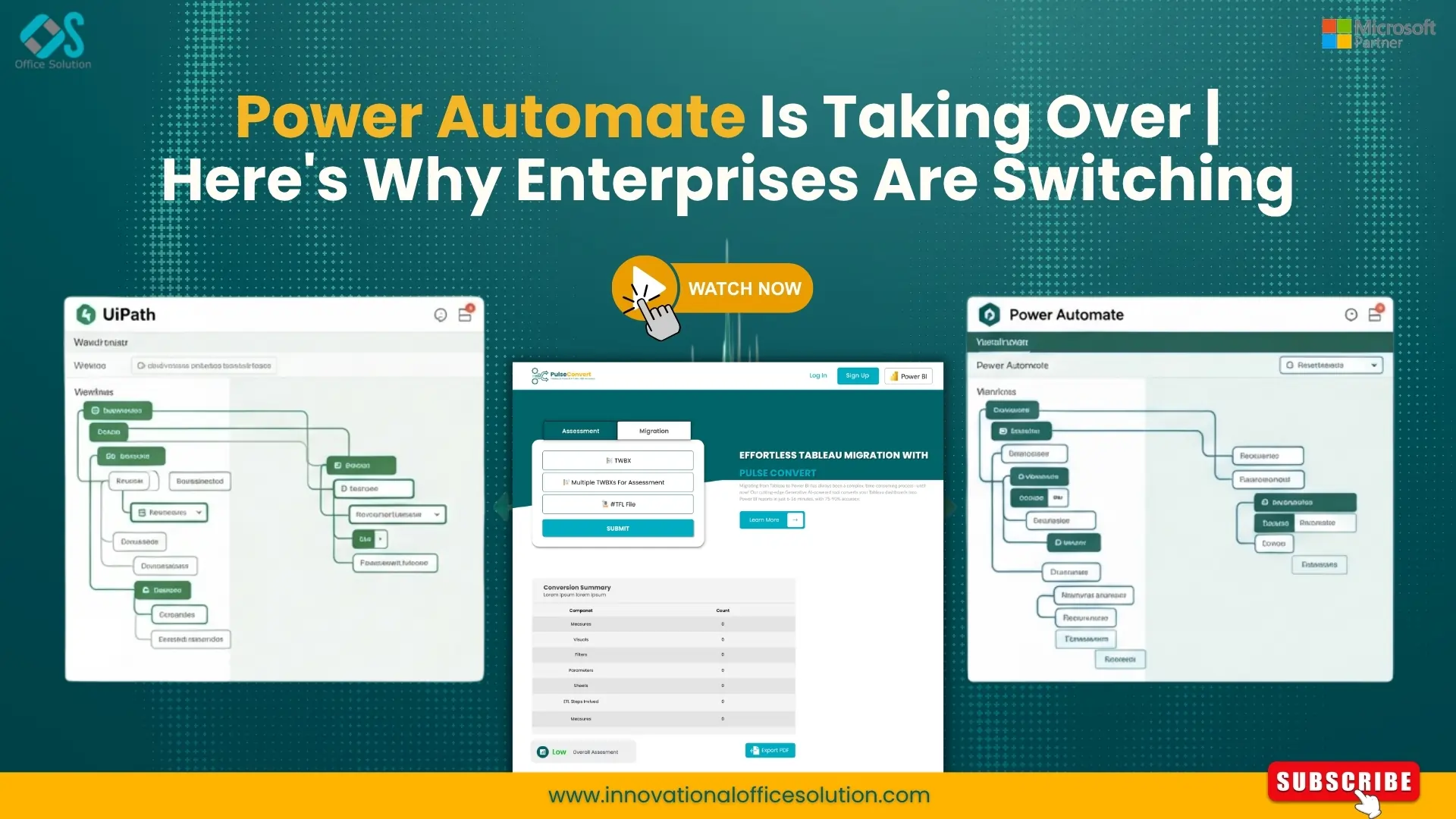
Table of Contents
Technical Engineering Blueprint: Migrating from UiPath to Power Automate
Enterprise IT landscapes are undergoing a fundamental architectural pivot. For nearly a decade, Robotic Process Automation (RPA) was dominated by heavy, client-server applications designed to mimic human interactions on desktop interfaces. While these tools solved immediate operational bottlenecks, they introduced substantial long-term architectural friction, complex infrastructure dependencies, and escalating licensing overhead.
Today, forward-thinking Chief Information Officers (CIOs) and Enterprise Architects are systematically dismantling these isolated automation silos. The objective is to move away from local runtime execution engines toward unified, cloud-native, and API-first process management ecosystems. At the absolute center of this structural modernization is an intentional, strategic UiPath to Power Automate migration.
Transitioning an automation portfolio between these two platforms is not a simple matter of re-recording UI interactions or copy-pasting code snippets. It requires a disciplined, engineering-centric approach to parsing legacy logic, re-mapping execution contexts, and modernizing data flows.
Architectural Reality: UiPath vs Power Automate
Before initiating a migration roadmap, your Center of Excellence (CoE) must evaluate the fundamental technical contrasts between the source and target environments. A granular analysis of UiPath vs Power Automate reveals distinct core design principles.
Infrastructure and Runtime Footprints
The legacy Uipath architecture relies heavily on a distributed, client-server layout. Workflows built within UiPath Studio require dedicated runtime environments. For unattended automation pipelines, this means provisioning, maintaining, and patching a fleet of virtual machines (VMs), configuring thick-client runtimes, and managing connectivity through a centralized Orchestrator console.
Conversely, Power Automate utilizes a cloud-first, serverless execution philosophy. Whenever a process can be executed via application programming interfaces (APIs), the automation runs entirely within the cloud environment. This eliminates the computing overhead, OS license costs, and maintenance burdens associated with traditional VM-hosted bot fleets. When a legacy application lacks accessible APIs, Power Automate Desktop provides a local execution framework that acts as a unified extension of the cloud platform, rather than an isolated infrastructure silo.
Integration Philosophy: UI-First vs. API-First
The historical engineering focus of traditional RPA platforms was UI-surface automation. These systems excel at interacting with terminal emulators, SAP screens, and desktop interfaces by capturing visual layers and deep structural trees. However, surface automation is inherently brittle; even a minor change to a web layout or an application update can break the bot's execution path.
Power Automate prioritizes an API-first approach. It leverages a vast catalog of thousands of pre-configured, secure cloud connectors that link enterprise platforms directly at the data layer. By converting dynamic interface-driven routines into direct API commands during a UiPath to Power Automate migration, engineers create highly resilient data pipelines that are completely insulated from surface-level UI changes.
| Technical Dimension | Legacy Platform (UiPath) | Modern Ecosystem (Power Automate) |
|---|---|---|
| Primary Execution Model | Client-Server / VM-dependent runtimes | Cloud-Native / Serverless & API-First |
| Orchestration Hub | UiPath Orchestrator (Separate infrastructure) | Power Platform Admin Center / Dataverse |
| Logic Foundation | Microsoft Workflow Foundation (.XAML) | Cloud Flow JSON Schema / Desktop Actions |
| Data Manipulation | VB.NET or C# Expression Engines | Power Automate Expressions / WDL |
| Licensing & TCO Model | Per-bot runtimes and dedicated studio seats | Bundled enterprise licensing / Capacity-based |
The 5-Stage Technical Migration Architecture
Successfully transitioning your automation asset portfolio without causing operational disruption requires a structured, repeatable migration framework. Treating this shift as an ad-hoc rewrite of automation scripts risks project delays, broken validation rules, and unhandled runtime exceptions. A resilient enterprise transition follows a defined, five-stage technical lifecycle.
Automated Discovery and Portfolio Rationalization
Every long-running automation ecosystem contains "zombie bots"—processes that run on old schedules but deliver minimal business value—alongside redundant workflows and outdated scripts. The first step involves running an automated inventory audit across your Orchestrator instances.
Target Environment Configuration and Governance Setup
Before deploying migrated assets, the target Power Platform environment must be configured to meet strict enterprise security compliance standards. This includes setting up Data Loss Prevention (DLP) policies to control which cloud connectors can share data, establishing environment isolation strategies (Development, Staging, Production), configuring Security Roles via Microsoft Entra ID, and provisioning gateway architectures for secure cloud-to-on-premises connectivity.
Automated Logic Decomposition and Translation
This is the core engineering phase where legacy metadata is transformed into cloud-ready schemas. Legacy workflows are written in an XML-based metadata format (.XAML files), whereas Power Automate structures its actions using a cloud-native JSON schema.
Manually translating hundreds of activities, loops, and variables is slow and prone to errors. Enterprise teams use specialized migration accelerators to parse the underlying XAML files, isolate the fundamental programming intent, and automatically reconstruct those paths as Power Automate flows. This automated translation dramatically accelerates timelines, turning what would typically be weeks of manual development per bot into an automated 24-to-48-hour processing window.
Parallel Testing and Validation
To guarantee zero business interruption, migrated flows must undergo validation alongside the active source bots. During parallel testing, identical production data inputs are routed through both systems. Engineers then run detailed comparisons on output data tables, system state changes, and API payloads to ensure the new cloud-native flows match the historical execution records precisely.
Cutover, Go-Live, and Center of Excellence (CoE) Alignment
Once validation is complete, the legacy runtime slots are decommissioned, and the Power Automate flows become the primary system of record. Concurrently, the internal Automation CoE updates its governance templates, operational playbooks, and development guidelines to align with cloud-first, low-code standards.
Automations must be categorized based on their technical complexity:
- Low Complexity: Simple linear scripts, such as scheduled email extractions or basic data-entry routines with fewer than 15 steps.
- Medium Complexity: Workflows featuring standard exception handling, multi-system interactions, and basic tabular data processing.
- High Complexity: Systems involving complex custom code blocks (VB.NET/C#), deep desktop UI scraping, heavily nested condition trees, and transactional queues.
During this stage, your team should identify processes ripe for modernization. If an old workflow uses UI automation to move data from a legacy CRM into an SQL database, the discovery phase should highlight the opportunity to replace that surface script with a direct cloud flow connector during the migration.
Overcoming Engineering Nuances in Platform Mapping
When migrating from UiPath to Power Automate, engineers must address structural differences in how the two platforms compile logic, handle variables, and locate user interface elements.
Translating Selectors to UI Elements
Traditional scripts locate buttons, text fields, and tables using dynamic XML selector strings. These selectors rely on a hierarchical chain of window names, process definitions, and accessible IDs:
Converting Custom VB.NET and C# Code Blocks
Advanced developers often embed custom .NET expressions or Invoke Code blocks within their workflows to perform complex string transformations, collection filtering, or date math. Power Automate handles these operations using its built-in expression language, based on the Workflow Definition Language (WDL), or via cloud-hosted executions.
Queue Management and Transactional Logic
High-scale back-office processing demands strict transactional management. The legacy system routes these tasks through Orchestrator Queues, processing items one by one while logging specific status states (e.g., New, In Progress, Successful, Business Exception, System Exception).
XML
<!-- Example Legacy Selector Schema -->
<wnd app="crm_enterprise.exe" ctrlname="FormMain" />
<ctrl name="CustomerInput" role="editable text" />
During a UiPath to Power Automate transition, these strings must be extracted and converted into Power Automate UI Elements. Power Automate Desktop utilizes a modern, resilient element-detection engine that combines multiple tracking technologies, such as UI Automation, HTML attributes, and CSS selectors. Automated tools parse the raw XML configurations, strip out volatile window identifiers that change between runtime environments, and map the core stable attributes into clean, maintainable desktop selector schemas.
- String Formatting: A legacy expression like String.Format("{0:MM/dd/yyyy}", DateTime.Now) is rewritten in Power Automate using formatDateTime(utcNow(), 'MM/dd/yyyy').
- Data Table Filtering: Instead of executing complex LINQ queries inside an Excel loop, engineers use the native Filter Array data operation action in Power Automate, which runs faster and is much easier to maintain visually.
- Complex Custom Logic: For heavily customized scripts that cannot be replicated with standard expressions, the optimal engineering approach is to decouple that business logic from the automation flow entirely. The code can be repackaged into an Azure Function and called instantly via an HTTP request action, preserving modularity and keeping the core workflow low-code.
In the modern Microsoft environment, this logic maps cleanly onto Power Automate Work Queues or relational tables inside Microsoft Dataverse. Deadletter queues, automatic retry mechanisms, and item-level data schemas are mirrored perfectly, ensuring that transaction-heavy financial or procurement pipelines maintain full audit trails and operational compliance throughout the transition.
Accelerating the Transition via Specialized Automation
Attempting a large-scale enterprise platform transition using manual rebuilds introduces severe operational risks, including high labor costs, human tracking errors, and extended code-freeze windows. To de-risk the process, modern enterprises deploy automated migration tools to programmatically bridge the structural gap.
Using the Free trial on the Microsoft Marketplace, engineering teams can access automated translation engines. These systems ingest legacy files, parse complex activities, map backend variables, and automatically generate functional target flows.
Leveraging specialized migration tools yields clear structural benefits:
- Drastic Time Reductions: Accelerates delivery schedules by 75% to 90% compared to manual manual rebuilding.
- Preserved Business Logic: Eliminates the risk of human error when rewriting intricate conditional branches, nested loops, and exception rules.
- Optimized Code Generation: Automatically applies development best practices within the target environment, generating clean, human-readable flows from day one.
For organizations managing broad automation portfolios, utilizing an automated conversion engine is essential to achieving a fast return on investment (ROI) and minimizing downtime. To learn how to integrate this automated toolset into your existing deployment infrastructure, your team can Contact us directly for technical scoping and custom architecture support.
The Long-Term Strategic Value of Cloud-Native Automation
Completing a UiPath to Power Automate migration provides benefits far beyond reducing software licensing fees. It repositions automation as a core, integrated component of your broader enterprise data architecture.
By hosting your automated flows natively within the Power Platform ecosystem, you unlock frictionless connectivity with tools like Microsoft Fabric, Power BI, and Azure. Automated pipelines transition from rigid, pre-scheduled batch jobs into dynamic, event-driven workflows that trigger instantly when an email arrives, a database updates, or an API event fires. This comprehensive integration removes technical debt, lowers maintenance overhead, and ensures your digital processes can scale fluidly alongside your organization.
Discover deep dive technical transition blueprints by exploring our dedicated guides, including the comprehensive UiPath to Power Automate Migration Enterprise Guide and our engineering breakdown on Power to Automate Migration Strategies for UiPath. You can also review the broader landscape with the UiPath vs Power Automate Comprehensive Comparison, evaluate future trends through the UiPath to Power Automate Future of Business Efficiency 2026, or access our updated timeline roadmap in the UiPath to Power Automate Migration Guide 2026.
For a visual demonstration of how automated transformation platforms can convert legacy workflows directly into Microsoft schemas without losing core conditional logic, you can watch the engineering breakdown in this UiPath to Power Automate Migration Made Simple Video. This resource illustrates the step-by-step telemetry maps used to bridge the structural gap between the two distinct orchestration platforms.
Frequently Asked Questions (FAQs)
1. How do UI selectors from legacy platforms map into Power Automate during migration?
Legacy automations rely on hierarchical XML selector strings to identify UI elements. During a migration, these strings are parsed and mapped to Power Automate UI Elements. Power Automate Desktop combines technologies like UI Automation, HTML attributes, and CSS selectors to build a more resilient element-detection schema, making the newly generated desktop flows significantly less brittle.
2. Can workflows containing custom VB.NET or C# code blocks be migrated?
Yes. Basic expressions (such as string formatting or date modifications) are converted directly into Power Automate’s built-in expression language (Workflow Definition Language). For deeply customized logic or complex LINQ queries, the modern engineering best practice is to extract that code and deploy it as a modular Azure Function, which the flow can trigger seamlessly via an HTTP request.
3. How are transaction queues handled when migrating from UiPath to Power Automate?
Legacy Orchestrator Queues map directly onto Power Automate Work Queues or relational tables managed within Microsoft Dataverse. Core transactional logic—including item statuses, automatic retry rules, and deadletter queues—is preserved to ensure full structural compliance and comprehensive audit trails for high-volume backend operations.
4. Is it necessary to manually recreate every automation from scratch?
No, manual recreation introduces human error and unnecessarily extends deployment timelines. Enterprises utilize automated translation accelerators, accessible via the Microsoft Marketplace, to ingest legacy metadata (.XAML files) and programmatically output native Power Automate cloud or desktop flow configurations (.JSON schemas). This process compresses migration delivery times by 75% to 90%.
5. How does the infrastructure footprint change after moving to a cloud-native model?
Traditional setups require a heavy infrastructure footprint, including a fleet of dedicated Virtual Machines (VMs) and thick-client runtimes to execute unattended processes. Power Automate uses a serverless, cloud-first execution philosophy. It routes work through secure cloud API connectors whenever possible, eliminating VM compute overhead, local OS licensing costs, and manual patching efforts.


