The Enterprise Blueprint for SSRS to Microsoft Power BI Migration: Architectural Guide
 0|
0| 0
0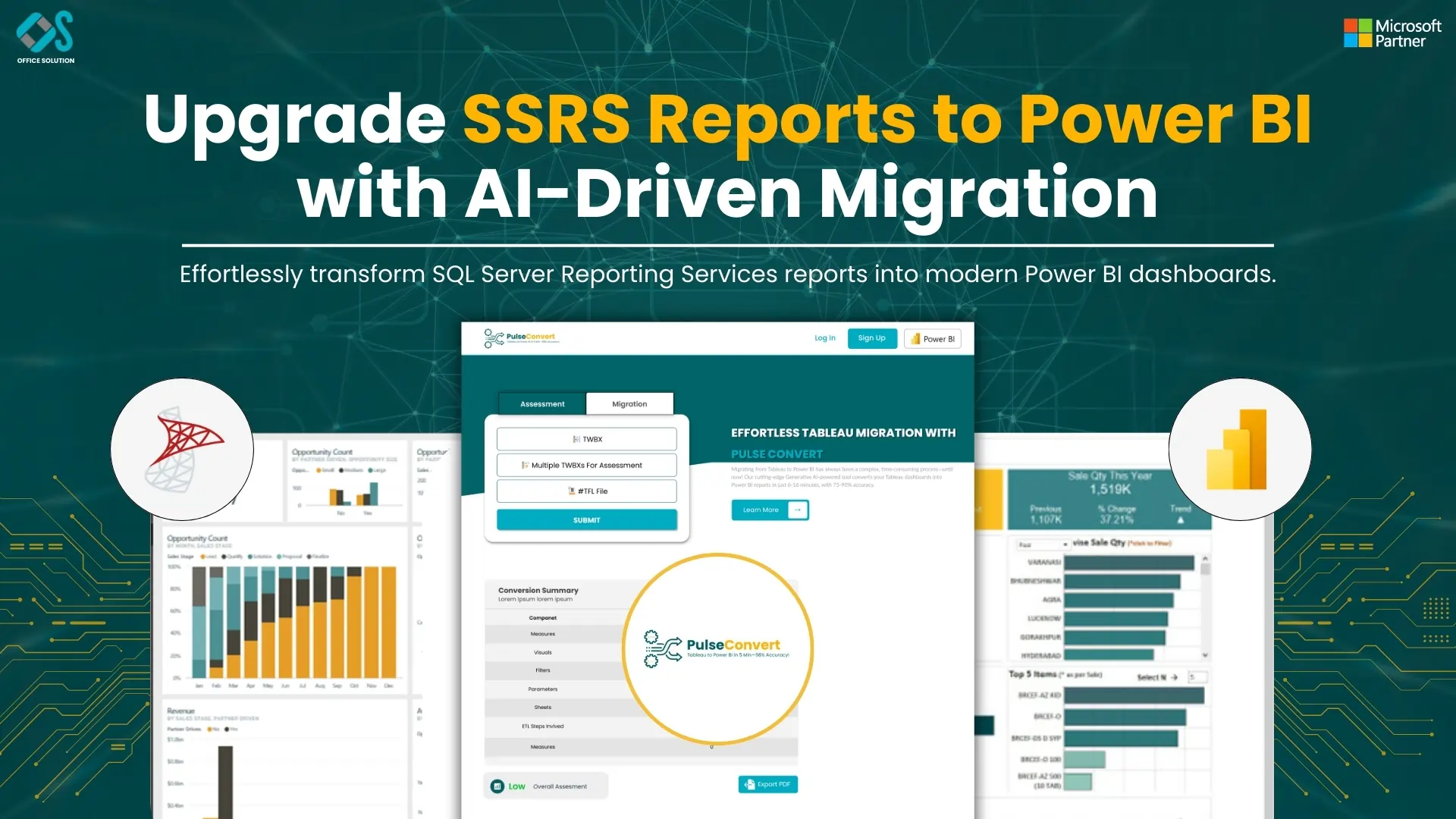
Table of Contents
The Enterprise Blueprint for SSRS to Microsoft Power BI Migration: Architectural Guide
SQL Server Reporting Services (SSRS) has served as a reliable on-premises reporting standard for twenty years. It handles pixel-perfect layouts, static structured tables, and automated operational report distribution efficiently. However, modern corporate analytics demands interactive dashboards, mobile-ready configurations, advanced modeling capabilities, and scalable cloud structures. Shifting your legacy stack from SSRS to Microsoft Power BI is a critical step toward establishing a modern data culture.
Moving to the cloud requires careful planning. Enterprise architectures often feature deeply nested parameter dependencies, heavy custom expressions, complex transactional SQL databases, and intricate security configurations. Handling a migration of this scale without a clear strategy can lead to extended project timelines, broken report functions, and disrupted business activities. This professional playbook provides a technical, step-by-step framework to ensure a secure, accurate, and optimized transition tailored for high-performance enterprise standards.
The Strategic Shift: Understanding Structural Paradigms
Successfully migrating from SSRS to Microsoft Power BI migration requires understanding how data processing, structural logic, and user interaction change between the two environments. SSRS functions primarily as a server-side rendering setup. When a user runs a Report Definition Language (.rdl) file, the hosting server queries the source database, processes the tabular layouts, and sends a static document back to the web browser.
Power BI uses an entirely different architecture centered around the VertiPaq in-memory analytical engine. Instead of sending repetitive relational queries to transactional databases, Power BI compresses data into highly optimized columnar storage. This foundational change shifts the user experience from basic parameter selections to dynamic, real-time data exploration, where every visual element cross-filters related charts instantly.
This shift also changes how reporting logic is managed. SSRS reports often embed calculations and conditional rules directly inside isolated report canvas textboxes. Power BI structures this logic via a centralized semantic layer. Data transformation and cleaning happen within Power Query using the M language, while complex metrics are built across the data model using Data Analysis Expressions (DAX). This separation ensures that core business logic is defined once globally and reused consistently across all corporate dashboards.
Auditing and Rationalizing the Reporting Footprint
Before moving any code, you need a complete, data-driven inventory of your current report environment. Over years of use, production reporting instances naturally collect abandoned ad-hoc variants, redundant testing files, and obsolete operational folders. Attempting a direct migration without cleaning this catalog increases development overhead and delays your project timeline.
Avoid reviewing individual directories manually through the Report Manager portal. Instead, gather usage metrics directly from the underlying metadata stored within the system ReportServer database tables. Querying the internal system tables lets you trace exact operational histories, uncovering when each report was last run, who accessed it, and which files can be safely archived.
Analyze your audit logs to sort your entire report inventory into three clear buckets: decommission, replatform, or redesign. Files that haven't been run for over a year should be archived immediately to save engineering resources. Standard operational tables with strict print requirements should be planned for direct deployment as Power BI Paginated Reports. High-level charts, executive summaries, and interactive summaries should be earmarked for complete redesign as modern Power BI dashboards (.pbix).
Configuring Secure Connectivity and Gateway Topologies
Moving reporting workloads from local servers to a cloud infrastructure requires updating data access methods. Selecting how your new semantic models connect to source systems dictates post-migration performance and server responsiveness.
Import Mode provides the fastest performance within the cloud service. It takes snapshots of underlying tables, compresses them via the VertiPaq engine, and loads them directly into memory. This is the preferred configuration for most analytical dashboards. For massive datasets or strict real-time requirements, DirectQuery leaves data in the source database and runs live queries as users interact with visuals. You can also combine these approaches in a Hybrid Model, importing cold historical records while streaming live transactional tables.
Because your transactional databases sit behind secure internal firewalls, cloud services cannot access them natively. Bridging this security gap requires installing the On-Premises Data Gateway on a dedicated corporate server. The gateway opens an encrypted, outbound connection to Azure, letting cloud reports safely query local databases without opening vulnerable inbound ports on your corporate firewall.
Rebuilding Reporting Security with Row-Level Rules
SSRS typically controls data access by embedding user variables directly inside SQL source code or mapping active profiles to Analysis Services cubes. In Power BI, data security is configured directly within the semantic model using Row-Level Security (RLS) rules.
Database administrators can define specific corporate roles in Power BI Desktop using DAX filter expressions. These rules evaluate user identities automatically when a report is opened, ensuring managers only see data rows relevant to their assigned regions.
Once these security roles are configured in your desktop models, map them to Microsoft Entra ID groups within the cloud service workspace. This centralizes access control, ensuring data boundaries remain secure as dashboards scale across different business units.
Rewriting Legacy Logic: From SQL to Power Query
SSRS reports often rely on complex, embedded SQL blocks filled with multi-table joins, subqueries, and custom temporary storage tables. During a migration, move this data preparation logic out of individual visual layers and into Power Query.
Power Query provides an organized, step-by-step ETL interface using the M language. Translating data preparation steps here helps activate query folding, which bundles your data steps into a single efficient query and pushes it down to the source database to run.
Moving this data preparation work out of individual report files makes your reporting layer easier to maintain. This approach creates a clean data model, ensuring fast performance and reliable metrics across all downstream reports.
Converting Cell Expressions into Scalable DAX Metrics
SSRS layouts depend on Visual Basic (.NET) expressions to handle inline logic, calculate running totals, and apply conditional formatting rules. These formulas must be translated into DAX measures during the migration process.
DAX calculations evaluate data across your entire relational model rather than scanning a physical grid of rows and columns. This design ensures your business logic remains completely accurate, whether users view high-level summaries or filter down into specific data points.
Updating these calculations also allows you to simplify your data models. Replacing heavy, cell-by-cell formulas with optimized DAX patterns reduces rendering lag and ensures consistent performance across enterprise dashboards.
Maximizing Efficiency with Migration Automation
Manually rebuilding a large inventory of legacy reports can strain engineering resources and delay delivery schedules. Automating code conversion helps keep your migration on time and within budget.
Using specialized toolkits can accelerate project timelines by up to 80%. These utilities analyze the underlying XML code of traditional .rdl files, extract data connections, and convert layouts directly into production-ready Power BI architectures.
To see how automated migration tools handle complex reporting setups at scale, read the technical details and implementation strategies at SSRS to Power BI.
Data Validation and Parallel Verification Strategies
Ensuring complete data consistency across your old and new reporting systems is critical for building user trust. Even minor differences in rounding rules or time-zone handling can cause discrepancies in financial or operational data.
Run your old SSRS setups and new Power BI deployments in parallel using identical parameters. Extract the resulting datasets into structured files and use automated matching scripts to check every data point and confirm that your new metrics match legacy records exactly.
Verify that your security settings behave correctly during this validation phase. Test your row-level security configurations with different user profiles to confirm that data restrictions are applied properly before rolling dashboards out to production teams.
Managing Cloud Deployment and Workspace Governance
Publishing reports to the cloud requires an organized workspace governance plan. Without a clear structure, cloud tenants can quickly become cluttered with duplicate datasets and unverified reports.
Organize your cloud environment by setting up separate workspaces for development, staging, and production teams. Limit direct workspace access to report creators, and distribute finalized reports to business users through managed Power BI Apps.
This separation allows developers to update dashboards and test new metrics without disrupting live production reports. Centralizing certified datasets across your workspaces also reduces data duplication and provides a single source of truth for corporate reporting.
Supporting User Adoption and Modern Data Exploration
The ultimate success of a migration depends on how well users adapt to the new platform. Teams accustomed to static, print-ready reports may need support transitioning to dynamic, interactive dashboards.
Conduct targeted training sessions to introduce users to modern data exploration tools, such as:
- Drill-Through Actions: Teach users how to explore deep transactional details by clicking on high-level charts.
- Personal Bookmarks: Show managers how to save their favorite filter views so they can access their key metrics instantly.
- Scheduled Subscriptions: Set up daily automated email snapshots for users who still prefer a static summary delivered directly to their inbox.
Deepening Your Migration Strategy
Planning a comprehensive modernization project requires balancing technical updates with change management strategies. For detailed breakdowns and step-by-step guides on managing specific migration challenges, review these additional technical resources:
- ssrs to microsoft power bi migration ultimate guide 2026
- ssrs to power bi migration guide
- ssrs to power bi migration
Modernize Your Reporting Infrastructure
Upgrading your legacy reporting servers to a modern cloud ecosystem improves data accessibility, boosts system performance, and uncovers new analytical insights. Leveraging automated conversion tools helps reduce manual development hours, minimizes human error, and ensures a smooth transition.
Ready to simplify your modernization project? Evaluate the conversion process firsthand with a Free trial of our automated report migration platform.
For customized architecture planning, code remediation support, or to coordinate an enterprise-wide data transition with expert migration engineers, contact our technical team through our Contact us portal.
Frequently Asked Questions (FAQs)
1. Can Power BI completely replace all legacy SSRS paginated reports?
Yes. Power BI handles traditional operational reporting natively through Power BI Paginated Reports. By utilizing Report Definition Language (.rdl) files within the cloud service, organizations can retain their exact pixel-perfect, multi-page print layouts alongside new interactive, tile-based analytical dashboards (.pbix) inside a single, unified enterprise workspace.
2. How do you handle complex SQL queries during an SSRS to Power BI migration?
Rather than embedding heavy multi-table joins or temporary tables directly into individual report visual components, the best practice is to move this logic upstream into Power Query. By writing your transformations in Power Query M code, you trigger Query Folding, which compiles your processing steps into a single optimized SQL query and pushes the execution directly down to the source database.
3. What is the role of an On-Premises Data Gateway when migrating from SSRS to Microsoft Power BI migration?
Since corporate transactional databases typically sit behind secure private firewalls, the cloud-based Power BI Service cannot access them natively. The On-Premises Data Gateway acts as a secure bridge. Installed on a dedicated internal server, it establishes an outbound, encrypted connection via Azure Service Bus to handle live data updates and DirectQuery tasks without exposing inbound ports to the internet.
4. How does data security change when shifting from SSRS to Power BI?
SSRS traditionally restricts data access by filtering parameters in the SQL source code or mapping profiles to Analysis Services cubes. In Power BI, security is centralized using Row-Level Security (RLS) rules built into the semantic model using DAX expressions (such as [Email] = USERPRINCIPALNAME()). Once defined, these roles map directly to Microsoft Entra ID groups to automatically restrict data visibility based on user logins.
5. Can you automate the process of converting .rdl files into Power BI formats?
Rebuilding hundreds of legacy reports manually introduces human error and creates massive development bottlenecks. Utilizing specialized migration toolkits can accelerate project timelines by up to 80%. These automation utilities programmatically dissect the underlying XML architecture of traditional SSRS files and cleanly map them into production-ready Power BI environments.


