The Modern Data Warehouse Evolution: Re-engineering Legacy Visual Infrastructure into Governed Semantic Environments
 0|
0| 0
0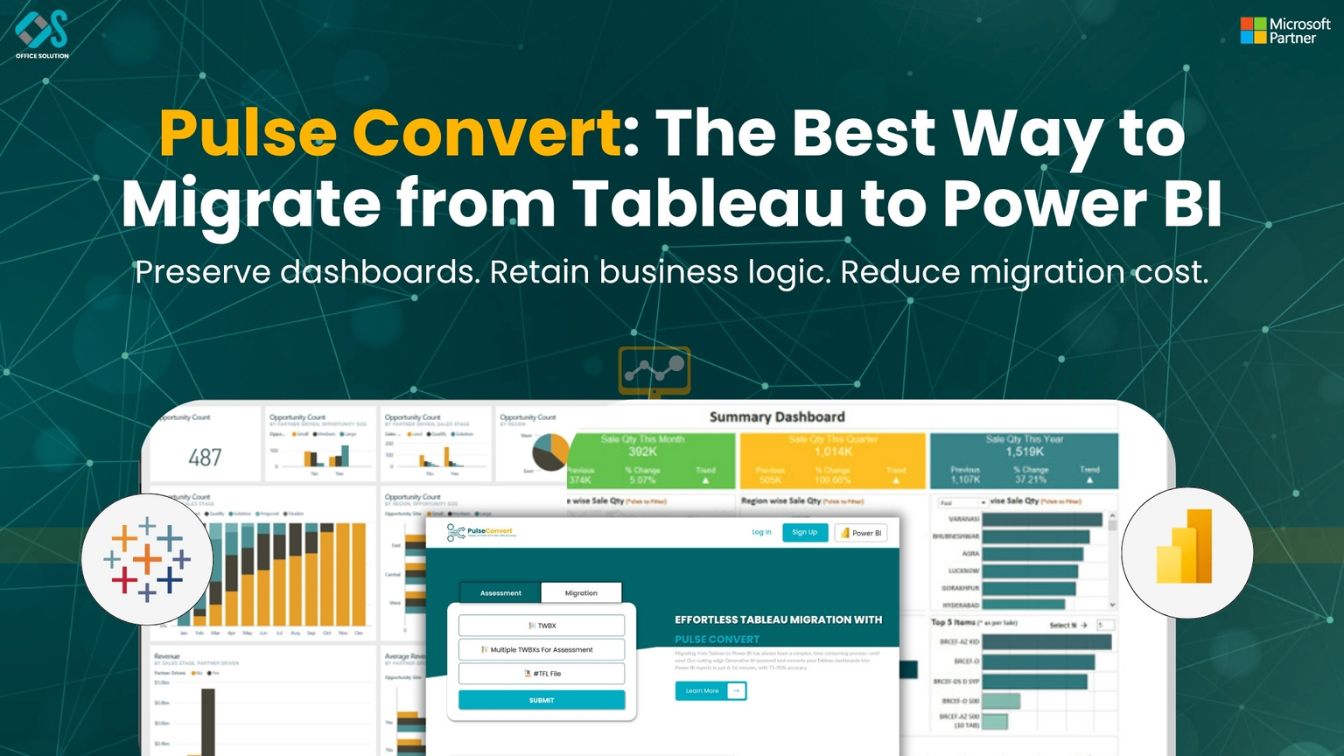
Table of Contents
Establishing the Foundational Directives of a Corporate BI Modernization Strategy
The global corporate business intelligence landscape has shifted decisively away from fragmented, desktop-bound visualization deployments. Over the past decade, rapid departmental scaling forced individual units to adopt isolated analytics tools to support daily operational tracking. While this strategy offered short-term flexibility, it ultimately generated severe structural friction, massive licensing cost inefficiencies, and a chaotic environment of conflicting metric definitions across different business divisions. As data volume expands exponentially in 2026, progressive technology leaders are executing a comprehensive, firm-wide BI modernization strategy to establish a single, unified source of operational truth.
Transitioning from local visual environments to a centralized cloud architecture requires far more than just copying graphical layouts onto a new front-end canvas. It marks a profound structural change from a presentation-centric workspace to a model-first enterprise semantic layer. In legacy analytics platforms, calculated formulas, data filters, and parameters are heavily hardcoded into individual sheets, creating major governance silos. Standardizing your analytics ecosystem demands a disciplined engineering approach that completely separates raw underlying database queries from the visual presentation layer.
Successfully navigating this operational pivot requires complete structural alignment between IT architects, cloud security leads, and executive teams. Treating a massive system conversion as a simple front-end task inevitably leads to project bottlenecks, broken data pipelines, and severe dashboard latency during busy operational lookups. By approaching this platform change with the same strict governance applied to production software engineering, organizations can dismantle data silos, protect critical metrics, and ensure that their analytics infrastructure remains exceptionally fast while processing hundreds of millions of transactional records.
Deconstructing Technical Engine Incompatibilities: Power BI Migration from Tableau
The core technical challenge when an enterprise decides to migrate Tableau to Power BI centers on the absolute divergence of their underlying calculation engines. The source platform utilizes a visual-first engine optimized to calculate dimensions and facts on the fly based directly on the fields pulled onto a report page. Conversely, the modern target ecosystem operates on a highly disciplined relational structure driven by Data Analysis Expressions (DAX). DAX functions operate on strict row and filter contexts across a centralized semantic data model, requiring logic rules to be defined at the data layer rather than dynamically within visual presentation sheets.
Because of this profound structural difference, a simple text-to-text copying of calculation fields is technically impossible. For instance, legacy level-of-detail (LOD) expressions that isolate metrics across explicit dimensional boundaries must be completely deconstructed and rewritten. Data developers must carefully convert these expressions into optimized DAX strings using functions like CALCULATE, ALLEXCEPT, and SUMMARIZE to enforce identical operational limits. Failing to properly handle the subtle differences in filter propagation between these two calculation engines will lead to critical calculation errors, destroying user trust in the updated reporting ecosystem.
Furthermore, how underlying data relationships are structured requires complete system normalization during a Power BI migration from Tableau. The legacy system frequently uses local data blending or custom SQL queries to join disconnected database tables right inside the visual canvas, which causes major processing slowdowns as data volumes grow. The modern target ecosystem achieves peak performance exclusively when data sources are organized into a clean star-schema design, separating transactional metrics into central fact tables and descriptive attributes into independent dimension tables. Consequently, database engineering teams must prioritize upstream data curation and optimization to keep the new cloud models highly responsive.
Tactical Execution Manual: Proven Tableau to Power BI Migration Steps
Executing a reliable change management lifecycle across complex multinational operations requires following clear, repeatable Tableau to Power BI migration steps. Attempting a broad rollout simultaneously across every department strains technical support teams and introduces unnecessary operational risks. Instead, the transition lifecycle must be executed across dedicated milestones designed to preserve system uptime and ensure that corporate analysts maintain continuous access to historical metrics throughout the development lifecycle.
Initial Discovery and Pre-Migration Staging
The initial phase focuses entirely on preparing the target cloud tenant and setting up secure enterprise data gateway connections. Engineers must configure access properties across cloud storage layers, relational databases, and data warehouses, ensuring transport-layer encryption is active across all pipelines to satisfy global data privacy standards. Next, technical leads normalize raw query layers into high-compression star schemas. This step involves setting uniform field formats, establishing proper calendars, and configuring incremental refresh parameters to prevent server capacity bottlenecks.
Automated Parsing and Functional Translation
With the data foundations securely staged, developers transition into the core transformation phase, passing legacy files through advanced parsing pipelines to convert embedded calculation rules directly into clean DAX syntax. From there, front-end designers take over to refine dashboard interfaces, leveraging native visual components to maximize page load speeds. The final step involves promoting verified workspaces into official apps and connecting row-level data access permissions directly to central identity tools, ensuring that user security clearances update dynamically based on corporate roles.
Meet Pulse Convert:
The definitive bottleneck preventing large-scale corporate data modernizations has always been the immense volume of manual developer hours required to reconstruct sophisticated reporting setups from scratch. Enterprise data professionals historically had to spend weeks manually dissecting legacy workbook properties, mapping complex visual layouts, and painstakingly typing identical formula rules line by line into a new developer tool, driving up consulting expenses and stretching out deployment timelines. To eliminate this manual friction, modern data infrastructure teams leverage Pulse Convert, a highly specialized, enterprise-grade BI migration automation tool developed by Office Solution AI Labs to automate the extraction and conversion of legacy workbook structures.
Operating as an advanced Power BI migration automation platform, Pulse Convert completely bypasses manual redevelopment by directly reading and parsing the underlying XML code of legacy workbook files (.twb and .twbx). The automated platform instantly extracts visual layouts, filter parameters, and relational connections, translating complex source formulas into optimized DAX measures with an extraordinary 75% to 90% automated accuracy. This cutting-edge tool handles the heavy lifting of structural schema translation in under five minutes, reducing months of development risk down to minutes of automated processing. Corporate technology leaders can test this high-fidelity transformation system on their own production dashboards by utilizing a free trial, which provides an accelerated engineering path that leaves developers to focus exclusively on minor post-migration polishing and user acceptance validation.
Establishing Production Security Architectures and Cloud Tenant Governance
Transitioning your enterprise reporting assets into a unified cloud environment requires a permanent commitment to strict platform governance. Without a structured administrative model, even the most capable data networks can quickly become cluttered with ad-hoc test datasets, uncertified reports, and unoptimized DAX variations. Systems administrators must build clear deployment pipelines that separate individual creation, staging, and production workspaces, ensuring no modifications are rolled out to executive users without undergoing extensive quality controls.
Data access rules must be built directly into the shared semantic model layer rather than being applied as superficial settings on front-end components. Data engineers must carefully map legacy user profiles to secure, cloud-hosted Row-Level Security (RLS) definitions. Connecting these security parameters to your organization's central identity management directory ensures that when an employee switches divisions or leaves the company, their report viewing privileges adjust automatically, closing security vulnerabilities.
Furthermore, corporate governance must address global data residency regulations and cloud tenant processing limits. As analytics scale across international operations, certain data protection rules place strict boundaries on where physical financial or consumer profiles can be processed or viewed. Platform administrators must deploy targeted premium storage capacities across specific physical cloud server regions to satisfy local data laws while keeping query performance fully optimized, providing global corporate networks with a thoroughly secure and scalable analytics environment.
Technical Audit Directories and Reference Materials
To read further about enterprise data architecture, framework optimization, and migration paths, explore our verified technical document repositories:
- For a definitive overview of enterprise transition strategies, consult the tableau to power bi migration 2026 guide.
- To learn step-by-step development rules for modernizing systems, review the comprehensive guide using tableau to power bi migration.
- For an exhaustive evaluation of platform features and differences, read the tableau vs power bi 2026 comparison.
- For a deep architectural breakdown of modern semantic modeling, review the complete guide enterprise tableau to power bi migration.
- To avoid common calculation logic errors during large-scale updates, read the tableau to power bi migration comprehensive technical guide 2026.
- To connect directly with senior data engineering specialists and map out a custom modernization strategy, please contact us immediately.
Frequently Asked Questions (FAQs)
1. What are the definitive phases required in enterprise Tableau to Power BI migration steps?
The process involves an initial discovery phase to remove redundant reports, mapping data streams into star schemas, deploying migration automation engines to parse calculation strings, refining layout features, and syncing cloud workspace access to directory security tools.
2. How does a model-first architecture optimize an enterprise BI modernization strategy?
A model-first structure isolates connection paths, metric definitions, and row filters inside a unified semantic data layer before drawing any front-end reports. This setup ensures identical business terms yield standard calculations across all global divisions.
3. Why is manual redevelopment expensive compared to Power BI migration automation?
Manual migration forces database developers to copy layout properties and re-enter hundreds of complex calculation strings line by line. This process takes hundreds of hours and leads to human errors. Automation tools eliminate this friction by parsing files in minutes.
4. How does the target cloud environment safely manage dynamic database permissions?
Security settings are embedded directly into shared semantic data models via server-side Row-Level Security parameters. These parameters sync with identity directory architectures like Microsoft Entra ID to update user access automatically when employee titles change.
5. What is the typical accuracy provided by advanced analytical conversion engines?
Modern file parsing platforms like Pulse Convert process legacy layouts, query sets, and calculation frameworks with an automated accuracy level between 75% and 90%. This leaves developers with minimal visual modifications and validation work before deployment.


