Case Study: Azure to Microsoft Fabric Migration, Step by Step
 0|
 0
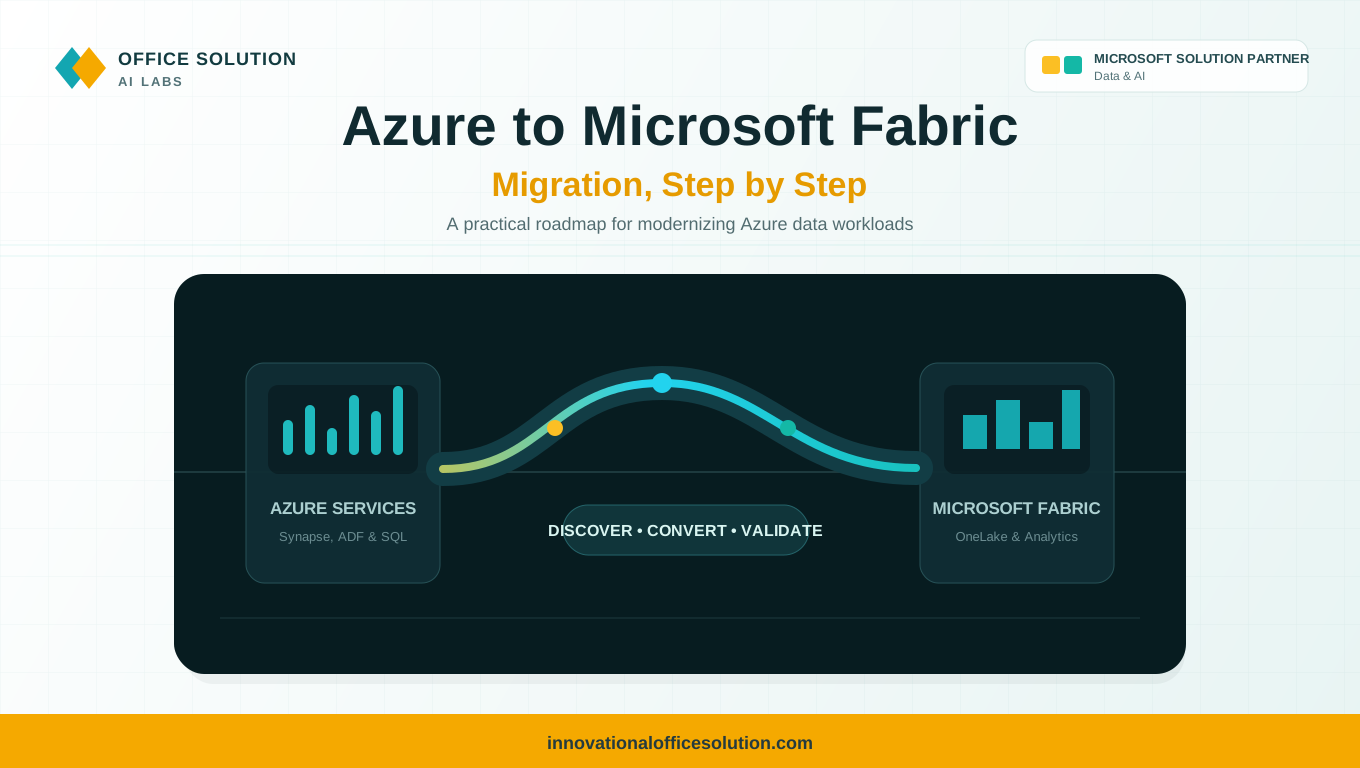
Table of Contents
Objective
This case study explains how to migrate Azure data workloads, including Azure Synapse Analytics, Azure Data Factory, and Azure SQL, to Microsoft Fabric in a structured, step-by-step way. It covers common migration challenges and shows how an AI-powered accelerator like Pulse Convert can help address them.
Published by Office Solution AI Labs, Microsoft Solution Partner for Data & AI.
Why Organizations Move from Azure Data Services to Microsoft Fabric
- One unified SaaS platform instead of many separately managed Azure services.
- Simpler capacity-based pricing and less infrastructure to administer.
- A single copy of data on OneLake, with built-in governance and native Power BI integration.
Step-by-Step Migration Process
Step 1: Discover and Inventory
List every Synapse pool, Data Factory pipeline, dataflow, notebook, linked service, SQL database, storage account, and Power BI dependency. Identify unused or duplicate assets so you migrate only what matters.
Step 2: Assess Complexity
Classify each asset as simple, medium, or complex based on pipeline activities, T-SQL and Spark code, custom logic, data volume, and integration points. Use this assessment to drive effort estimates and migration wave planning.
Step 3: Map Azure Services to Fabric Targets
Map Synapse dedicated SQL pools to Fabric Warehouse, Spark pools and notebooks to Fabric Lakehouse and Notebooks, Azure Data Factory pipelines to Fabric Data Factory, and ADLS Gen2 data to OneLake using shortcuts.
Step 4: Design the Target Architecture
Plan workspaces, capacities, the OneLake layout (bronze, silver, and gold), networking, security roles, and governance with Microsoft Purview.
Step 5: Migrate Data
Use OneLake shortcuts to reference existing ADLS data without copying it, and use pipelines or mirroring for databases that need to be moved.
Step 6: Convert Code and Pipelines
Migrate or rebuild pipelines, update T-SQL for Fabric Warehouse differences, and move Spark notebooks with adjusted libraries and paths. Repoint Power BI datasets to Direct Lake where suitable.
Step 7: Validate
Compare row counts, aggregates, pipeline outputs, and report results between Azure and Fabric. Test performance, schedules, and security, and obtain business sign-off.
Step 8: Deploy, Train, and Decommission
Promote the solution to production, monitor capacity usage, and train teams. Run both environments in parallel briefly, then retire the old Azure resources to stop duplicate costs.
Key Challenges in Migration
| Challenge | Why It Hurts |
|---|---|
| Service sprawl | Many Azure resources across subscriptions can have unclear ownership. |
| Feature differences | Some Synapse and Data Factory features differ or are not yet available in Fabric. |
| T-SQL and Spark adjustments | Code needs changes to work with Fabric Warehouse and Lakehouse behavior. |
| Pipeline conversion | Linked services, triggers, and integration runtimes must be remapped. |
| Security and governance | Azure RBAC, networking, and Purview settings must be redesigned for Fabric. |
| Capacity planning | Fabric capacity sizing and cost control need careful testing. |
| Validation effort | Manual reconciliation across many assets is slow and error-prone. |
How Pulse Convert Helps
Pulse Convert is an AI-powered migration and modernization accelerator that can automate time-consuming parts of the journey.
- Automated discovery and assessment: Scan assets, dependencies, complexity, and readiness to support fact-based planning.
- AI-assisted conversion: Accelerate the transformation of pipelines, code, calculations, and business rules into Microsoft Fabric.
- Migration validation: Source-to-target comparison and functional validation help reduce rework.
- Reduced manual effort: Automate repeatable activities instead of redeveloping everything by hand.
- Enterprise-focused delivery: Use POCs, phased migration, and modernization programs with expert review.
Results You Can Expect
- 70% to 90% migration accuracy, depending on asset complexity.
- Up to 70% reduction in migration effort.
- Faster time to value with enterprise-grade security and governance.
Start Your Migration with Pulse Convert
From legacy to next-gen. With AI. With expertise. With Pulse Convert.
Pulse Convert supports migrations to Microsoft Fabric from Oracle, SAP BW, SAP HANA, Hive, AWS Redshift, Snowflake, and Teradata, as well as ETL migrations from SSIS, Alteryx, Informatica, and SAS. It also supports BI migrations to Power BI and data platform migrations to Databricks. Contact the team to discuss your Azure to Fabric environment.
- Website: innovationalofficesolution.com
- Email: Admin@innovationalofficesolution.com
- Free POC offer: Apply for a free POC
FAQ: Pulse Convert
Plan Your Azure to Microsoft Fabric Migration
Review your Azure data services with migration specialists and see how Pulse Convert can accelerate discovery, conversion, and validation.


