Modernizing Financial Reporting: A Practical Journey in Migrating from IBM Cognos to Power BI
 0|
0| 0
0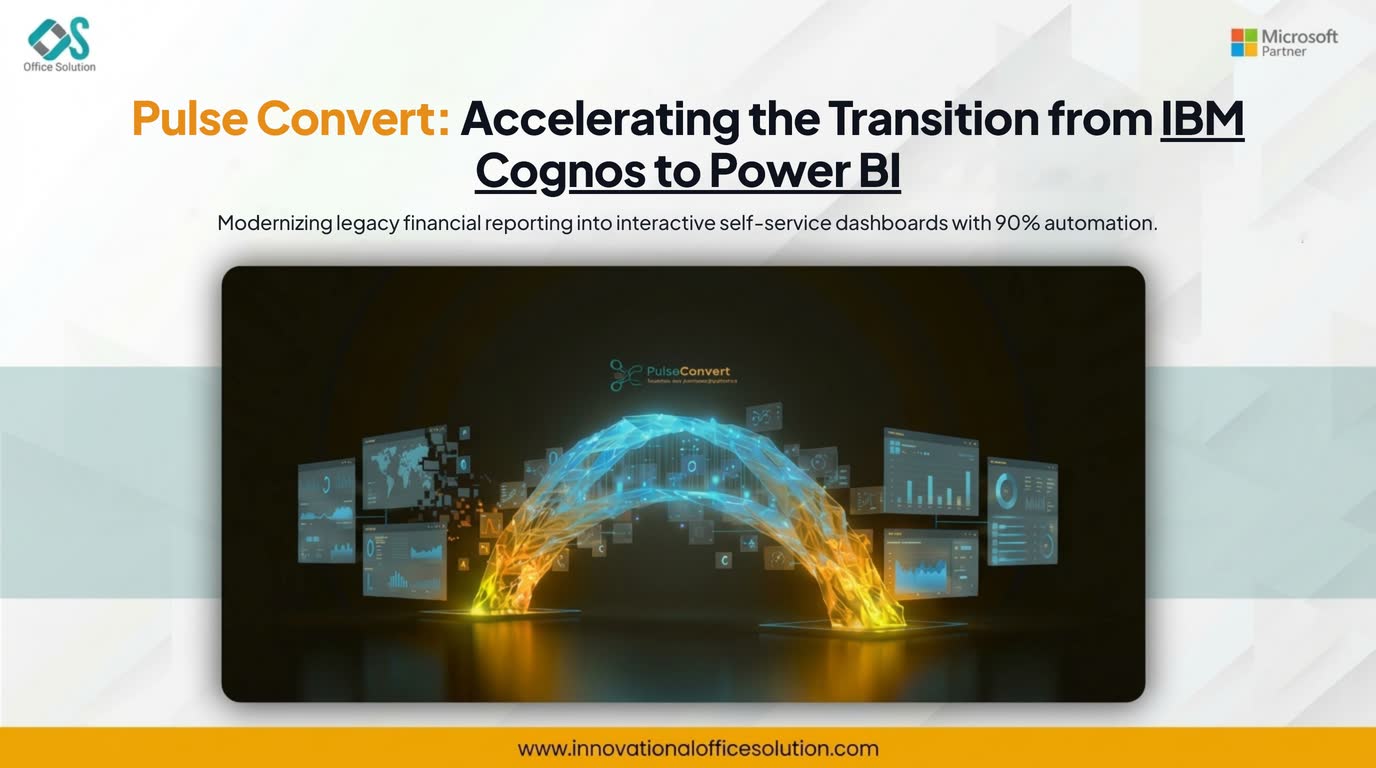
Table of Contents
Executive Overview
A tier-two financial services institution based in the United States with operations across India managed its core regulatory and executive reporting using IBM Cognos Analytics for over nine years. Their environment housed over 420 active reports, dozens of Framework Manager packages, and complex parameter prompts.
While Cognos supported static pixel-perfect reporting, business units struggled with rigid report outputs, high maintenance overhead, and delayed insights. Looking for a modern alternative to Cognos that offers flexible, interactive dashboards, leadership decided on moving forward with an IBM Cognos to Power BI migration.
To eliminate the operational risk and multi-year timeline of manually rebuilding hundreds of Framework Manager packages and complex queries, the organization deployed Pulse Convert as their core Cognos to Power BI migration tool.
The Challenge: Legacy Metadata and Complex Query Structures
Before starting the transition, the enterprise faced significant technical bottlenecks rooted in legacy architecture:
- Monolithic Framework Manager Models: Years of business logic, calculated measures, and security rules were locked inside complex Cognos metadata layers.
- Static User Experience: Business users were forced to export static Cognos reports to Excel to perform basic ad-hoc filtering, leading to data sprawl across local workstations.
- Escalating Licensing and Maintenance Costs: Maintaining legacy IBM Cognos server infrastructure alongside modern cloud tools created unnecessary total cost of ownership friction.
The primary objective was migrating from IBM Cognos to Power BI without losing transactional history, compromising regulatory logic, or interrupting daily ledger reconciliation schedules.
Migration Strategy and Step-by-Step Implementation
The project team executed a four-phase transition plan using Pulse Convert to streamline the transition from IBM Cognos Power BI architecture:
Phase 1: Assessment and Inventory Mapping
The project began with a thorough audit of the Cognos content store. Reports were categorized by operational priority and architectural complexity:
Data source connections were evaluated to map physical database references directly into Power BI semantic models and DirectQuery/Import datasets.
- Tier 1 - Standard Reports (35%): Tabular financial lists, monthly statements, and straightforward parameterized views.
- Tier 2 - Operational Dashboards (45%): Multi-query reports with drill-through parameters, conditional formatting, and burst distributions.
- Tier 3 - Complex Regulatory Models (20%): Heavily customized Framework Manager packages containing custom SQL overrides, macro functions, and row-level security definitions.
Phase 2: Automated Conversion with Pulse Convert
Instead of recreating each layout and query manually, the engineering team used Pulse Convert as their primary Cognos to Power BI migration tool to parse the underlying XML definitions of Cognos report specifications and Framework Manager models.
- Metadata and Model Extraction: Pulse Convert processed Framework Manager packages, converting table relationships, star-schema joins, and calculated attributes into structured Power BI semantic models.
- Syntax and Query Translation: Cognos-specific expressions, macro functions, and nested calculations were parsed automatically into native DAX and Power Query M logic.
- Conversion Precision: Pulse Convert achieved 75% to 90% automated conversion accuracy, converting tabular structures, conditional expressions, and query joins directly into target Power BI formats.
Phase 3: Manual Optimization and DAX Refinement
For the remaining 10% to 25% of complex logic—such as specialized Cognos parameter prompts and legacy custom SQL snippets—data engineers performed targeted manual tweaks:
- Complex multi-page Cognos prompts were redesigned into native Power BI slicers and field parameters.
- Legacy SQL queries were optimized into Power Query transformations to leverage query folding for better performance.
- Object-level and row-level security (RLS) rules were aligned within Microsoft Entra ID (Azure AD) user groups.
Phase 4: Validation, Parallel Runs, and Deployment
To confirm analytical consistency across systems, both platforms were operated in parallel across two end-of-month financial closing cycles:
- Automated comparison scripts reconciled financial metrics between Cognos and Power BI reports down to the penny.
- User acceptance testing (UAT) validated that drill-through links and interactive cross-filtering behaved as expected.
- Report distribution schedules were migrated to Power BI Service apps and email subscriptions.
Key Results and Quantifiable Impact
By leveraging an automated approach for their Cognos to Power BI effort, the organization modernized its analytics stack within 12 weeks—cutting the original manual rebuild timeline by over 60%.
- Accelerated Timeline: Automating 75% to 90% of report conversion using Pulse Convert saved months of manual coding and schema redesign.
- Improved Performance: Executive dashboards that previously took several minutes to generate in Cognos loaded in under three seconds within Power BI.
- Enhanced User Adoption: Finance and operations teams transitioned from static PDF exports to interactive, self-service Power BI dashboards.
- Cost Savings: Retiring the legacy Cognos server footprint and consolidating licenses under the Microsoft enterprise agreement reduced annual analytics infrastructure expenses by 40%.
Final Thoughts
Transitioning away from a legacy reporting environment does not require starting from zero. By combining automated conversion tools like Pulse Convert with a structured execution strategy, companies considering an IBM Cognos to Power BI migration can modernize their business intelligence infrastructure, protect their business logic, and empower teams with modern analytics.
Modernize Your Cognos Reporting with Pulse Convert
Transition from IBM Cognos to Power BI with automated metadata and query conversion. Cut migration effort by over 60%.


