Transitioning Enterprise Analytics: A Practical Guide to Migrating from Microstrategy to Power BI
 0|
0| 0
0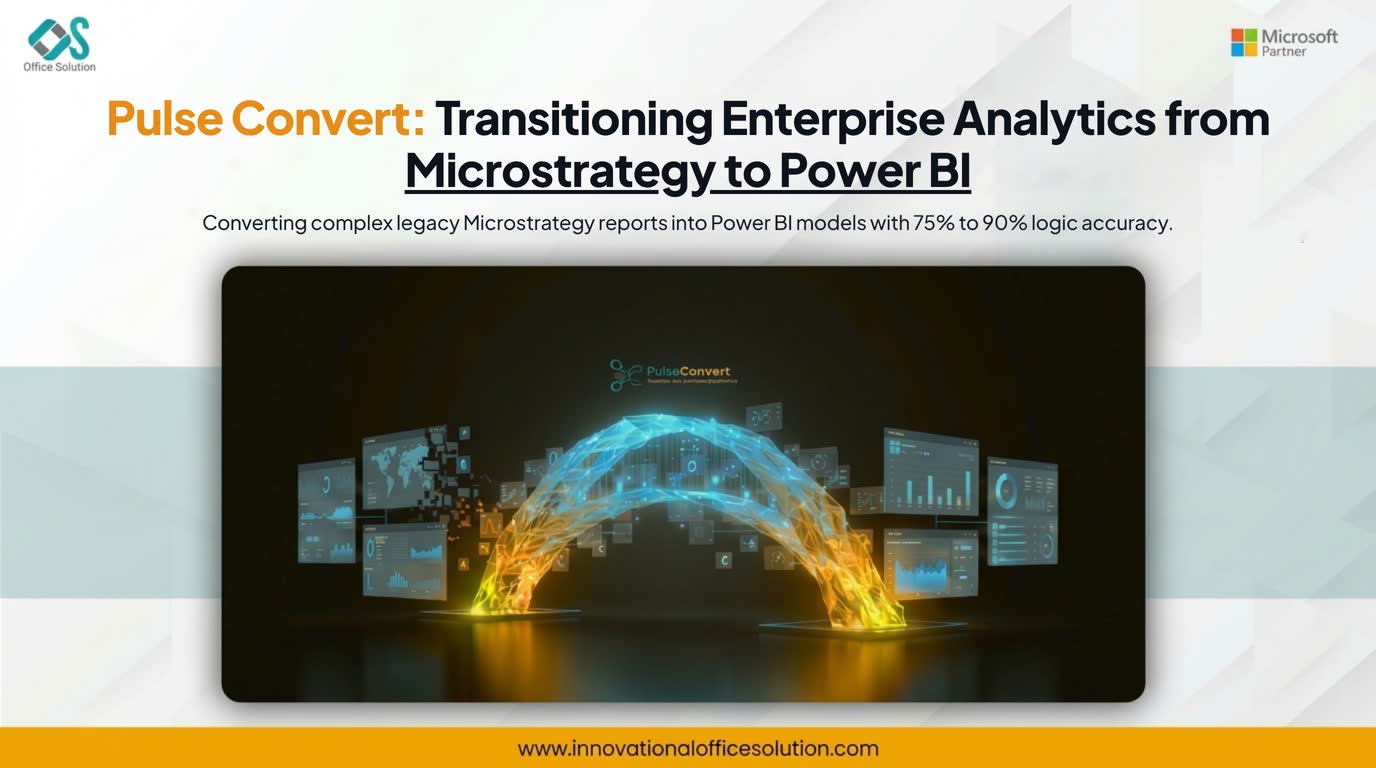
Table of Contents
Executive Overview
A multi-national retail group operating over 800 physical storefronts and a global e-commerce platform spent years relying on Microstrategy for inventory tracking, point-of-sale consolidation, and supply chain reporting. Their business intelligence infrastructure encompassed more than 500 reports, complex attributes, multi-pass SQL metrics, and heavily nested security filters.
While Microstrategy provided strong engine performance, the business units suffered from rigid administrative controls, slow report development cycles, and high per-user license costs. Seeking self-service agility and seamless cloud collaboration, leadership prioritized migrating from Microstrategy to Power BI.
To avoid a multi-year manual rebuild, the engineering team adopted Pulse Convert as a dedicated Microstrategy to Power BI Accelerator to systematically translate legacy objects into native Power BI data models and DAX calculations.
Technical Bottlenecks in Legacy Analytics Architecture
Before launching the project, the analytics infrastructure was held back by key operational constraints:
- Complex Metadata Layers: Decades of custom business logic were tied directly to Microstrategy attributes, facts, and compound metrics, making manual logic extraction risky.
- Heavy IT Dependency: Business teams could not create ad-hoc visual insights without IT creating new schema objects, slowing time-to-insight.
- Escalating Operational Costs: Maintaining on-premises server infrastructure while managing enterprise licenses created an unsustainable total cost of ownership compared to modern cloud analytics environments.
The enterprise needed a reliable strategy for Microstrategy Power BI co-existence during transition, ensuring that daily financial reconciliations and stock alerts remained accurate throughout the migration.
Migration Framework and Execution Steps
The implementation followed a four-phase migration framework designed to move workloads efficiently while maintaining data integrity:
Phase 1: Metadata Assessment and Discovery
The architecture team inventoried all existing objects within the metadata repository. Reports were categorized based on structure and usage metrics:
Data sources were mapped directly to Azure Synapse and SQL database instances, preparing them for consumption by modern Power BI semantic models.
- Standard Grid Reports (40%): Tabular views using standard filters, attributes, and basic metrics.
- Complex Dashboards (40%): Multi-panel documents with selector controls, conditional formatting, and targeted thresholds.
- Advanced Analytics & Custom SQL (20%): Reports containing pass-through SQL expressions, complex transformations, and custom security filters.
Phase 2: Automated Conversion via Pulse Convert
Rather than reconstructing hundreds of metrics by hand, the project team deployed Pulse Convert. Operating as an enterprise-grade Microstrategy to Power BI Accelerator, the tool analyzed the raw XML definitions and schema configurations:
- Metric & Expression Translation: Pulse Convert automatically parsed compound metrics, transformation metrics, and filter logic, converting them directly into Power BI-compatible DAX syntax.
- Schema & Model Mapping: Microstrategy hierarchies, attributes, and parent-child relationships were converted into star-schema structures optimized for VertiPaq storage.
- Conversion Rate: Pulse Convert systematically automated 75% to 90% of the migration workload, eliminating thousands of hours of manual re-coding for core grids, visuals, and underlying schema objects.
Phase 3: DAX Refinement and Semantic Model Tuning
With 75% to 90% of the core conversion handled automatically, data engineers focused on the remaining 10% to 25% of advanced logic:
- Custom pass-through functions were rewritten using standard DAX patterns and Power Query M transformations.
- Multi-pass SQL queries were simplified into clean Star Schema relationships inside Power BI to maximize memory efficiency.
- Microstrategy security filters were mapped to Row-Level Security (RLS) definitions tied directly to Microsoft Entra ID security groups.
Phase 4: Validation, Parallel Runs, and Cutover
To ensure complete accuracy, both platforms were run side-by-side for two full monthly reporting cycles:
- Automated testing tools cross-checked report outputs between Microstrategy grids and Power BI dashboards down to individual transaction lines.
- User acceptance testing (UAT) validated dashboard responsiveness, visual interactions, and mobile accessibility.
- Legacy server instances were systematically retired as business units moved over to the Power BI Service.
Quantifiable Results and Platform Impact
The enterprise completed its Microstrategy to Power BI migration in under four months, achieving significant operational gains:
- 65% Faster Time-to-Delivery: Utilizing Pulse Convert reduced project delivery time by months compared to manual redevelopment estimates.
- Enhanced Query Performance: Interactive visual filters and optimized DAX measures reduced report loading times from an average of 45 seconds down to under 4 seconds.
- Democratized Analytics: Self-service capabilities enabled business analysts to build custom reports independently, reducing IT backlog requests by 70%.
- Cost Savings: Eliminating legacy software licensing and associated server hosting saved the organization over $480,000 annually.
Concluding Thoughts
Migrating legacy analytics ecosystems does not require rebuilding every model from scratch. By using structured migration steps and specialized conversion automation, organizations undergoing a Microstrategy to Power BI transformation can preserve their established logic, reduce delivery risks, and deploy a responsive, user-friendly reporting platform.
To see a brief visual breakdown of how enterprise metadata automated conversion works during this transition, watch this breakdown on MicroStrategy to Power BI Migration Explained which covers the key steps in preserving business logic and semantic layers:
Accelerate Your MicroStrategy to Power BI Modernization
Unlock cloud-scale self-service and reduce annual BI overhead by over $400K with Pulse Convert automated migration.


