Case Study: Migrating SSIS to Databricks Lakehouse Accelerator
 0|
 0
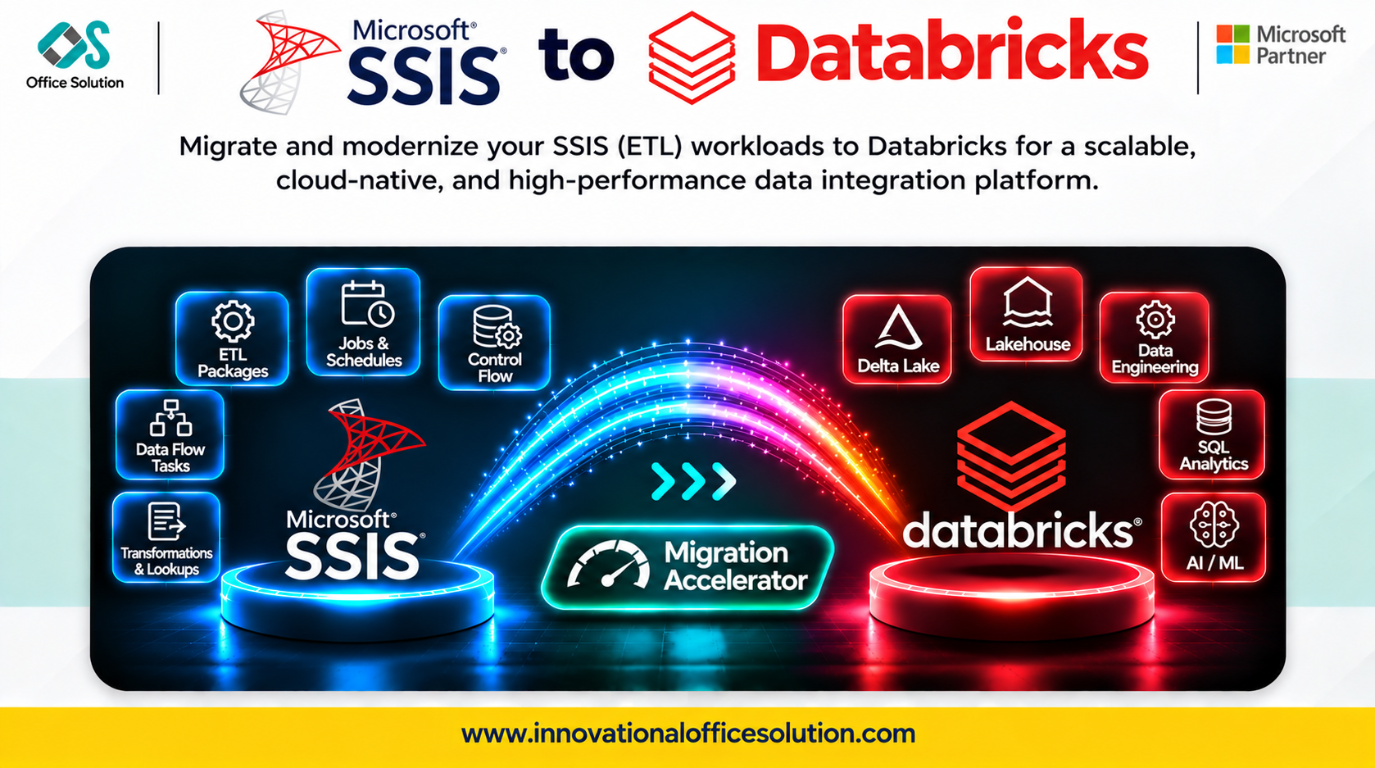
Table of Contents
Executive Summary
Enterprises running legacy SQL Server Integration Services (SSIS) packages frequently encounter scaling bottlenecks, single-node compute limits, high SQL Server licensing footprints, and rigid operational maintenance cycles. Migrating SSIS packages to the Databricks Lakehouse shifts batch pipelines into a distributed, auto-scaling Delta Lake architecture governed by Unity Catalog. This case study details a step-by-step methodology for executing an SSIS-to-Databricks migration, outlines critical technical roadblocks, and highlights how Pulse Convert by Office Solution AI Labs accelerates delivery.
Key Migration Challenges: SSIS to Databricks
Transitioning from graphical SSIS control and data flows to distributed Spark code introduces several migration obstacles:
- Proprietary graphical tasks and scripting: SSIS packages (.dtsx) combine Control Flow logic with Data Flow pipelines containing proprietary components (Lookup, Derived Column, Conditional Split, Merge Join) alongside custom C# or VB.NET Script Tasks that lack direct graphical equivalents in Apache Spark.
- Tight SQL Server database coupling: Legacy packages depend heavily on T-SQL stored procedures, temporary tables (#temp), dynamic SQL strings, and linked servers that require refactoring into ANSI/Databricks SQL or Spark DataFrame transformations.
- Orchestration and package configurations: Multi-package executions, SSISDB catalogs, SQL Server Agent schedules, environment variables, and XML configuration files (.dtsconfig) must be restructured into cloud-native orchestration frameworks.
- Dual-run data parity verification: Complex business logic and aggregate outputs must be validated between row-by-row SSIS executions and distributed Spark jobs without interrupting production SLAs.
Step-by-Step Migration Blueprint
- Phase 1: Package Catalog and Complexity Assessment
- Phase 2: Lakehouse Target and Medallion Design
- Phase 3: Automated Logic and Code Conversion with Pulse Convert
- Phase 4: Databricks Pipeline Engineering and Orchestration
- Phase 5: Parity Validation, UAT, and Decommission
Step 1: Package Inventory and Dependency Discovery
- Extract and inventory all .dtsx packages from file shares, Visual Studio solutions, and the SSISDB catalog.
- Map external dependencies, including connection managers (OLE DB, ADO.NET, flat files), T-SQL scripts, and Script Tasks.
- Rationalize workloads by deprecating orphaned packages and dead data paths before initiating code migration.
Step 2: Target Architecture and Medallion Design
- Structure the target data layout following the Delta Lake Medallion Architecture across Bronze, Silver, and Gold layers.
- Configure Databricks Unity Catalog to provide unified access governance, auditing, and end-to-end data lineage.
Step 3: Automated Code and Logic Conversion
- Translate .dtsx XML pipeline definitions into clean, native PySpark notebooks or Databricks SQL scripts.
- Convert SSIS transformations (Conditional Split, Derived Column, Aggregate) into vectorized Spark operations, and refactor procedural C#/VB Script Tasks into modular Python routines.
- Employ automated migration accelerators to eliminate manual, error-prone code rewrites.
Step 4: Pipeline Engineering and Orchestration
- Structure converted PySpark modules into Databricks Workflows or Delta Live Tables (DLT) for automated dependency resolution, compute management, and monitoring.
- Replace SSISDB environment parameters and hardcoded credentials with Databricks widgets and Secret scopes.
Step 5: Parity Testing, Cutover, and Sunsetting
- Run automated dual-run reconciliation comparing source-to-target row counts, column checksums, and aggregate financial metrics.
- Transition reporting layers (Power BI, Tableau, downstream applications) to Databricks SQL endpoints.
- Decommission SSIS instances and reallocate server licenses.
Accelerate SSIS Modernization with Pulse Convert
Manually rewriting dozens or hundreds of .dtsx packages into PySpark is costly, slow, and prone to logic errors. Pulse Convert by Office Solution AI Labs automates discovery, mapping extraction, and code generation to streamline delivery.
- 70%-90% automated conversion accuracy: Converts SSIS .dtsx configurations, Control Flows, Data Flows, and T-SQL dependencies into clean, optimized PySpark and Databricks SQL.
- Up to 70% effort reduction: Reduces manual development hours and accelerates migration timelines from months to weeks.
- Automated discovery and complexity profiling: Analyzes SSIS assets, transformation types, and component dependencies upfront to determine migration readiness.
- Integrated source-to-target validation: Provides functional and data validation to verify business logic parity between legacy SSIS and Databricks.
FAQ: Pulse Convert for SSIS to Databricks
Begin Your Databricks Lakehouse Transformation
Modernize legacy SSIS workloads with AI-driven migration automation and enterprise data engineering expertise.
- Explore solutions: Innovational Office Solution
- Claim your free Proof of Concept (POC): Request a free migration POC
- Contact us: Connect with our solution engineering team at Admin@innovationalofficesolution.com


