Oracle Business Intelligence (OBIEE) to Power BI Migration Accelerator: A Step-by-Step Case Study
 0|
 0
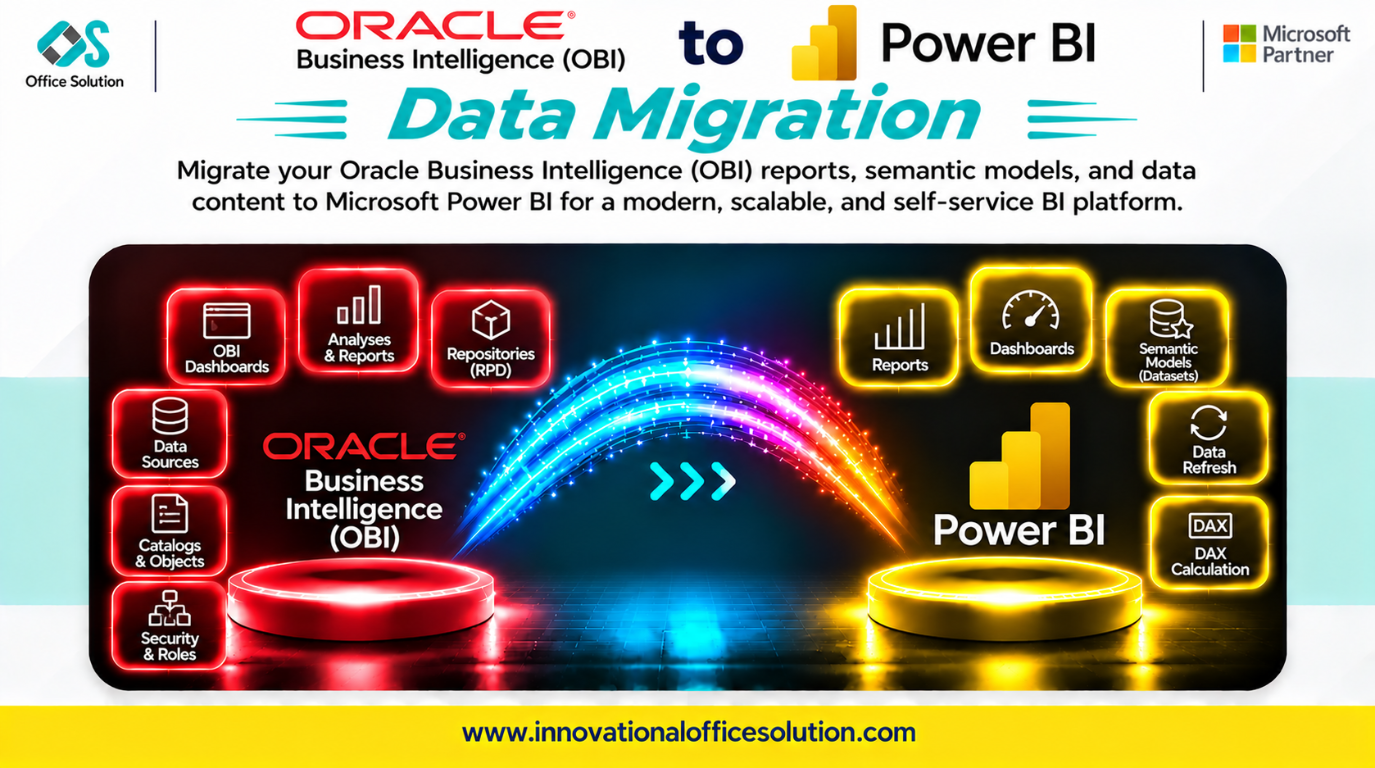
Table of Contents
Oracle Business Intelligence (OBIEE) to Power BI Migration Accelerator: A Step-by-Step Case Study
Client profile: Enterprise reporting teams running Oracle Business Intelligence Enterprise Edition and seeking modernization on Microsoft Power BI and Fabric.
Solution: Pulse Convert OBIEE to Power BI Accelerator by Office Solution AI Labs.
Automated accuracy claim: 70–90% of OBIEE reports, RPD semantic logic, and calculations can be migrated automatically, with the remainder requiring expert fine-tuning and validation.
Executive Summary
Moving from OBIEE to Power BI is not a simple reporting tool swap. The RPD semantic layer—with physical sources, business logic, and presentation subject areas—has no direct Power BI equivalent.
Teams that only recreate dashboards can encounter broken calculations, lost row-level security, and BI Publisher reports that need a different reporting approach. This case study describes a practical migration process and how Pulse Convert accelerates repeatable semantic and visual conversion.
Step-by-Step Migration Process
Step 1: Discovery and Rationalization (Weeks 1–2)
Inventory the OBIEE catalog, including RPD subject areas, Analyses, Dashboards, BI Publisher reports, Agents, and security roles. Use available usage reports to identify inactive content.
- Key output: A migration backlog prioritized by business value.
- Retire low-usage and duplicate reports before conversion to reduce scope.
- Critical check: Treat the RPD Business Model and Mapping layer as the authoritative specification for business logic; do not reverse-engineer from individual Analyses alone.
Step 2: Target Semantic Model Design (Week 2)
| OBIEE asset | Power BI target |
|---|---|
| RPD Business Model and Mapping | Power BI semantic model with star schema |
| RPD Physical layer | Power Query source connections |
| RPD Presentation layer | Curated model fields and perspectives |
| Analyses and Answers | Power BI report visuals |
| Dashboards | Power BI report pages or apps |
| BI Publisher pixel-perfect reports | Power BI paginated reports |
| Application roles and data filters | Power BI row-level security roles |
Rebuild shared RPD business logic once as a governed Power BI semantic model, then build reports on top of it. Avoid duplicating semantic logic report by report.
Step 3: Semantic and Visual Conversion (Weeks 3–6)
Convert the semantic model first, then interactive reports and paginated output.
- RPD to DAX: Assess complex calculated measures, aggregate navigation, and logical dimensions by business intent, then rebuild and validate them.
- Security model: Map OBIEE application roles and data filters to Power BI RLS and test with representative users.
- BI Publisher fidelity: Recreate pixel-perfect, print-ready output as paginated reports in Power BI Report Builder.
- Dashboard behavior: Rebuild prompts, conditional formatting, and compound layouts; validate workflows and figures with users.
- Automation leverage: Pulse Convert can convert physical and logical model patterns into Power BI star-schema datasets, translate calculations into DAX, and rebuild dashboard canvases. Validate each result against its source.
Step 4: Validation and Reconciliation (Weeks 7–8)
Compare migrated reports with their OBIEE sources. Check aggregates, filters, prompts, and RLS behavior using representative user roles.
Run both systems in parallel through at least one full business cycle, such as month-end close or quarter-end, before retiring OBIEE.
Step 5: Cutover and Decommission (Weeks 9–10)
Migrate users to Power BI reports and retire OBIEE and WebLogic infrastructure after business sign-off. Track license and infrastructure retirement as formal cost-saving milestones.
Key Challenges in OBIEE-to-Power BI Migration
| Challenge | Why it matters | Mitigation |
|---|---|---|
| RPD semantic layer complexity | Accumulated business logic needs careful interpretation. | Use the RPD as the authoritative specification and rebuild a shared model. |
| Oracle BI calculations to DAX | There is no direct one-to-one syntax translation. | Convert and test every measure against source results. |
| Security model redesign | OBIEE roles and data filters do not automatically transfer. | Implement Power BI RLS and test with representative users. |
| BI Publisher output | Interactive visuals do not replace print-ready reports. | Use Power BI Report Builder paginated reports. |
| Dashboard behavior mismatch | Users depend on prompts and formatting. | Rebuild interactivity and run user acceptance testing. |
| Manual rebuild scale | Large report estates are impractical to migrate manually. | Automate repeatable conversion and focus experts on complex logic. |
How Pulse Convert Accelerates the Journey
Pulse Convert OBIEE to Power BI Accelerator targets semantic model conversion, calculation translation, and visual rebuild.
What It Does Well
- Automates 70–90% of OBIEE report and calculation migration based on the stated accuracy range across enterprise engagements.
- Converts physical and logical model patterns into Power BI star-schema datasets and translates calculation syntax into DAX.
- Rebuilds compound dashboard layouts into responsive Power BI reports and can significantly reduce project duration.
What Still Needs Humans
- Complex RPD logic and edge-case DAX calculations.
- Security model validation.
- BI Publisher paginated reports.
- User acceptance testing and business sign-off.
No tool migrates every OBIEE object perfectly. Pulse Convert automates repeatable work and routes judgment calls to BI engineers; accuracy is validated against source results.
Next Step: Free POC
See Pulse Convert on your OBIEE workload. We can migrate a representative sample to Power BI, validate it against the source, and demonstrate results before you commit.
- Contact: Admin@innovationalofficesolution.com
- Free POC offer: Request a migration proof of concept
- Website: Innovational Office Solution
- Office Solution AI Labs — Microsoft Solution Partner


