Oracle Analytics Cloud (OAC) to Power BI Migration Accelerator: A Step-by-Step Case Study
 0|
 0
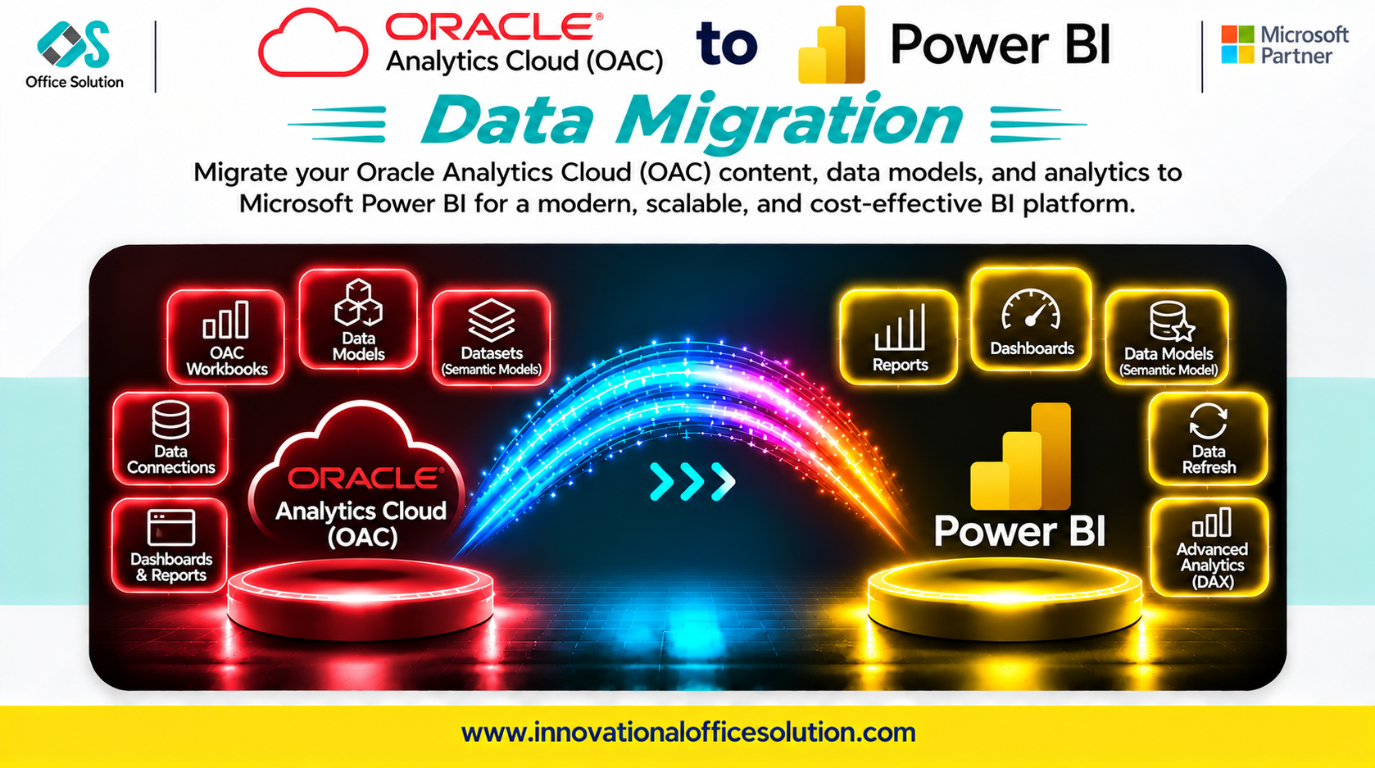
Table of Contents
Oracle Analytics Cloud (OAC) to Power BI Migration Accelerator: A Step-by-Step Case Study
Client profile: Enterprise reporting teams running Oracle Analytics Cloud and seeking consolidation onto Microsoft Power BI and Fabric.
Solution: Pulse Convert OAC to Power BI Accelerator by Office Solution AI Labs.
Automated accuracy claim: 72–88% of OAC reports, calculations, and semantic logic can be migrated automatically, with the remaining 12–28% requiring expert fine-tuning and validation.
Executive Summary
Moving from Oracle Analytics Cloud to Power BI is not a simple connector exercise. Power BI can connect to OAC, but a connection does not convert OAC reports, RPD semantic models, or dashboard logic. Semantic definitions and security behavior must be assessed and recreated for the target.
Teams that only point Power BI at Oracle and rebuild screens can encounter broken calculations, mismatched hierarchies, and dashboards with incorrect results. This case study describes a practical migration process and how Pulse Convert accelerates repeatable semantic and visual conversion.
Step-by-Step Migration Process
Step 1: Automated Discovery and Assessment (Weeks 1–2)
Inventory the OAC catalog repository. Map subject areas, report dependencies, usage frequency, and calculation complexity.
- Key output: A migration backlog prioritized by business impact.
- Flag inactive and duplicate analyses for retirement before migration.
- Critical check: Document the RPD semantic layer, including business definitions, dimensional hierarchies, and multi-table relationships.
Step 2: Target Semantic Model Design (Week 2)
| OAC pattern | Power BI target |
|---|---|
| RPD logical dimensions | Star-schema relationships |
| Oracle BI calculation syntax | DAX measures |
| Subject areas | Power BI semantic models |
| Dashboard canvases | Report pages with slicers |
| Row-level security | Power BI RLS roles |
| Prompts and filters | Power BI slicers and filters |
Power BI supports both Import and DirectQuery scenarios. Choose the storage mode based on freshness, scale, performance, and source constraints; validate the chosen architecture early.
Step 3: Semantic and Visual Conversion (Weeks 3–6)
Convert semantic models first, then reports and dashboards.
- RPD to DAX: Rebuild Oracle BI calculations as DAX measures and validate complex aggregation, time-series, and conditional logic.
- Hierarchy and relationship mapping: Translate OAC dimensional hierarchies into Power BI relationships and drill paths.
- Row-level security: Re-implement applicable security rules as Power BI RLS roles and test with representative users.
- Dashboard behavior: Rebuild prompts, conditional formatting, and compound layouts as native Power BI visuals.
- Automation leverage: Pulse Convert can convert OAC physical and logical model patterns into Power BI star-schema datasets, translate calculations, and rebuild dashboard canvases. Validate every converted report against its OAC source.
Step 4: Validation and Reconciliation (Weeks 7–8)
Compare each migrated report with its OAC source. Check aggregates, filters, prompts, and security behavior.
Automate comparisons where possible. Manual spot checks can miss DAX calculation differences and hierarchy mismatches that erode executive trust.
Step 5: Cutover and Decommission (Weeks 9–10)
Migrate users to Power BI reports, run parallel operation for one reporting cycle, and retire OAC licenses after business sign-off.
Track license retirement as a formal cost-saving milestone; migration value is realized when the source platform is decommissioned.
Key Challenges in OAC-to-Power BI Migration
| Challenge | Why it matters | Mitigation |
|---|---|---|
| RPD semantic layer | Business definitions and hierarchies have no direct equivalent. | Rebuild as Power BI star schemas and validate calculations. |
| Oracle BI to DAX | Calculation syntax does not translate one-to-one. | Convert and test every measure against source. |
| Row-level security | OAC security configuration does not automatically transfer. | Re-implement applicable rules in Power BI and test user roles. |
| Hierarchy and join loss | Flattened subject areas can break drill paths. | Map dimensions explicitly and validate drill behavior. |
| Dashboard behavior | Prompts and formatting need native equivalents. | Rebuild interactivity and run user acceptance testing. |
| Manual rebuild scale | Large report estates are costly to migrate manually. | Automate repeatable conversion and focus experts on complex logic. |
How Pulse Convert Accelerates the Journey
Pulse Convert OAC to Power BI Accelerator targets semantic model conversion, calculation translation, and visual rebuild.
What It Does Well
- Automates 72–88% of OAC report and calculation migration based on the stated accuracy range.
- Converts OAC physical and logical model patterns into Power BI star-schema datasets and translates calculation syntax into DAX.
- Rebuilds compound dashboard layouts into Power BI reports and can compress project duration by up to 70%, subject to scope and validation.
What Still Needs Humans
- Complex RPD logic and edge-case DAX calculations.
- Security model validation.
- User acceptance testing and business sign-off.
No tool migrates every OAC object perfectly. Pulse Convert automates repeatable work and routes judgment calls to BI engineers; accuracy is validated against source results.
Next Step: Free POC
See Pulse Convert on your OAC workload. We can migrate a representative sample to Power BI, validate it against the source, and demonstrate results before you commit.
- Contact: Admin@innovationalofficesolution.com
- Free POC offer: Request a migration proof of concept
- Website: Innovational Office Solution
- Office Solution AI Labs — Microsoft Solution Partner


