Case Study: SAP Data Ingestion into Microsoft Fabric
 0|
 0
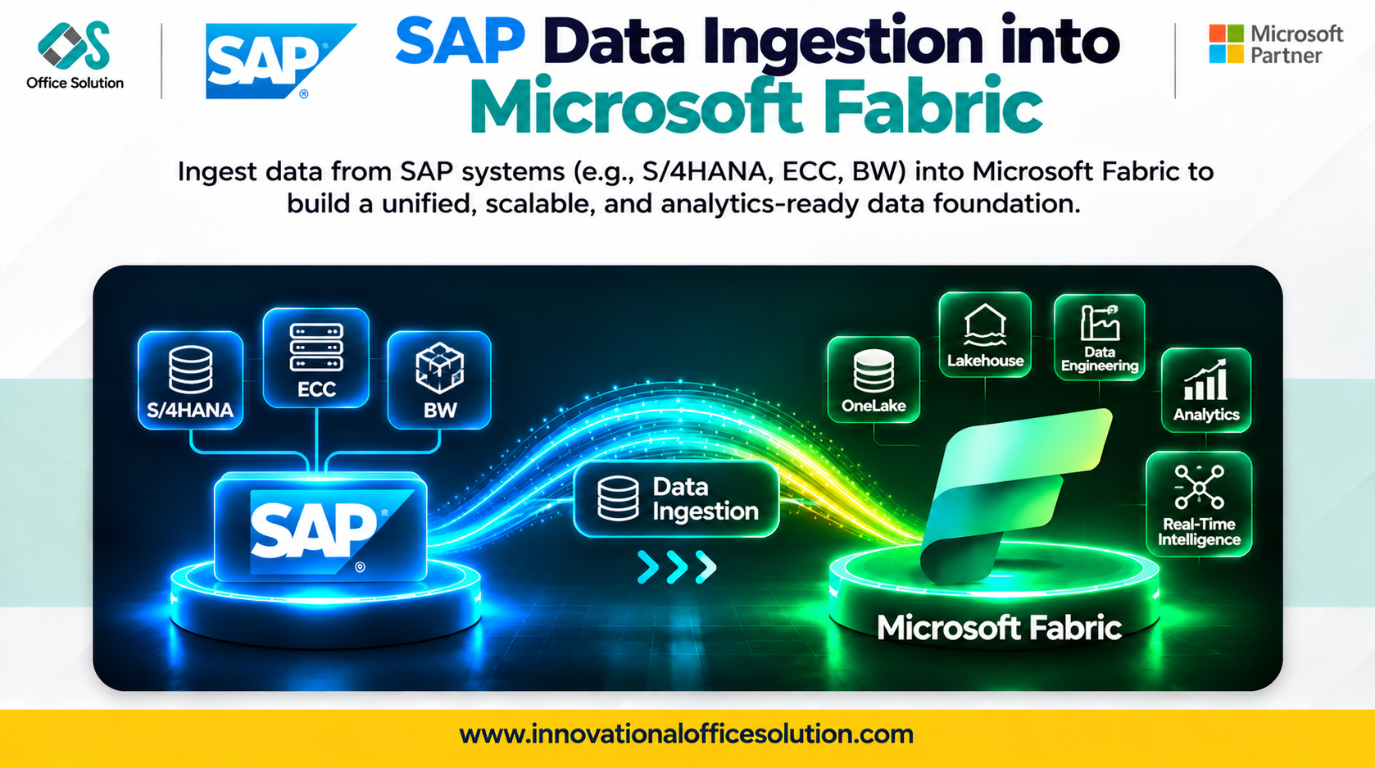
Table of Contents
Overview
SAP systems hold some of the most valuable data in the enterprise: finance, sales, supply chain, procurement, and more. Getting that data into Microsoft Fabric reliably is the foundation of SAP modernization. Done well, it feeds lakehouses, warehouses, and Power BI with trusted, timely data. Done poorly, it becomes a slow, fragile, and costly bottleneck.
This case study explains how to ingest SAP data into Fabric step by step, the challenges teams commonly face, and how an AI-powered accelerator like Pulse Convert speeds up delivery.
The Scenario
An enterprise (illustrative example) wants to bring data from SAP ERP, SAP BW, and SAP HANA into Fabric. It has:
- Hundreds of tables, extractors, and BW objects to bring across
- Large volumes that need regular delta updates
- Existing SAP extraction logic and transformations that must be preserved
The goal is a governed, automated ingestion layer that supports analytics and Power BI without depending on legacy SAP extraction.
Step-by-Step Migration Process
Step 1: Discover and Inventory
List the SAP sources, tables, extractors, BW objects, and current extraction jobs. Capture volumes, refresh frequency, dependencies, and business owners.
Step 2: Assess and Prioritize
Rate each source by business value, size, and complexity. Start with high-value subject areas such as finance or sales, and group the rest into waves.
Step 3: Design the Ingestion Architecture
Plan how data lands and flows through Fabric:
| Design area | Typical decision |
|---|---|
| Landing zone | Lakehouse Bronze layer with raw SAP data |
| Load pattern | Full load first, followed by delta or incremental loads |
| Orchestration | Fabric Data Factory pipelines with schedules and triggers |
| Storage format | Delta tables for reliability and performance |
| Security | Connections, managed credentials, and access roles |
| Monitoring | Pipeline alerts, logging, and run history |
Step 4: Build the Connections and Pipelines
Configure secure connectivity to SAP, then create parameterized pipelines that can be reused across many tables instead of building each one by hand.
Step 5: Handle Keys, Types, and Logic
Preserve primary keys, data types, language-dependent and time-dependent fields, and any extraction logic or filters carried over from the SAP side.
Step 6: Validate
Reconcile each ingested table against the source: row counts, totals, key coverage, and sample records. Test delta loads with real change scenarios.
Step 7: Go Live and Optimize
Promote each wave to production, switch downstream consumers to the new layer, and tune load windows, partitioning, and capacity cost.
Common Challenges
- Source complexity: SAP's many tables, cryptic field names, and layered extractors are hard to navigate.
- Delta handling: Capturing changes and deletions correctly is easy to get wrong.
- Volume and performance: Large tables strain extraction windows and capacity.
- Repetitive build effort: Creating pipelines table by table is slow and inconsistent.
- Logic preservation: Transformations in SAP extractors and routines can be missed or altered.
- Reconciliation effort: Proving every table matches the source is time-consuming when done manually.
How Pulse Convert Accelerates the Migration
Pulse Convert is an AI-powered migration and modernization accelerator covering SAP BW and SAP HANA to Microsoft Fabric, SAP ABAP logic to Spark, and BI, ETL, and data platform migrations to Fabric, Power BI, and Databricks.
| Challenge | How Pulse Convert helps |
|---|---|
| Source complexity | Automated discovery and assessment of SAP assets, dependencies, complexity, and readiness |
| Delta handling | Extraction rules and business logic identified and converted systematically |
| Repetitive build effort | Automates repeatable work, cutting migration effort by up to 70% |
| Logic preservation | AI-assisted conversion of transformations, calculations, business rules, and code |
| Reconciliation effort | Source-to-target comparison and functional validation |
| Delivery risk | POC-led, phased delivery with expert review |
Accuracy you can plan around: Pulse Convert delivers 70-90% migration accuracy, depending on the complexity of the SAP sources and logic. Our experts review and complete the remainder, so you receive production-ready output with far less rework.
Results to Expect
- Up to 70% reduction in migration effort
- 70-90% automated conversion accuracy
- Faster time to value
- A governed, scalable SAP ingestion layer on Microsoft Fabric
Frequently Asked Questions
Start Your Migration with Pulse Convert
From legacy to next-gen. With AI. With expertise. With Pulse Convert.
Pulse Convert is built by Office Solution AI Labs, a Microsoft Solution Partner for Data & AI. Contact us today to claim your free proof of concept.
- Website: innovationalofficesolution.com
- Email: Admin@innovationalofficesolution.com
- Free POC offer: Apply for a free POC


