Case Study: SAP Reporting to Microsoft Fabric and Power BI Migration
 0|
 0
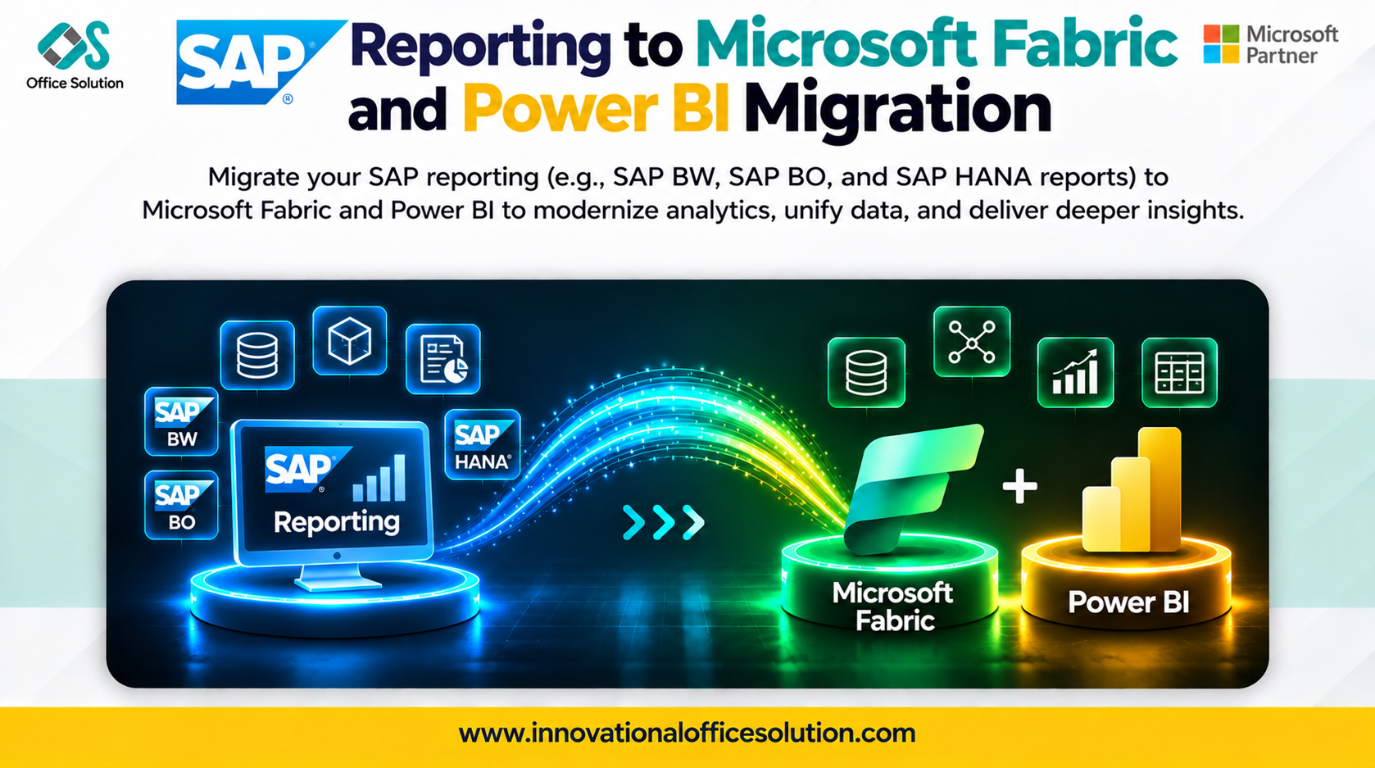
Table of Contents
Overview
SAP BusinessObjects and SAP BW reporting have served enterprises for years, but they can bring heavy licensing costs, slow change cycles, and limited self-service. Microsoft Fabric and Power BI bring data, semantic models, and reports onto one governed, scalable platform that business users can explore.
This case study explains how to migrate SAP reporting to Fabric and Power BI, the challenges teams commonly face, and how an AI-powered accelerator like Pulse Convert shortens the path.
The Scenario
An enterprise (illustrative example) relies on SAP reporting that includes:
- Hundreds of SAP BusinessObjects reports built on universes
- BW queries with calculated and restricted key figures, variables, and hierarchies
- Scheduled distribution and role-based access for many business teams
The goals are lower licensing costs, faster report delivery, and modern self-service analytics on Power BI.
Step-by-Step Migration Process
Step 1: Discover and Inventory
List all reports, universes, queries, data sources, schedules, and users. Capture usage statistics to see what is actually used.
Step 2: Assess and Rationalize
Retire unused and duplicate reports. Rate the remaining reports by complexity, business value, and audience, then group them into migration waves.
Step 3: Design the Target Model
Plan the Fabric data layer and Power BI semantic models:
| SAP reporting element | Target in Fabric and Power BI |
|---|---|
| Universe or BW InfoProvider | Fabric Lakehouse or Warehouse tables and a Power BI semantic model |
| Joins and contexts | Model relationships |
| Calculated key figures and formulas | DAX measures |
| Variables and prompts | Slicers and parameters |
| Report layouts and charts | Power BI report pages and visuals |
| Authorizations | Roles and row-level security |
Step 4: Prepare the Data Foundation
Ensure the underlying SAP data is available in Fabric with the right structure, keys, and refresh pattern, so the new semantic models have reliable sources.
Step 5: Rebuild Models and Reports
Create semantic models, convert calculations to DAX, and rebuild report pages. Redesign layouts for interactivity rather than copying static, paginated output.
Step 6: Set Up Security and Distribution
Map SAP roles to Power BI roles and row-level security. Recreate scheduled delivery with subscriptions and refresh schedules.
Step 7: Validate
Compare old and new reports side by side: totals, filters, drill-downs, and calculated values. Have business users confirm the results.
Step 8: Train, Cut Over, and Optimize
Train users, move each wave to production, switch off the SAP reports, and then tune model size, refresh timing, and capacity cost.
Common Challenges
- Report sprawl: Years of duplicate and unused reports inflate scope.
- Calculation translation: SAP formulas, contexts, and variables do not map directly to DAX.
- Layout differences: Pixel-perfect, paginated reports do not translate neatly to interactive Power BI pages.
- Security redesign: SAP authorization concepts must be rethought for Power BI.
- Number matching: Proving that thousands of figures match is slow and tedious when done manually.
- User adoption and timeline: Manual rebuilds are costly, and users need support to switch.
How Pulse Convert Accelerates the Migration
Pulse Convert is an AI-powered migration and modernization accelerator for BI, ETL, data platforms, and code. It supports SAP BusinessObjects and other BI tools to Power BI, and SAP BW and SAP HANA to Microsoft Fabric.
| Challenge | How Pulse Convert helps |
|---|---|
| Report sprawl | Automated discovery and assessment of reports, dependencies, complexity, and readiness |
| Calculation translation | AI-assisted conversion of reports, calculations, and business rules |
| Layout differences | Accelerated transformation of report content, with expert review of design choices |
| Number matching | Source-to-target comparison and functional validation |
| Timeline and cost | Automates repeatable work, cutting migration effort by up to 70% |
| Delivery risk | POC-led, phased delivery with expert guidance |
Accuracy you can plan around: Pulse Convert delivers 70-90% migration accuracy, depending on report complexity. Our experts review and complete the remainder, so you receive production-ready output with far less rework.
Results to Expect
- Up to 70% reduction in migration effort
- 70-90% automated conversion accuracy
- Faster time to value
- Modern, self-service analytics on a governed Fabric and Power BI platform
Frequently Asked Questions
Start Your Migration with Pulse Convert
From legacy to next-gen. With AI. With expertise. With Pulse Convert.
Pulse Convert is built by Office Solution AI Labs, a Microsoft Solution Partner for Data & AI. Contact us today to claim your free proof of concept.
- Website: innovationalofficesolution.com
- Email: Admin@innovationalofficesolution.com
- Free POC offer: Apply for a free POC


