Case Study: SAS to Microsoft Fabric Migration, Step by Step
 0|
 0
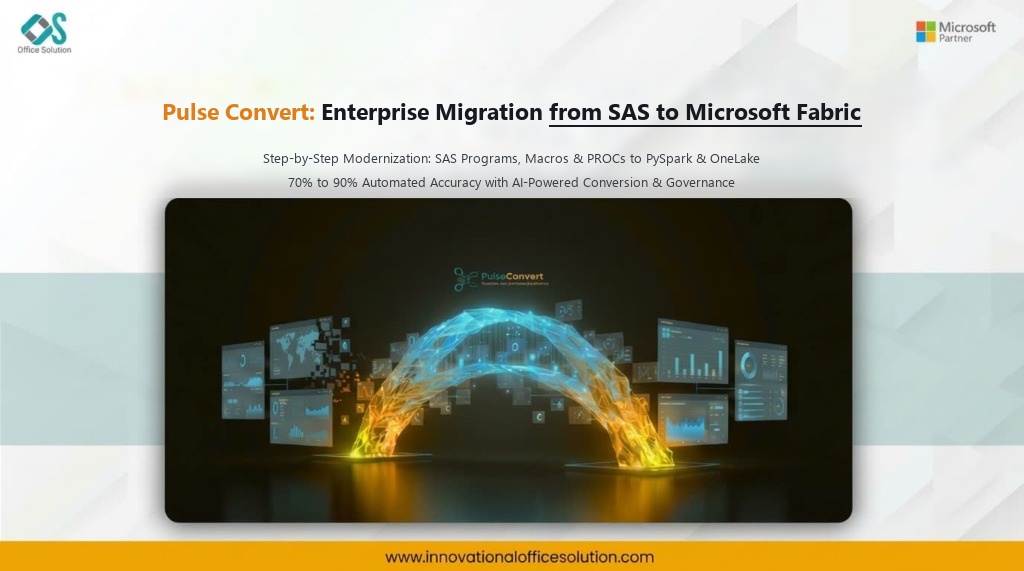
Table of Contents
Executive Summary
This case study explains how to migrate SAS code, macros, and data workloads to Microsoft Fabric in a structured, step-by-step way. It covers the architectural and operational challenges teams commonly face and shows how an AI-powered accelerator like Pulse Convert helps overcome them with speed, precision, and verified data integrity. Published by Office Solution AI Labs, Microsoft Solution Partner for Data & AI.
Why Move from SAS to Microsoft Fabric
Modernizing enterprise analytics from legacy SAS estates to Microsoft Fabric delivers major strategic, financial, and operational advantages:
- Lower Licensing Cost & Freedom from Proprietary Pricing: Eliminates exorbitant legacy SAS licensing, per-core charges, and specialized hardware lock-in in favor of scalable, cost-effective Microsoft Fabric F-SKUs and unified Azure capacity.
- One Unified Analytics Platform: Seamlessly brings data engineering, data science, data warehousing, real-time analytics, and Power BI together on a single, shared software-as-a-service (SaaS) foundation.
- Open, Scalable Processing with OneLake: Replaces proprietary SAS datasets (.sas7bdat) with open-standard Delta Parquet tables in OneLake, allowing teams to query with SQL, Python, PySpark, and Power BI Direct Lake without vendor lock-in or intermediate data movement.
Step-by-Step Migration Process
A structured, phased modernization roadmap ensures predictability, minimizes business disruption, and guarantees mathematical accuracy across eight operational steps:
- Step 1: Discover and Inventory — List every SAS program, macro, DI Studio job, format catalog, library, dataset, schedule, and downstream consumer across the SAS environment. Identify unused, redundant, or obsolete code to migrate only active, high-value assets.
- Step 2: Assess Complexity — Classify each program as simple, medium, or complex based on DATA steps, PROC usage, macro nesting, hash objects, statistical procedures, and underlying data volumes. This drives accurate effort estimation, wave planning, and sprint allocation.
- Step 3: Map SAS Components to Fabric Targets — Decide which Microsoft Fabric component fits each legacy workload: Data Factory pipelines and Dataflows Gen2 for data ingestion and ETL, Fabric Notebooks (PySpark or Python) for complex DATA steps and predictive analytics, and Fabric Lakehouse or Warehouse for scalable Delta storage.
- Step 4: Design the Target Architecture — Architect the OneLake medallion layout (bronze, silver, gold layers), workspace topologies, data gateway connections, automated scheduling, role-based access control (RBAC), and storage structures for SAS libraries and formats.
- Step 5: Convert Code and Logic — Translate SAS DATA steps, PROC SQL, PROC SORT, PROC MEANS, and macro logic into PySpark, Spark SQL, or T-SQL. Re-engineer macros as reusable modular Python/PySpark functions or parameterized Fabric notebooks.
- Step 6: Migrate Data and Connections — Convert legacy SAS datasets (.sas7bdat) into open Delta Parquet tables in the Lakehouse or Warehouse, repoint upstream and downstream data feeds, and establish automated Fabric pipeline orchestration.
- Step 7: Validate — Compare row counts, mathematical aggregates, statistical model outputs, and reporting numbers side by side between SAS and Fabric. Test execution performance, validate edge cases, and secure formal business sign-off.
- Step 8: Deploy, Train and Decommission — Promote pipelines and notebooks to production workspaces, establish continuous monitoring, train internal developers on Fabric notebooks and SQL, run in parallel briefly, and safely decommission legacy SAS servers and licenses.
Key Challenges in Migration
Migrating from SAS to Microsoft Fabric involves overcoming fundamental architectural differences between procedural, record-by-record SAS processing and distributed, set-based cloud analytics:
| Challenge | Why It Hurts |
|---|---|
| Code sprawl | Years of accumulated SAS programs, macros, and DI Studio jobs with undocumented business logic, missing owners, and redundant copies. |
| Language differences | SAS DATA step behaviors (such as row-by-row iteration, RETAIN statements, and implied output) differ fundamentally from distributed set-based SQL and PySpark. |
| Macro-heavy logic | Deeply nested macros, string manipulations, and dynamic code generation are difficult to trace, analyze, and manually re-engineer. |
| Statistical procedures | Specialized SAS PROCs (such as PROC REG, PROC GLM, PROC LOGISTIC) require careful translation to Python scikit-learn, statsmodels, or Spark MLlib libraries. |
| Skill gap | Traditional SAS developers and statisticians must transition to modern cloud paradigms including PySpark, distributed notebooks, and Git integration. |
| Validation effort | Manual number-by-number and statistical output reconciliation across hundreds of complex workflows is painstakingly slow and prone to errors. |
| Time and cost overruns | Manual line-by-line code rewrites take months or years, straining data engineering teams and inflating consulting budgets. |
How Pulse Convert Helps
Pulse Convert by Office Solution AI Labs is an enterprise-grade AI-powered migration and modernization accelerator that automates the most time-consuming parts of the journey:
- Automated Discovery and Assessment: Scans SAS programs, macro libraries, dependencies, complexity factors, and readiness metrics, empowering teams to plan with data-backed facts and objective effort scores.
- AI-Assisted Conversion: Accelerates the translation of SAS DATA steps, PROCs, macros, and calculation rules into optimized Microsoft Fabric notebooks (PySpark), Data Factory pipelines, and Spark SQL.
- Migration Validation: Automated source-to-target numerical comparison, row-level diffing, and statistical validation across data partitions minimize rework and accelerate sign-off.
- Reduced Manual Effort: Eliminates up to 70% of manual code rewriting, syntax translation, and parameter mapping, allowing data engineers to focus on architectural optimization and model governance.
- Enterprise-Focused Delivery: Backed by certified Microsoft Solution Partner architects delivering fixed-scope Proof of Concepts (POCs), phased wave migrations, and enterprise-wide modernization.
Results You Can Expect
Enterprises utilizing Pulse Convert for SAS to Microsoft Fabric modernization achieve measurable business and technical outcomes:
- 70% to 90% Migration Accuracy: High-fidelity automated translation of data transformations, mathematical logic, and pipeline workflows, verified by senior data engineers.
- Up to 70% Reduction in Migration Effort: Projects that previously required multi-year manual rewrite cycles finish in weeks with predictable sprint milestones.
- Faster Time to Value: Rapid enterprise rollout on OneLake with open formats, sub-second query responsiveness, and unified Microsoft Purview governance.
Start Your Migration with Pulse Convert
From legacy to next-gen. With AI. With expertise. With Pulse Convert.
Supported paths include SAS, Alteryx, SSIS, Informatica, Teradata, and SSAS to Microsoft Fabric, plus BI migrations from Tableau, SAP BusinessObjects, QlikView, MicroStrategy, and IBM Cognos to Microsoft Power BI.
- Website: Explore our solutions and case studies at innovationalofficesolution.com
- Email: Inquire directly with our certified architects at Admin@innovationalofficesolution.com
- Free POC Offer: Request a complimentary proof of concept for your SAS workloads at Free Migration POC Application
- Related Case Studies: Explore our step-by-step guides for SSIS to Microsoft Fabric Migration and Alteryx to Microsoft Fabric Migration
Frequently Asked Questions
Ready to Migrate Your SAS Workloads to Microsoft Fabric?
Test the conversion of your real-world SAS programs, macros, and datasets with Pulse Convert. Experience automated modernization to Microsoft Fabric with zero cost and zero risk.


