Snowflake to Microsoft Fabric Migration Accelerator: A Step-by-Step Case Study
 0|
 0
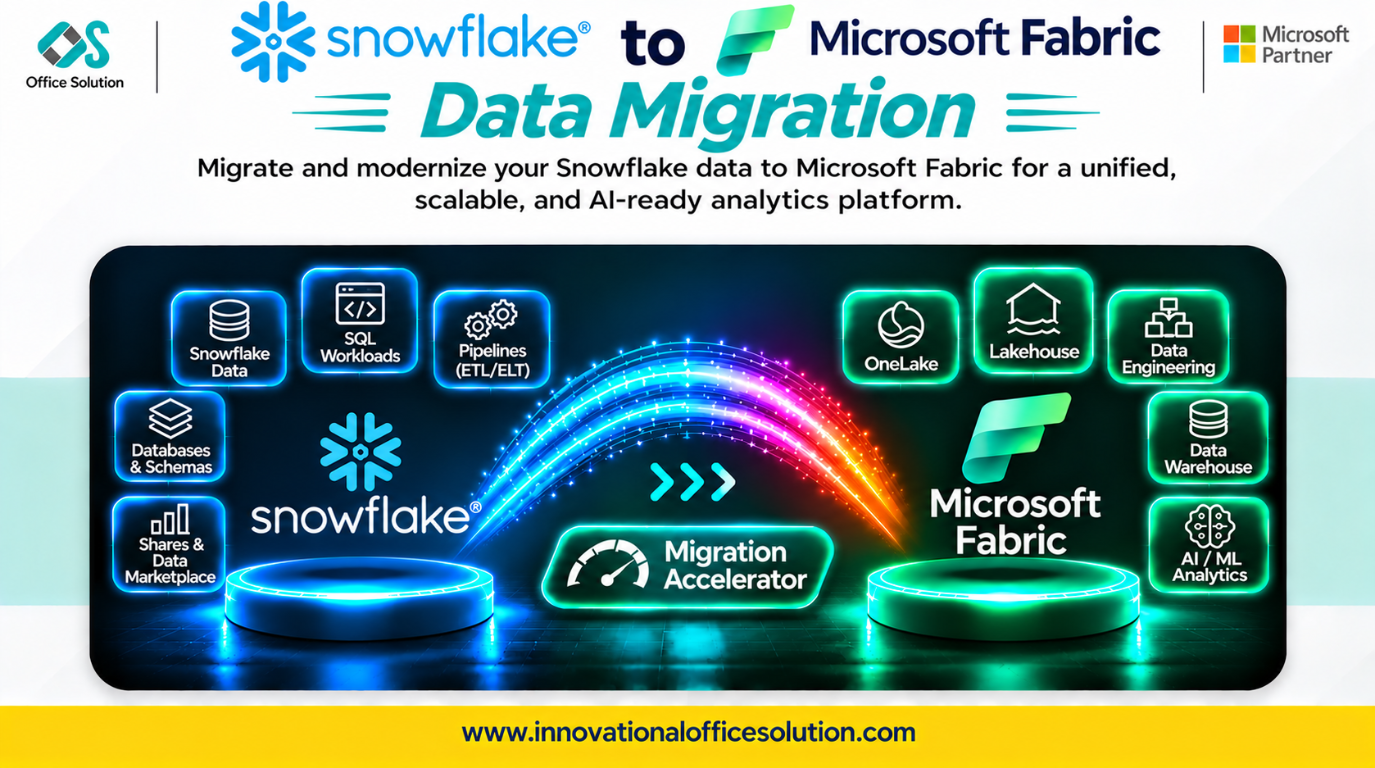
Table of Contents
Snowflake to Microsoft Fabric Migration Accelerator: A Step-by-Step Case Study
Client profile: Enterprise data teams running Snowflake warehouses and seeking modernization on Microsoft Fabric.
Solution: Pulse Convert Snowflake to Fabric Accelerator by Office Solution AI Labs.
Automated accuracy claim: 70–90% of schema and ETL or SQL code can be converted automatically, with the remainder requiring expert fine-tuning and validation.
Executive Summary
Moving from Snowflake to Microsoft Fabric is not a simple cloud-to-cloud copy. Snowflake clustering keys, micro-partitioning, streams and tasks, Snowflake Scripting procedures, semi-structured VARIANT data, and time travel have no one-to-one Fabric equivalents.
Teams that treat migration as copying tables and rebuilding reports can encounter silent performance loss, broken incremental pipelines, and different query results. This case study describes a practical process, the challenges that derail projects, and how Pulse Convert accelerates repeatable work.
Step-by-Step Migration Process
Step 1: Discovery and Inventory (Weeks 1–2)
Extract metadata from INFORMATION_SCHEMA to inventory tables, clustering keys, views, streams, tasks, stored procedures, UDFs, external tables, and ETL jobs.
- Key output: A migration backlog prioritized by business value rather than table count.
- Flag stale tables and unused tasks for retirement instead of migration.
- Critical check: Document clustering keys, micro-partition usage, VARIANT columns, streams and tasks, and time-travel dependencies.
Step 2: Target Architecture Design (Week 2)
| Snowflake workload | Fabric target |
|---|---|
| Standard tables | Fabric Warehouse or Lakehouse Delta tables |
| Clustered tables | Delta partitioning plus OPTIMIZE and ZORDER |
| Streams and tasks | Fabric Data Factory pipelines and notebooks |
| Snowflake Scripting procedures | T-SQL procedures or PySpark notebooks |
| VARIANT data | Delta columns with JSON parsing |
| External tables | OneLake shortcuts or Lakehouse references |
| Reporting queries | Power BI Direct Lake or SQL endpoint |
| Time travel | Delta history and versioning |
Fabric runs on capacity units (CUs). Size workspace and capacity before cutover to avoid throttling.
Step 3: Schema and Code Conversion (Weeks 3–8)
Convert DDL first, then stored procedures and CDC pipelines, and finally orchestration.
- Snowflake SQL: Rewrite IFF, NVL, QUALIFY, FLATTEN, ARRAY_AGG, LATERAL, and :: casting into T-SQL or Spark SQL equivalents.
- Clustering and micro-partitioning: Redesign as Delta partitioning, OPTIMIZE, and ZORDER.
- Streams and tasks: Rebuild native CDC with Data Factory pipelines and Delta merge logic.
- Snowflake Scripting: Rewrite control flow, cursors, and exception handling into T-SQL or PySpark.
- VARIANT data: Define JSON parsing, target column shapes, and validation rules.
- Time travel: Replace with Delta history and supported restore patterns.
- Case sensitivity: Standardize object and column names because unquoted Snowflake identifiers and T-SQL or Spark behavior differ.
- Validation: Check every converted object against the source rather than assuming syntactic translation preserves behavior.
Step 4: Validation and Reconciliation (Weeks 9–10)
Run parallel queries comparing row counts, aggregates, and business KPIs between Snowflake and Fabric. Automate reconciliation, including VARIANT parsing, case behavior, and timezone handling.
Step 5: Cutover and Decommission (Weeks 11–12)
Use phased cutover by subject area and keep Snowflake read-only during the transition window. Track Snowflake credits and storage retirement as a formal cost-saving milestone.
Key Challenges in Snowflake-to-Fabric Migration
| Challenge | Why it matters | Mitigation |
|---|---|---|
| Clustering and micro-partition loss | Query performance can regress. | Redesign as partitioning, OPTIMIZE, and ZORDER. |
| Streams and tasks | No native Fabric CDC equivalent exists. | Rebuild pipelines and Delta merge logic. |
| Snowflake Scripting procedures | Cursors and exception blocks need rewrite. | Redesign in T-SQL or PySpark. |
| VARIANT data | Parsing and performance differ significantly. | Design JSON parsing and validate results. |
| Time travel and cloning | There is no direct equivalent. | Use Delta history and supported restore patterns. |
| Case sensitivity | Identifier folding differs across platforms. | Standardize naming during conversion. |
| SQL dialect gaps | Functions such as IFF and QUALIFY do not translate directly. | Rewrite and test each function against source. |
| Fabric capacity planning | CU throttling affects performance. | Size capacity and workspaces before cutover. |
How Pulse Convert Accelerates the Journey
Pulse Convert Snowflake to Fabric Accelerator targets high-effort, repeatable work: bulk DDL translation, standard SQL conversion, and automated inventory analysis.
What It Does Well
- Automates 70–90% of schema and repeatable SQL or ETL code conversion.
- Reduces manual translation effort on bulk objects.
- Generates a conversion inventory with complexity flags for review prioritization.
What Still Needs Humans
- Complex Snowflake Scripting procedures.
- Streams and tasks CDC rebuild.
- VARIANT parsing strategy.
- Business logic validation and source-to-target reconciliation.
No tool migrates every Snowflake object perfectly. Pulse Convert automates repeatable bulk work and routes difficult cases to engineers; accuracy is validated against the Snowflake source.
Next Step: Free POC
See Pulse Convert on your Snowflake workload. We can migrate a representative sample to Microsoft Fabric, validate it against your source, and demonstrate accuracy before you commit.
- Contact: Admin@innovationalofficesolution.com
- Free POC offer: Request a migration proof of concept
- Website: Innovational Office Solution
- Office Solution AI Labs — Microsoft Solution Partner


