Case Study: SQL Server to Microsoft Fabric Migration, Step by Step
 0|
 0
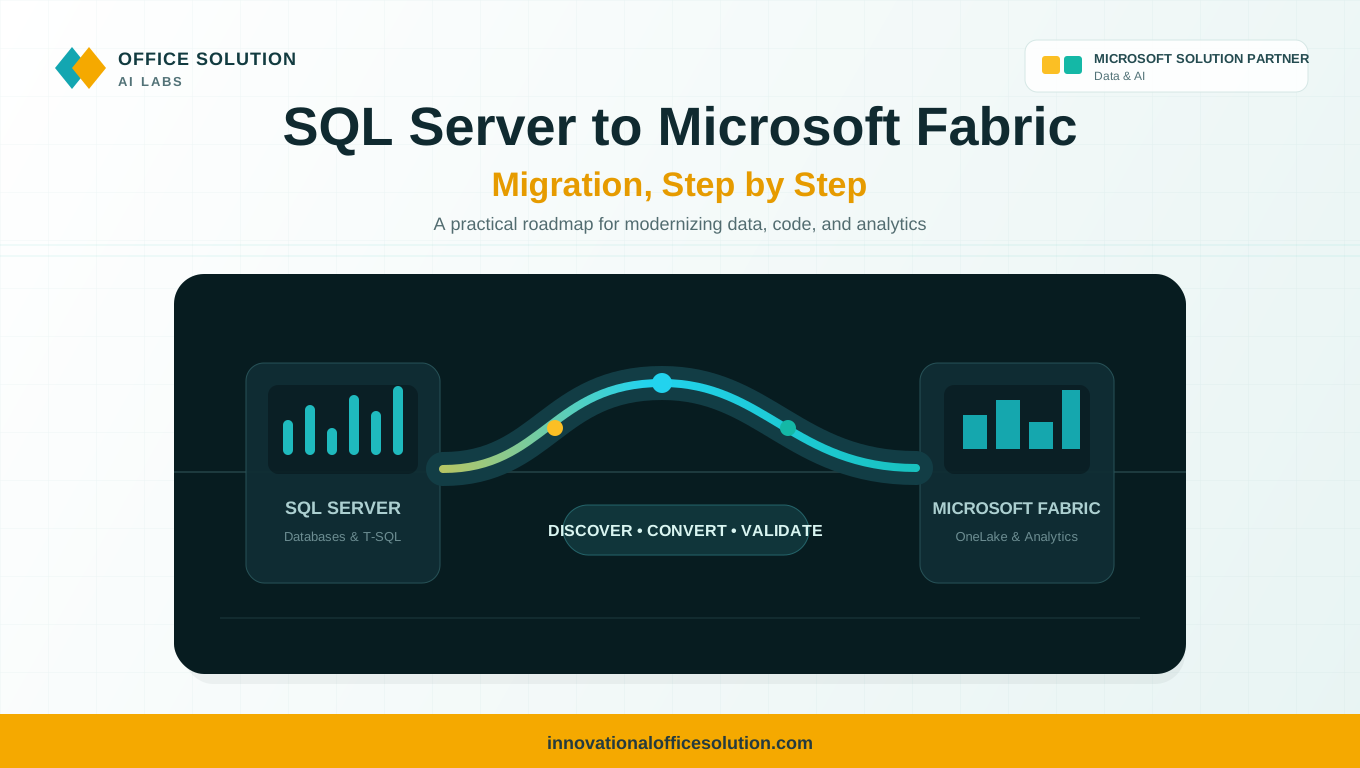
Table of Contents
Objective
This case study explains how to migrate SQL Server databases and data warehouses to Microsoft Fabric in a structured, step-by-step way. It covers common migration challenges and shows how an AI-powered accelerator like Pulse Convert can help address them.
Published by Office Solution AI Labs, Microsoft Solution Partner for Data & AI.
Why Organizations Move from SQL Server to Microsoft Fabric
- Lower infrastructure, licensing, and patching overhead compared with on-premises SQL Server.
- One unified platform for data engineering, warehousing, analytics, and Power BI.
- Elastic, cloud-native scale on OneLake with built-in governance.
Step-by-Step Migration Process
Step 1: Discover and Inventory
List every database, table, view, stored procedure, function, trigger, SQL Agent job, linked server, and downstream consumer. Identify unused or duplicate objects so you migrate only what matters.
Step 2: Assess Complexity
Classify each object as simple, medium, or complex based on T-SQL volume, dynamic SQL, cursors, CLR objects, dependencies, and data size. Use this assessment to drive effort estimates and migration wave planning.
Step 3: Choose the Fabric Target
Decide between a Fabric Warehouse for T-SQL and relational workloads, a Lakehouse for Delta tables, Spark, and open formats, or a combination. Map each workload to the best fit.
Step 4: Design the Target Architecture
Plan the OneLake layout (bronze, silver, and gold), workspaces, connectivity through gateways, scheduling, security roles, and data type mappings.
Step 5: Convert Schema and Code
Migrate DDL, data types, and constraints. Review T-SQL for unsupported features, then redesign cursors, dynamic SQL, triggers, and CLR logic as set-based T-SQL, Spark SQL, or PySpark where appropriate.
Step 6: Migrate Data and Pipelines
Use Data Factory pipelines, mirroring, or Dataflows Gen2 to load historical data, then set up incremental loads. Rebuild SQL Agent jobs as pipeline triggers.
Step 7: Validate
Compare row counts, checksums, aggregates, and report outputs between SQL Server and Fabric. Test performance and edge cases, verify downstream reports, and obtain business sign-off.
Step 8: Deploy, Train, and Decommission
Promote the solution to production, monitor runs, and train teams. Run both environments in parallel briefly, then retire the SQL Server workloads when validation and sign-off are complete.
Key Challenges in Migration
| Challenge | Why It Hurts |
|---|---|
| Database sprawl | Many databases and jobs have unclear owners and limited documentation. |
| Unsupported T-SQL features | Constructs such as cursors, triggers, and CLR objects may need redesign. |
| Stored procedure complexity | Years of embedded business logic can be difficult to understand and rewrite. |
| Data type and collation differences | Mismatches can cause errors or differences in results. |
| Downstream dependencies | Reports, applications, and linked servers may need to be repointed. |
| Validation effort | Manual reconciliation across many tables is slow and error-prone. |
| Time and cost overruns | Manual code rewrites can take months and strain data teams. |
How Pulse Convert Helps
Pulse Convert is an AI-powered migration and modernization accelerator that can automate time-consuming parts of the journey.
- Automated discovery and assessment: Scan objects, dependencies, complexity, and readiness to support fact-based planning.
- AI-assisted conversion: Accelerate transformation of SQL code, calculations, and business rules into Microsoft Fabric SQL, notebooks, and pipelines.
- Migration validation: Source-to-target comparison and functional validation help reduce rework.
- Reduced manual effort: Automate repeatable activities instead of rewriting everything by hand.
- Enterprise-focused delivery: Use POCs, phased migration, and expert review for complex workloads.
Results You Can Expect
- 70% to 90% migration accuracy, depending on code complexity.
- Up to 70% reduction in migration effort.
- Faster time to value with enterprise-grade security and governance.
Start Your Migration with Pulse Convert
From legacy to next-gen. With AI. With expertise. With Pulse Convert.
Pulse Convert supports migrations to Microsoft Fabric from Oracle, SAP BW, SAP HANA, Hive, AWS Redshift, Snowflake, and Teradata, as well as ETL migrations from SSIS, Alteryx, Informatica, and SAS. It also supports BI migrations to Power BI and data platform migrations to Databricks. Contact the team to discuss your SQL Server environment.
- Website: innovationalofficesolution.com
- Email: Admin@innovationalofficesolution.com
- Free POC offer: Apply for a free POC
FAQ: Pulse Convert
Plan Your SQL Server to Microsoft Fabric Migration
Review your SQL Server environment with migration specialists and see how Pulse Convert can accelerate discovery, conversion, and validation.


