Enterprise Modernization: Migrating from SSRS to Microsoft Power BI for Real-Time Analytics
 0|
0| 0
0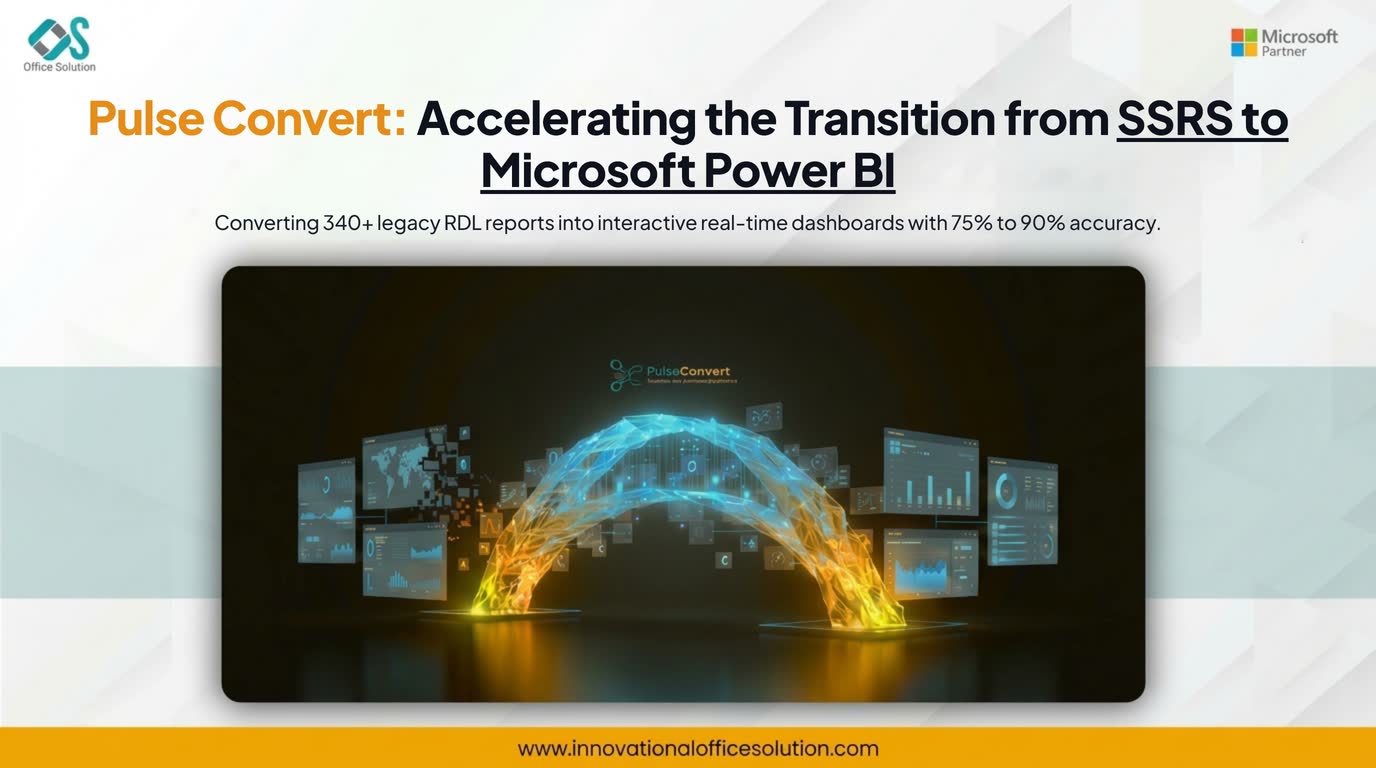
Table of Contents
Executive Summary
A multinational logistics and supply chain enterprise operated an extensive on-premises SQL Server Reporting Services (SSRS) environment for over a decade. While SSRS handled static operational reports effectively, the organization faced severe bottlenecks in executive decision-making. Reports required manual parameter updates, lacked real-time cross-filtering, and burdened the IT department with continuous change requests.
To overcome these legacy constraints, leadership authorized a full-scale SSRS to Microsoft Power BI migration. The objective was to transition 340+ Report Definition Language (RDL) files into interactive, self-service dashboards while preserving core data logic, maintaining strict security models, and avoiding expensive manual rebuilds.
Strategic Objectives and Migration Scope
The legacy environment contained a mix of high-density operational tables, complex stored procedures, and custom VB.NET expressions embedded directly inside SSRS reports. The core objectives of the modernization initiative included:
- Complete an enterprise-wide SSRS to Power BI migration without disrupting daily operational reporting.
- Reduce manual reporting overhead by enabling self-service slice-and-dice capabilities for non-technical business units.
- Automate the conversion of legacy RDL templates while preserving underlying data accuracy and business logic.
- Implement Row-Level Security (RLS) within Power BI to mirror legacy database security roles automatically.
Step-by-Step Implementation Framework
Step 1: Inventory Audit and Portfolio Rationalization
Before converting any assets, the engineering team executed a comprehensive audit of the SSRS Execution Log database spanning 12 months. Analyzing execution frequency, execution times, and user access patterns revealed substantial redundancy across the environment:
- Asset Retirement: Out of 342 active SSRS reports, 84 reports had not been accessed in over nine months and were decommissioned immediately.
- Report Consolidation: Dozens of localized SSRS reports shared identical underlying SQL views, differing only by minor parameters. These were grouped to be consolidated into unified Power BI models using dynamic DAX measures.
- Complexity Categorization: The remaining portfolio was categorized into Simple (standard SQL queries with basic tables), Medium (multi-parameter reports with moderate groupings), and Complex (heavy VB.NET code, sub-reports, and deeply nested stored procedures).
Step 2: Automated Conversion with Pulse Convert (75% to 90% Accuracy)
Manually rebuilding hundreds of RDL files into Power BI Desktop (PBIX) formats would have required thousands of engineering hours. To accelerate execution, the team deployed Pulse Convert, an automated migration accelerator built specifically for legacy report conversion:
During the automated conversion phase, Pulse Convert achieved between 75% and 90% accuracy across the RDL portfolio depending on report complexity. By converting 75% to 90% of the baseline code automatically, the migration timeline was shortened by several months compared to traditional manual rebuilds.
- Data Model & Query Translation: Pulse Convert automatically parsed the RDL XML structures, extracting dataset SQL queries, parameters, and relationships directly into Power Query M code and initial star-schema data models.
- Expression Conversion: Common SSRS expressions and global variables (such as User!UserID and ExecutionTime) were translated into equivalent DAX functions (USERPRINCIPALNAME() and UTCNOW()).
- Visual Mapping: Basic SSRS tables, matrix grids, and bar charts converted automatically into native Power BI visuals, leaving only fine-grained formatting adjustments for the engineering team.
Step 3: Re-Engineering Technical Nuances and Data Architecture
While simple operational reports converted effortlessly, complex SSRS reports required targeted manual interventions to adapt to Power BI’s VertiPaq in-memory engine architecture:
- Replacing VB.NET Code and Sub-Reports: SSRS allowed custom embedded VB.NET functions for strings, math formatting, and conditional color triggers. Because Power BI interactive reports do not execute native VB.NET, engineers migrated string transformations into Power Query (M) steps and complex math aggregations into DAX measures. Additionally, legacy SSRS sub-reports—which traditionally caused database performance lag due to recursive execution—were re-architected into modern Power BI drill-through pages and dynamic visual tooltips.
- Data Gateway and Row-Level Security Setup: To maintain live connectivity to on-premises SQL databases without moving raw data permanently out of the network firewall, an On-Premises Data Gateway cluster was configured. The team translated legacy SSRS database-level security into Power BI Row-Level Security (RLS) roles, ensuring regional operational managers saw only data corresponding to their assigned territories.
Step 4: Parallel Validation and User Acceptance Testing (UAT)
Ensuring strict parity during migrating from SSRS to Microsoft Power BI was critical for user trust. The team instituted a two-tier verification process:
- Automated Data Validation: Data validation scripts executed parallel queries against both SSRS reports and the newly generated Power BI datasets. Total revenue figures, transaction counts, and inventory balances were cross-checked to ensure zero variance.
- User Experience Benchmarking: Stakeholders tested interactive cross-filtering, slicers, and mobile layout views. Paginated operational documents (such as invoices and daily dispatch slips) were routed to Power BI Report Builder to preserve pixel-perfect printing standards.
Key Technical & Business Outcomes
The transition from static SSRS to Power BI delivered immediate operational improvements across the organization:
| Metric / Feature | Legacy SSRS Environment | Modernized Power BI Environment |
|---|---|---|
| Average Report Load Time | 14.2 seconds (SQL Query Dependent) | 1.8 seconds (VertiPaq In-Memory) |
| Manual Ad-Hoc Requests | 45+ per month to IT | Reduced by 70% (Self-Service DAX) |
| Conversion Acceleration | N/A (Manual Rebuild baseline) | 75% to 90% automated via Pulse Convert |
| Device Accessibility | Desktop browser / PDF export only | Native Mobile Apps, Teams, & Web Portal |
| Analytics Capability | Static, historical table views | Dynamic cross-filtering, AI trends, & forecasting |
Through structured portfolio rationalization, automated parsing via Pulse Convert, and careful DAX optimization, the enterprise successfully completed its SSRS to Power BI migration, turning legacy data silos into an interactive, real-time analytics ecosystem.
Modernize SSRS to Microsoft Power BI with Pulse Convert
Convert legacy RDL files into interactive Power BI dashboards with 75% to 90% automated translation accuracy.


