Tableau to Databricks Lakehouse Accelerator: A Step-by-Step Migration Guide
 0|
 0
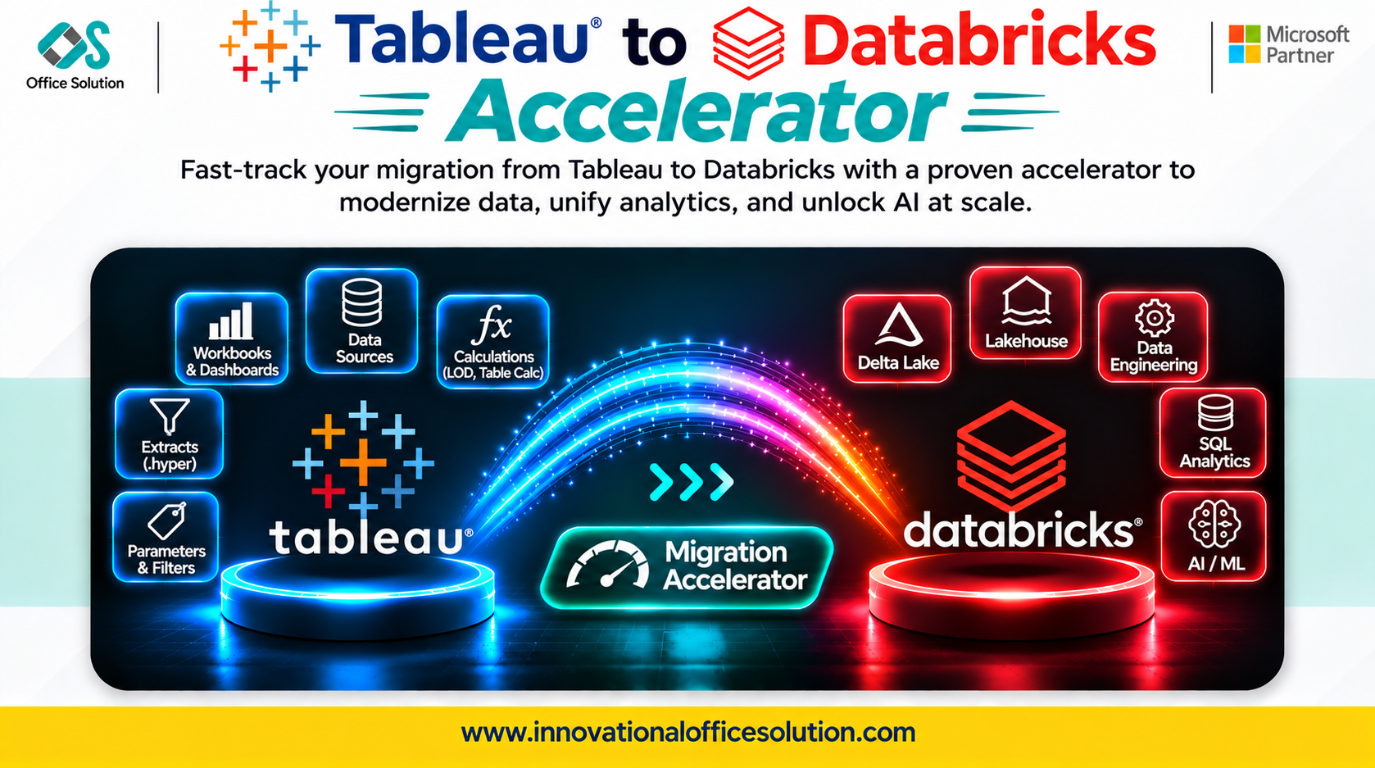
Table of Contents
Introduction
Organizations use Tableau to create interactive dashboards, visualize business performance, and generate insights from enterprise data. However, as data volumes grow and analytics requirements become more complex, organizations need a scalable, unified data platform.
Databricks Lakehouse provides an environment that combines data engineering, analytics, data science, and AI capabilities. Migrating from Tableau to Databricks helps organizations modernize their data architecture, centralize data processing, and build a foundation for advanced analytics.
The Tableau to Databricks Lakehouse Accelerator provides a structured approach to modernizing existing Tableau environments by moving underlying data, transformation logic, and analytical workloads into Databricks. This guide explains the migration process, common challenges, and how Pulse Convert can accelerate modernization.
Understanding Tableau to Databricks Migration
Tableau is primarily a business intelligence and data visualization platform, whereas Databricks is a Lakehouse platform designed for data engineering, analytics, and AI. This migration is not simply about transferring dashboards. It involves identifying existing data sources, extracting business logic, migrating data processing workloads, and establishing new connections between Tableau and Databricks.
- Approach 1 — Modernize the data layer: Move data and transformation workloads to Databricks while retaining Tableau as the reporting and visualization platform.
- Approach 2 — Full analytics modernization: Move the data layer to Databricks and rebuild selected reporting and analytical workloads using the organization's chosen analytics tools.
Step-by-Step Tableau to Databricks Migration Process
Step 1: Assess the Existing Tableau Environment
Analyze the existing Tableau environment to understand its architecture and dependencies.
- Identify Tableau workbooks, dashboards, worksheets, and published data sources.
- Review embedded and published data connections.
- Identify calculated fields, parameters, filters, and custom SQL.
- Examine extract schedules, refresh dependencies, and user permissions.
- Document dashboard usage and business-critical reports.
- Output: A complete inventory of Tableau assets and migration requirements.
Step 2: Analyze Data Sources and Dependencies
Identify where Tableau obtains its data and how different sources are connected.
- Identify databases, cloud storage, spreadsheets, and enterprise applications.
- Map tables, columns, relationships, and data dependencies.
- Review data volumes, refresh frequencies, and historical requirements.
- Identify duplicate datasets and unused data sources.
- Document data lineage and transformation dependencies.
- Output: A source-to-target mapping document for Databricks.
Step 3: Design the Databricks Lakehouse Architecture
Create the target architecture before moving data. A recommended architecture uses the Medallion approach:
- Bronze Layer: Stores raw data ingested from source systems.
- Silver Layer: Cleans, standardizes, and transforms data.
- Gold Layer: Contains business-ready datasets optimized for reporting and analytics.
- Configure Databricks workspace and compute resources.
- Set up Unity Catalog for centralized governance.
- Design catalogs, schemas, Delta tables, access permissions, security policies, and storage/ingestion architecture.
- Output: A scalable and governed Databricks Lakehouse environment.
Step 4: Extract and Migrate Data
Move the underlying Tableau data sources into Databricks.
- Extract data from original databases and source systems.
- Identify the appropriate ingestion method, such as batch or incremental loading.
- Load raw datasets into the Bronze layer.
- Create Delta tables and organize data into appropriate schemas.
- Validate record counts, data types, and completeness.
- Output: Source data available in the Databricks Lakehouse.
Step 5: Convert Data Transformations and Business Logic
Translate the logic used by Tableau and its upstream data sources into Databricks-compatible processing.
- Review custom SQL and source-side transformations.
- Recreate required transformations using Spark SQL or PySpark.
- Translate calculated fields into SQL expressions where appropriate.
- Rebuild aggregation and business rules.
- Validate joins, filters, null handling, and calculation results.
- Output: Reusable transformation logic and curated datasets in Databricks.
Step 6: Build the Gold Layer and Analytical Models
Prepare optimized datasets for reporting and analytical workloads.
- Create business-friendly tables and views.
- Define consistent metrics and dimensions.
- Implement aggregation and calculation logic.
- Optimize Delta tables and query performance.
- Apply appropriate access controls.
- Output: Reporting-ready datasets in the Gold layer.
Step 7: Reconnect Tableau to Databricks
If the organization chooses to retain Tableau, connect it to the new Databricks Lakehouse.
- Configure the Databricks connection in Tableau.
- Select the appropriate catalogs, schemas, tables, and views.
- Replace legacy data connections.
- Reconfigure extracts or live connections.
- Validate calculated fields, filters, parameters, and dashboard behavior.
- If full analytics modernization is planned, rebuild selected dashboards in the organization's target BI platform instead.
- Output: Existing reporting workloads connected to the modernized data environment.
Step 8: Testing, Validation, and Performance Optimization
- Compare source and target record counts.
- Validate key business calculations and KPIs.
- Compare dashboard outputs with the original Tableau reports.
- Test filters, parameters, joins, and aggregations.
- Evaluate query execution and refresh performance.
- Conduct user acceptance testing.
- Output: A validated migration ready for production.
Step 9: Deployment and Continuous Monitoring
- Deploy production workloads.
- Configure automated refresh and workflow schedules.
- Monitor job execution and query performance.
- Implement access monitoring and governance.
- Maintain documentation and migration logs.
- Decommission legacy components only after successful validation and approval.
- Output: A production-ready Databricks Lakehouse environment.
Common Challenges in Tableau to Databricks Migration
| Migration challenge | Business impact |
|---|---|
| Complex Tableau calculations | Business logic may produce different results after migration. |
| Multiple data sources | Dependency mapping becomes difficult. |
| Custom SQL and transformations | Manual conversion increases development effort. |
| Large data volumes | Data movement and processing may take longer. |
| Data model differences | Relationships and aggregation logic may need redesign. |
| Dashboard dependencies | Existing reports may stop working if schemas change. |
| Security and governance | Permissions and access policies must be recreated. |
| Performance optimization | Queries may require tuning for the new architecture. |
| Data validation | Differences in calculations or data quality can affect business decisions. |
Successful migration requires detailed assessment, automated assistance where possible, and comprehensive testing.
How Pulse Convert Accelerates Tableau to Databricks Migration
Pulse Convert by Innovation Office Solution helps organizations accelerate BI modernization through AI-assisted migration and automation. Instead of relying entirely on manual discovery, analysis, and conversion, Pulse Convert can support migration activities through structured automation.
Key Ways Pulse Convert Helps
- Automated migration assessment: Helps analyze existing Tableau assets and identify migration requirements, dependencies, and areas requiring manual attention.
- Metadata and dependency analysis: Supports understanding workbook structures, data sources, calculated fields, and relationships to simplify migration planning.
- Business logic analysis: Helps identify calculations, filters, custom SQL, and transformation logic that must be reviewed and recreated in Databricks.
- Reduced manual effort: Automation can reduce repetitive discovery, mapping, and conversion activities, allowing migration teams to focus on complex business logic and validation.
- Faster migration workflows: A structured, tool-assisted approach helps accelerate migration preparation and execution across multiple Tableau assets.
- Migration quality and validation support: Supports the migration team in identifying conversion gaps and reviewing results before production deployment.
Pulse Convert Accuracy
Pulse Convert supports an indicative 70–90% migration accuracy range, depending on workbook complexity, supported features, source configurations, and validation requirements. Actual results should be measured through a representative Proof of Concept (POC). Complex calculations, unsupported features, and business-specific logic may require manual review.
Why Choose Innovation Office Solution?
Innovation Office Solution helps organizations modernize their analytics environments through migration accelerators, automation, and technology expertise. With Pulse Convert, organizations can:
- Reduce repetitive manual migration activities.
- Accelerate Tableau asset assessment.
- Improve migration planning and dependency visibility.
- Identify complex conversion requirements earlier.
- Support scalable BI and data platform modernization.
- Reduce migration effort through automation-assisted workflows.
Whether your organization wants to retain Tableau with Databricks or modernize its complete analytics environment, our team can help plan the right migration strategy.
Start Your Tableau to Databricks Migration with a Free POC
Planning to migrate Tableau workloads to Databricks? Experience how Pulse Convert can support your migration journey with a free Proof of Concept (POC). Our team can assess representative Tableau assets, demonstrate the migration approach, identify potential challenges, and help you understand the expected migration effort.
- Website: Innovational Office Solution
- Free POC: Request a free migration POC
- Email: Admin@innovationalofficesolution.com
Modernize your analytics. Simplify migration. Accelerate your journey to Databricks with Pulse Convert.


