Teradata to Databricks Migration Accelerator: A Step-by-Step Case Study
 0|
 0
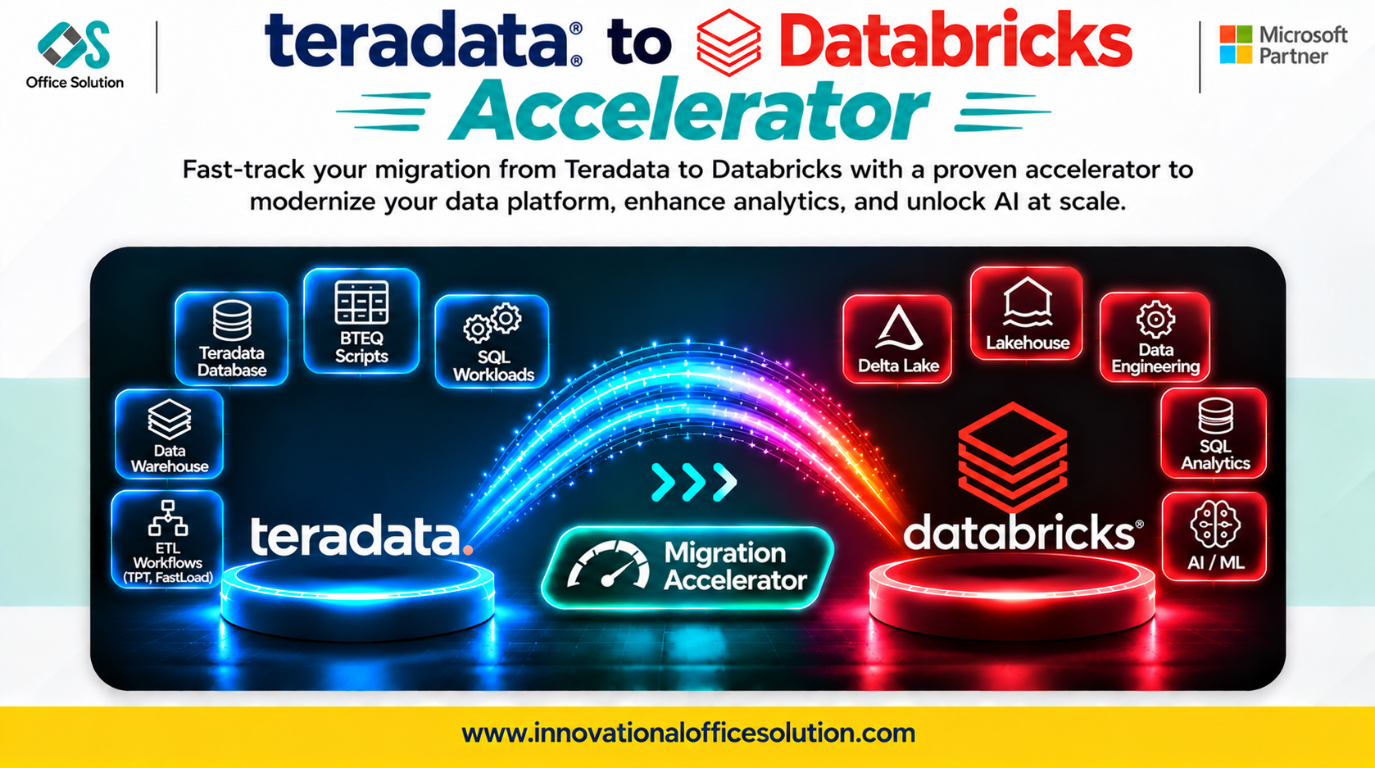
Table of Contents
Client Profile and Solution
Enterprise data teams running legacy Teradata warehouses and seeking cloud modernization can use the Pulse Convert Teradata-to-Databricks Accelerator by Office Solution AI Labs to plan and execute a structured migration.
Executive Summary
Migrating from Teradata to Databricks is not a simple lift-and-shift exercise. Teradata enforces data behaviors such as primary indexes, SET tables, and collation rules that Databricks does not natively replicate in the same way. Without deliberate redesign, teams risk a Lakehouse that is expensive but untrustworthy.
This case study outlines a pragmatic, step-by-step migration process and explains how Pulse Convert accelerates repeatable work so engineers can focus on the complex edge cases that determine success. Pulse Convert's stated automated accuracy range is 70–90% for schema and ETL code, with the remaining work requiring expert fine-tuning and validation.
Step-by-Step Migration Process
Step 1: Discovery and Inventory (Weeks 1–2)
Extract metadata from Teradata system catalogs to inventory tables, views, macros, stored procedures, BTEQ scripts, and FastExport/FastLoad jobs.
- Key output: A prioritized migration backlog grouped by business case, not simply by object count. Identify low-usage legacy reports that should be retired rather than migrated.
- Critical check: Document collation settings, including case sensitivity and accent handling, plus data type usage such as BYTEINT, INTERVAL, and high-precision DECIMAL. These details can affect post-migration data trust.
Step 2: Select a Strategy by Workload (Week 2)
Choose an approach for each workload instead of applying one migration strategy globally.
| Workload type | Recommended approach |
|---|---|
| Stable regulatory reports | Lift and shift with minimal redesign |
| High-cost batch ETL | Re-platform with compute optimization |
| BTEQ-heavy workflows | Automated conversion followed by manual review |
| Low-usage reports | Retire rather than migrate |
Teradata Primary Indexes distribute data to support co-located joins. Spark does not automatically reproduce that distribution strategy, and joins can require shuffles. Identify high-join-frequency tables early and decide whether Spark bucketing or another optimization is appropriate to control compute costs.
Step 3: Convert Schema and Code (Weeks 3–8)
Convert DDL first, then BTEQ and stored procedures, followed by ETL orchestration. Review each conversion against Teradata semantics rather than assuming that syntactic translation preserves behavior.
- Primary keys and SET tables: Teradata can reject duplicates automatically, while Databricks constraints are informational. Implement and test suitable uniqueness enforcement in pipelines, such as MERGE logic or dropDuplicates() where appropriate.
- Collation: Teradata comparisons may be case-insensitive, while Databricks comparisons can differ. A join that previously matched a value such as 'alice' may omit rows after migration. Use explicit normalization such as LOWER() or document and implement the chosen comparison strategy.
- Floating-point and decimal precision: Validate precision and rounding behavior explicitly so small differences in totals do not erode confidence.
- Automation: Conversion tools can translate repeatable syntax, but each converted object must be validated against its source.
Step 4: Validate and Reconcile (Weeks 9–10)
Run parallel queries to compare row counts, aggregates, and business KPIs between Teradata and Databricks. Automate reconciliation with scripts: manual spot-checking does not scale and can miss edge cases. Maintain a source-to-target validation record for every migrated object before go-live.
Step 5: Cut Over and Decommission (Weeks 11–12)
Decommission in phases by subject area and keep Teradata read-only during the transition window. Track decommissioning as a formal cost-saving milestone; migration ROI is realized when the Teradata license and infrastructure are retired.
Key Challenges in Teradata-to-Databricks Migration
| Challenge | Why it matters | Mitigation |
|---|---|---|
| Semantic loss from constraints | Duplicates may accumulate without being rejected automatically. | Enforce uniqueness in pipelines with suitable MERGE or deduplication logic. |
| Collation mismatch | Joins may drop rows and dashboards can change unexpectedly. | Use explicit normalization such as LOWER() or implement documented comparison rules. |
| Data type drift | Precision or rounding differences can change totals and reduce trust. | Validate data types, precision, and rounding for each fact table. |
| Primary Index distribution is not carried over automatically | Joins may trigger shuffles and increase compute costs. | Identify high-join-frequency tables and evaluate Spark bucketing or other optimizations. |
| BTEQ script complexity | There is no native Databricks equivalent for every pattern. | Use automated conversion and have engineers review control flow and edge cases. |
How Pulse Convert Accelerates the Journey
Pulse Convert Teradata-to-Databricks Accelerator focuses on high-effort, repeatable work such as bulk schema translation, BTEQ-to-PySpark/Spark SQL conversion, and automated inventory analysis.
What Pulse Convert Helps With
- Automates 70–90% of schema and repeatable ETL code conversion, based on the stated accuracy range across migration types.
- Reduces manual translation effort by up to 85% on bulk objects.
- Generates a conversion inventory with complexity flags to help engineers prioritize review.
Where Expert Review Is Still Needed
- Complex stored-procedure control flow.
- Edge-case collation and comparison decisions.
- Performance tuning for shuffle-heavy joins.
- Business logic and data validation.
No tool migrates every Teradata object perfectly. Pulse Convert automates repeatable bulk work and routes complex cases to engineers; accuracy is established by validating converted results against the source.
Next Step: Free Proof of Concept
See Pulse Convert on your Teradata workload. Office Solution can migrate a representative sample to Databricks, validate it against your source, and demonstrate the results before you commit.
- Contact: Admin@innovationalofficesolution.com
- Free POC offer: Request a free migration POC
- Website: Innovational Office Solution
- Office Solution AI Labs — Microsoft Solution Partner


