Tableau to Power BI Migration Tool & Accelerator: The Enterprise Guide
As organizations prioritize cost-efficiency and deep integration with the Microsoft ecosystem, the shift from Tableau to Power BI has become a strategic necessity rather than a technical choice. However, the complexity of migrating thousands of workbooks, intricate calculated fields, and specific visual interactions often stalls these initiatives.
Pulse Convert, engineered by Office Solution AI Labs, is a Gen AI product designed specifically to solve the "manual rebuild" bottleneck. By leveraging an in-house trained Large Language Model (LLM), Pulse Convert reduces a migration process that typically takes weeks or months down to just 6 to 16 minutes.
Pulse Convert is an AI-powered Tableau to Power BI migration accelerator developed by Office Solution AI Labs. It automates dashboard conversion with 75-90% initial accuracy, reducing months of manual effort to minutes.
Designed for enterprise-scale BI modernization, Pulse Convert:
- Converts dashboards, visuals, filters, and calculations
- Maps Tableau LOD expressions to optimized DAX
- Rebuilds semantic models in Power BI
- Preserves data logic and relationships
- Requires only 12-25% manual fine-tuning depending on complexity
Pulse Convert leverages our in-house trained LLM, “Pulse,” to intelligently interpret Tableau logic and translate it into structured Power BI semantic models and DAX measures.

What is Tableau to Power BI Migration?
The decision to migrate is rarely about visualization alone; it is about operational ROI and the consolidation of the data stack.
For a deeper look at the market shift, read our Strategic Guide to Tableau to Power BI Migration in 2026.
- Lower licensing costs
- Better Microsoft ecosystem integration
- Azure compatibility
- Advanced AI & analytics features
- Centralized governance
Unlike simple dashboard recreation, enterprise migration requires semantic model conversion, calculation mapping, and performance optimization.
Why Organizations Are Migrating from Tableau to Power BI
The decision to migrate is rarely about visualization alone; it is about operational ROI and the consolidation of the data stack. For a deeper look at the market shift, read our Strategic Guide to Tableau to Power BI Migration in 2026.
1. Total Cost of Ownership (TCO)
🔹 Flexible Pricing Model
Power BI offers both per-user licensing (Pro / Premium Per User) and capacity-based licensing (Premium / Fabric capacity). This allows organizations to align costs with actual usage — whether for small teams or enterprise-wide deployments.
🔹 Lower Total Cost of Ownership (TCO)
Power BI often reduces overall TCO because it:
- Integrates natively within the Microsoft ecosystem
- Reduces dependency on separate server infrastructure
- Simplifies administration and security management
- Minimizes need for third-party add-ons
For companies with hundreds or thousands of BI users, even small per-user savings create significant long-term cost reductions.
🔹 Enterprise-Scale Efficiency
With capacity-based licensing, organizations can distribute dashboards to a large number of viewers without proportional licensing increases. This makes company-wide analytics rollouts far more cost-effective.
🔹 Microsoft Ecosystem Bundling
Organizations already using Microsoft 365 or Microsoft Azure can benefit from bundled pricing under Enterprise Agreements. This reduces procurement complexity and improves overall ROI.
2. Microsoft Ecosystem Synergy
Power BI integrates natively with:





This unified ecosystem enables:
- Direct Azure data connectivity
- Embedded analytics in Teams
- Excel-to-Power BI workflow continuity
- Enterprise-grade data engineering via Fabric
For organizations already invested in Microsoft technologies, migrating from Tableau to Power BI creates tighter system alignment and operational efficiency.
3. AI-Driven Analytics
Modern enterprises require strong governance across analytics platforms. Power BI provides:
- Role-Level Security (RLS)
- Centralized workspace governance
- Data lineage tracking
- Integration with Azure Active Directory
- Tenant-level security controls
During Tableau to Power BI migration, enterprises benefit from improved data governance, auditability, and compliance management across departments.
4. AI, Automation & Advanced Analytics Capabilities
Power BI continues to expand its AI-driven features, including:
- Built-in AI visuals
- Natural language querying
- Automated insights
- Integration with Microsoft Copilot
- Advanced DAX modeling and semantic layer control
Compared to traditional dashboarding tools, Power BI enables organizations to move toward predictive and AI-assisted analytics.
For enterprises undergoing digital transformation, migrating from Tableau to Power BI supports long-term AI readiness and automation strategies.
5. Cloud Scalability & Modern Data Architecture
Power BI is optimized for cloud-first deployments and hybrid architectures. Enterprises can:
- Deploy across Power BI Service and on-premise gateways
- Connect to modern data warehouses
- Leverage dataflows and semantic models
- Scale analytics workloads dynamically
This makes Tableau to Power BI migration a strategic step toward modern BI modernization and cloud transformation.
Tableau vs Power BI: Key Platform Differences
| Feature | Tableau | Power BI |
|---|---|---|
| Licensing | High-cost per user | Cost-effective / Included in Microsoft E5 |
| Integration | Limited Microsoft integrations | Deep Microsoft 365 & Fabric integration |
| AI / ML | Ask Data (limited) | Copilot & Pulse LLM Integration |
| ETL | Tableau Prep (separate tool) | Power Query built-in |
Pre-Migration Planning
(Critical Step Most Companies Skip)
Before starting Tableau to Power BI migration, proper assessment is required.
1. Inventory Assessment
- Number of dashboards
- Data sources
- Extract vs Live connections
- Calculated fields complexity
2. Dependency Mapping
- Data pipelines
- Embedded reports
- User roles & RLS
3. Migration Strategy
- Lift & shift
- Phased migration
- Hybrid approach
At Office Solution AI Labs, we begin every Tableau to Power BI migration project with a structured discovery workshop.
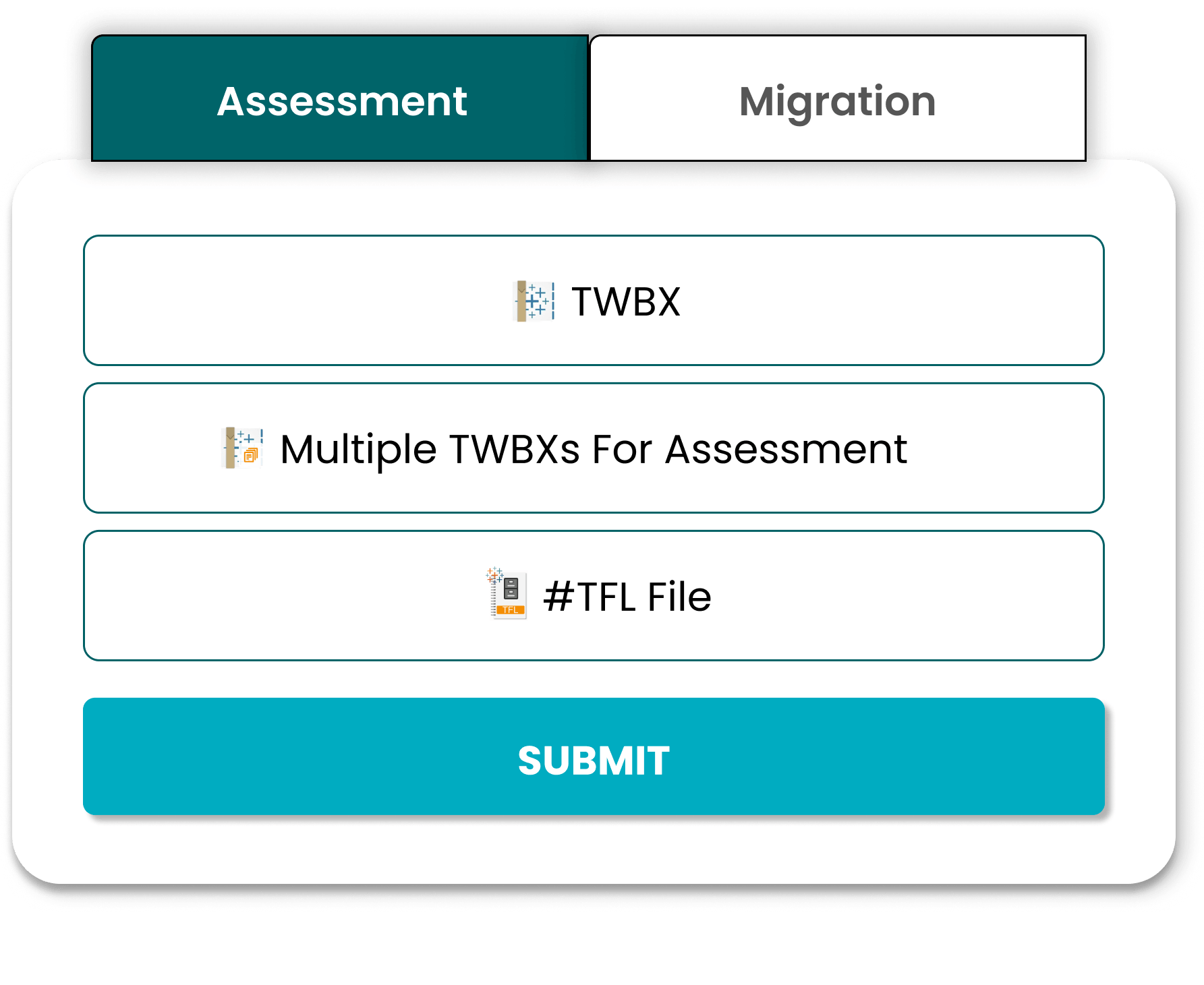
Step-by-Step Tableau to Power BI Migration Framework
To achieve a successful Tableau to Power BI migration, we use a structured framework that blends AI-powered automation with expert validation. This ensures calculation accuracy, visual integrity, and long-term scalability.
Step 1: Discovery & Assessment
We begin by auditing your Tableau environment to rationalize dashboards.
- Inventory Check: Identifying workbooks, data sources, and calculated fields.
- Complexity Scoring: Categorizing dashboards into Low, Medium, and High complexity.
Step 2: Metadata Extraction
Using Pulse Convert, we extract the underlying metadata from Tableau workbooks, including dashboard structure, filters, and calculation logic.
Step 3: Automated Conversion (The Pulse Engine)
This is where the transformation happens. Our AI-powered tool converts the extracted metadata into a Power BI-ready file (.PBIX).
- Speed: 6-16 minutes per dashboard.
- Accuracy: 70-90% of objects (Visuals, Measures, Parameters) are converted instantly.
Step 4: Manual Rework & Fine-Tuning
No tool achieves 100% automation for highly customized dashboards. Our expert consultants (Ex-BCG & Ex-McKinsey) handle the remaining 10-30% of manual effort.
Step 5: Data Validation & Testing
We compare the numbers between Tableau and Power BI to ensure complete fidelity, matching KPIs and validating that all parameters work as expected.
Step 6: UI/UX Enhancement
We apply your organization’s branding, including custom fonts, colors, and logos, to the Power BI reports.
Step 7: User Acceptance Testing (UAT)
Business stakeholders review the new dashboards to confirm that the business logic and usability meet their requirements.
Step 8: Production Deployment & Support
The final step is publishing to the Power BI service and providing two weeks of post-go-live monitoring to ensure stability.
Mapping Tableau Logic to Power BI (Technical Deep Dive)
This is where most migrations fail. We ensure precise translation of complex logic.
Tableau Calculated Fields → DAX Measures
Mapping complex expressions requires semantic understanding to ensure business logic is preserved.
LOD Expressions → Aggregation & Context Handling
Power BI handles context differently than Tableau. We map Fixed/Include/Exclude to accurate DAX equivalents.
Data Extracts → Power BI Dataflows
ETL optimization is required to replace Tableau extracts with robust Power BI dataflows and datasets.
Tableau Server → Power BI Service Migration
- Access roles
- Refresh schedules
- Dataset permissions
Solving the “Logic Gap” in BI Modernization
Most migrations fail not because of visuals, but because of Calculation Logic. Tableau's XML-based .TWB structure and Power BI's .PBIP (Power BI Project) format handle data context differently. Pulse Convert is built to deconstruct the Tableau metadata layer, specifically addressing the transition from a “Visualization-First” tool to a “Model-First” ecosystem like Microsoft Fabric.
How Pulse Convert Automates Technical Mapping
Level of Detail (LOD) Conversion
We map Tableau FIXED, INCLUDE, and EXCLUDE expressions into optimized CALCULATE and SUMMARIZE DAX functions.
Semantic Model Reconstruction
Tableau often relies on “Data Blending.” Pulse Convert identifies these joins and suggests a Star Schema relationship in Power BI to ensure performance at scale.
Visual Fidelity & Metadata
Beyond just charts, we extract color hex codes, font styles, and filter logic to ensure your C-suite sees zero difference in report aesthetics.
Strategic Benefits of Automation
By automating the migration process, organizations gain more than just speed. Automation ensures consistency, scalability, and operational continuity during BI modernization.
Business Continuity
Minimize downtime for decision-makers by completing transitions overnight.
Resource Allocation
Free up your internal BI team from tedious rebuild tasks.
Accuracy & Consistency
AI-driven conversion eliminates the human error common in manual formula rewriting.
Migration Case Study: Global Enterprise Retail
A global retail giant needed to migrate 120 Tableau dashboards to Power BI within a highly compressed timeframe.
The Solution
- Automated migration using Pulse Convert for all dashboards
- Advanced DAX tuning for complex LOD expressions
- UI/UX alignment with Microsoft 365 branding
The Result
- Initial migration completed in under 2 days
- ~85% visuals automatically converted
- 65% consulting cost reduction
Manual vs Automated Migration
Relying on traditional consulting for a manual rebuild is no longer viable for modern enterprises. For more details on why this shift is happening, see our blog onWhy Pulse Convert is the Best Tableau to Power BI Migration Tool in 2026.
| Metric | Manual Rebuild | Pulse Convert (AI-Powered) |
|---|---|---|
| Duration | 🗓️ Weeks to Months | ⚡ 6-16 Minutes |
| Initial Accuracy | ❌ 50%-60% | ✅ ~70%-90% |
| Manual Effort | 🔴 High | 🟢 Minimal |
| Data Loss Risk | 🚨 High | 🔒 Low |
| Cost | 💸 Expensive | 💡 Cost-Effective |
Our proprietary Tableau to Power BI migration tool, Pulse Convert, accelerates dashboard transformation while maintaining structural integrity.



Our Tableau to Power BI Migration Accelerator (Pulse Convert)
Core Technical Features
- Pulse LLM Integration:Our in-house trained model understands the semantic differences between Tableau’s visual engine and Power BI’s tabular engine.
- Automated Object Migration:
- Visuals: Charts, tables, and slicers.
- Calculations: Automated conversion of measures and calculated columns.
- ETL Layers: Recreating data transformation steps in Power Query.
- Scalable Architecture:Whether you are migrating 50 dashboards or 5,000, the tool maintains consistent performance.
Pulse Convert isn't just a script; it’s a full-stack modernization solution.
Pulse Convert leverages our in-house trained LLM "Pulse" to intelligently interpret Tableau logic and convert it into optimized Power BI DAX and semantic models.

GenAI-Powered Automation

75%-90% Migration Accuracy

Enterprise Framework

Free 5-Dashboard POC
Relationship & Data Mapping

Enterprise-Scale Migration

Learning-Based Model
Backed by Microsoft
Challenges in Tableau to Power BI Migration
Every migration project comes with technical obstacles. From complex LOD expressions to data model differences, manual conversion often leads to performance bottlenecks and logic errors. Pulse Convert addresses these challenges head-on with automated semantic mapping.
By automating the migration process, your organization realizes more than just speed.
Challenges in Tableau to Power BI Migration
A migration is more than a "copy-paste" of charts. It involves a fundamental shift in how data logic is processed.
1. Calculation Logic Parity (LOD vs. DAX)
Tableau’s Level of Detail (LOD) expressions are functionally different from Power BI’s Data Analysis Expressions (DAX). Manually converting these often leads to data discrepancies. We have developed a comprehensive Tableau LOD to Power BI DAX Mapping Guide to help technical teams bridge this gap.
2. Dashboard Redesign and Formatting
Visualizations do not always have a 1:1 match. Tableau's "sheets" and "containers" structure must be remapped to Power BI’s canvas-based layout without losing visual integrity or user familiarity.
3. Data Source Connectivity
Re-establishing connections to live data sources, especially those behind on-premise firewalls, requires careful planning to avoid downtime and business disruption.
4. Security and Row-Level Security (RLS)
Migrating user permissions and RLS filters from Tableau to Power BI’s security model is a critical step that, if handled incorrectly, can lead to data leaks or access issues.
Pulse Convert Pricing Matrix
Our pricing is tiered based on the complexity of your reports and the level of service required.
| Complexity | Dashboard Features | Tooling Only (USD) | Full Migration Service (USD) |
|---|---|---|---|
| Low | 10–15 visuals, <30 measures, 8 tables | $400 / Dashboard | $600 / Dashboard |
| Medium | Unlimited visuals, action buttons | $475 / Dashboard | $700 / Dashboard |
| High | Multi-dashboard workbooks | $550 / Dashboard | $800 / Dashboard |
Why Choose Office Solution AI Labs?
We are not just a software vendor. Office Solution AI Labs is an impact consulting firm led by Ex-BCG and Ex-McKinsey consultants consultants specializing in enterprise analytics modernization.
Our Microsoft AppSource portfolio includes over 40 advanced BI solutions ranging from DAX optimizers to custom analytics accelerators.
Global Presence
India (HQ)
Gurugram & Hyderabad
USA
Aurora, Colorado
International
UAE • Singapore • UK • Germany
Frequently Asked Questions (FAQ)

The technical conversion using Pulse Convert takes between 6 and 16 minutes.
Yes. Pulse Convert is trained to rewrite Tableau calculation logic into high-performance DAX measures.
We typically see an initial accuracy rate of 70% to 90%.
Absolutely. We can migrate dashboards that use live connections, provided the necessary credentials are configured.
Organizations typically see a 70-80% reduction in both time and cost.
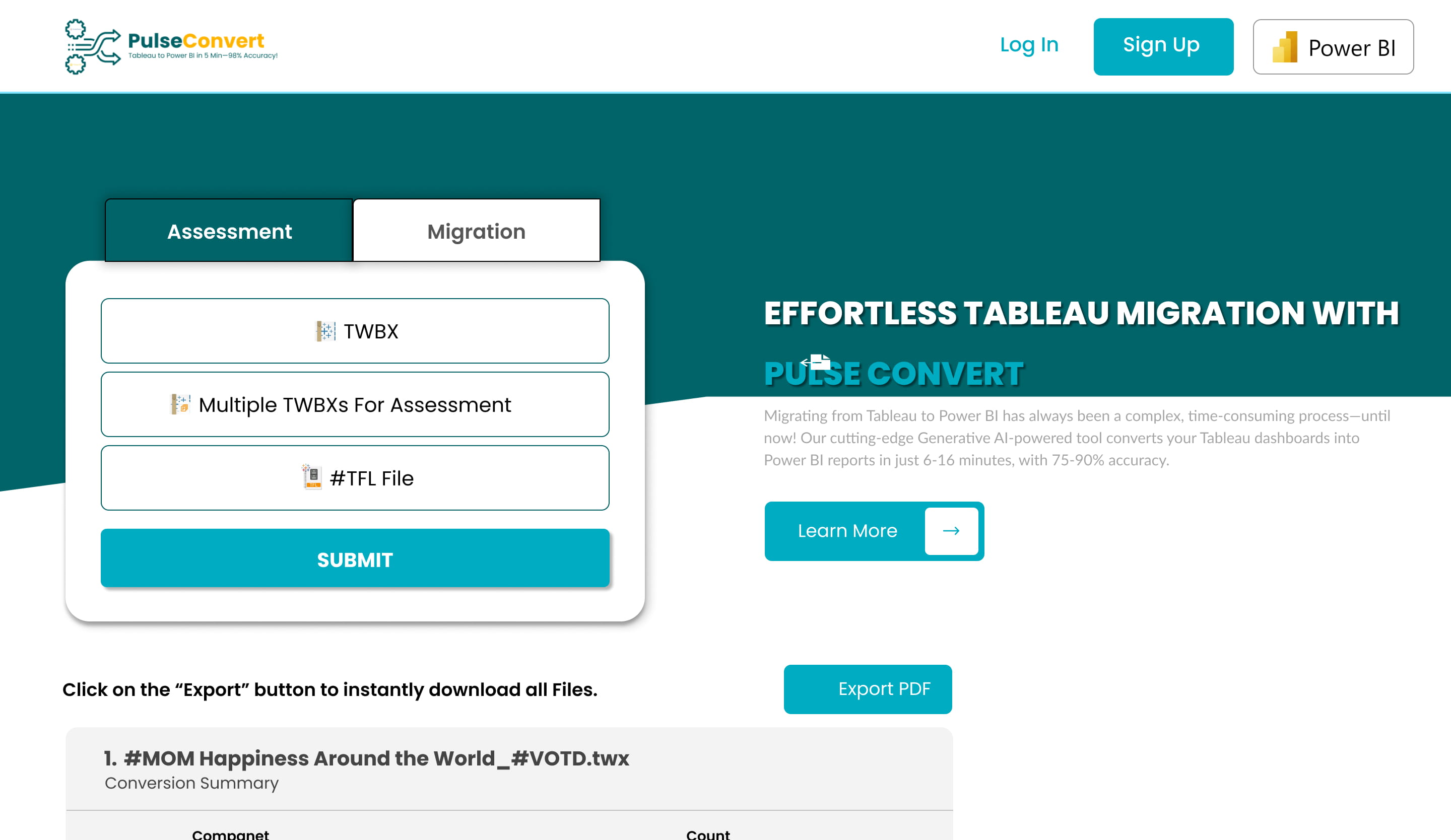
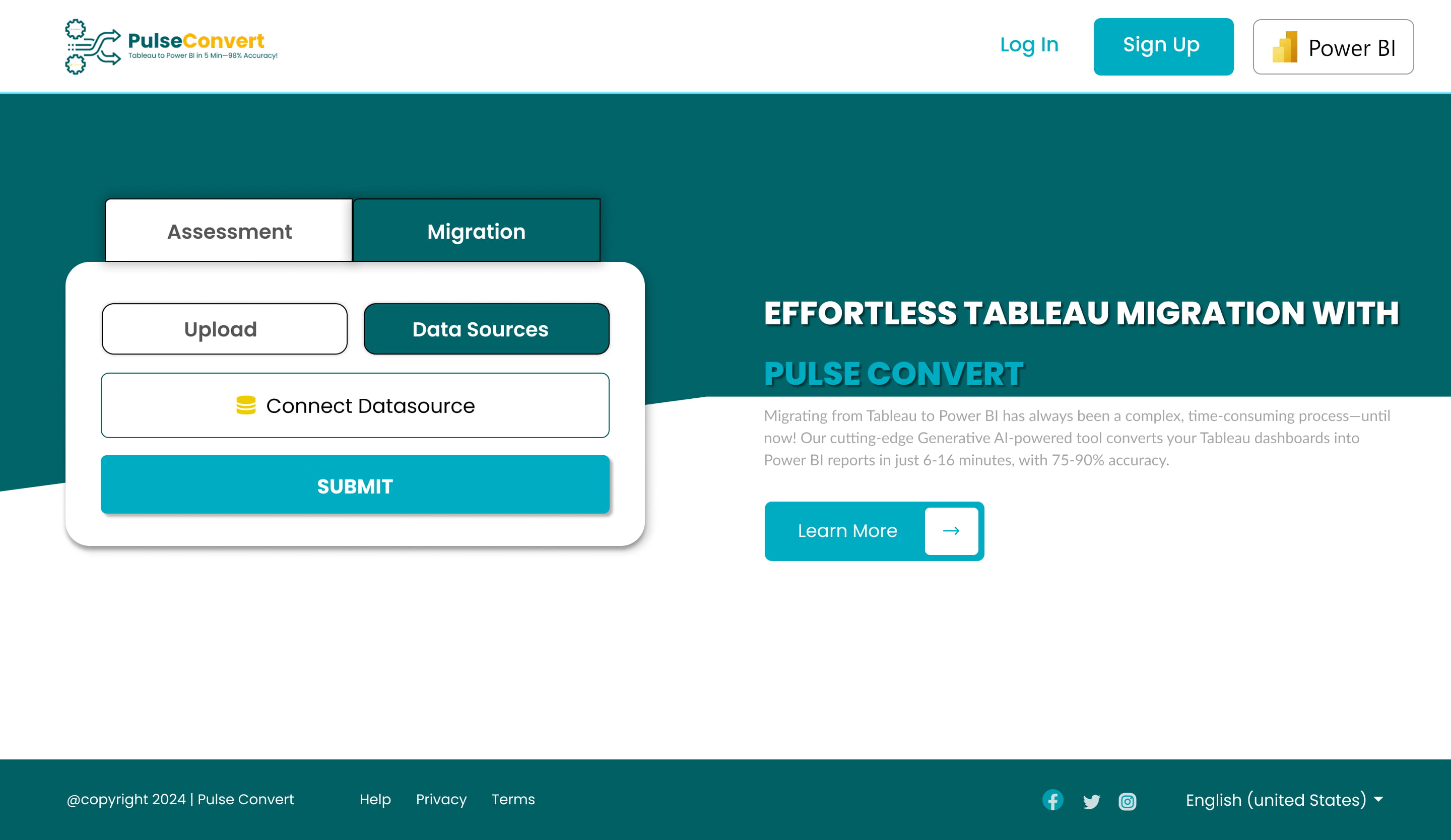
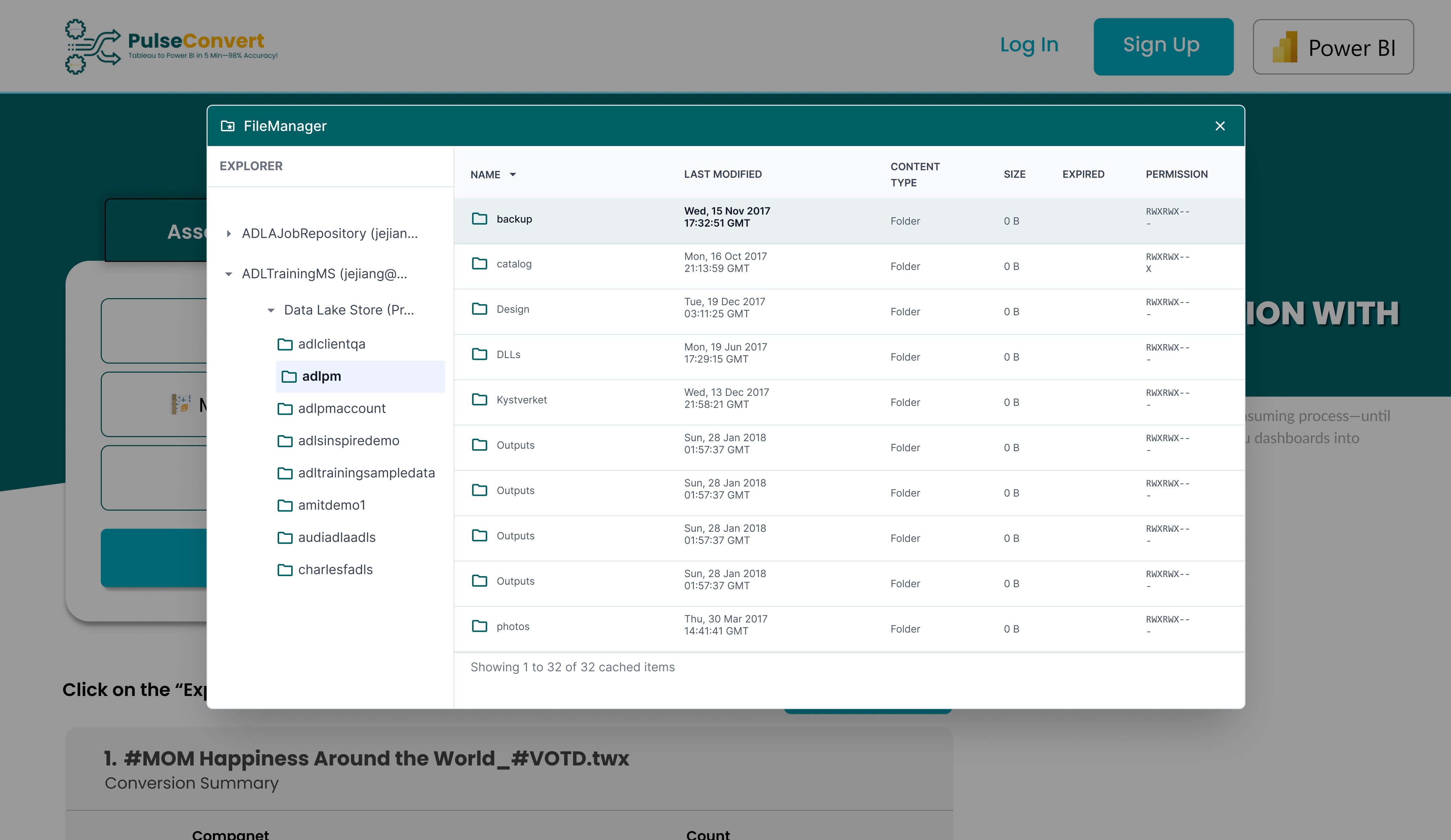
Screenshots
Ready to Modernize Your BI Strategy?
Don't let technical debt hold back your data initiatives. Move your Tableau dashboards to Power BI with the speed of AI.
Email: admin@innovationalofficesolution.com
Global Support:+91-7428239735 (India) | +1(315)5631684 (USA)


