Architectural Foundations for Modern Tableau to Power BI Migration
 0|
0| 0
0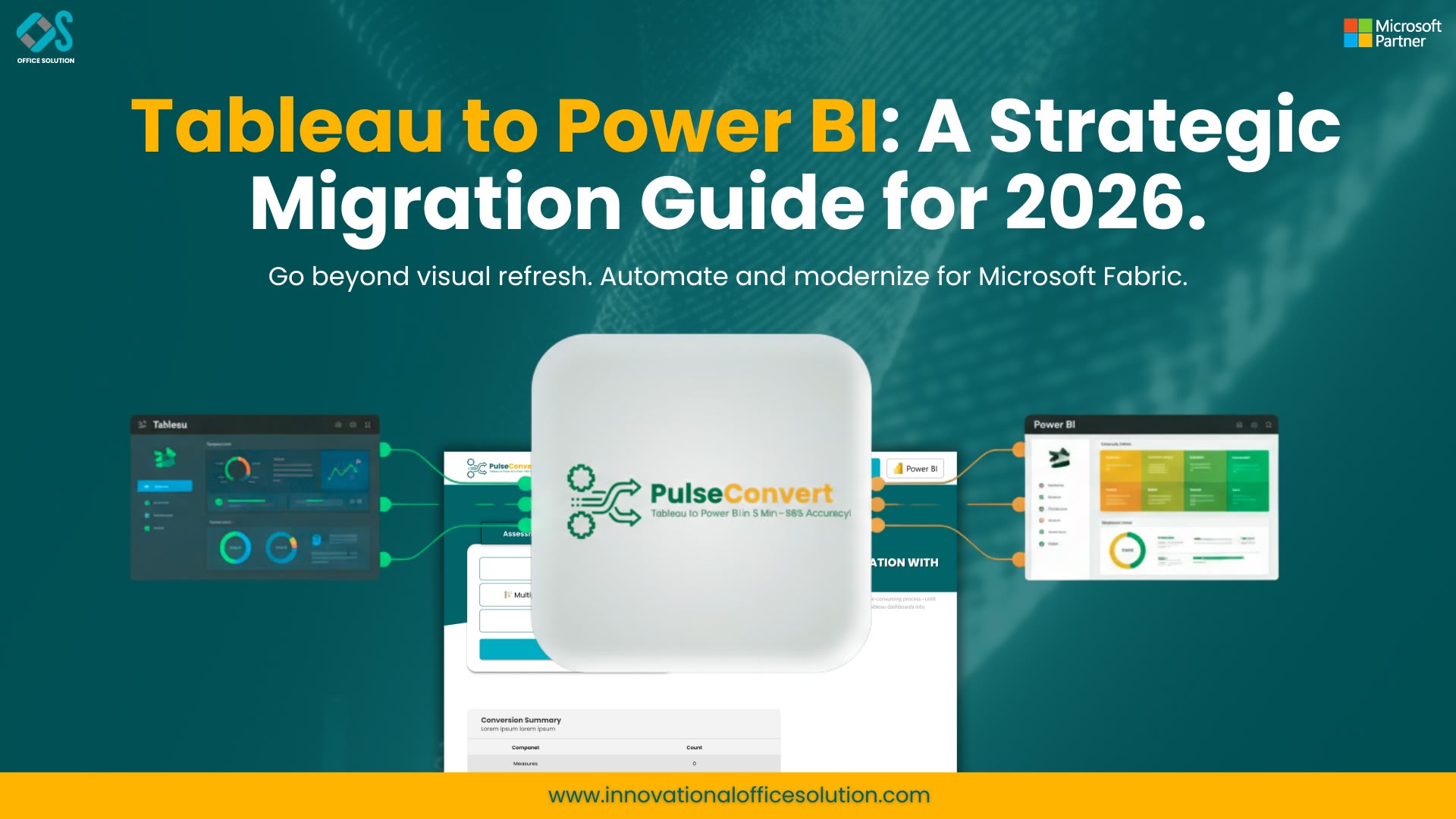
Table of Contents
In the current enterprise business intelligence landscape, chief information officers and lead data architects across North America are executing aggressive stack consolidation initiatives. Operating fragmented, dual-vendor BI platforms creates unnecessary operational overhead, expands security attack surfaces, and significantly inflates total cost of ownership. Executing a full-scale Tableau to Power BI migration has emerged as a top operational priority for organizations seeking a unified cloud data ecosystem.
Transitioning across complex reporting stacks requires deploying specialized Cloud migration tools alongside proven Data migration tools. These solutions ensure that underlying database schemas, analytical calculations, and row-level security structures are mapped directly into target cloud platforms without data loss or operational downtime. When enterprise engineering teams evaluate a universal Migration tool, they must recognize that migrating analytics is fundamentally different from moving flat files or static database tables.
Modernizing an enterprise analytics catalog requires transforming interactive worksheets, calculated fields, and embedded SQL queries into structured Microsoft Fabric semantic models and context-aware DAX expressions. Utilizing enterprise-grade Cloud migration solutions and specialized Database migration tools accelerates this transition, turning months of manual engineering effort into a controlled, automated pipeline.
Technical Comparison: Tableau vs. Power BI Architecture
To execute a successful Tableau to Power BI migration, technical leads must understand the architectural differences between both platforms. Tableau operates as a sheet-centric visual canvas that evaluates calculations using VizQL. Power BI relies on a model-centric Star Schema architecture powered by the in-memory VertiPaq engine.
Modern enterprise architectures use a dedicated migration accelerator to automate the transformation of these distinct components:
- Data Engine Mechanics: Tableau relies on localized .hyper extracts or live SQL queries. Power BI utilizes VertiPaq, DirectQuery, or real-time DirectLake modes within Microsoft Fabric.
- Calculation Logic Syntax: Tableau evaluates VizQL and Level of Detail (LOD) FIXED, INCLUDE, or EXCLUDE expressions. Power BI evaluates Data Analysis Expressions (DAX) and Power Query M code.
- Data Relationship Architecture: Tableau permits ad-hoc visual joins and data blending. Power BI enforces explicit Star Schema relationships with defined filter direction and cardinality.
- Security & Access Control: Tableau uses site roles and server-level user filters. Power BI integrates directly with Microsoft Entra ID to enforce dynamic Row-Level Security (RLS) across shared semantic models.
Leveraging automated Cloud migration solutions ensures these structural paradigm differences are handled programmatically, preserving analytical accuracy and business context.
Decommissioning Legacy Systems and Oracle Analytics Stacks
Enterprise reporting catalogs often contain legacy technical debt accumulated over decades. In addition to Tableau workbooks, organizations frequently seek specialized BI tools for migrating Oracle Hyperion interactive reporting frameworks that have reached end-of-life status.
Retiring legacy financial reporting applications alongside Tableau requires a systematic three-phase modernization playbook:
- Portfolio Inventory & Rationalization: Audit active, duplicate, and obsolete workbooks to eliminate unnecessary assets before migration begins.
- Database Engine Consolidation: Use specialized Database migration tools to migrate underlying relational queries, stored procedures, and custom views into Azure SQL or Snowflake repositories.
- Semantic Model Standardization: Convert legacy multi-table joins into clean Star Schema dimensional models optimized for modern cloud analytical processing.
Deploying comprehensive Data migration tools alongside automated migration accelerators allows enterprise teams to retire legacy server licenses, close security gaps, and establish a single source of truth within Power BI.
Introducing Pulse Convert
To address the historical challenges of manual report conversion, Office Solution AI Labs developed an AI-powered platform engineered specifically for enterprise dashboard modernization.
Pulse Convert is an enterprise-grade migration accelerator designed by Office Solution AI Labs that automates dashboard conversion, semantic model translation, and visual recreation with an initial automated accuracy rate of 75 to 90%. As a Microsoft-backed platform, Pulse Convert utilizes a proprietary specialized LLM ("Pulse") trained specifically on complex enterprise BI metadata structures.
By parsing source XML node structures (.twb and .twbx files) at the metadata level, Pulse Convert automatically extracts embedded SQL queries, visual grid coordinates, parameter mappings, and calculation logic. It converts these assets into native Power BI Project (.pbip) files, mapping Level of Detail (LOD) expressions directly into optimized DAX measures. Achieving 75 to 90% initial automated accuracy dramatically shortens project timelines, requiring only 12 to 25% manual fine-tuning by senior BI developers.
Converting Calculation Logic: LODs to DAX Expressions
The primary engineering challenge during a Tableau to Power BI migration is translating calculation logic. Tableau evaluates Level of Detail (LOD) calculations within visual sheets, whereas Power BI requires explicit DAX filter contexts.
Code Translation Reference Patterns
- Fixed Granularity Expressions: Tableau: {FIXED [Region] : SUM([Sales])}
Power BI (DAX): CALCULATE(SUM(Sales[Amount]), ALLEXCEPT(Sales, Sales[Region])) - Exclusion Context Expressions: Tableau: {EXCLUDE [Category] : AVG([Discount])}
Power BI (DAX): CALCULATE(AVERAGE(Sales[Discount]), ALL(Sales[Category])) - Include Context Expressions: Tableau: {INCLUDE [Customer_ID] : SUM([Revenue])}
Power BI (DAX): CALCULATE(SUM(Sales[Revenue]), KEEPFILTERS(Sales[Customer_ID]))
Utilizing an automated Migration tool and modern Cloud migration tools ensures that complex formulas, conditional statements, and table calculations are converted without manual coding errors.
Data Governance, Security, and Cloud Architecture Validation
Consolidating enterprise analytics into Power BI provides an opportunity to modernize corporate data governance frameworks. Legacy BI deployments often suffer from isolated extracts and unmanaged permissions.
Centralizing reports within Microsoft Fabric enables enterprises to enforce unified security through Microsoft Entra ID. Dynamic Row-Level Security (RLS) rules are defined once within the shared semantic model, automatically filtering data access based on user identity. Furthermore, leveraging modern innovations such as DirectLake mode provides real-time access to massive Parquet data files stored in OneLake—delivering import-mode performance without replicating underlying data.
Combining automated migration solutions with rigorous data parity validation guarantees exact numerical alignment and enterprise security compliance.
Complete Resource & URL Directory
For technical architects, engineering leads, and enterprise project managers reviewing platform capabilities, marketplace listings, and technical documentation, the following plain-text links provide full reference details:
- Microsoft Marketplace Solution Page: https://marketplace.microsoft.com/en-us/product/officesolution1640276900203.pulseconvertrank1?tab=Overview
- Office Solution AI Labs Platform Portal: https://innovationalofficesolution.com/Tableau-To-PowerBI/
- Enterprise Retail Migration Case Study: https://innovationalofficesolution.com/case-study/retail-enterprise-tableau-to-power-bi-migration-case-study/
- Barchart Financial Feature & Accuracy Analysis: https://www.barchart.com/story/news/786952/pulse-convert-microsoftbacked-tableau-to-power-bi-migration-tool-with-7590-guaranteed-accuracy
- The 2026 AI-Powered Migration Guide: https://innovationalofficesolution.com/blogs/ai-powered-tableau-to-power-bi-migration/
- Unified Enterprise Migration Framework & Governance Strategy: https://innovationalofficesolution.com/blogs/driving-corporate-efficiency-unified-tableau-to-power-bi-migration-framework/
- Step-by-Step Technical Conversion & Automation Guide: https://innovationalofficesolution.com/blogs/designing-a-modern-strategy-for-a-tableau-to-power-bi-migration/
- Practical Enterprise Engineering & Architecture Blueprint: https://innovationalofficesolution.com/blogs/the-modern-framework-to-migrate-from-tableau-to-power-bi-a-practical-enterprise-engineering-guide/
- Top Migration Technical Challenges & Engineering Fixes (2026 Edition): https://innovationalofficesolution.com/blogs/tableau-to-power-bi-migration-2026-guide/
- The Ultimate Enterprise Guide to Migrate Tableau to Power BI: https://innovationalofficesolution.com/blogs/the-ultimate-guide-how-to-migrate-tableau-to-power-bi/
Frequently Asked Questions (FAQs)
1. How does automated Tableau to Power BI migration software handle custom SQL queries embedded in workbooks?
Automated tools like Pulse Convert parse embedded custom SQL connections directly from source XML files. The engine converts these queries into Power Query M expressions or native database views, creating a structured semantic layer within Power BI.
2. What role do specialized Data migration tools play in maintaining metric accuracy?
Specialized Data migration tools automate validation by running parallel query audits across source and target environments. They verify numerical parity across multiple filter states and slice dimensions before reports are released to production users.
3. How does the 75 to 90% automated accuracy of Pulse Convert impact project timelines?
By automating visual layout creation, metadata mapping, and LOD-to-DAX conversion with 75 to 90% accuracy, Pulse Convert eliminates up to 80% of manual effort. Development teams focus exclusively on the remaining 12 to 25% of manual fine-tuning and validation.
4. Why are enterprises replacing legacy BI tools for migrating Oracle Hyperion interactive reporting with Power BI?
Legacy platforms lack cloud connectivity, AI-assisted analytics, and scalable self-service models. Migrating to Power BI unifies financial and operational reporting into a single cloud ecosystem, lowering licensing costs and simplifying administration.
5. What are the key prerequisites before starting a large-scale enterprise BI migration?
Organizations must audit existing reporting catalogs, configure data gateway connections, define Microsoft Entra ID security groups, and establish target workspace capacities within Power BI Service or Microsoft Fabric.


