From Local Workflows to Global Insights: Why the Alteryx to Microsoft Fabric Evolution is Inevitable for Modern Enterprises
 0|
0| 0
0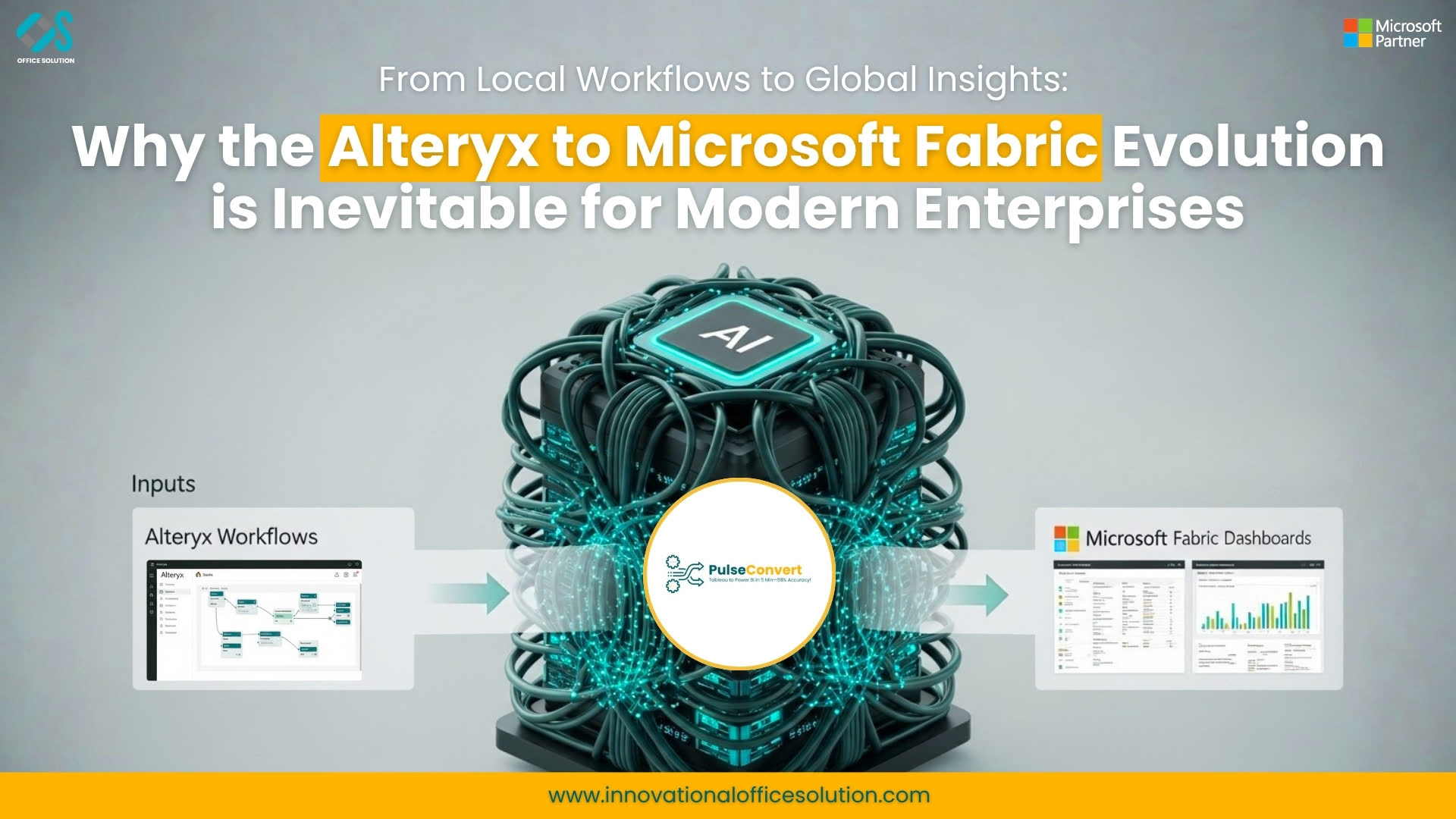
Table of Contents
In the early 2010s, Alteryx revolutionized the way analysts worked. It gave power to the people—the "Citizen Data Scientists"—allowing them to bypass slow IT tickets and blend data on their own terms. It was the era of desktop agility.
Fast forward to today, and the landscape has shifted. We are no longer just "blending data" for a monthly report; we are feeding real-time AI models, managing petabyte-scale lakes, and facing strict global data governance laws. In this new world, the "desktop-first" approach is becoming a bottleneck.
This is why we are seeing a massive migration toward Microsoft Fabric. This isn't just a change in software; it is a fundamental shift in how organizations think about the "gravity" of their data.
The Problem of "Data Silos" in a Cloud-First World
The very thing that made Alteryx great—its independence—is now its greatest challenge in an enterprise setting. When logic is built in individual .yxmd files and stored on local drives or private galleries, the organization loses "Topical Authority" over its own data.
Microsoft Fabric solves this by creating a Unified Analytics Platform. By moving your Alteryx logic into Fabric, you aren't just moving a workflow; you are integrating that logic into a shared ecosystem where data engineering, data science, and Power BI all live in the same house (OneLake).
If you’re looking for a bird’s-eye view of this transition, our alteryx-to-microsoft-fabric-migration resource covers the foundational "why" and "how" of this shift.
Understanding the Logic Gap: The Technical Challenge
Let’s be honest: migrating from Alteryx to Fabric is technically demanding. You aren't just moving files; you are translating a language. Alteryx uses a proprietary tool-based logic, while Fabric leverages the power of Spark, SQL, and Python.
- The Formula Challenge: In Alteryx, you might have a complex multi-row formula that calculates running totals or conditional logic. In Fabric, this needs to be re-envisioned as a Window Function in SQL or a specific transformation in a Spark Notebook. Doing this manually for hundreds of workflows is where most projects fail.
- The Macro Dilemma: Many Alteryx power users rely on Batch or Iterative Macros. These are incredibly powerful but don't have a direct "click-and-drag" equivalent in most cloud platforms. To replicate this in Fabric, you need a deep understanding of Data Factory pipelines and orchestration.
For those interested in the granular details of how these tools map to one another, we’ve put together a technical deep dive: mapping-alteryx-to-microsoft-fabric-for-better-analytics.
The Pulse Convert Breakthrough: Why Automation is the Only Path
If you tried to migrate 500 Alteryx workflows manually, you would need a small army of developers and about 18 months. By the time you finished, the business logic would have changed three times over.
This is where Pulse Convert changes the narrative. Instead of viewing migration as a "rebuild" project, Pulse Convert treats it as a Translation project.
- Automated Mapping: It reads the XML of your Alteryx workflows and maps the joins, filters, and unions directly into Fabric-native artifacts.
- Preserving Business Logic: The most dangerous part of migration is losing the "hidden logic" buried in a formula tool. Pulse Convert ensures that the mathematical output in Fabric matches the original output in Alteryx.
- Speed to Value: Organizations using automated solutions see a 60-70% reduction in migration timelines.
You can see how this strategy fits into a broader enterprise plan in our guide: step-by-step-alteryx-to-microsoft-fabric-migration-strategy-for-enterprises.
Why "Now" is the Time to Consolidate
We often get asked, "Our Alteryx workflows are working fine, why change?" The answer lies in the AI Revolution.
Microsoft Fabric is built for the era of Copilot. When your data is unified in Fabric, you can point AI models at your entire data lake instantly. If your data is locked away in local Alteryx workflows, you are essentially building a wall between your data and the AI tools that could transform your business.
Enterprise leaders are realizing that "Desktop ETL" was a great bridge, but it isn't the destination. To understand the leadership perspective on this consolidation, read more here: beyond-desktop-etl-why-enterprise-leaders-are-consolidating-alteryx-into-microsoft-fabric.
Building Your Migration Roadmap
A successful migration follows a path of "Assess, Automate, and Augment."
- Assess: Use Pulse Convert to audit your Alteryx Gallery. Identify which workflows are mission-critical and which can be retired.
- Automate: Use automation to handle the 80% of repetitive tool-mapping, leaving your talented data engineers to focus on the 20% of high-complexity custom scripts.
- Augment: Once in Fabric, look at how you can improve the workflow. Can you use Spark to make it run 10x faster? Can you connect it to a real-time Power BI dashboard?
For a full end-to-end strategy, we recommend our complete guide: alteryx-to-microsoft-fabric-migration-a-complete-guide-to-modernizing-enterprise-analytics.
Final Thoughts: The Future is Unified
The goal of data analytics has always been to drive better decisions, faster. By moving from the fragmented world of desktop tools to the integrated world of Microsoft Fabric, you are giving your team the tools they need to innovate rather than just "maintain."
The complexity of the migration should not be a barrier to your progress. With the right strategy and the right automation tools, you can move your legacy logic into the future without missing a beat.
You can explore the solution here: Pulse Convert on Microsoft Marketplace.
Contact us to learn how we can help you audit your Alteryx environment and build a seamless, automated path to Microsoft Fabric.


