Technical Playbook: Tableau to Power BI Automation Framework
 0|
0| 0
0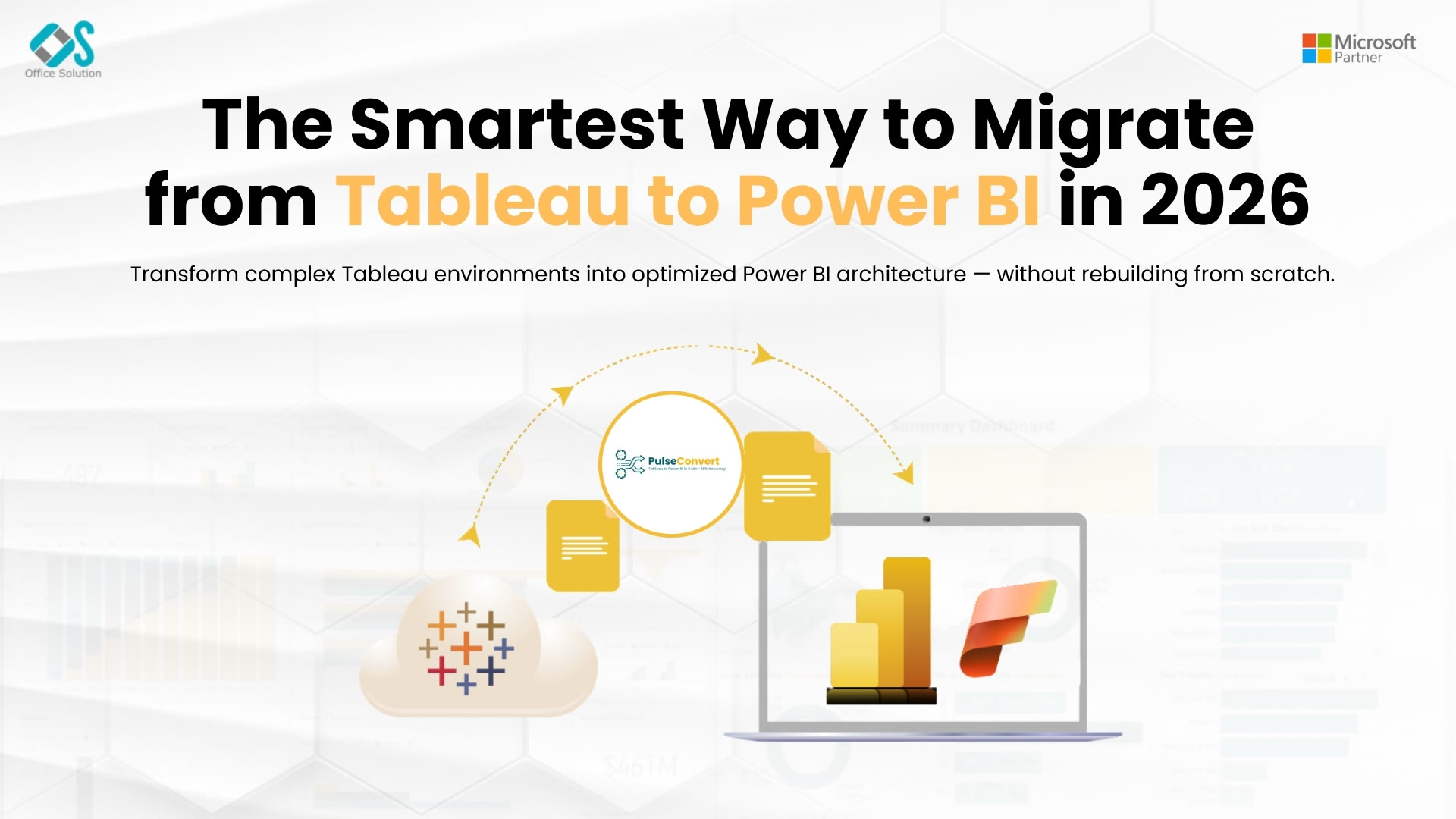
Table of Contents
The Strategic Imperative for Analytics Infrastructure Modernization
Enterprise analytics infrastructure across North American markets is undergoing a structural shift. Chief Technology Officers and Principal Data Architects are deprecating single-purpose visualization setups in favor of unified cloud analytics ecosystems.
Running separate visualization engines alongside distinct database layers creates operational silos, inflates licensing overhead, and introduces data drift across business departments. Modern enterprise strategies prioritize platform consolidation. By deploying comprehensive Cloud Migration tools and robust Data Migration tools, organizations can migrate complex data models, reporting catalog items, and analytical assets into a modern Microsoft analytics stack.
When upgrading legacy environments—including setups utilizing legacy BI tools for migrating Oracle Hyperion interactive reporting—technical teams must rely on automated frameworks rather than manual rebuilds. Deploying specialized Tableau to Power BI conversion software provides the technical bridge needed to execute large-scale migrations efficiently.
Comparing Analytics Paradigms: Tableau versus Power BI Architecture
A successful transition between business intelligence systems requires addressing fundamental structural differences between source and target platforms.
Tableau's visualization engine relies heavily on ad-hoc physical joins, workbook-level calculations, and flexible sheet-based visual layouts. Power BI functions on a relational paradigm, requiring structured Star Schema data modeling, DAX measures, and report-wide interactive canvases.
Understanding the conversion flow clarifies how automated conversion platforms bridge these technical paradigms:
- Legacy Environment Parsing: Source Tableau workbooks (.twb/.twbx) containing ad-hoc VizQL expressions and workbook extracts are parsed at the XML metadata level.
- Automated Metadata Extraction: Automated conversion software extracts data connections, custom parameters, visual coordinates, and calculated fields.
- Modern Target Generation: The extracted metadata is transpiled into structured Star Schema models, context-aware DAX measures, and native Power BI (.pbip/.pbix) assets.
Architectural Mapping Dimensions
- Data Connectivity Layer: Physical extracts (.hyper) are converted into structured Power BI Dataflows or DirectLake semantic tables.
- Business Logic Layer: Workbook calculations and LOD expressions are translated into optimized DAX measures.
- Visualization Layer: Worksheet visual cards are reassembled into clean, responsive Power BI canvas layouts.
Deploying an enterprise-grade Migration tool ensures these structural transformations are performed programmatically, protecting data integrity and operational governance.
Modernizing Legacy BI: Retiring Hyperion and Legacy Reporting Stacks
In addition to visual reporting workbooks, enterprises often carry legacy data stacks including old reporting solutions. Finding reliable BI tools for migrating Oracle Hyperion interactive reporting setups has traditionally been difficult because of proprietary query constructs and outdated database connectors.
Modernizing these legacy analytics footprints requires a systematic engineering pipeline:
- Query Extraction: Extract underlying SQL statements, relational join paths, and parameter prompts from legacy report definitions.
- Database Engine Modernization: Utilize specialized Database Migration tools to migrate underlying data sources into scalable cloud repositories, such as Azure SQL database or Snowflake.
- Data Model Standardization: Rebuild legacy relational queries into standardized dimensional schemas optimized for cloud analytics engines.
By running legacy reporting migration alongside a Tableau to Power BI conversion project, IT leaders can retire legacy software licenses, eliminate security vulnerabilities, and establish a single source of truth for corporate metrics.
Introducing Pulse Convert
Pulse Convert is an AI-powered enterprise migration accelerator designed to automate dashboard conversion, metadata extraction, and DAX metric translation with a 75 to 90% automated initial accuracy rate. Built on a specialized LLM architecture by Office Solution AI Labs, Pulse Convert interprets complex source schemas and transpiles them into clean, governed destination models.
Rather than requiring developers to inspect legacy workbooks line by line, Pulse Convert parses Tableau .twb XML files directly at the node level. It maps connection strings, transforms calculations into native DAX expressions, and generates standard Power BI Project files. Delivering 75 to 90% out-of-the-box accuracy, Pulse Convert reduces migration timelines by up to 80%, leaving only a 12 to 25% post-conversion validation phase for development teams.
Code-Level Translation Mechanics: VizQL and LODs to DAX Syntax
Translating analytical formulas from Tableau's VizQL engine to Power BI's DAX engine is a critical technical task during platform migrations. Because Tableau calculates formulas within visual sheets, calculations often contain implicit filter contexts. Power BI requires explicit calculation statements using DAX.
Technical Formula Translation Reference
- Basic Aggregations: Tableau: SUM([Revenue]) - SUM([Cost])
Power BI (DAX): GrossProfit = SUM(Sales[Revenue]) - SUM(Sales[Cost]) - Level of Detail (FIXED): Tableau: {FIXED [Customer_ID] : SUM([Sales])}
Power BI (DAX): CustomerTotalSales = CALCULATE(SUM(Sales[Amount]), ALLEXCEPT(Sales, Sales[Customer_ID])) - Level of Detail (INCLUDE): Tableau: {INCLUDE [Region] : AVG([Sales])}
Power BI (DAX): AvgSalesWithRegion = CALCULATE(AVERAGE(Sales[Amount]), KEEPFILTERS(Sales[Region]))
Automating these conversions via modern Cloud Migration tools and Tableau to Power BI conversion software guarantees syntax correctness and prevents calculation drift in production reports.
Data Parity, Governance, and Validation Methodologies
Maintaining strict data parity is essential when migrating core financial and operational dashboards. A successful Tableau to Power BI framework mandates a rigorous quality assurance protocol before final sign-off.
Key Phases of the Validation Framework
- Automated Parity Audits: Run parallel query scripts across both source and target environments to verify metric alignment across edge cases and multi-select filter combinations.
- Security Hierarchy Mapping: Map site roles, user filters, and permissions directly into Microsoft Entra ID groups and Row-Level Security (RLS) definitions.
- Performance Optimization: Optimize generated DAX queries and underlying Star Schema models to leverage Power BI's VertiPaq storage engine and DirectLake architecture.
By pairing automated accelerators like Pulse Convert with structured validation workflows, enterprise IT teams deliver faster BI modernization while maintaining enterprise governance, high security, and exact data parity.
Complete Resource & URL Directory
For technical architects, engineering leads, and project managers reviewing platform capabilities, software marketplace listings, and migration case studies, the following plain-text links provide comprehensive documentation:
- Microsoft Marketplace Solution Page: https://marketplace.microsoft.com/en-us/product/officesolution1640276900203.pulseconvertrank1?tab=Overview
- Office Solution AI Labs Platform Portal: https://innovationalofficesolution.com/Tableau-To-PowerBI/
- Enterprise Retail Migration Case Study: https://innovationalofficesolution.com/case-study/retail-enterprise-tableau-to-power-bi-migration-case-study/
- Barchart Financial Feature & Accuracy Analysis: https://www.barchart.com/story/news/786952/pulse-convert-microsoftbacked-tableau-to-power-bi-migration-tool-with-7590-guaranteed-accuracy
- The 2026 AI-Powered Migration Guide: https://innovationalofficesolution.com/blogs/ai-powered-tableau-to-power-bi-migration/
- Unified Enterprise Migration Framework & Governance Strategy: https://innovationalofficesolution.com/blogs/driving-corporate-efficiency-unified-tableau-to-power-bi-migration-framework/
- Step-by-Step Technical Conversion & Automation Guide: https://innovationalofficesolution.com/blogs/designing-a-modern-strategy-for-a-tableau-to-power-bi-migration/
- Practical Enterprise Engineering & Architecture Blueprint: https://innovationalofficesolution.com/blogs/the-modern-framework-to-migrate-from-tableau-to-power-bi-a-practical-enterprise-engineering-guide/
- Top Migration Technical Challenges & Engineering Fixes (2026 Edition): https://innovationalofficesolution.com/blogs/tableau-to-power-bi-migration-2026-guide/
- The Ultimate Enterprise Guide to Migrate Tableau to Power BI: https://innovationalofficesolution.com/blogs/the-ultimate-guide-how-to-migrate-tableau-to-power-bi/
Frequently Asked Questions (FAQs)
1. How does automated Tableau to Power BI conversion software handle complex Level of Detail (LOD) expressions?
Automated conversion software like Pulse Convert analyzes the dimensional context of Tableau LOD statements (FIXED, INCLUDE, EXCLUDE) and converts them into equivalent DAX patterns using CALCULATE, ALLEXCEPT, and REMOVEFILTERS functions.
2. What are the key benefits of using specialized Data Migration tools during a BI platform transition?
Specialized Data Migration tools streamline data extraction, schema transformation, and verification processes. They reduce manual engineering effort, maintain data lineage, and ensure that underlying database connections function seamlessly across cloud environments.
3. How do organizations address legacy BI tools for migrating Oracle Hyperion interactive reporting setups?
Organizations audit legacy Hyperion reports, extract underlying relational SQL queries, and migrate underlying data models into cloud repositories. The front-end reporting layer is then consolidated directly into Power BI alongside converted Tableau assets.
4. What accuracy can organizations expect when using Pulse Convert for dashboard migrations?
Pulse Convert provides an initial automated conversion accuracy rate between 75 and 90%. This baseline covers visual layout translation, metadata mapping, and formula conversion, leaving only 12 to 25% manual effort for final developer validation.
5. Why is Power BI preferred for enterprise-wide analytics stack consolidation?
Power BI offers lower total cost of ownership, tight integration with Microsoft 365 and Azure ecosystems, unified security governance via Entra ID, and direct access to enterprise data assets via Microsoft Fabric.


