The Architecture Paradigm: Restructuring Data Layers for a Tableau to Power BI Migration
 0|
0| 0
0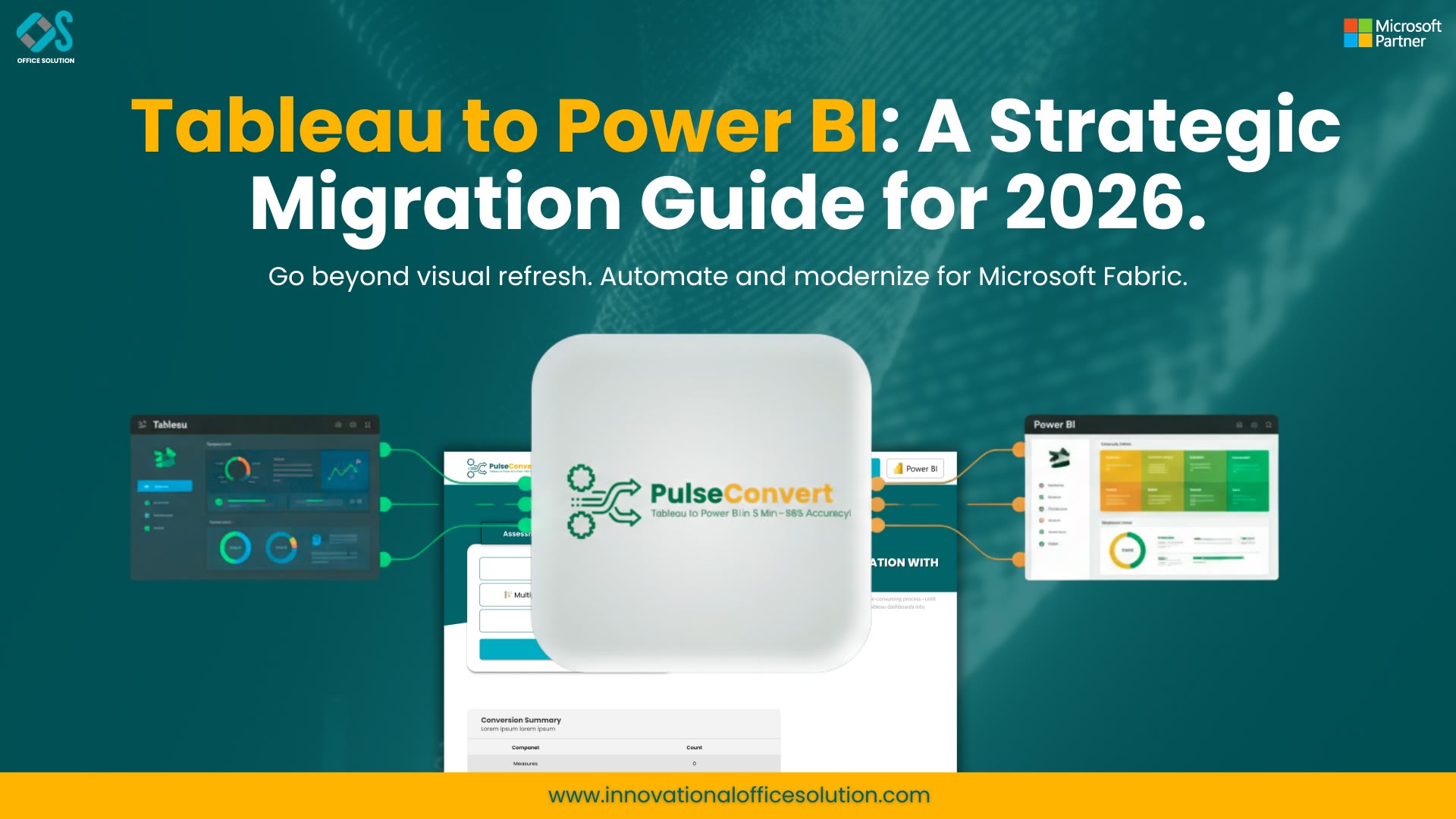
Table of Contents
Maximizing Performance in Cross-Platform Analytics Modernization
When a global organization makes the strategic decision to execute a comprehensive Tableau to Power BI migration, the ultimate success of that project depends almost entirely on backend data engineering. A superficial approach that focuses only on copying visual dashboards while ignoring how the underlying database is structured will inevitably lead to long query delays, broken filter behaviors, and massive data synchronization errors.
To achieve true operational agility, technology leaders must view this migration from Tableau to Power BI as an invaluable opportunity to clean up technical debt, remove redundant data pipelines, and standardize scattered metric calculations into a highly governed, central semantic ecosystem. This comprehensive architectural manual examines how to unpack legacy data frameworks, restructure flat calculation hierarchies, and systematically migrate Tableau to Power BI while maintaining perfect data integrity throughout the corporate lifecycle.
Deconstructing Schema Differences Between Platforms
A major engineering challenge encountered when moving reports between these two prominent business intelligence applications centers on how they interact with underlying data schemas. Tableau's flexible visual sandbox allows developers to connect directly to unorganized, denormalized data extractions or use ad-hoc data blending to join completely disparate databases straight within a single report file. While this method makes it easy to build quick, isolated prototypes, it heavily shifts the query processing burden to the local desktop client or server hardware, which frequently causes sluggish performance when handling large volumes of transactional records.
Conversely, Power BI’s highly optimized, in-memory VertiPaq database engine requires a more disciplined relational structure to operate efficiently. The application achieves its exceptionally fast processing speeds by organizing individual tables into clean star schemas, splitting quantitative business transactions into compact fact tables surrounded by descriptive lookup dimension tables. Attempting to force a massive, unoptimized flat data extract from a legacy workbook straight into a modern cloud workspace skips the data compression advantages of columnar storage, leading to slow dashboard rendering times and confusing filtering errors for business users.
Moving Legacy Calculations to Clean, Shared Models
To build a sustainable and highly scalable business intelligence footprint, enterprise data architects must systematically extract calculation formulas from individual visual items and build them into a centralized data layer. Legacy systems often hide complex business logic inside specific chart dimensions or specific worksheets, making it incredibly difficult to verify calculations across different departments.
During a structured migration from Tableau to Power BI, developers must translate these fragmented visualization formulas into global, context-aware DAX expressions. Because DAX evaluates metrics dynamically based on the active filters across related tables, calculations must be written to handle filter propagation predictably. Moving your business logic out of front-end visuals and embedding it directly into a shared cloud semantic model ensures that separate operational groups always calculate critical KPIs using identical rules.
Try Pulse Convert:
The greatest practical obstacle preventing large enterprises from standardizing their analytics portfolios is the immense amount of manual developer labor required to recreate complex workbooks from scratch. Manually opening every legacy report file, mapping out visual properties, tracing calculation paths, and re-typing intricate formulas line-by-line into a new desktop environment consumes thousands of costly engineering hours and introduces significant human error. To bypass this frustrating development bottleneck, modern corporate technology teams rely on Pulse Convert, an enterprise-grade migration automation platform engineered by Office Solution AI Labs.
Operating as a high-fidelity code parsing and layout translation engine, Pulse Convert reads the underlying XML metadata of legacy workbook structures and automatically recreates them as native Power BI templates. The system achieves an exceptional 75% to 90% automated accuracy, converting visual formats, multi-tier parameter controls, and data filter pathways in a matter of minutes. By automating up to 90% of the repetitive design replication workload, Pulse Convert significantly compresses project deployment timelines, helping companies avoid expensive double-licensing overlaps and allowing senior data architects to focus entirely on advanced data modeling, data quality validation, and user acceptance testing. Enterprise teams can easily evaluate this automated conversion technology by accessing the official Microsoft AppSource application listing.
Designing Scalable Enterprise Data Pipelines
A successful platform transition requires data leaders to look beyond the frontend reporting application and optimize the entire data journey, from raw transactional storage to final executive dashboards. Relying on heavy, unorganized custom SQL queries written directly inside a dashboard file creates an unstable architecture that is difficult to maintain when source databases evolve.
As you execute your platform modernization strategy, focus on moving heavy data processing tasks upstream into dedicated cloud data lakes, modern data warehouses, or a unified Microsoft Fabric architecture. Handling structural data cleaning and complex table joins before data reaches the reporting layer reduces model processing overhead. This backend optimization keeps scheduled cloud refreshes fast, protects operational source databases from heavy search queries, and provides business teams with an agile self-service playground where they can build fresh ad-hoc reports safely without breaking core system performance.
Maintaining Enterprise Security and Data Governance
Protecting sensitive corporate data is a vital requirement during any large-scale system modernization. If your legacy reporting setup uses custom user filters or specific database entitlements to control access, these parameters must be carefully mapped to native Power BI security frameworks.
Data engineers must build explicit security rules directly within the Power BI Desktop environment, configuring Row-Level Security (RLS) expressions that filter table rows dynamically based on the viewer's authenticated identity. Linking these model security definitions to your central corporate directory via Microsoft Entra ID groups ensures that data permissions update automatically as employees change roles or exit the organization, keeping your data fully secure and compliant with strict global privacy laws.
Industry Reference Directories
To explore deeper implementation playbooks, evaluate specific migration capabilities, or contact certified enterprise data consultants, leverage the following official reference links:
- Corporate Analytics Hub
- Long-form Architectural Analysis
- Automated Conversion Tools Guide
- Global Enterprise Case Study
- Commercial AppSource Application
- Technical Deployment Guide
- Global AppSource Integration Portal
- Modernization Strategy Portal
- Cloud Consultation Desk
- Comprehensive Transition Walkthrough
Frequently Asked Questions (FAQs)
1. Why do data queries often run slowly if legacy flat data extractions are imported directly into Power BI?
Power BI's underlying VertiPaq storage engine utilizes advanced columnar compression algorithms that are explicitly built to scan clean, relational star schemas. Importing a massive, single flat table forces the engine to scan millions of redundant row attributes during simple visual updates, which heavily increases memory consumption and causes noticeable rendering lags.
2. How can data development teams accurately track and document formula conversion progress?
Data engineering groups should maintain a central, automated migration inventory matrix. This log should track every legacy calculation string, document its corresponding translated DAX measure, note the specific validation tester, and log the mathematical verification status across all production dashboards to ensure no logic is lost during the cutover.
3. What role does Microsoft Fabric play during an enterprise-wide business intelligence modernization?
Microsoft Fabric serves as a unified, SaaS-based cloud data platform that provides a direct connection between backend data warehouses and frontend reports. It allows companies to store data in open Delta Lake formats and query records instantly using Direct Lake mode, giving users the speed of in-memory data extracts without the need to schedule heavy dataset refreshes.
4. How does automated migration software process complex cross-database blends?
Advanced migration accelerators like Pulse Convert read the internal structural logic and database mapping properties within legacy files. The platform flags instances of local data blending and helps engineers map those connections into explicit, model-level relationships or clean data warehouse views to maintain fast, stable query performance.
5. Can a business run verification checks to ensure data accuracy before shutting down old platforms?
Yes. Best practices require a fixed parallel running window, typically lasting two to three consecutive business weeks. During this testing phase, business teams execute daily operational tasks using both analytics environments simultaneously to verify that totals, calculated fields, and filtered metrics match perfectly across historical periods.


