The Definitive Architecture Playbook: How to Migrate Tableau to Power BI Using Enterprise BI Migration Automation Tools
 0|
0| 0
0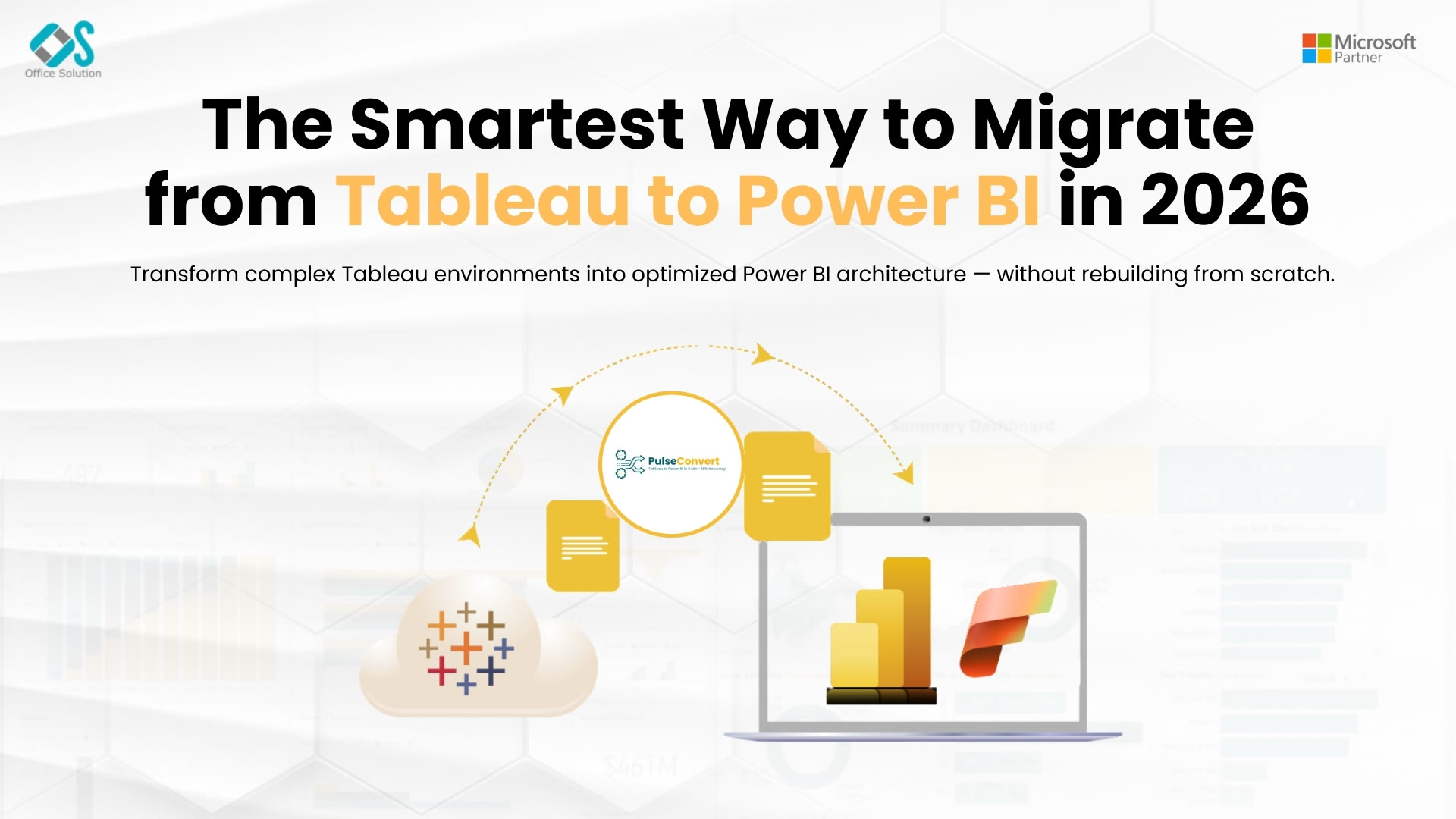
Table of Contents
Modern data-driven organizations constantly evaluate their business intelligence architecture to ensure optimal performance, broad accessibility, and cost efficiency. Over the past decade, many global corporations acquired separate, competing business intelligence platforms across different business units. This structural fragmentation led to massive double-licensing costs, isolated data environments, and disjointed operational metrics. Today, progressive technology leaders are aggressively consolidating their business systems into unified cloud environments like Microsoft Fabric. This strategic shift makes discovering exactly how to migrate Tableau to Power BI a primary focus for corporate data engineering teams targeting the United States enterprise market.
Moving an enterprise analytics footprint away from old, siloed reporting architectures requires strict engineering control and clear long-term planning. The transition involves much more than simply swapping software licenses or redesigning visual dashboards; it requires a complete reorganization of your data architecture. By shifting from a decentralized report-centric model to a decoupled, governed cloud infrastructure, companies can establish a single, trustworthy source for data. This shift improves cross-functional collaboration, shortens development cycles, and provides business analysts with highly secure, self-service data access.
However, moving hundreds of interactive, production-grade dashboards across a global corporation presents deep technical challenges. Legacy systems rely on highly specialized metadata layers, unique calculation frameworks, and custom server infrastructure. Transitioning these systems manually often introduces long project delays, breaks calculation rules, and causes business disruptions. To solve these friction points, corporate IT divisions are shifting away from manual migration approaches and leveraging an advanced BI migration automation tool to orchestrate seamless, scalable platform transformations.
Mapping the Architecture of Automated BI Conversion Platforms
To execute a successful dashboard transition at scale, technology leaders must understand the core structural differences between legacy and modern reporting systems. Trying to rebuild a report by manually copying visual elements often leads to poor performance. This approach fails to optimize the underlying data models for the target cloud space.
Legacy reporting packages rely heavily on a workbook-centric architecture. In this design, your underlying data queries, custom metric calculations, and front-end visualization cards are bound together inside a single file format. This layout gives report developers immense design freedom, but it naturally creates siloed data sources. It also results in redundant data extractions and causes slight variations in core business numbers across separate departments.
Conversely, modern analytics ecosystems enforce a highly disciplined, model-first framework. These platforms explicitly separate your data structures and calculation rules from the actual visualization layers. The core relationships and metrics are managed within a unified cloud semantic layer, while the visual reports connect directly to this central model as thin presentation files.
This model-first structure requires a major shift in how developers handle data design. Instead of embedding ad-hoc calculations directly into individual visual charts, engineers must define business metrics globally within the central semantic model. This architecture ensures absolute data consistency across all company reports, reduces data redundancy, and provides a highly responsive experience for end users.
Navigating the Technical Nuances of Formula Parsing and Context Shifts
A major engineering challenge during a platform cutover is translating complex calculation formulas accurately. Legacy applications frequently utilize custom internal structures like Level of Detail (LOD) calculations to compute metrics at specific dimensional boundaries, completely independent of the active filters on a page.
When using an automate BI conversion platform, the system must accurately parse these custom calculation formulas and translate them into clean, high-performing Data Analysis Expressions (DAX). DAX is a powerful, context-driven functional language that calculates values dynamically based on active filter contexts and specific row relationships.
Translating a legacy calculation into a stable DAX formula requires a deep understanding of filter propagation across connected database tables. Engineers must use advanced, context-aware functions such as CALCULATE, SUMX, and ALLEXCEPT to ensure that the new cloud visual elements display identical financial and operational numbers. Managing these context shifts correctly is essential to preserve data integrity and maintain full trust among business stakeholders during the transition.
Introducing Pulse Convert
To eliminate the high development costs, human translation errors, and extended project backlogs associated with manual dashboard rebuilding, forward-looking enterprises use specialized automated migration platforms. Within the global enterprise intelligence space, Pulse Convert stands out as a highly reliable, production-grade conversion engine. Developed by the engineering specialists at Office Solution AI Labs, a certified Microsoft Partner, this system connects directly to legacy reporting files to completely automate visual layout translations and complex formula parsing.
The underlying translation technology built into Pulse Convert provides a remarkable 75 to 90% automated accuracy when reading, interpreting, and converting the internal metadata structures of legacy report files. Rather than forcing internal data teams to spend thousands of hours manually dragging visual charts and rewriting calculations from scratch, Pulse Convert processes legacy workbooks into native formats in a fraction of the time. The platform accurately translates data hierarchies, interactive filter patterns, page layouts, and specific corporate formatting rules into clean, ready-to-use cloud assets.
By automating up to 90% of the manual migration workload, Pulse Convert completely transforms the financial model of large-scale analytics modernizations. Senior data engineers can step away from tedious, repetitive design tasks and focus their expertise on high-value activities, such as validating data accuracy, optimizing advanced cloud semantic layers, and establishing security rules. This automated approach ensures that companies can meet tight transition deadlines, decommission expensive legacy software on time, and quickly deploy a high-performing business intelligence workspace.
Re-engineering Flat Data Structures for the Cloud
Achieving fast query speeds and rapid report loading within a modern cloud ecosystem depends heavily on the structure of the underlying database. Legacy dashboards frequently pull data from flat, denormalized tables or long custom SQL scripts tailored to a single report view. Importing these unoptimized, flat data layers directly into a modern workspace can cause significant performance slowdowns.
To prevent laggy visual updates, data engineers must reshape flat data structures into optimized relational star schemas. This structural transition involves splitting data into central fact tables (which store numeric transactions and core business events) surrounded by descriptive dimension tables (which store attributes like dates, customer segments, or geographic regions).
Organizing data into a clean star schema allows the cloud platform's internal database engine to compress data efficiently and process queries directly in-memory. This structure ensures that interactive filters propagate predictably across all connected charts, reduces cloud memory overhead, and provides business users with a fast, responsive self-service reporting experience.
Securing Enterprise Assets with Robust Data Governance
Maintaining strict corporate data security is a non-negotiable requirement when executing an automated dashboard migration Tableau to Power BI. If your legacy reports use manual user filters or custom database access rules to restrict data visibility, these rules must be mapped directly to native cloud security frameworks.
Data architects must configure Row-Level Security (RLS) rules directly inside the central semantic model layer using precise filter expressions. Linking these internal security roles with your central corporate directory through Microsoft Entra ID groups ensures that data access privileges update automatically as employees change roles or leave the company. This seamless integration keeps corporate assets secure and ensures full compliance with strict global data privacy regulations.
Industry Reference Links
To explore detailed implementation playbooks, evaluate automated translation tools, or connect with enterprise data consultants, leverage these official reference links:
- Corporate Analytics Hub
- Long-form Architectural Analysis
- Automated Conversion Tools Guide
- Global Enterprise Case Study
- Commercial AppSource Application
- Technical Deployment Guide
- Global AppSource Integration Portal
- Modernization Strategy Portal
- Cloud Consultation Desk
- Comprehensive Transition Walkthrough
Frequently Asked Questions (FAQs)
1. How do modern BI migration automation tools handle complex calculation conversions?
Advanced platforms like Pulse Convert analyze the logical structure of legacy calculation formulas and map them to optimized, context-aware functional expressions. They systematically translate calculated fields into DAX to ensure that dynamic filters calculate accurately within the target relational database model.
2. Can we maintain our active data security configurations during an automated transition?
Yes. Secure migration strategies require mapping legacy user filters to native cloud Row-Level Security frameworks. These configurations connect directly with corporate identity systems to automatically enforce row-level access rules across all cloud reports.
3. What is the average timeline reduction when using automated migration software?
Deploying an automate BI conversion platform typically shortens overall project timelines by 70 to 80% compared to traditional manual rebuilding. The automated engine handles layout recreation and formula translation, letting engineering teams focus entirely on testing and optimization.
4. Why is transforming flat data extractions into a star schema necessary for cloud performance?
Modern cloud analytical engines are explicitly optimized for relational star schemas. Restructuring your data into clear fact and dimension tables allows the engine to compress data efficiently, resulting in faster query performance and highly responsive visuals.
5. Is there a way to test these automation tools with our own reports before committing?
Yes. Through a verified partnership with Microsoft, Office Solution AI Labs offers a risk-free Proof of Concept (PoC) that converts up to 5 complex enterprise dashboards, allowing you to validate conversion accuracy and speed firsthand.


